概要
本記事では、Databricks Labs で開発が進められている OntoBricks を用いて、複雑なオントロジーとナレッジグラフを構築する手順を紹介します。OntoBricks は、Databricks 上でオントロジーとナレッジグラフを構築・活用するためのツールです。
Databricks Free Edition 上で実施した手順となっています。ただし、複数のリソースを利用するため、利用上限に達する場合がある点にご注意ください。
複雑なケースの実装編として、OntoBricks の Examples に記載されている Customer Journey Ontology を参考にしています。テーブルとデータについては、過去の時点のリポジトリを参考にしています。
- Examples — OntoBricks docs
- ontobricks/data/customer at 9f46b93772d7a9dc315158ad5b2357feaa8e6b8c · databrickslabs/ontobricks · GitHub
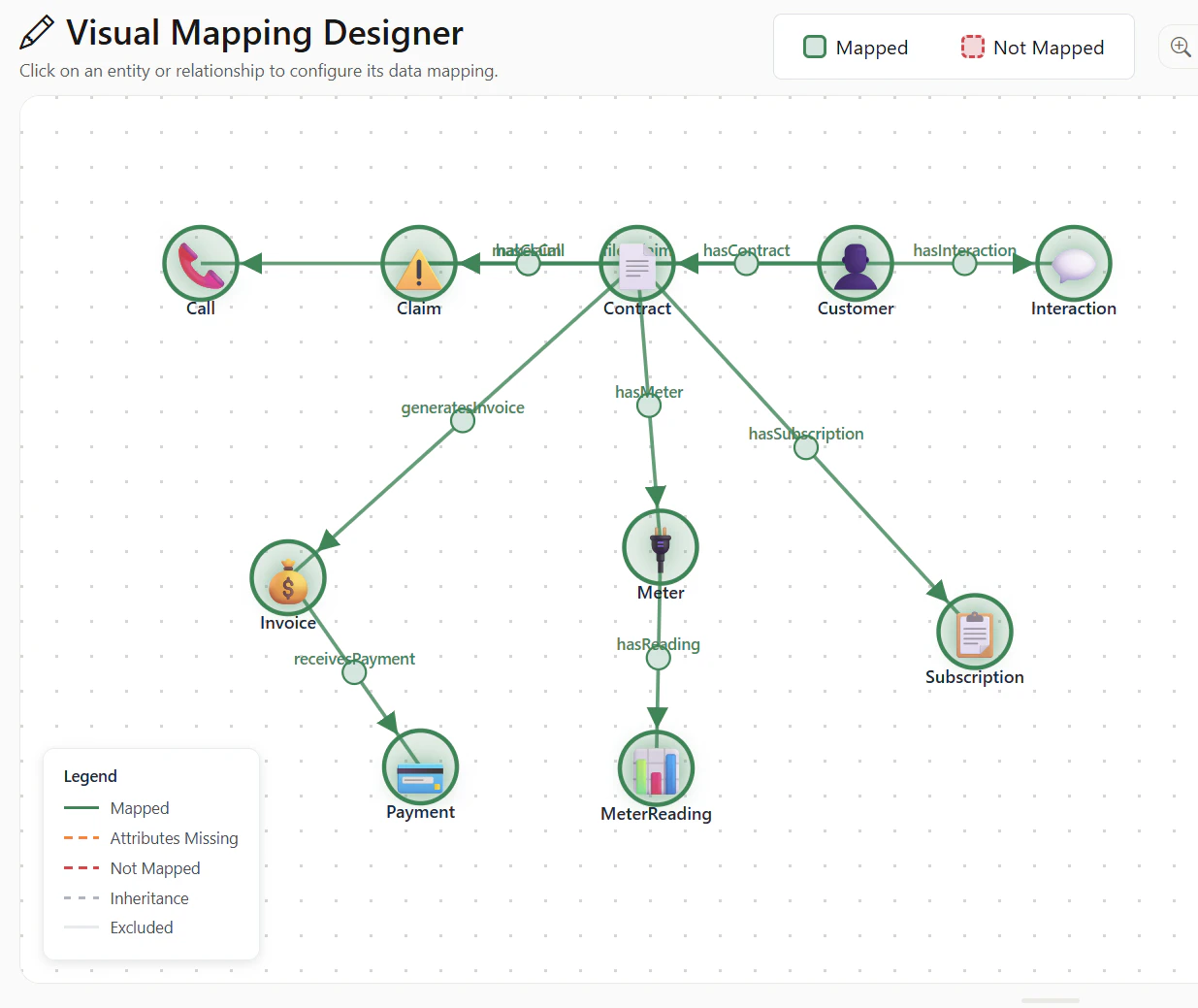
下記のように、10 個のエンティティが多数の関係をもつ複雑なオントロジーとナレッジグラフを作成します。
本記事の位置付け
OntoBricks 入門シリーズの複雑なケースの実装編です。シリーズの構成は次のとおりです。
- 環境構築編
- シンプルなケースの実装編(Family Tree Ontology Mapping)
- 複雑なケースの実装編(Customer Journey Ontology)
- シンプルな Action の実装編
- データ更新を伴う Action の実装編
手順
ttl ファイルの準備
下記のリンク先の 2 つのファイルをダウンロードしてください。
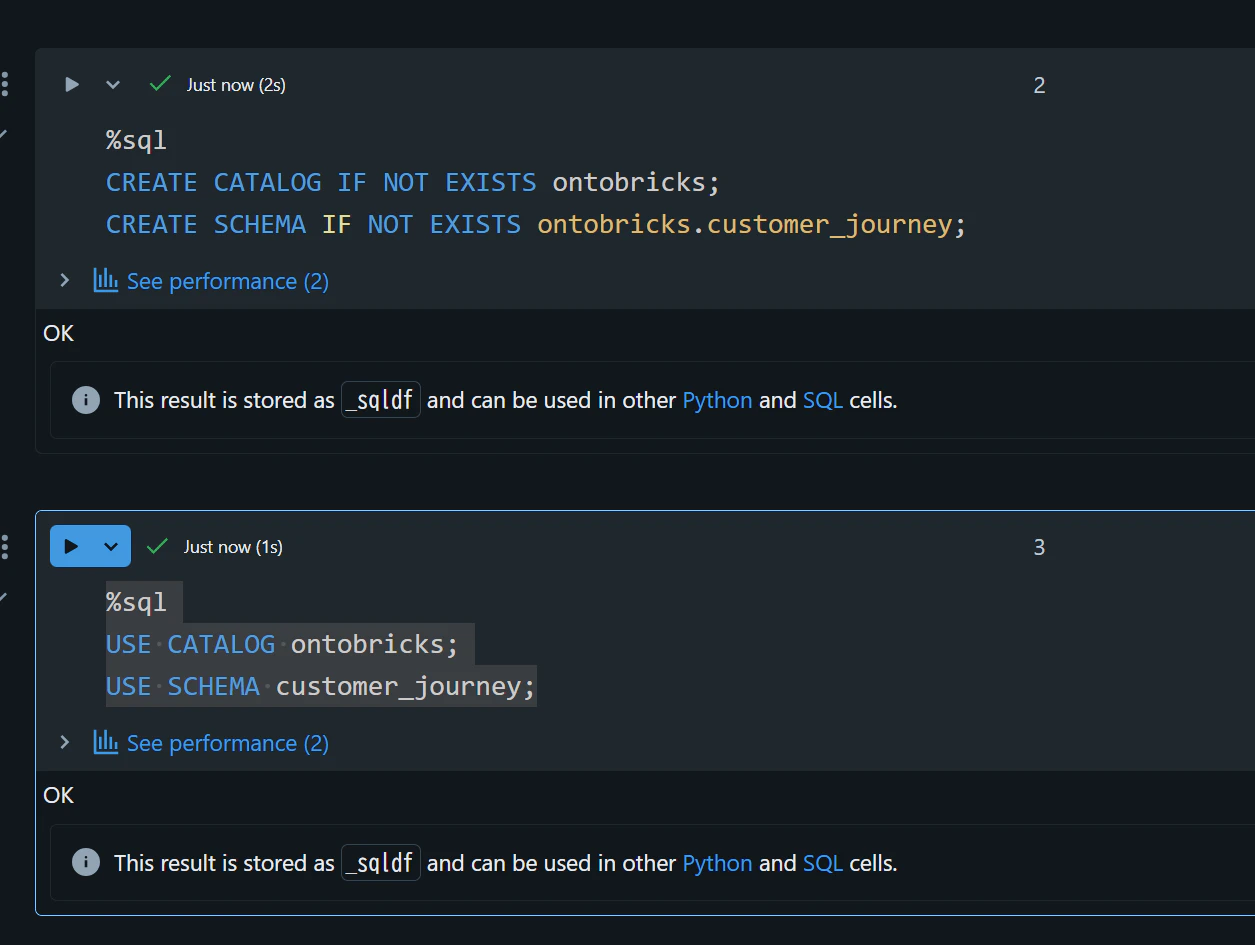
カタログとスキーマを作成
%sql
CREATE CATALOG IF NOT EXISTS ontobricks;
CREATE SCHEMA IF NOT EXISTS ontobricks.customer_journey;
%sql
USE CATALOG ontobricks;
USE SCHEMA customer_journey;
テーブルの準備
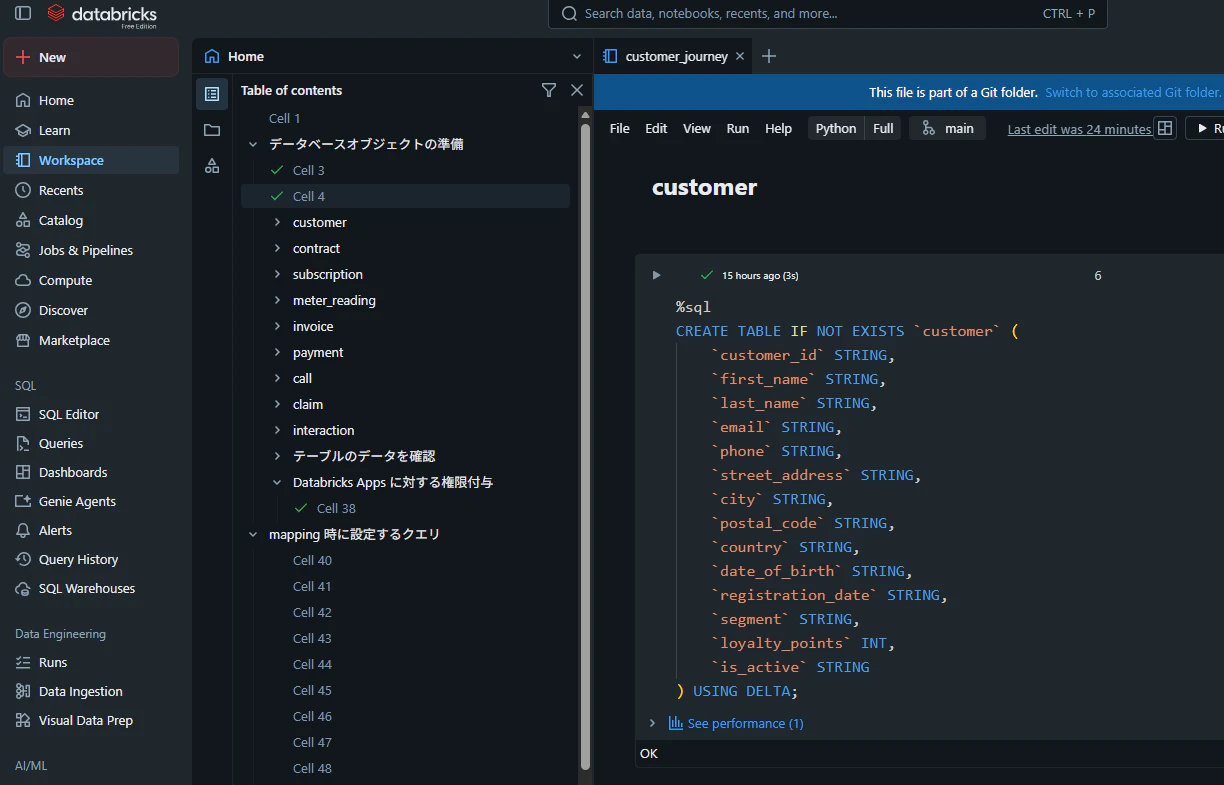
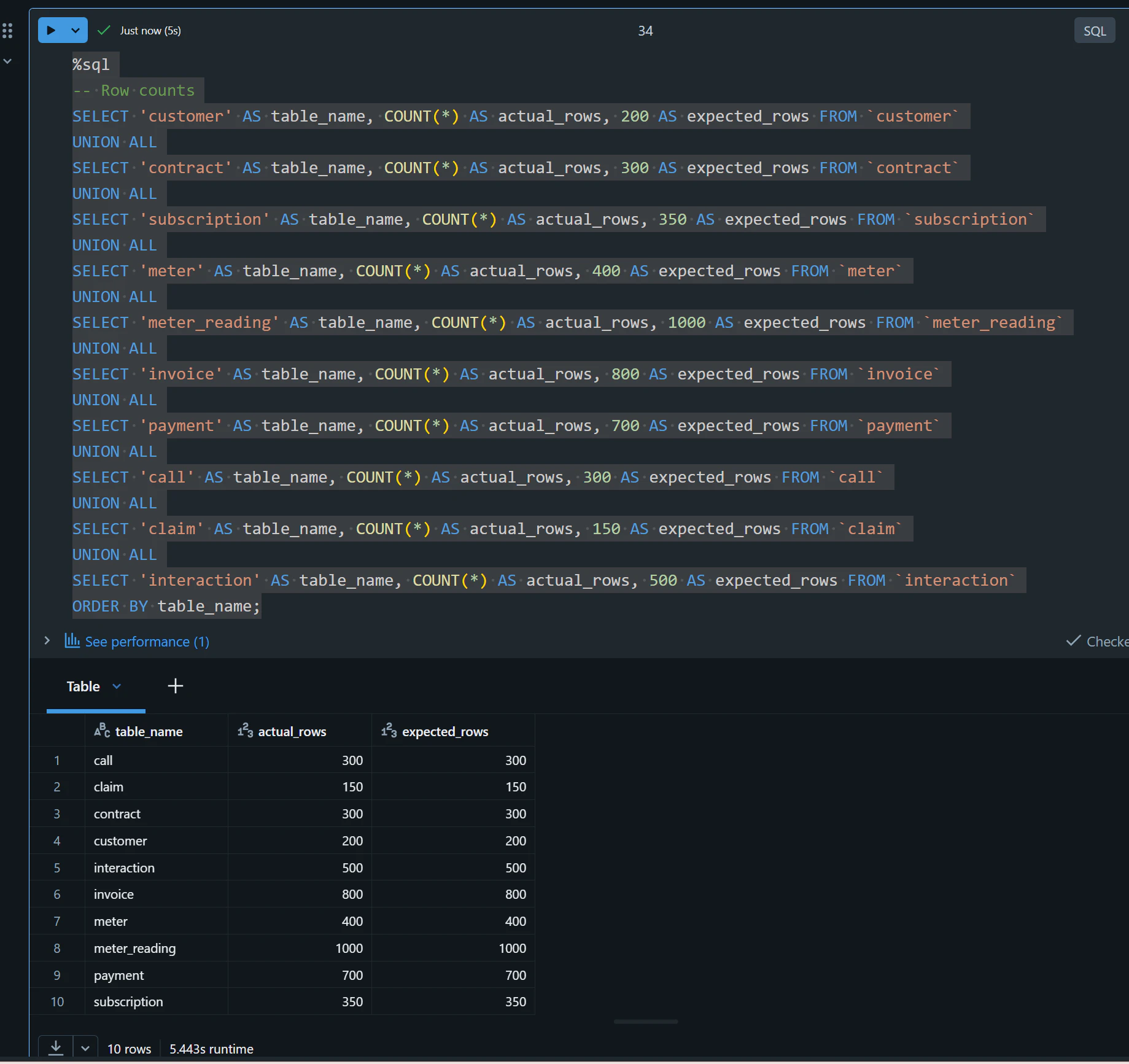
下記のファイルを Databricks にインポートして実行し、10 個のテーブルを作成してください
テーブルのデータを確認
%sql
-- Row counts
SELECT 'customer' AS table_name, COUNT(*) AS actual_rows, 200 AS expected_rows FROM `customer`
UNION ALL
SELECT 'contract' AS table_name, COUNT(*) AS actual_rows, 300 AS expected_rows FROM `contract`
UNION ALL
SELECT 'subscription' AS table_name, COUNT(*) AS actual_rows, 350 AS expected_rows FROM `subscription`
UNION ALL
SELECT 'meter' AS table_name, COUNT(*) AS actual_rows, 400 AS expected_rows FROM `meter`
UNION ALL
SELECT 'meter_reading' AS table_name, COUNT(*) AS actual_rows, 1000 AS expected_rows FROM `meter_reading`
UNION ALL
SELECT 'invoice' AS table_name, COUNT(*) AS actual_rows, 800 AS expected_rows FROM `invoice`
UNION ALL
SELECT 'payment' AS table_name, COUNT(*) AS actual_rows, 700 AS expected_rows FROM `payment`
UNION ALL
SELECT 'call' AS table_name, COUNT(*) AS actual_rows, 300 AS expected_rows FROM `call`
UNION ALL
SELECT 'claim' AS table_name, COUNT(*) AS actual_rows, 150 AS expected_rows FROM `claim`
UNION ALL
SELECT 'interaction' AS table_name, COUNT(*) AS actual_rows, 500 AS expected_rows FROM `interaction`
ORDER BY table_name;
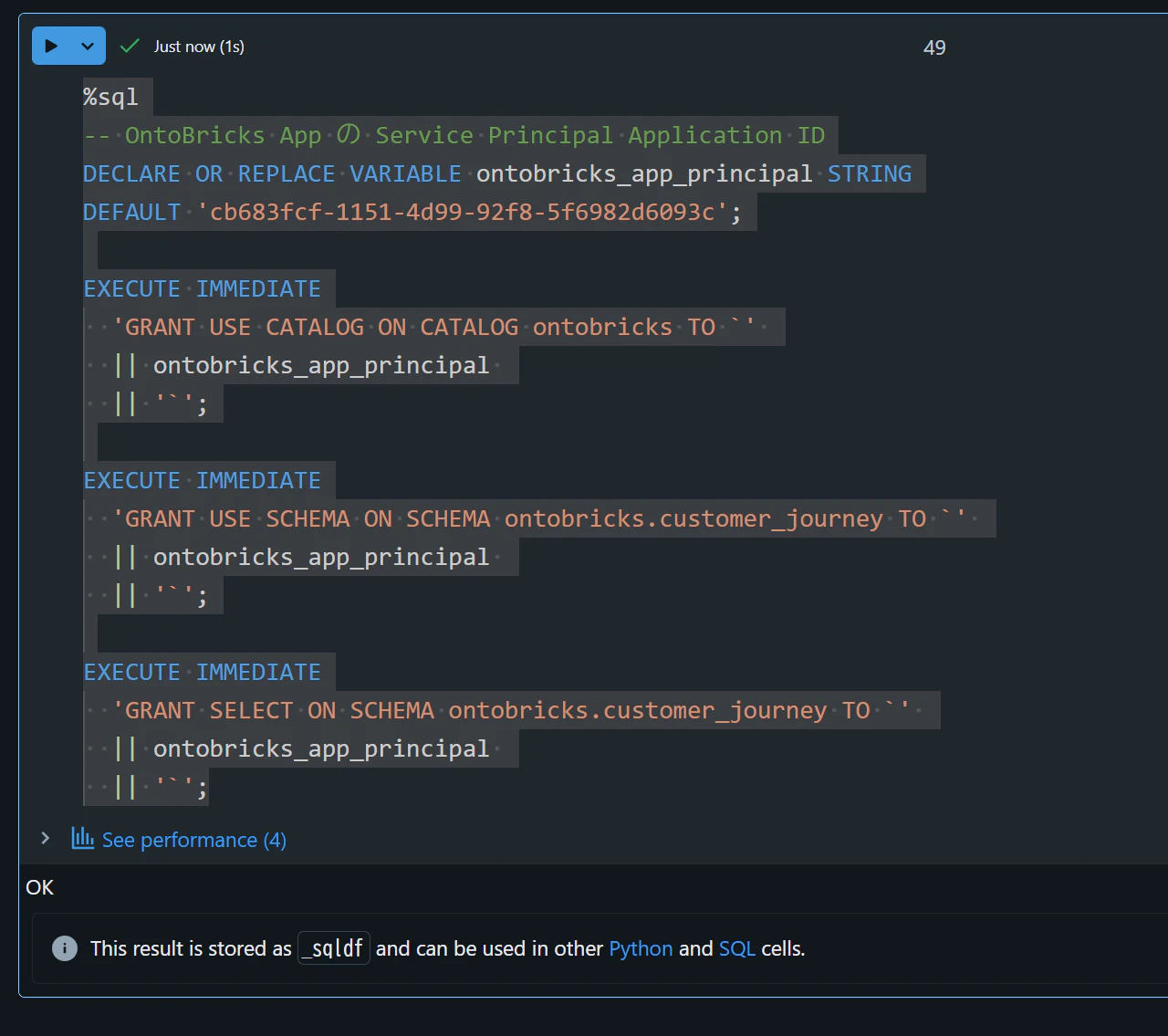
OntoBricks の Databricks Apps へ権限付与
DEFAULTの値には、OntoBricks の Databricks Apps の App ID をセットします。
%sql
-- OntoBricks App の Service Principal Application ID
DECLARE OR REPLACE VARIABLE ontobricks_app_principal STRING
DEFAULT 'cb683fcf-1151-4d99-92f8-5f6982d6093c';

EXECUTE IMMEDIATE
  'GRANT USE CATALOG ON CATALOG ontobricks TO `'
  || ontobricks_app_principal
  || '`';

EXECUTE IMMEDIATE
  'GRANT USE SCHEMA ON SCHEMA ontobricks.customer_journey TO `'
  || ontobricks_app_principal
  || '`';

EXECUTE IMMEDIATE
  'GRANT SELECT ON SCHEMA ontobricks.customer_journey TO `'
  || ontobricks_app_principal
  || '`';
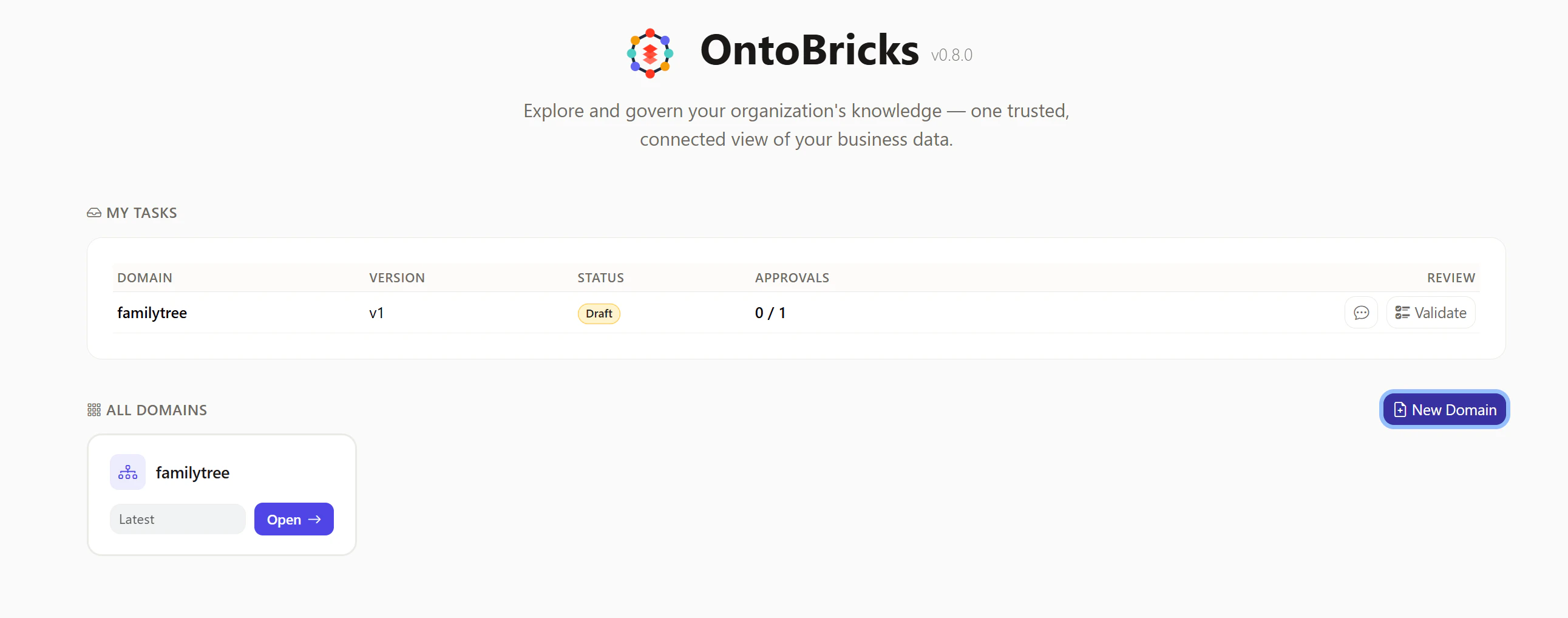
ドメインの作成
OntoBricks にログインし、New Domainを選択します。
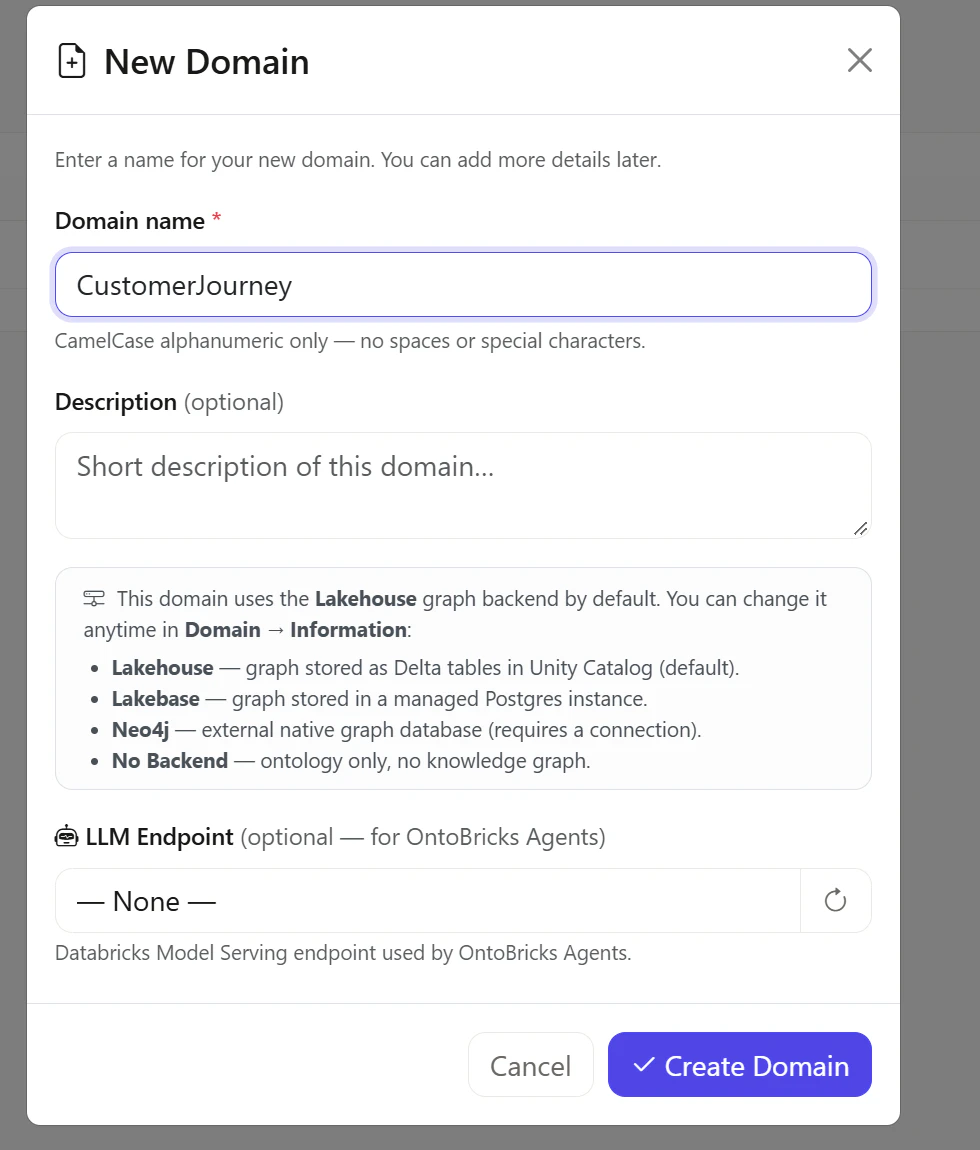
Domain nameにCustomerJourneyと入力し、Create Domainを選択します。
Graph Backend を Lakebase に変更
Information -> Knowledge Graphを選択します。
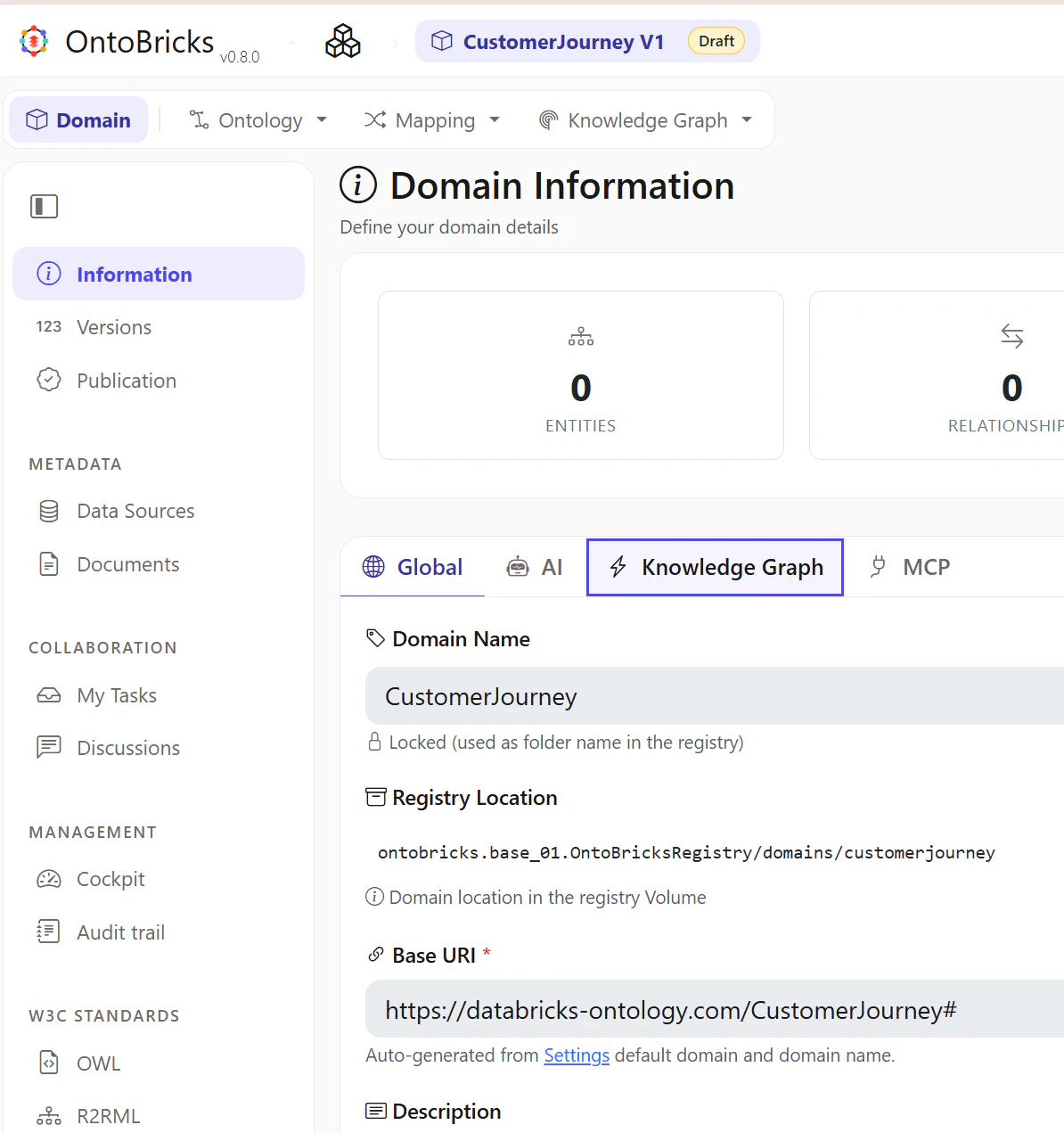
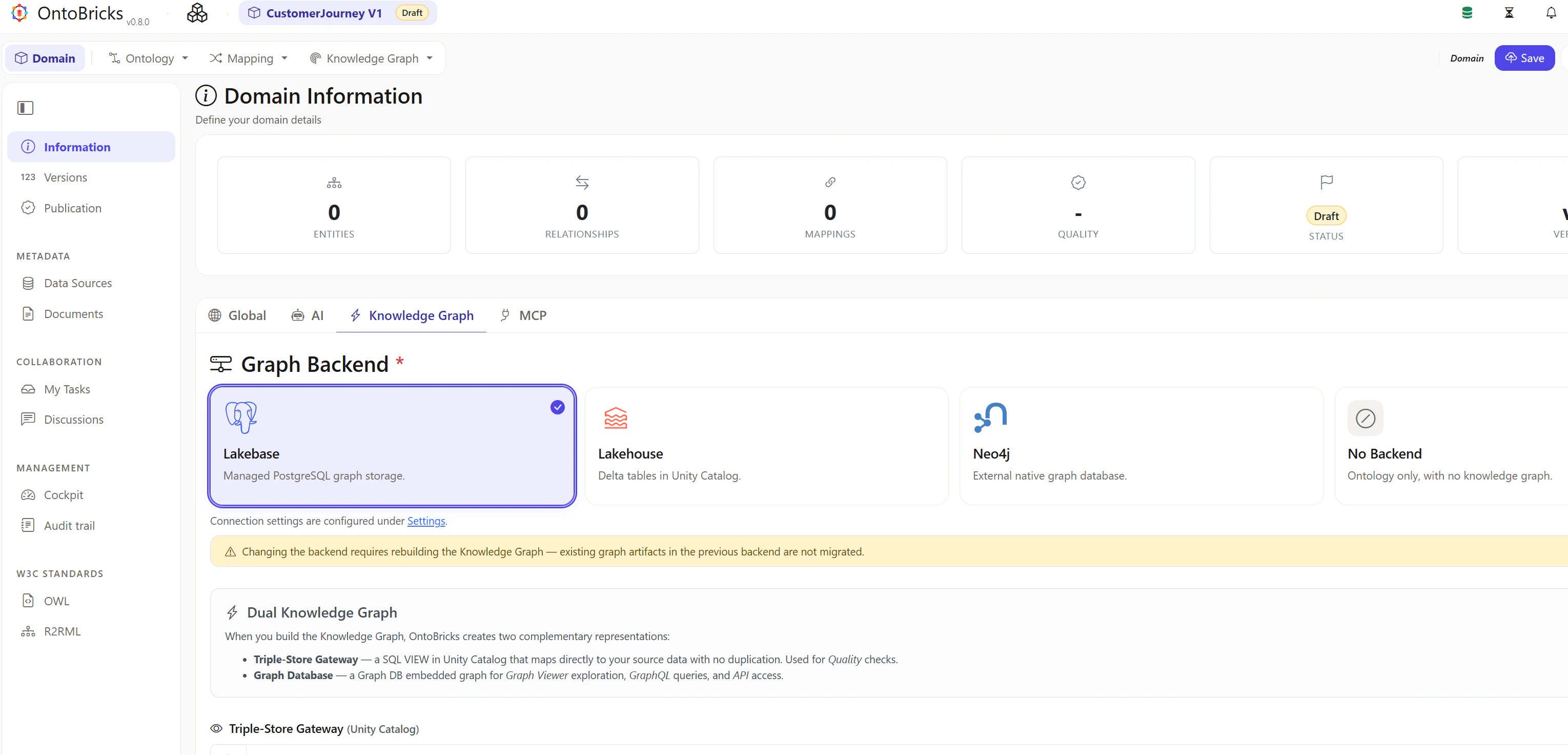
Lakebaseを選択し、右上のSaveを選択します。
Data Sources を追加
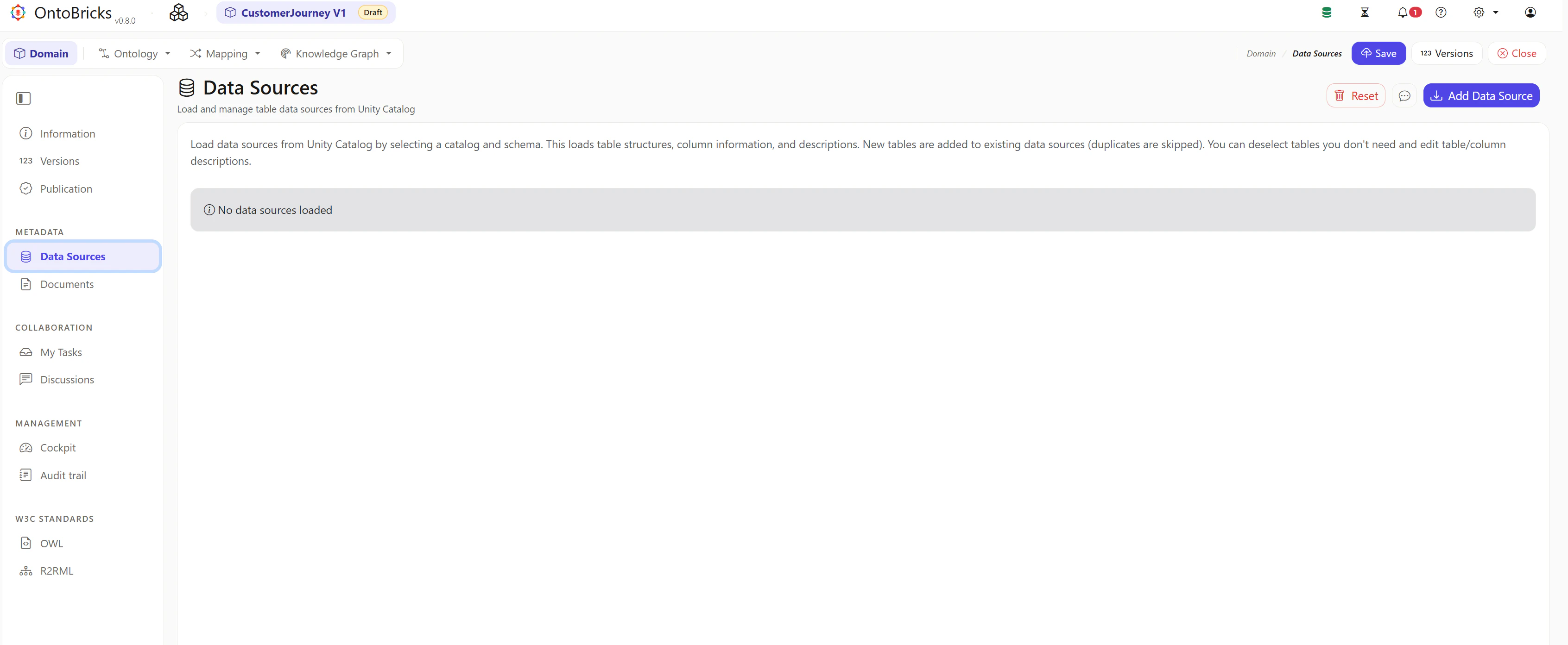
Data Sourcesタブをクリックし、Add Data Sourceを選択します。
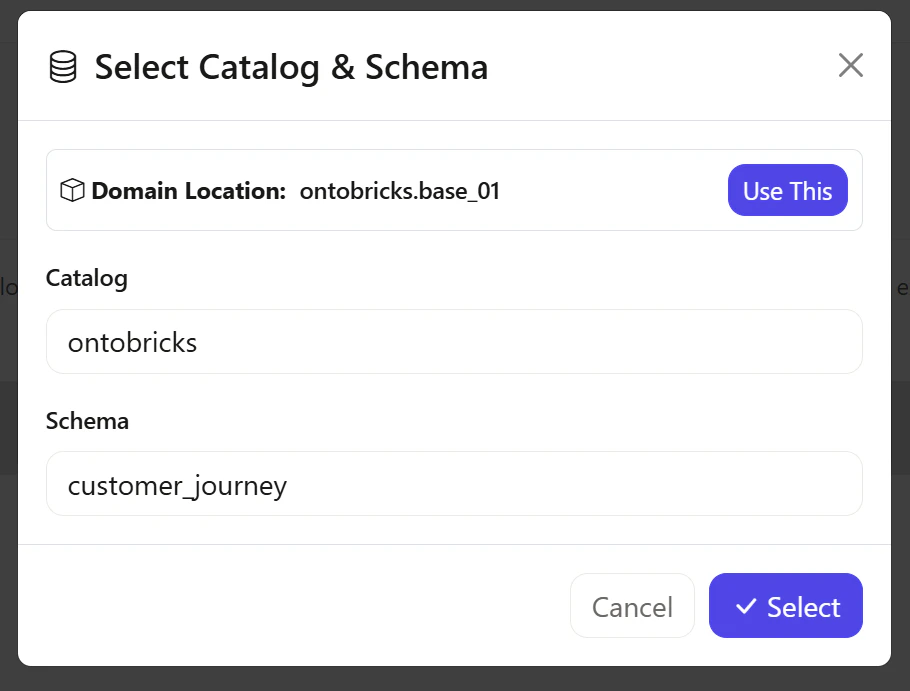
ペンのマークを選択します。
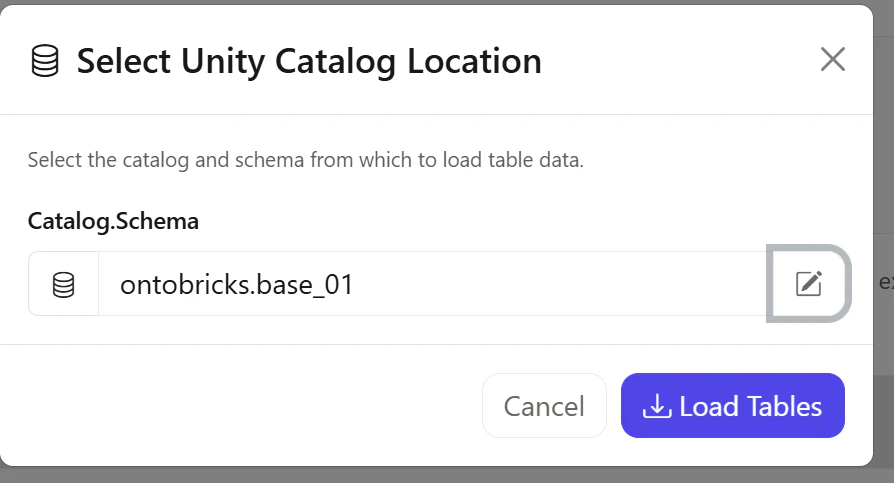
Catalogにてontobricksを、Schemaにてcustomer_journeyを選択します。
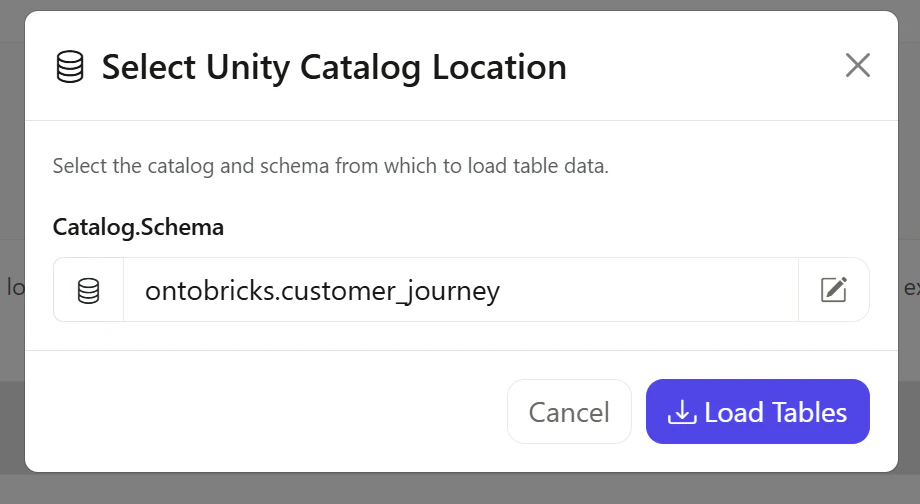
Load Tablesを選択します。
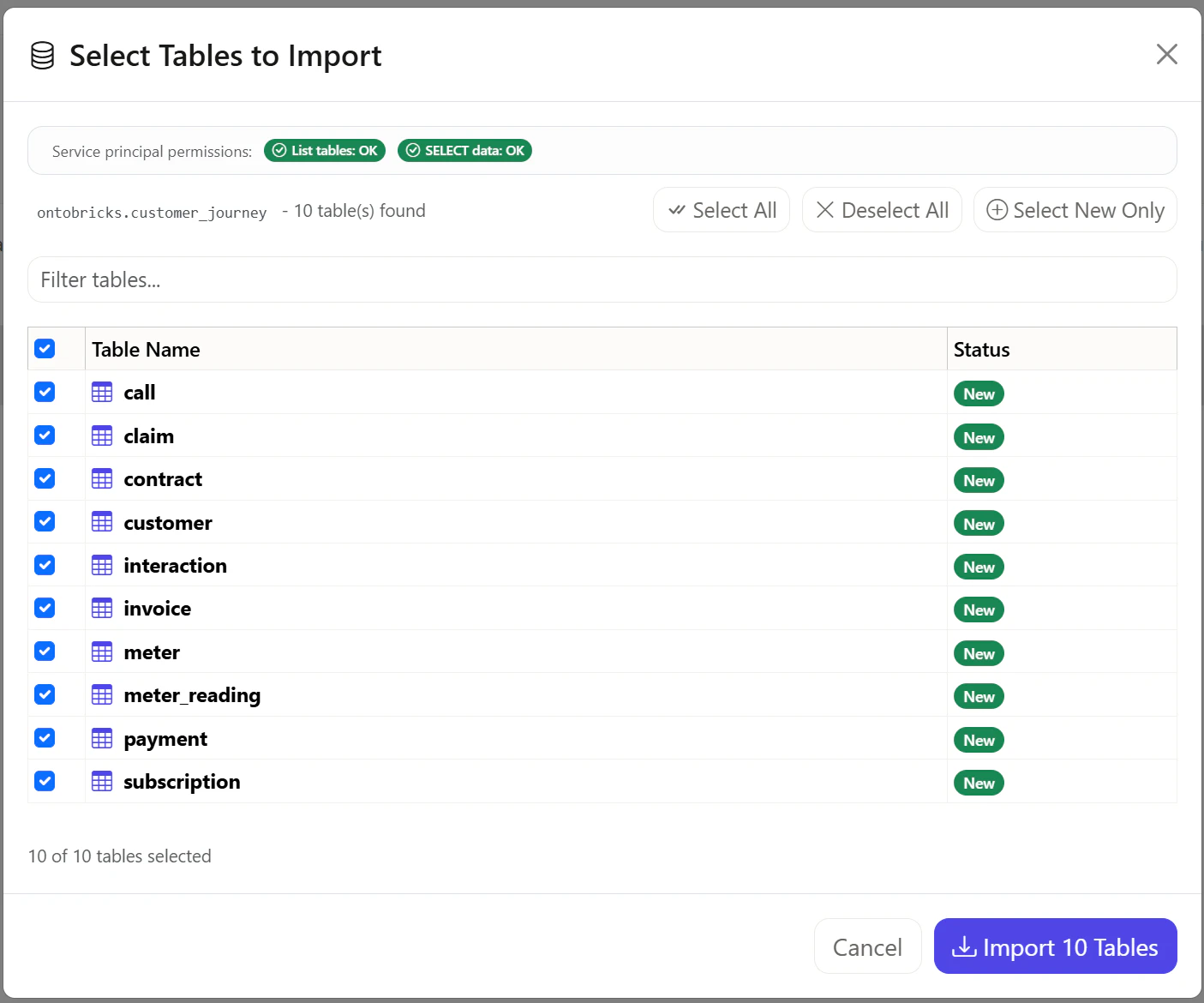
Import 10 Tablesを選択します。
customer_journey_data_customer_complete.ttlファイルによる Ontology の定義
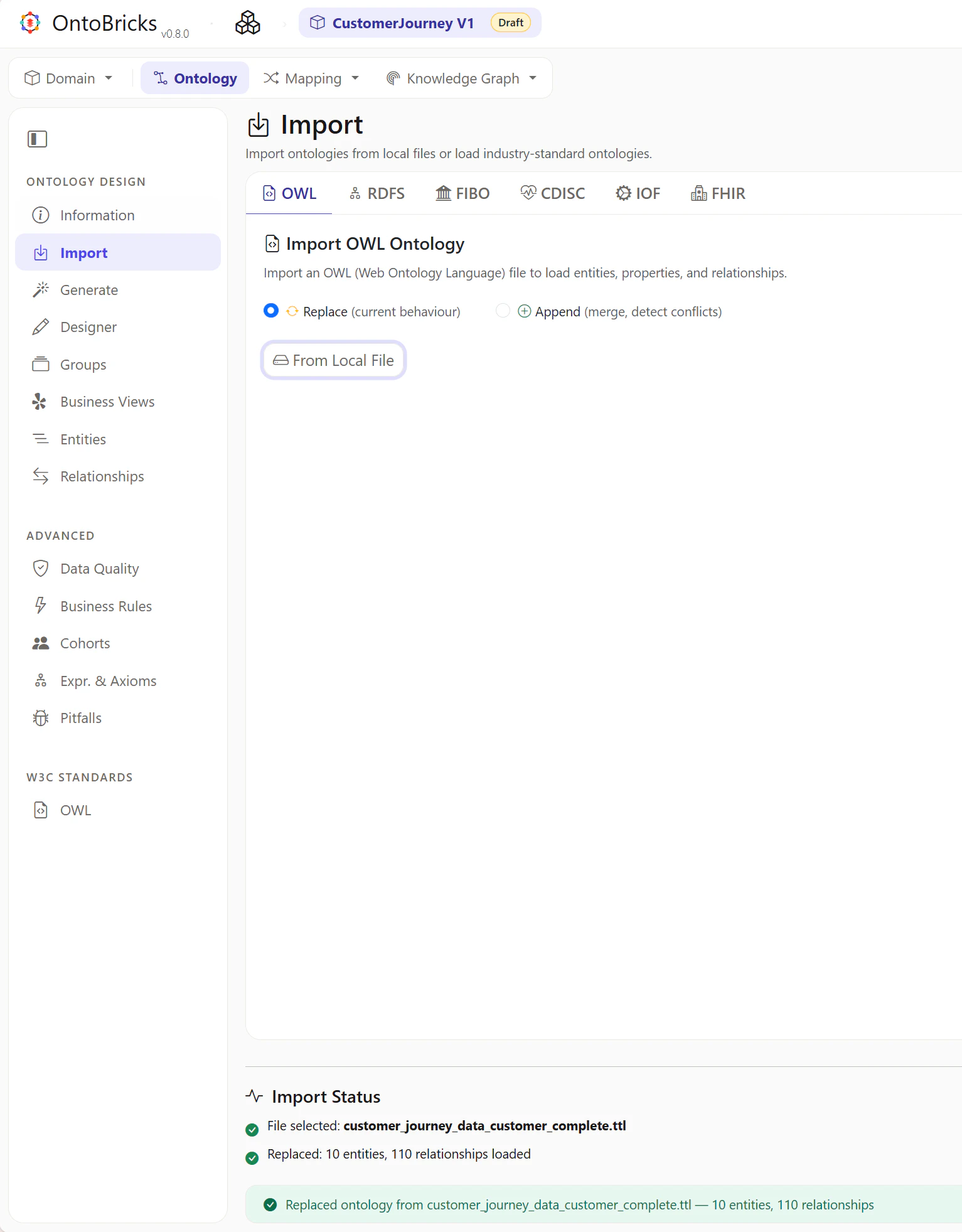
Ontology -> Importを選択します。
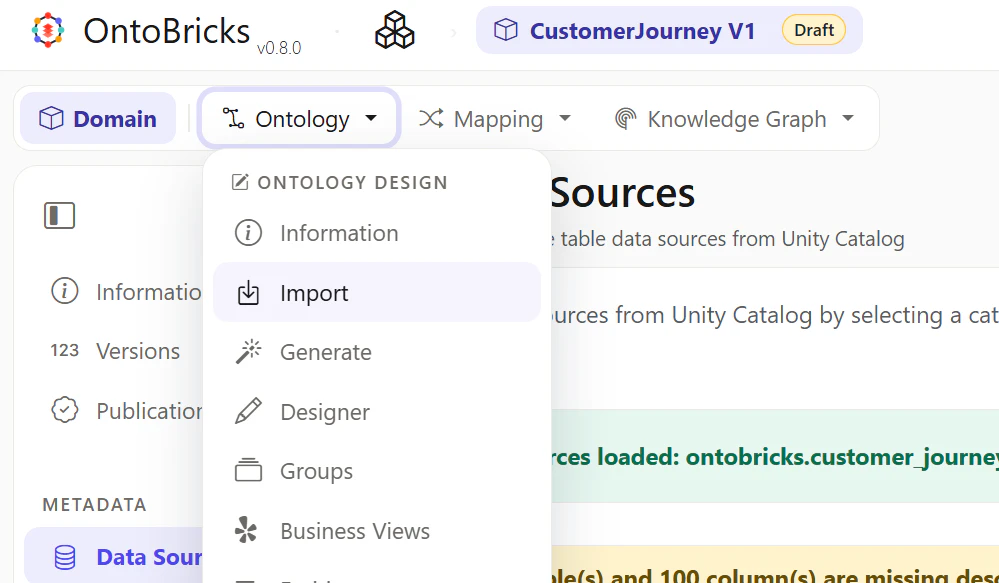
From Local Fileを選択して、customer_journey_data_customer_complete.ttlを取り込みます。
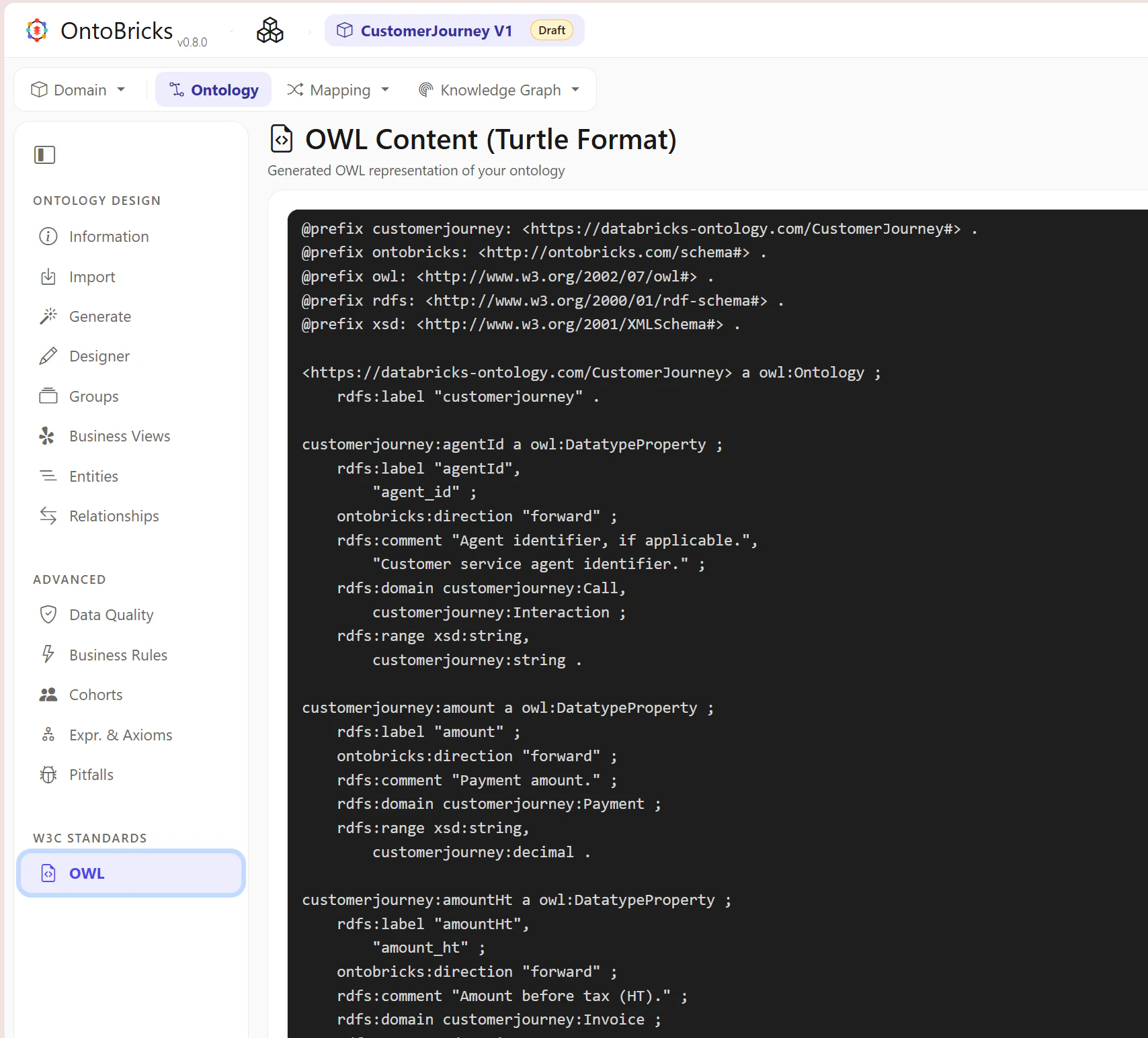
OWLタブを選択して、ファイルと同等の内容が設定されていることを確認します。
customer_journey_r2rml_mapping.ttlファイルによる Mapping の定義
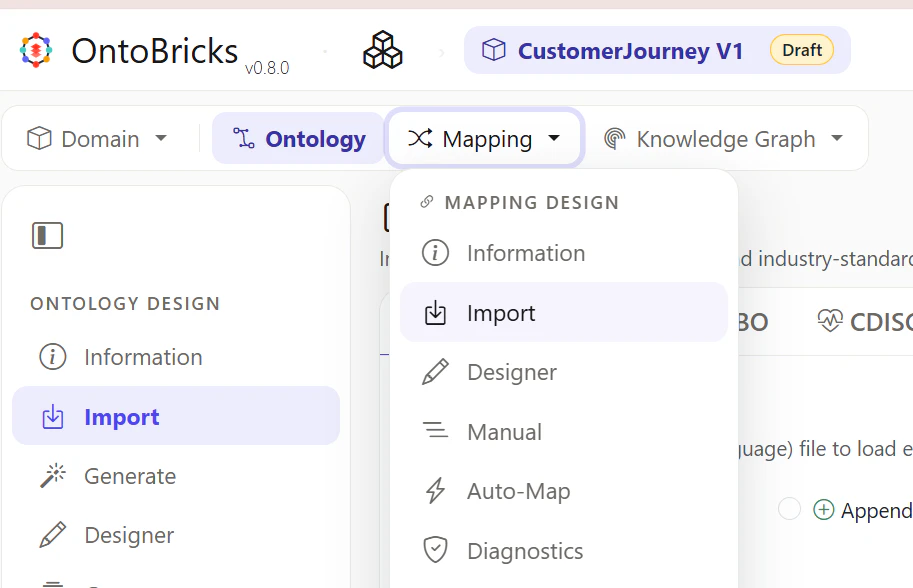
Mapping -> Importを選択します。
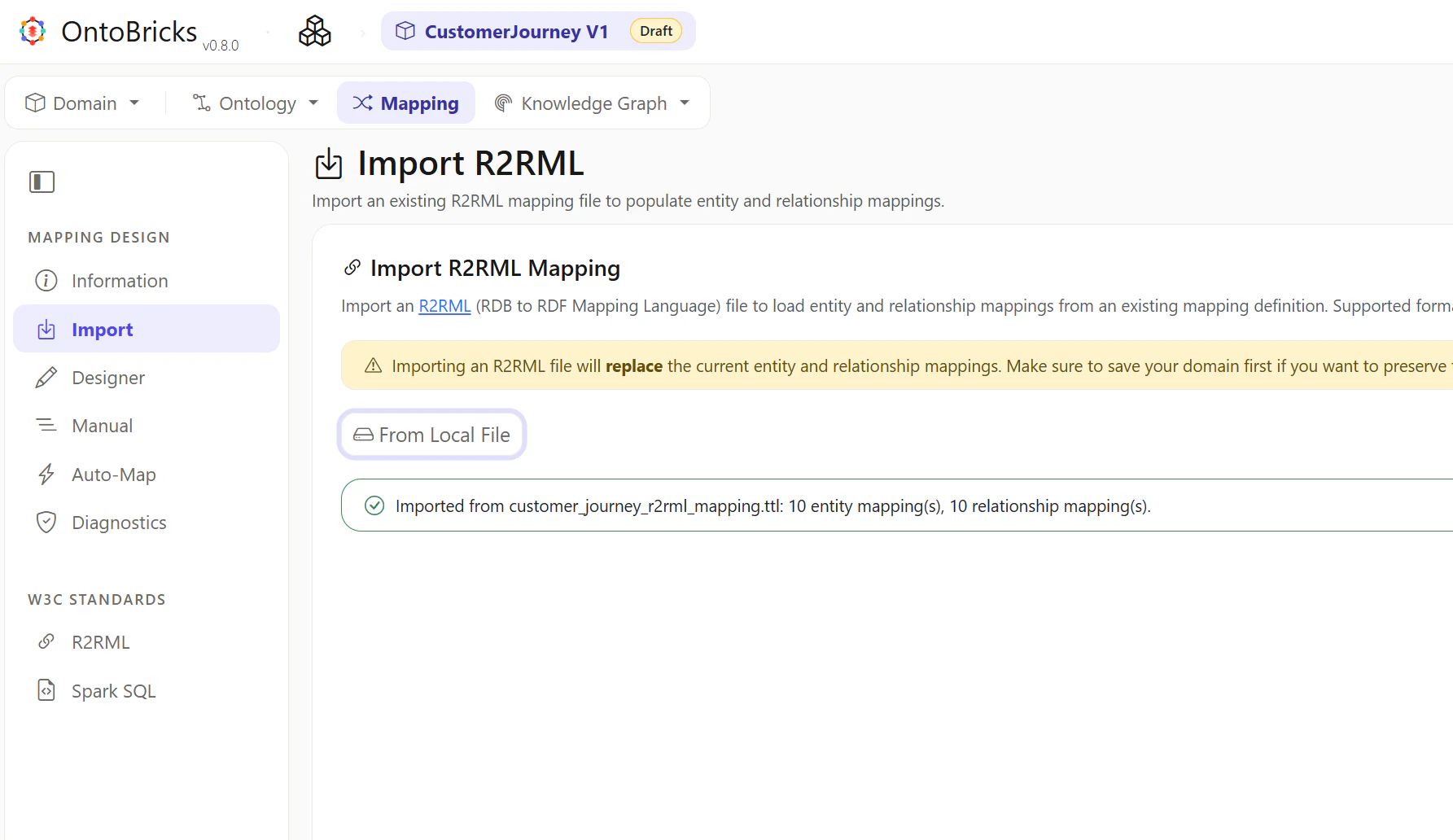
From Local Fileを選択して、customer_journey_r2rml_mapping.ttlを取り込みます。
R2RMLタブを選択して、ファイルと同等の内容が設定されていることを確認します。
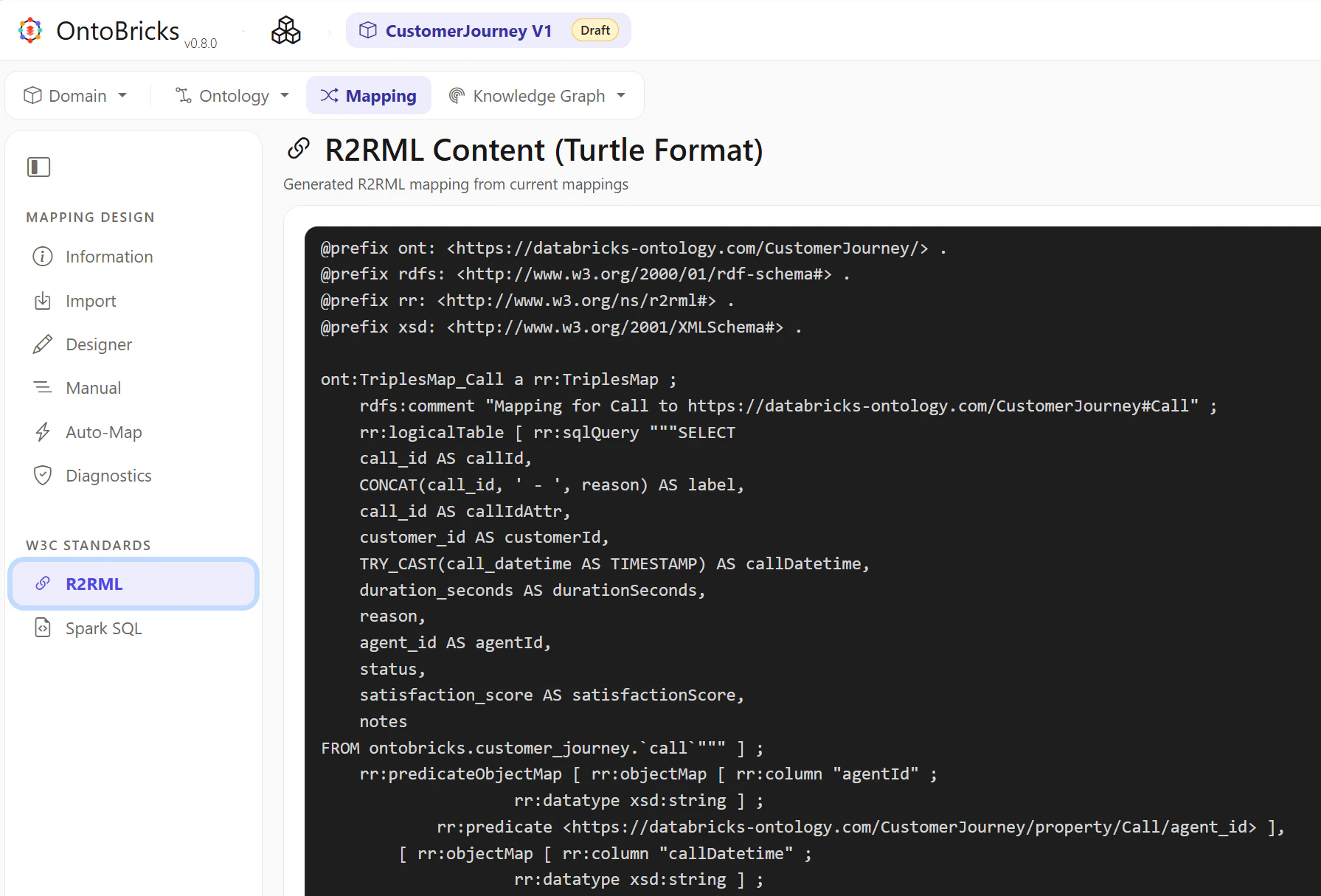
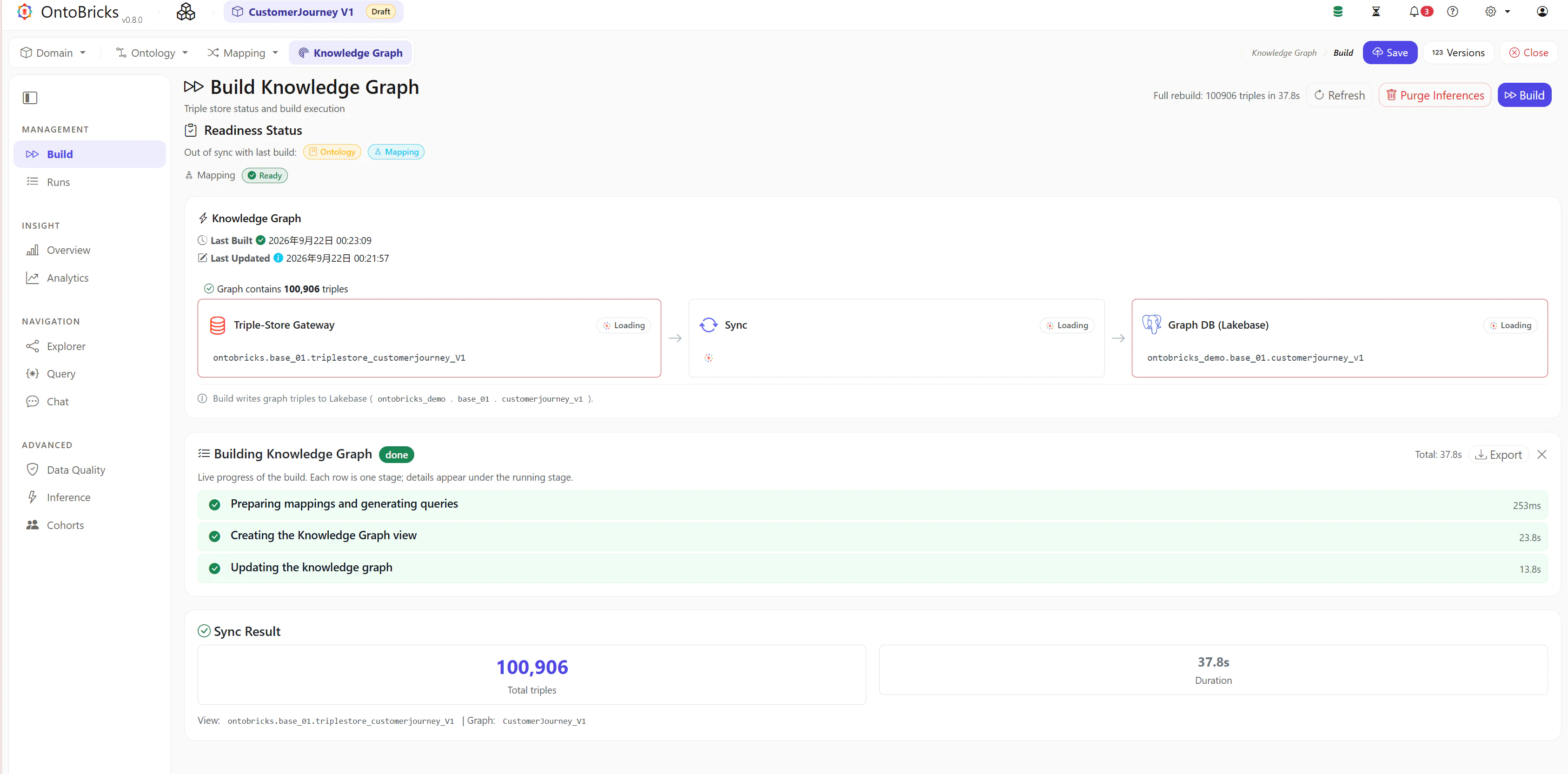
Knowledge Graph の作成
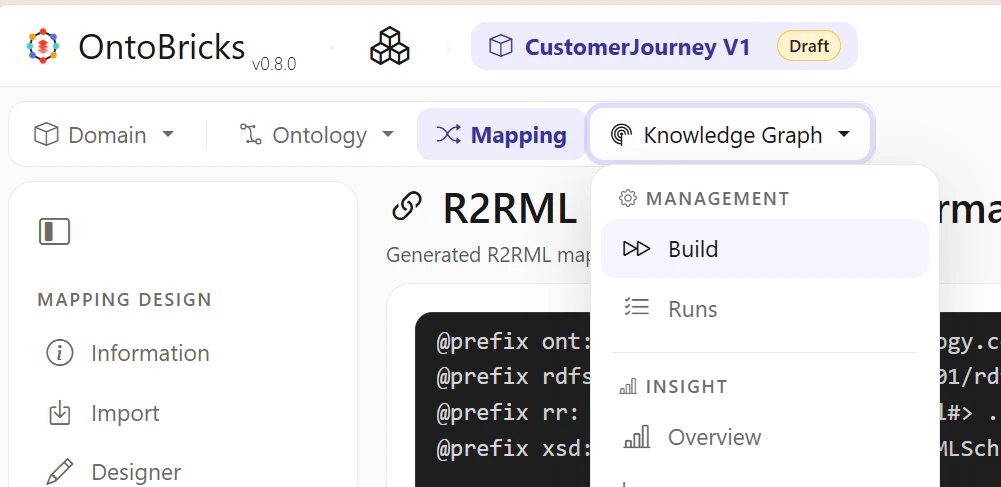
Knowledge Graph -> Buildを選択します。
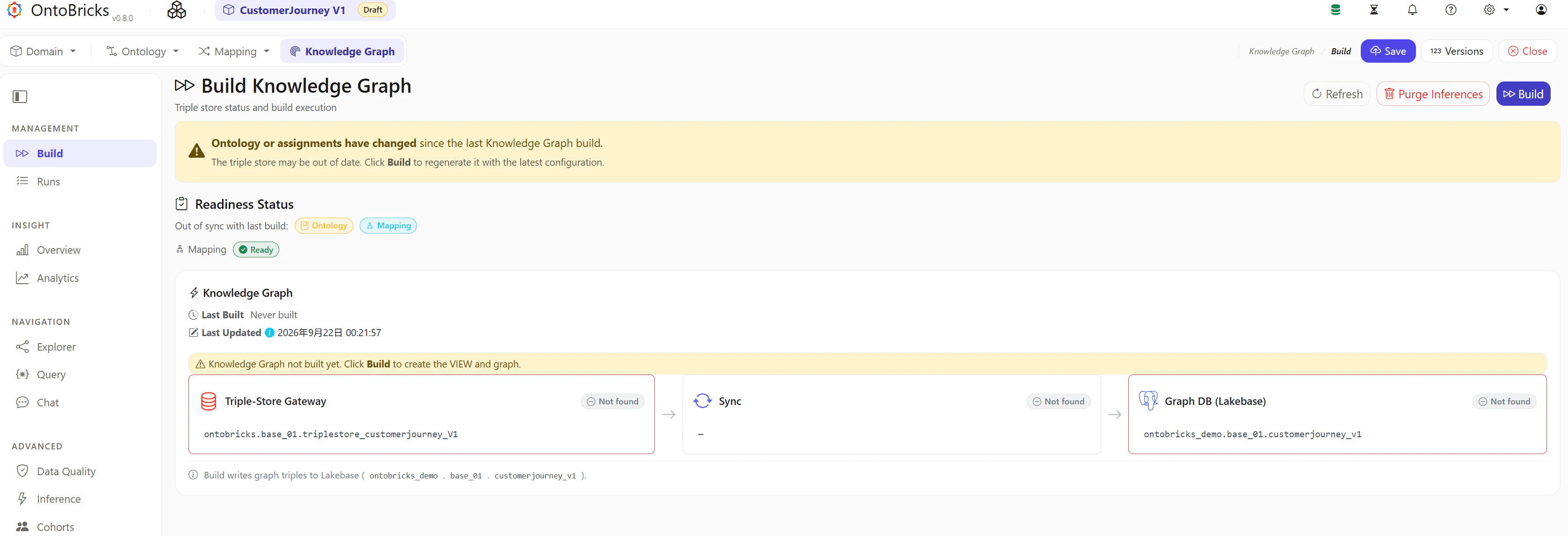
右上のBuildを選択します。
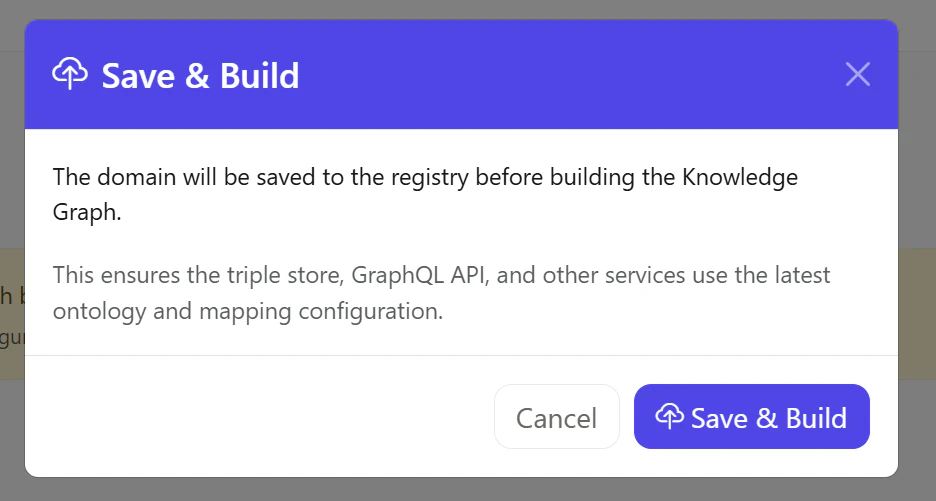
Save & Buildを選択します。
処理が完了することを確認します。
動作確認
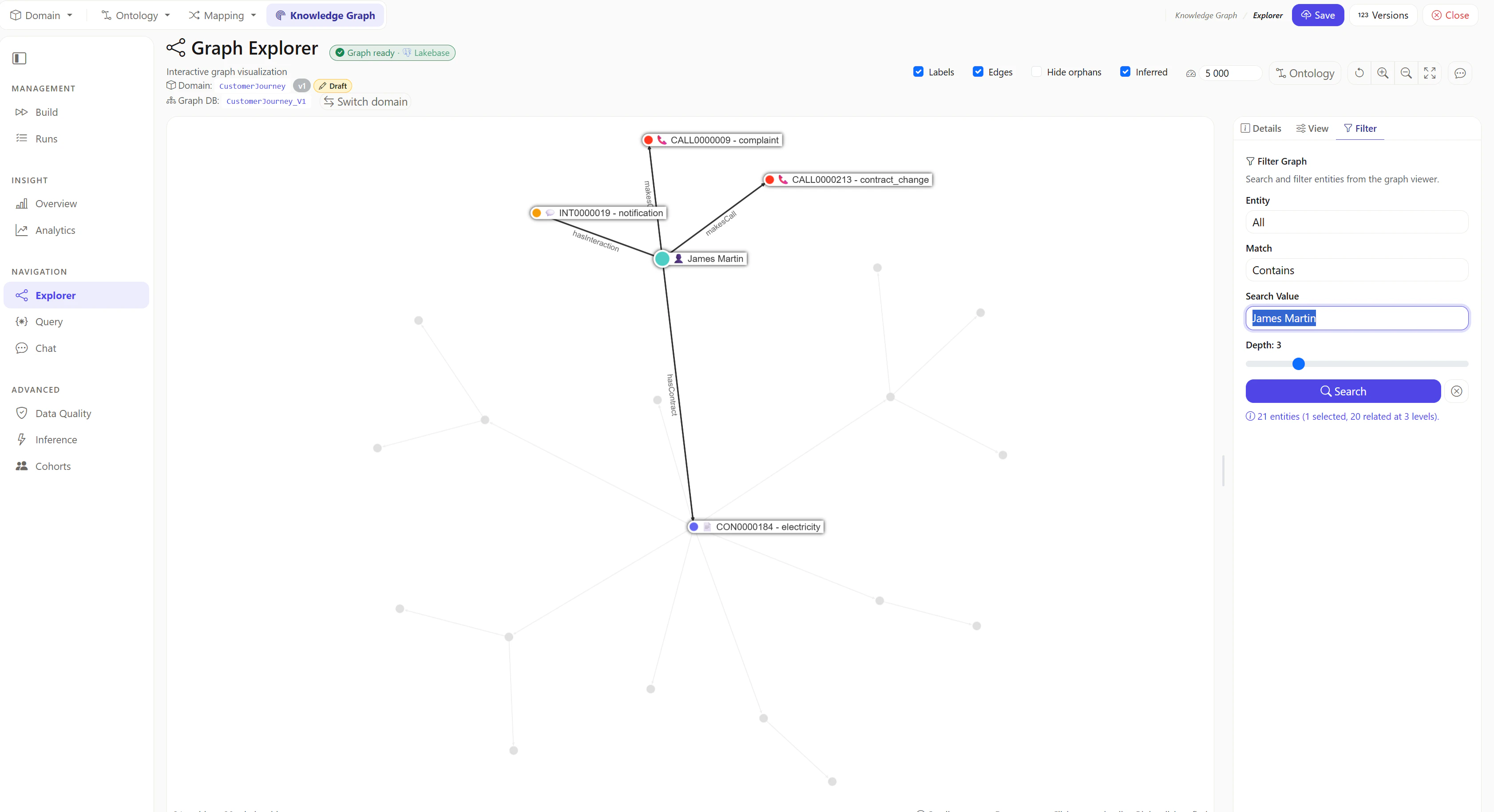
Graph Explorer の動作確認
Graph Explorer を表示
James Martinのグラフを表示
Chat の動作確認
Chat を表示
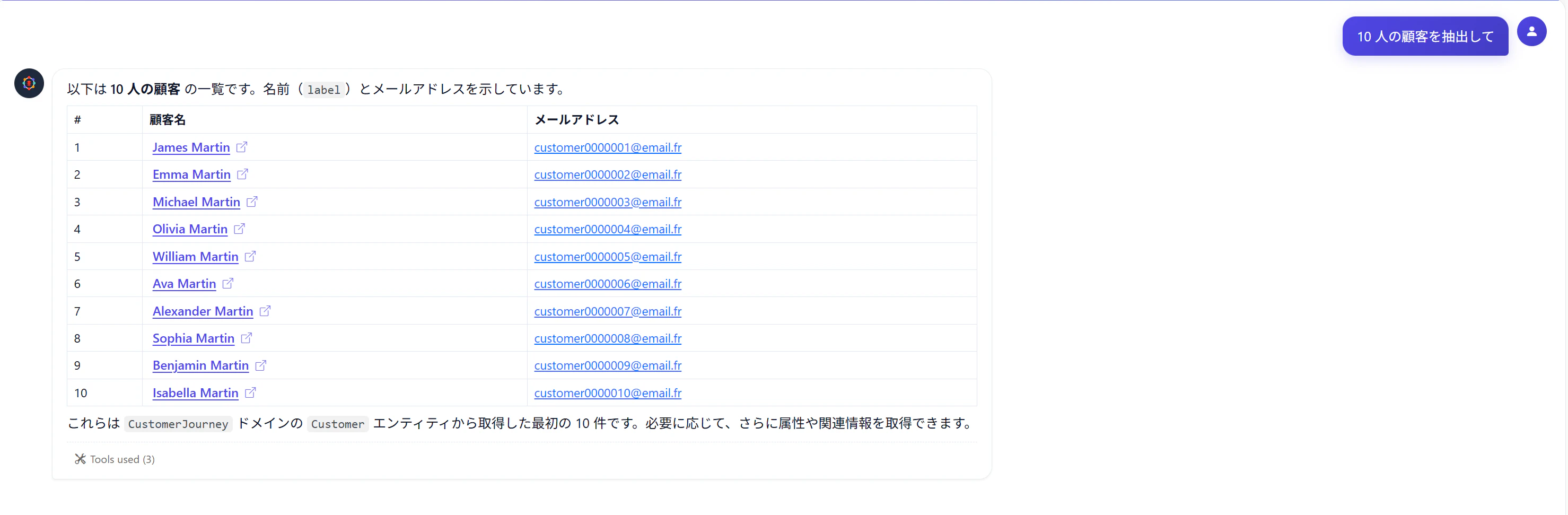
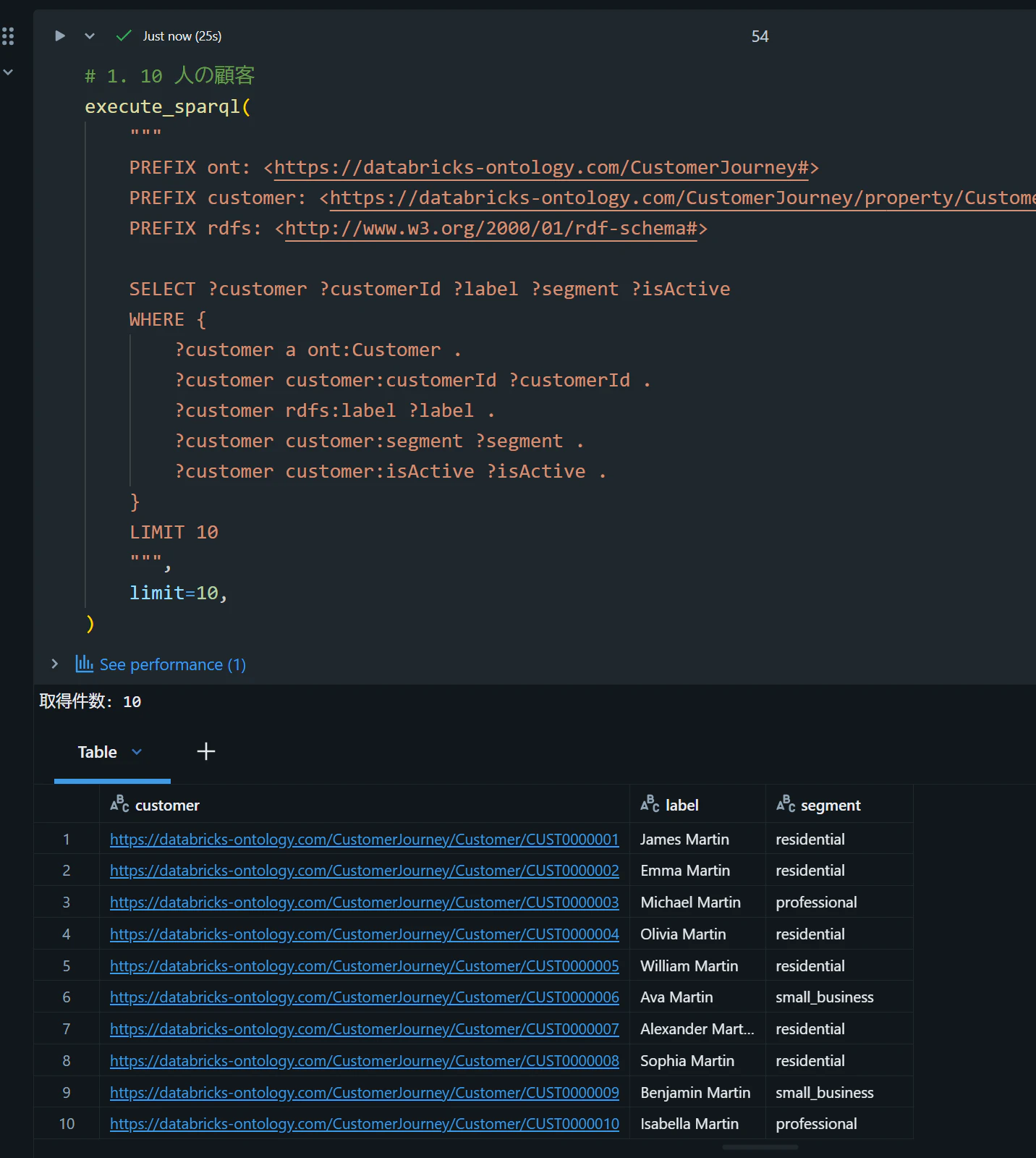
1. 10 人の顧客
10 人の顧客を抽出してと入力し、想定どおりの回答が返ることを確認します。
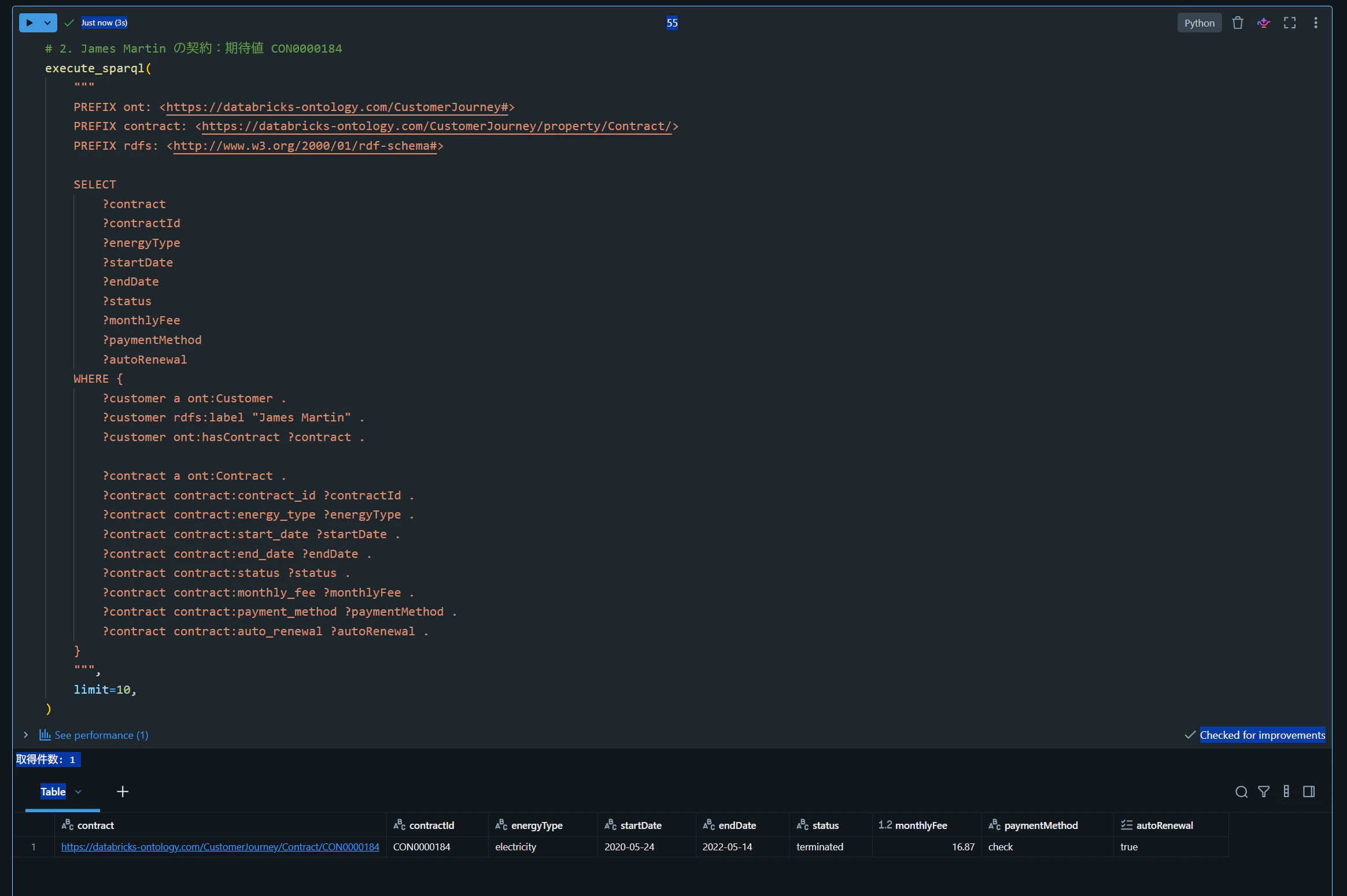
2. James Martin の契約:期待値 CON0000184
James Martinが保有する契約を取得してください。と入力し、想定どおりの回答が返ることを確認します。

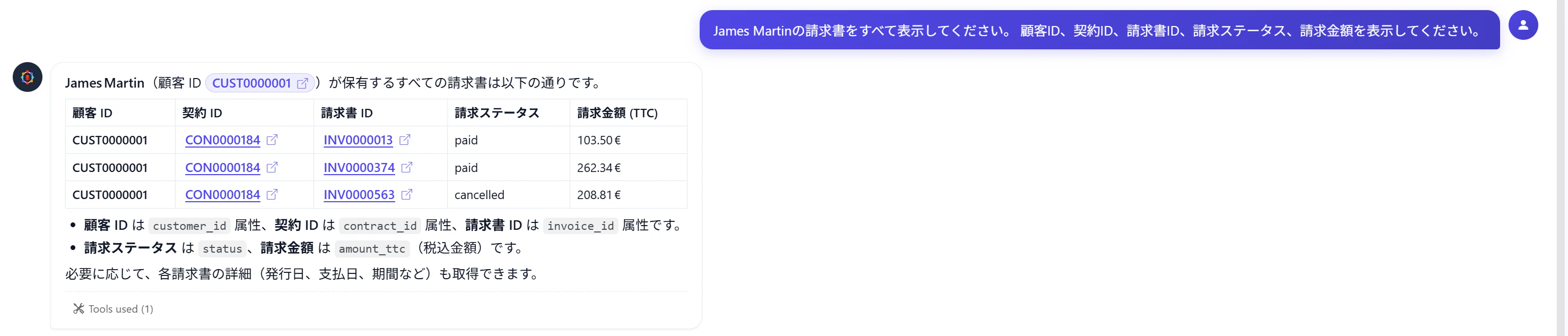
3. James Martin の請求書を表示:期待値 3 レコード
James Martinの請求書をすべて表示してください。 顧客ID、契約ID、請求書ID、請求ステータス、請求金額を表示してください。と入力し、想定どおりの回答が返ることを確認します。
GraphQL の動作確認
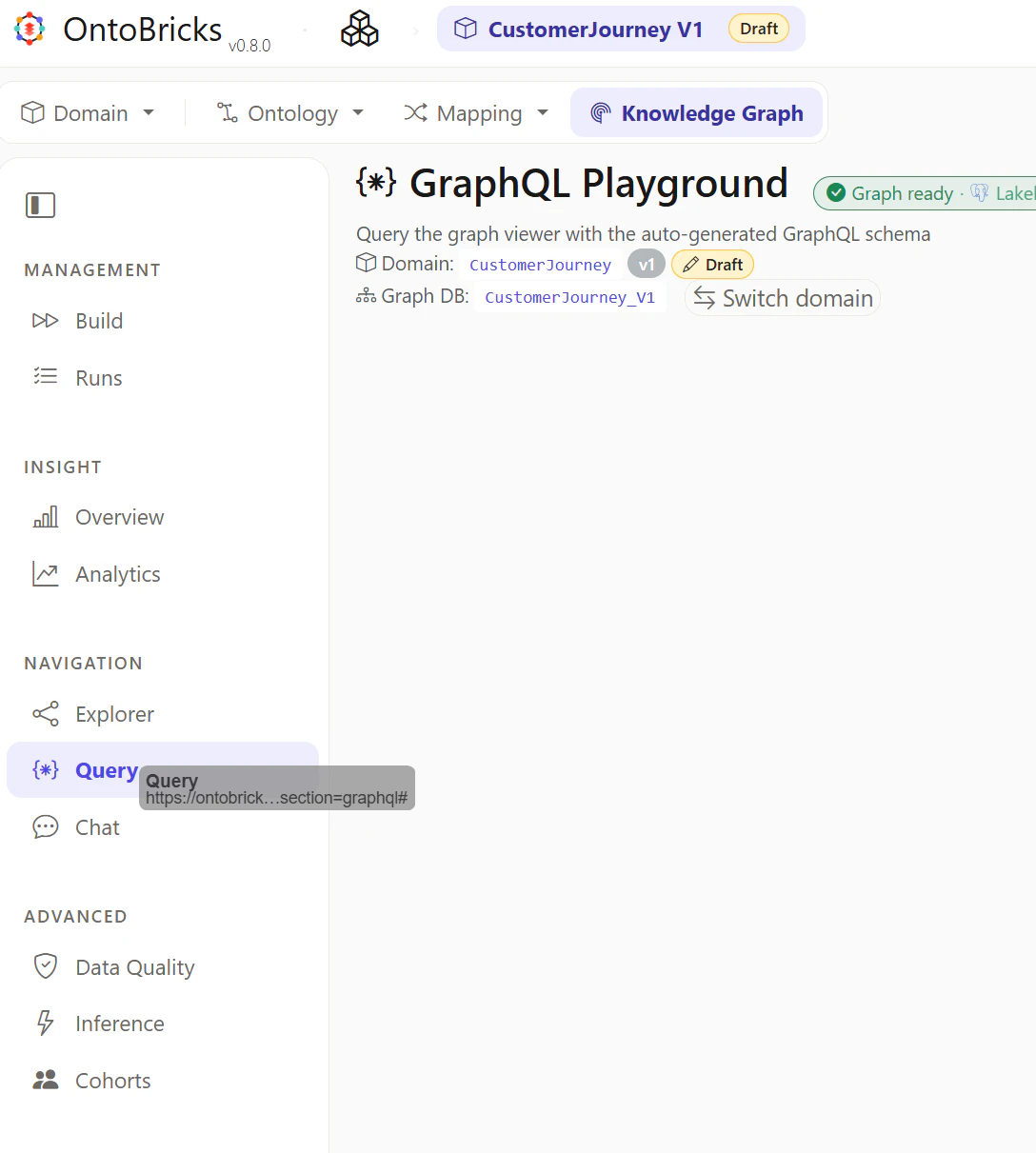
GraphQL を表示
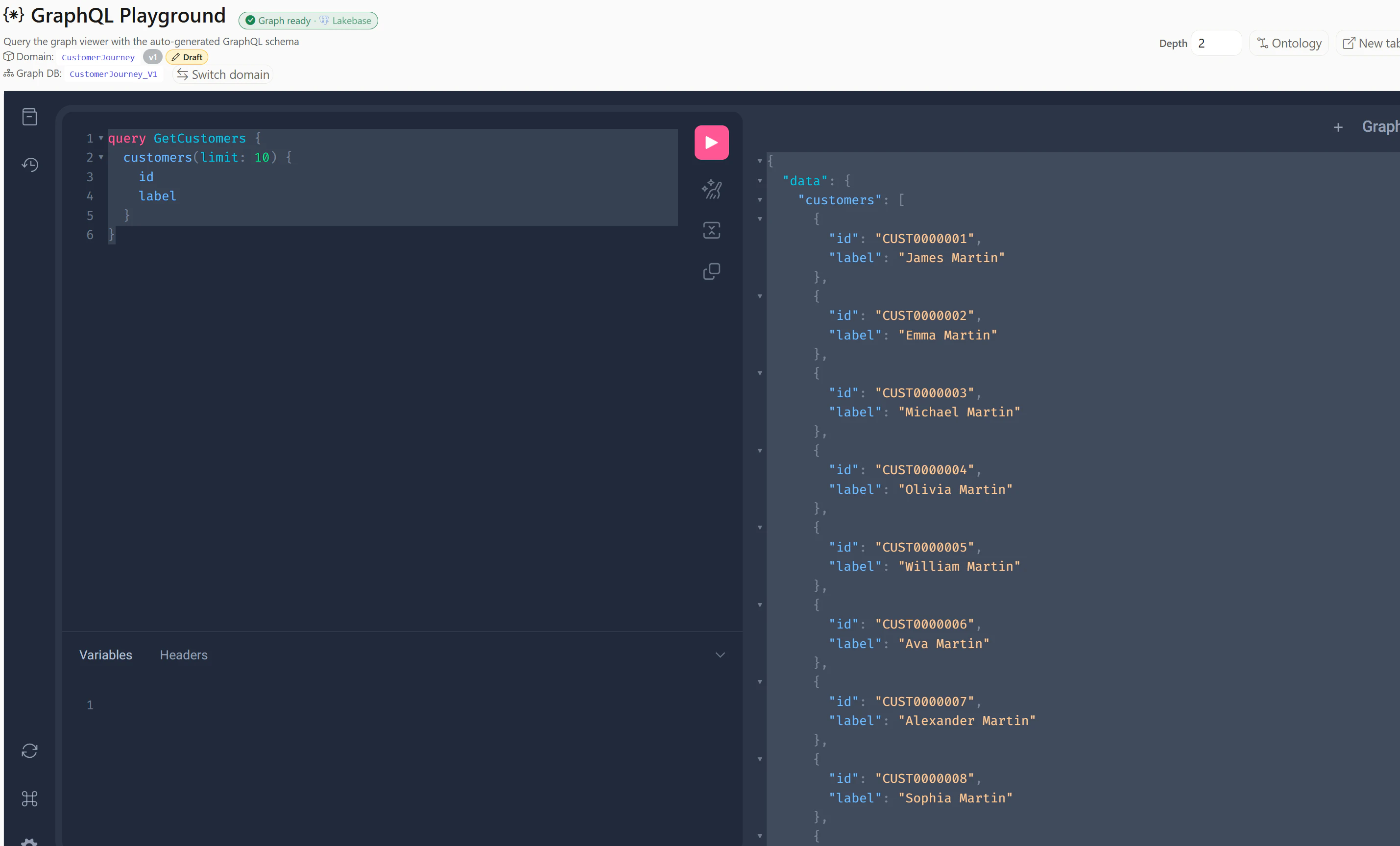
1. 10 人の顧客
query GetCustomers {
  customers(limit: 10) {
    id
    label
  }
}
{
  "data": {
    "customers": [
      {
        "id": "CUST0000001",
        "label": "James Martin"
      },
      {
        "id": "CUST0000002",
        "label": "Emma Martin"
      },
      {
        "id": "CUST0000003",
        "label": "Michael Martin"
      },
      {
        "id": "CUST0000004",
        "label": "Olivia Martin"
      },
      {
        "id": "CUST0000005",
        "label": "William Martin"
      },
      {
        "id": "CUST0000006",
        "label": "Ava Martin"
      },
      {
        "id": "CUST0000007",
        "label": "Alexander Martin"
      },
      {
        "id": "CUST0000008",
        "label": "Sophia Martin"
      },
      {
        "id": "CUST0000009",
        "label": "Benjamin Martin"
      },
      {
        "id": "CUST0000010",
        "label": "Isabella Martin"
      }
    ]
  }
}
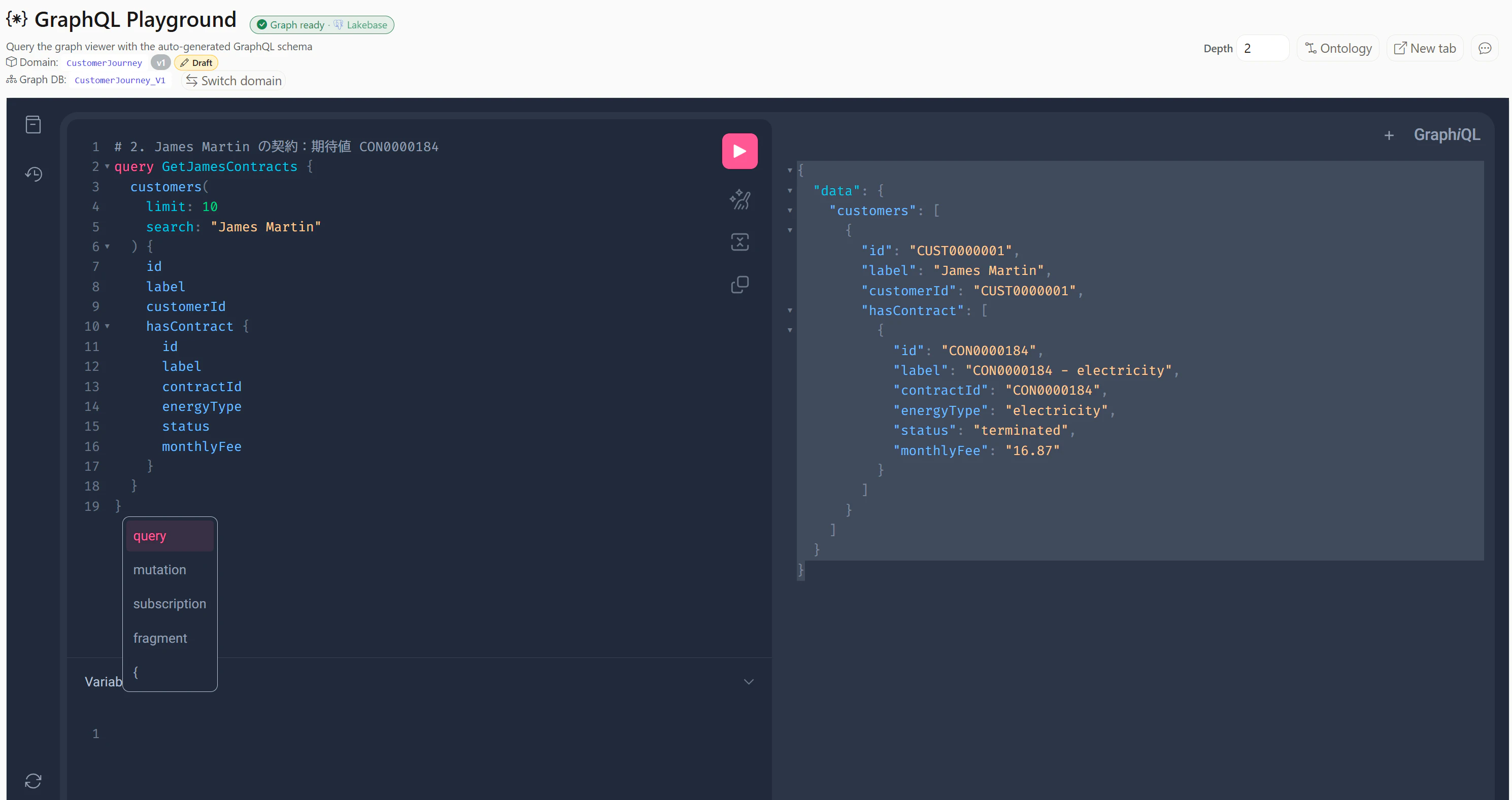
2. James Martin の契約:期待値 CON0000184
# 2. James Martin の契約:期待値 CON0000184
query GetJamesContracts {
  customers(
    limit: 10
    search: "James Martin"
  ) {
    id
    label
    customerId
    hasContract {
      id
      label
      contractId
      energyType
      status
      monthlyFee
    }
  }
}
{
  "data": {
    "customers": [
      {
        "id": "CUST0000001",
        "label": "James Martin",
        "customerId": "CUST0000001",
        "hasContract": [
          {
            "id": "CON0000184",
            "label": "CON0000184 - electricity",
            "contractId": "CON0000184",
            "energyType": "electricity",
            "status": "terminated",
            "monthlyFee": "16.87"
          }
        ]
      }
    ]
  }
}
3. James Martin の請求書を表示:期待値 3 レコード
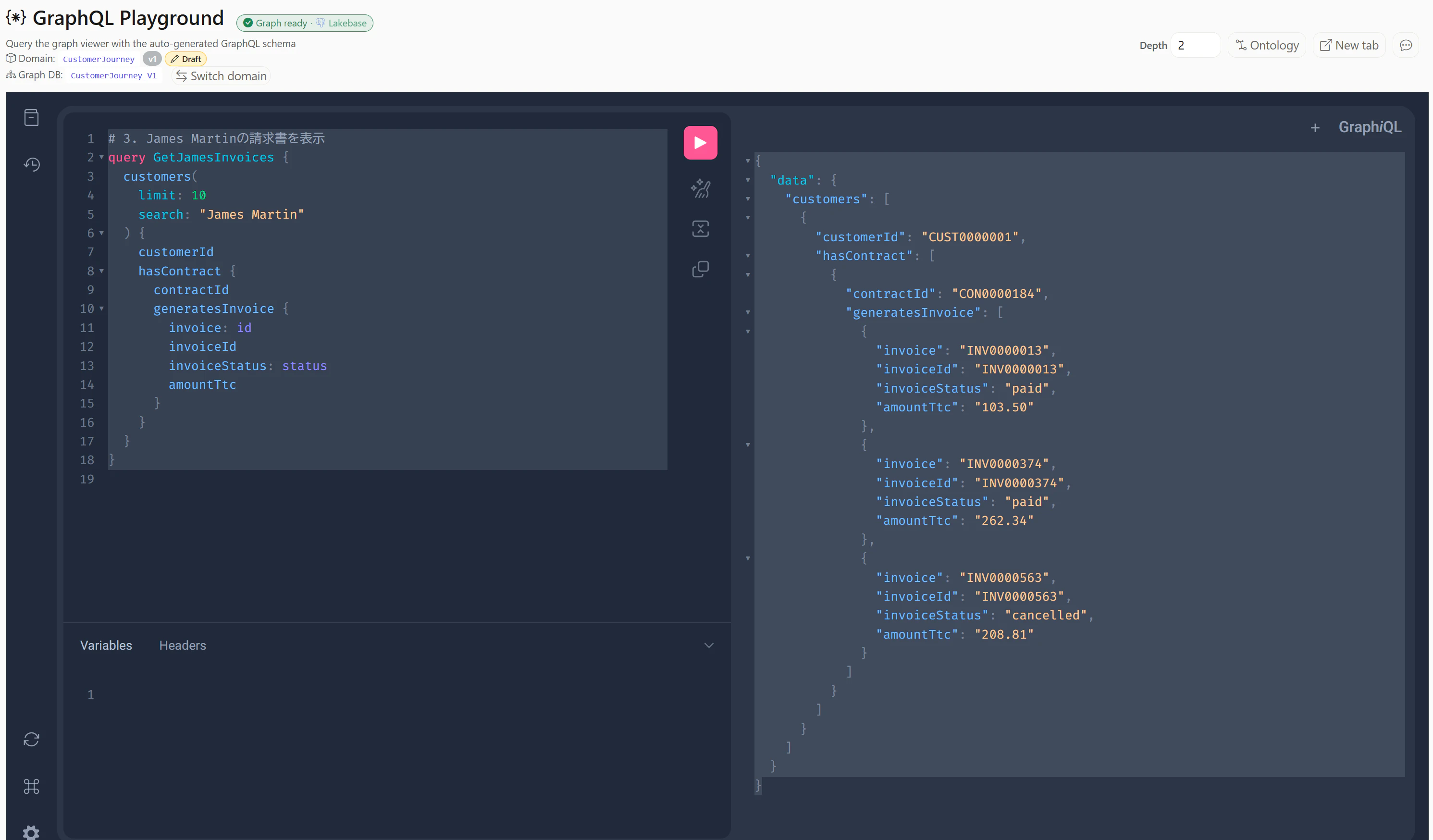
# 3. James Martinの請求書を表示
query GetJamesInvoices {
  customers(
    limit: 10
    search: "James Martin"
  ) {
    customerId
    hasContract {
      contractId
      generatesInvoice {
        invoice: id
        invoiceId
        invoiceStatus: status
        amountTtc
      }
    }
  }
}
{
  "data": {
    "customers": [
      {
        "customerId": "CUST0000001",
        "hasContract": [
          {
            "contractId": "CON0000184",
            "generatesInvoice": [
              {
                "invoice": "INV0000013",
                "invoiceId": "INV0000013",
                "invoiceStatus": "paid",
                "amountTtc": "103.50"
              },
              {
                "invoice": "INV0000374",
                "invoiceId": "INV0000374",
                "invoiceStatus": "paid",
                "amountTtc": "262.34"
              },
              {
                "invoice": "INV0000563",
                "invoiceId": "INV0000563",
                "invoiceStatus": "cancelled",
                "amountTtc": "208.81"
              }
            ]
          }
        ]
      }
    ]
  }
}
SPARQL の動作確認
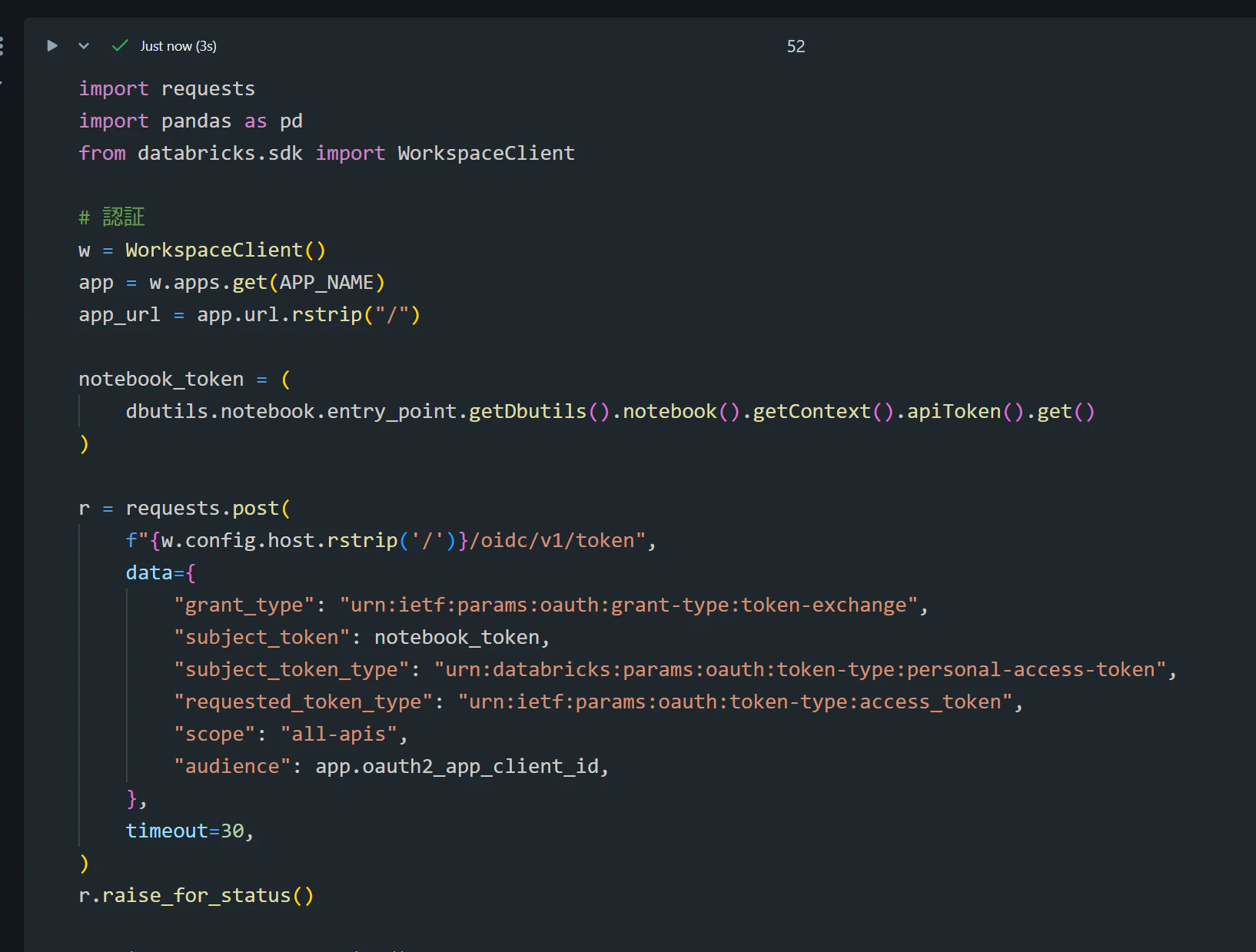
ノートブックにて認証情報の取得などを実施
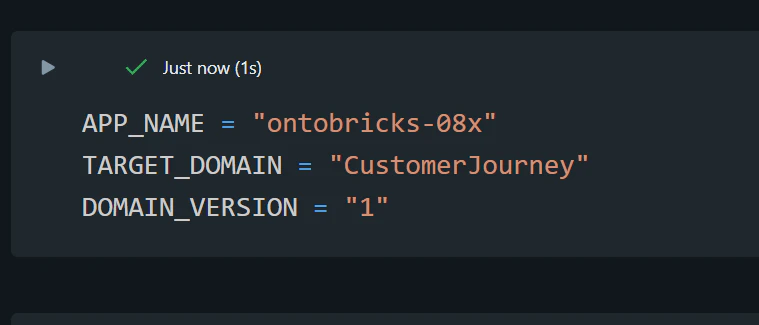
変数をセットします。
APP_NAME = "ontobricks-08x"
TARGET_DOMAIN = "CustomerJourney"
DOMAIN_VERSION = "1"
import requests
import pandas as pd
from databricks.sdk import WorkspaceClient

# 認証
w = WorkspaceClient()
app = w.apps.get(APP_NAME)
app_url = app.url.rstrip("/")

notebook_token = (
    dbutils.notebook.entry_point.getDbutils().notebook().getContext().apiToken().get()
)

r = requests.post(
    f"{w.config.host.rstrip('/')}/oidc/v1/token",
    data={
        "grant_type": "urn:ietf:params:oauth:grant-type:token-exchange",
        "subject_token": notebook_token,
        "subject_token_type": "urn:databricks:params:oauth:token-type:personal-access-token",
        "requested_token_type": "urn:ietf:params:oauth:token-type:access_token",
        "scope": "all-apis",
        "audience": app.oauth2_app_client_id,
    },
    timeout=30,
)
r.raise_for_status()

session = requests.Session()
session.headers["Authorization"] = f"Bearer {r.json()['access_token']}"


# 共通のAPI呼び出し
def api(method, path, **kwargs):
    headers = {}
    if method == "POST":
        csrf = session.cookies.get("csrf_token")
        if not csrf:
            raise RuntimeError("CSRFトークンを取得できませんでした")
        headers["X-CSRF-Token"] = csrf
    response = session.request(
        method,
        f"{app_url}{path}",
        headers=headers,
        timeout=120,
        **kwargs,
    )
    if not response.ok:
        raise RuntimeError(f"{path}: HTTP {response.status_code}\n{response.text}")
    data = response.json()
    if data.get("success") is False:
        raise RuntimeError(f"{path}: {data}")
    return data


# ドメイン名の解決とセッション初期化
domains = api("GET", "/domain/list-projects").get("domains", [])
domain_name = next(
    (name for name in domains if name.casefold() == TARGET_DOMAIN.casefold()),
    None,
)

if domain_name is None:
    raise ValueError(f"{TARGET_DOMAIN}が見つかりません。候補: {domains}")

api(
    "POST",
    "/domain/load-from-uc",
    json={
        "domain": domain_name,
        "version": DOMAIN_VERSION,
    },
)

print(f"対象: {domain_name} / V{DOMAIN_VERSION}")
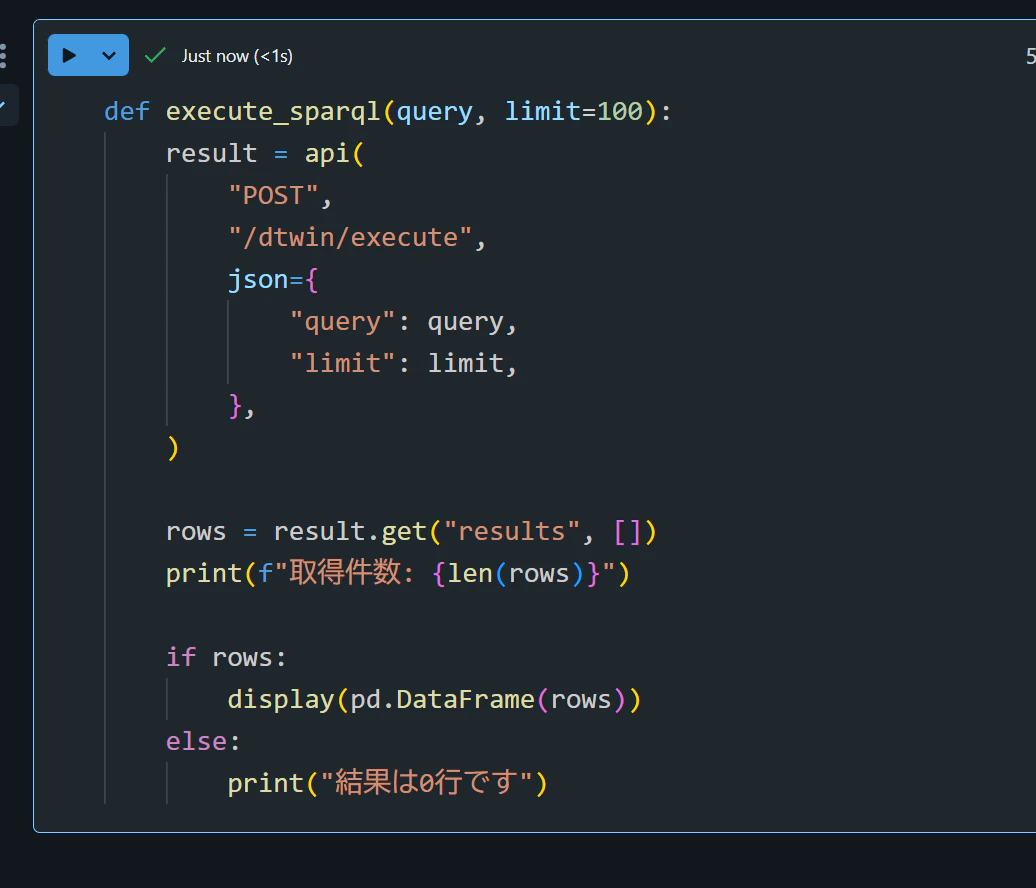
SPARQL クエリを実行する関数を定義します。
def execute_sparql(query, limit=100):
    result = api(
        "POST",
        "/dtwin/execute",
        json={
            "query": query,
            "limit": limit,
        },
    )

    rows = result.get("results", [])
    print(f"取得件数: {len(rows)}")

    if rows:
        display(pd.DataFrame(rows))
    else:
        print("結果は0行です")
1. 10 人の顧客
# 1. 10 人の顧客
execute_sparql(
    """
    PREFIX ont: <https://databricks-ontology.com/CustomerJourney#>
    PREFIX customer: <https://databricks-ontology.com/CustomerJourney/property/Customer/>
    PREFIX rdfs: <http://www.w3.org/2000/01/rdf-schema#>

    SELECT ?customer ?customerId ?label ?segment ?isActive
    WHERE {
        ?customer a ont:Customer .
        ?customer customer:customerId ?customerId .
        ?customer rdfs:label ?label .
        ?customer customer:segment ?segment .
        ?customer customer:isActive ?isActive .
    }
    LIMIT 10
    """,
    limit=10,
)
| customer | label | segment |
|---|---|---|
| https://databricks-ontology.com/CustomerJourney/Customer/CUST0000001 | James Martin | residential |
| https://databricks-ontology.com/CustomerJourney/Customer/CUST0000002 | Emma Martin | residential |
| https://databricks-ontology.com/CustomerJourney/Customer/CUST0000003 | Michael Martin | professional |
| https://databricks-ontology.com/CustomerJourney/Customer/CUST0000004 | Olivia Martin | residential |
| https://databricks-ontology.com/CustomerJourney/Customer/CUST0000005 | William Martin | residential |
| https://databricks-ontology.com/CustomerJourney/Customer/CUST0000006 | Ava Martin | small_business |
| https://databricks-ontology.com/CustomerJourney/Customer/CUST0000007 | Alexander Martin | residential |
| https://databricks-ontology.com/CustomerJourney/Customer/CUST0000008 | Sophia Martin | residential |
| https://databricks-ontology.com/CustomerJourney/Customer/CUST0000009 | Benjamin Martin | small_business |
| https://databricks-ontology.com/CustomerJourney/Customer/CUST0000010 | Isabella Martin | professional |
2. James Martin の契約:期待値 CON0000184
# 2. James Martin の契約:期待値 CON0000184
execute_sparql(
    """
    PREFIX ont: <https://databricks-ontology.com/CustomerJourney#>
    PREFIX contract: <https://databricks-ontology.com/CustomerJourney/property/Contract/>
    PREFIX rdfs: <http://www.w3.org/2000/01/rdf-schema#>

    SELECT
        ?contract
        ?contractId
        ?energyType
        ?startDate
        ?endDate
        ?status
        ?monthlyFee
        ?paymentMethod
        ?autoRenewal
    WHERE {
        ?customer a ont:Customer .
        ?customer rdfs:label "James Martin" .
        ?customer ont:hasContract ?contract .

        ?contract a ont:Contract .
        ?contract contract:contract_id ?contractId .
        ?contract contract:energy_type ?energyType .
        ?contract contract:start_date ?startDate .
        ?contract contract:end_date ?endDate .
        ?contract contract:status ?status .
        ?contract contract:monthly_fee ?monthlyFee .
        ?contract contract:payment_method ?paymentMethod .
        ?contract contract:auto_renewal ?autoRenewal .
    }
    """,
    limit=10,
)
| contract | contractId | energyType | startDate | endDate | status | monthlyFee | paymentMethod | autoRenewal |
|---|---|---|---|---|---|---|---|---|
| https://databricks-ontology.com/CustomerJourney/Contract/CON0000184 | CON0000184 | electricity | 2020-05-24 | 2022-05-14 | terminated | 16.87 | check | true |
3. James Martin の請求書を表示:期待値 3 レコード
# 3. James Martinの請求書を表示
execute_sparql(
    """
    PREFIX ont: <https://databricks-ontology.com/CustomerJourney#>
    PREFIX customer: <https://databricks-ontology.com/CustomerJourney/property/Customer/>
    PREFIX contract: <https://databricks-ontology.com/CustomerJourney/property/Contract/>
    PREFIX invoice: <https://databricks-ontology.com/CustomerJourney/property/Invoice/>
    PREFIX rdfs: <http://www.w3.org/2000/01/rdf-schema#>

    SELECT
        ?customerId
        ?contractId
        ?invoice
        ?invoiceId
        ?invoiceStatus
        ?amountTtc
    WHERE {
        ?customer a ont:Customer .
        ?customer customer:customer_id ?customerId .
        ?customer rdfs:label "James Martin" .
        ?customer ont:hasContract ?contract .

        ?contract a ont:Contract .
        ?contract contract:contract_id ?contractId .
        ?contract ont:generatesInvoice ?invoice .

        ?invoice a ont:Invoice .
        ?invoice invoice:invoice_id ?invoiceId .
        ?invoice invoice:status ?invoiceStatus .
        ?invoice invoice:amount_ttc ?amountTtc .
    }
    """,
    limit=100,
)
| customerId | contractId | invoice | invoiceId | invoiceStatus | amountTtc |
|---|---|---|---|---|---|
| CUST0000001 | CON0000184 | https://databricks-ontology.com/CustomerJourney/Invoice/INV0000013 | INV0000013 | paid | 103.5 |
| CUST0000001 | CON0000184 | https://databricks-ontology.com/CustomerJourney/Invoice/INV0000374 | INV0000374 | paid | 262.34 |
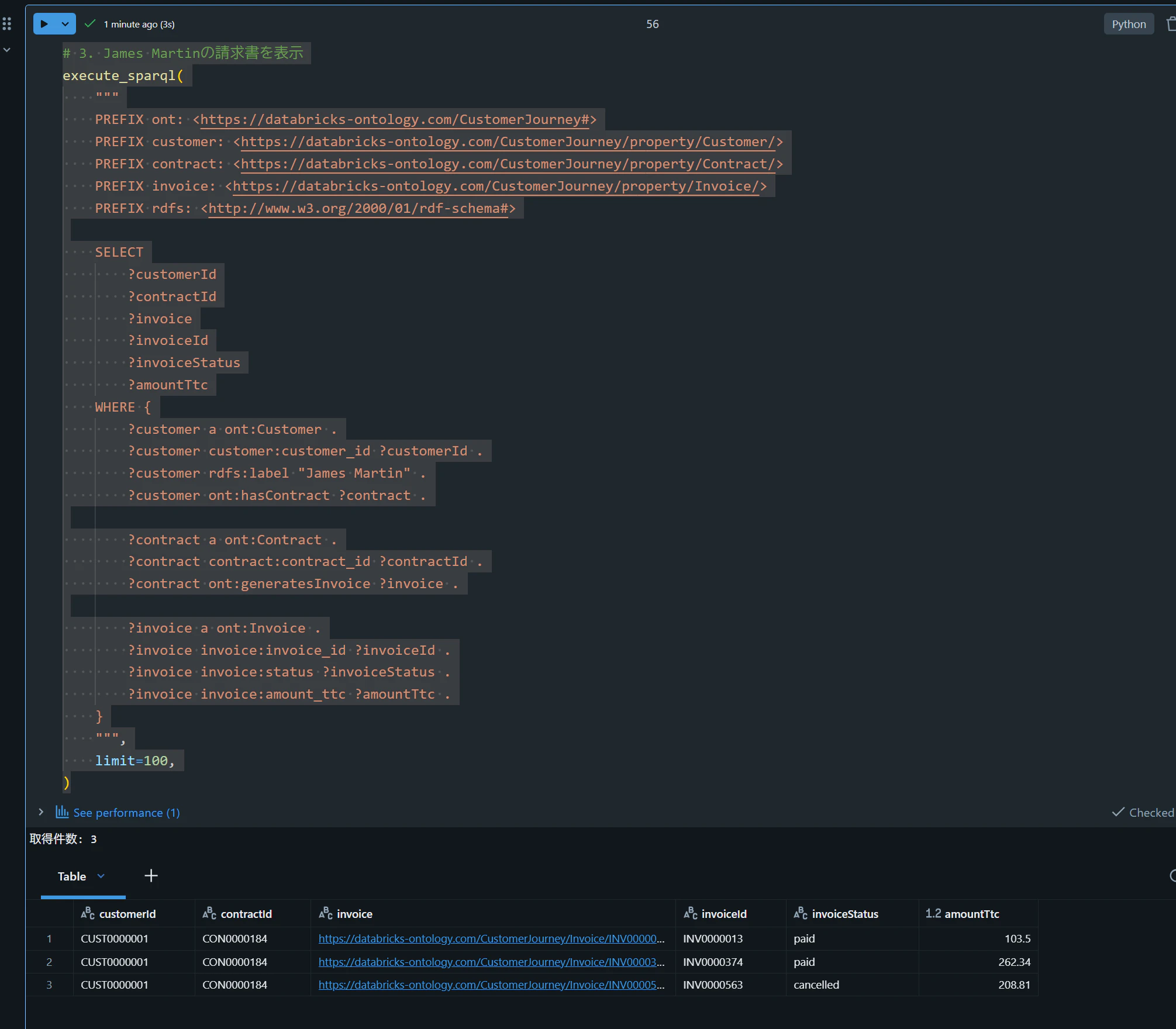
| CUST0000001 | CON0000184 | https://databricks-ontology.com/CustomerJourney/Invoice/INV0000563 | INV0000563 | cancelled | 208.81 |