概要
本記事では、Databricks Labs で開発が進められている OntoBricks を用いて、シンプルなオントロジーとナレッジグラフを構築する手順を紹介します。OntoBricks は、Databricks 上でオントロジーとナレッジグラフを構築・活用するためのツールです。
Databricks Free Edition 上で実施した手順となっています。ただし、複数のリソースを利用するため、利用上限に達する場合がある点にご注意ください。
シンプルなケースの実装編として、OntoBricks の Examples に記載されている Family Tree Ontology Mapping を参考にしています。
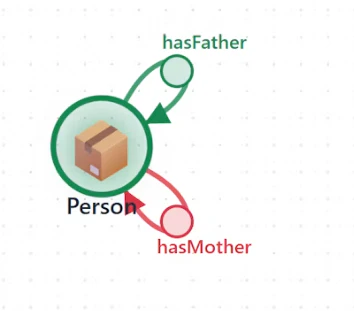
下記のように、1 つのエンティティに 2 つの関係をもつシンプルなオントロジーとナレッジグラフを作成します。
本記事の位置付け
OntoBricks 入門シリーズのシンプルなケースの実装編です。シリーズの構成は次のとおりです。
- 環境構築編
- シンプルなケースの実装編(Family Tree Ontology Mapping)
- 複雑なケースの実装編(Customer Journey Ontology)
- シンプルな Action の実装編
- データ更新を伴う Action の実装編
手順
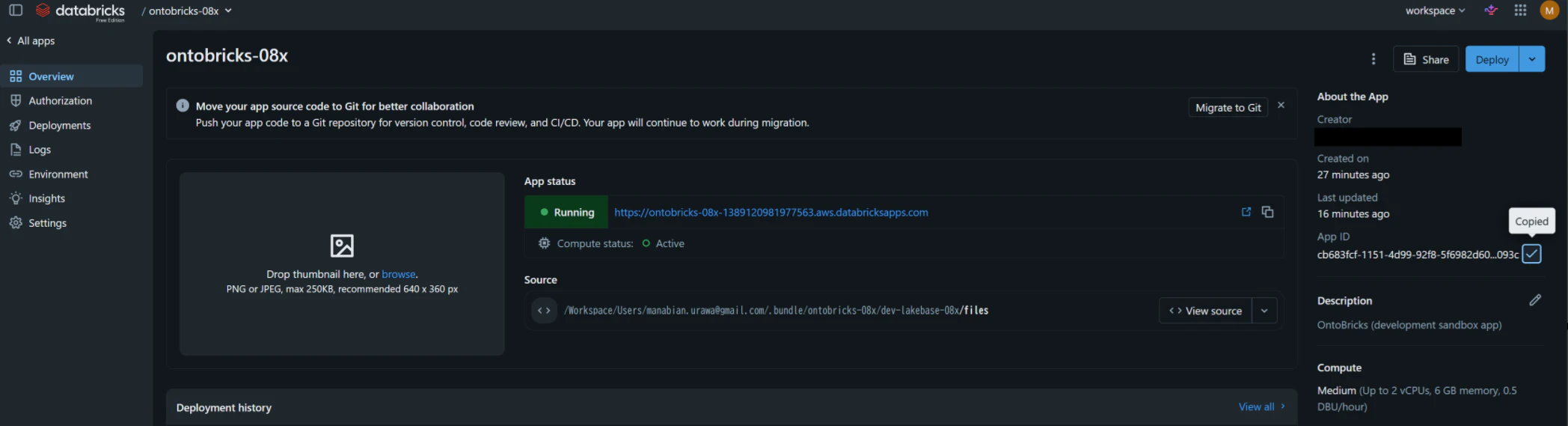
OntoBricks の Databricks Apps の App ID を取得
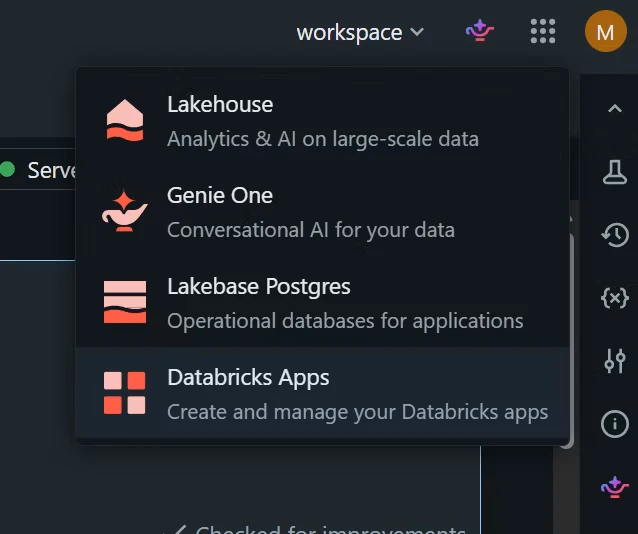
右下のアプリスイッチャーにてDatabricks Appsを選択します。
ontobricks-で始まるアプリを選択します。
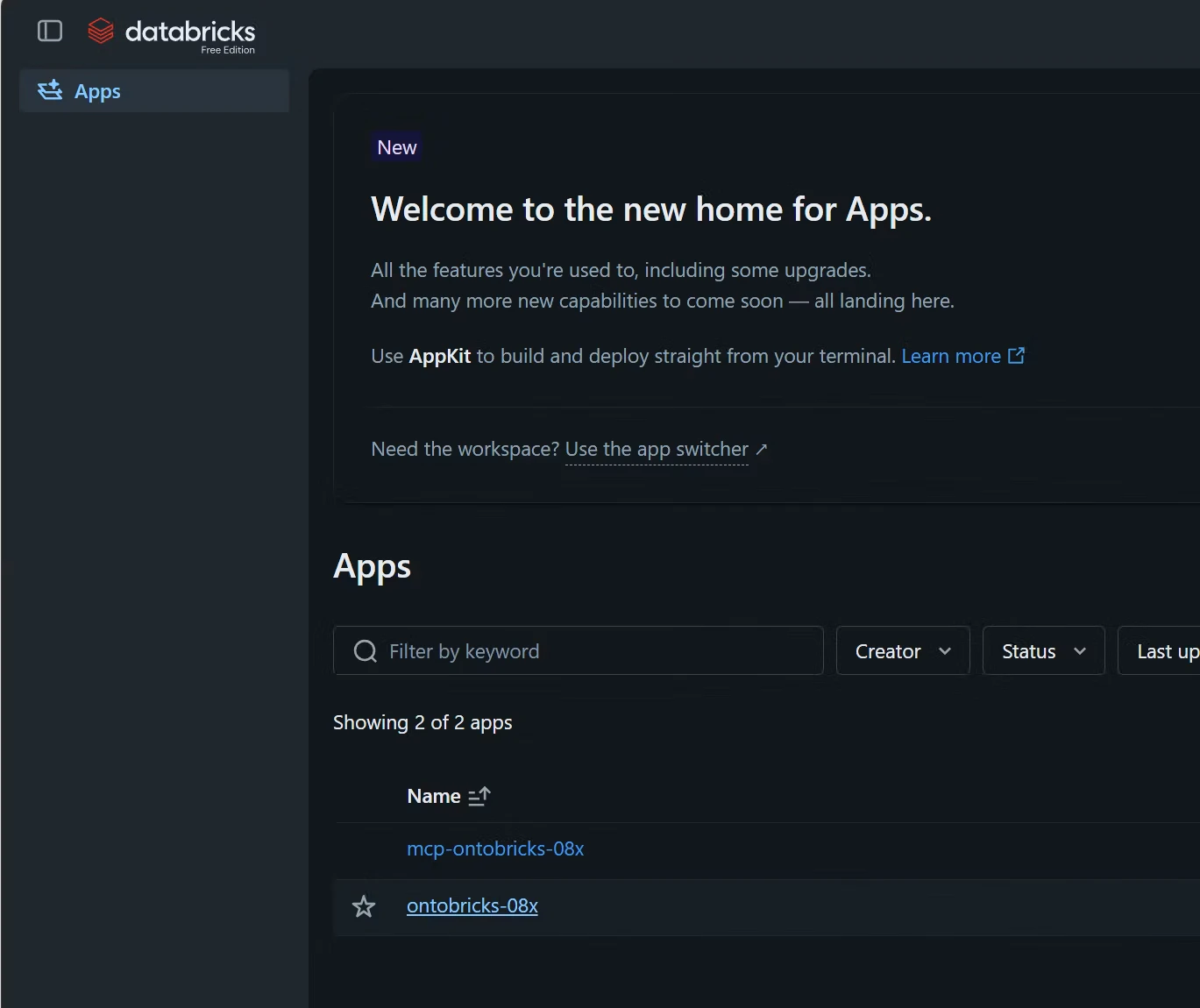
App IDの値を控えます。
カタログとスキーマを作成
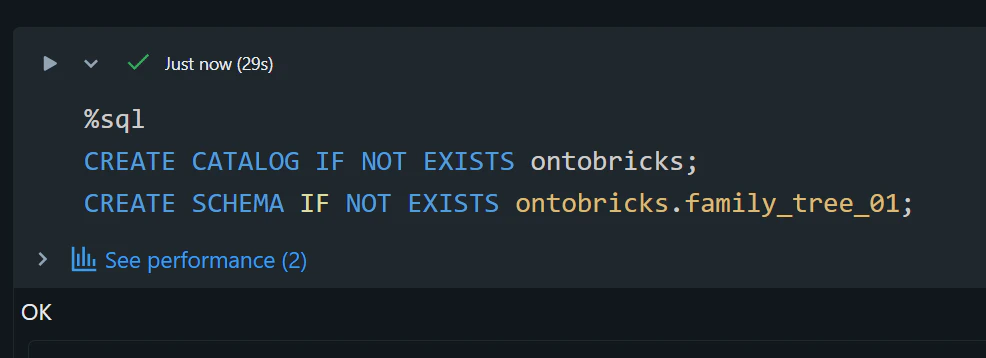
%sql
CREATE CATALOG IF NOT EXISTS ontobricks;
CREATE SCHEMA IF NOT EXISTS ontobricks.family_tree_01;
テーブルの準備
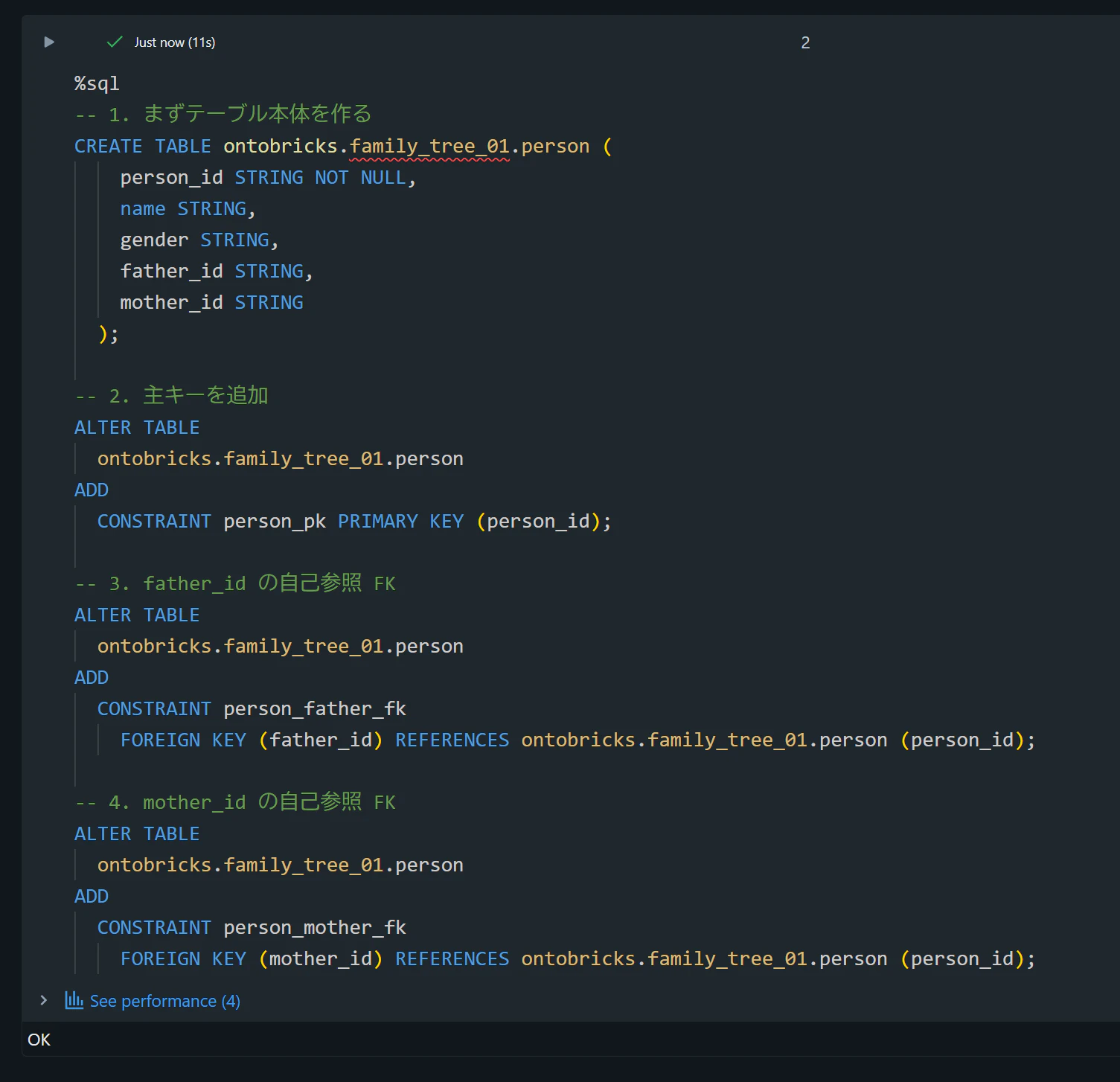
%sql
-- 1. まずテーブル本体を作る
CREATE TABLE ontobricks.family_tree_01.person (
    person_id STRING NOT NULL,
    name STRING,
    gender STRING,
    father_id STRING,
    mother_id STRING
  );

-- 2. 主キーを追加
ALTER TABLE
  ontobricks.family_tree_01.person
ADD
  CONSTRAINT person_pk PRIMARY KEY (person_id);

-- 3. father_id の自己参照 FK
ALTER TABLE
  ontobricks.family_tree_01.person
ADD
  CONSTRAINT person_father_fk
    FOREIGN KEY (father_id) REFERENCES ontobricks.family_tree_01.person (person_id);

-- 4. mother_id の自己参照 FK
ALTER TABLE
  ontobricks.family_tree_01.person
ADD
  CONSTRAINT person_mother_fk
    FOREIGN KEY (mother_id) REFERENCES ontobricks.family_tree_01.person (person_id);
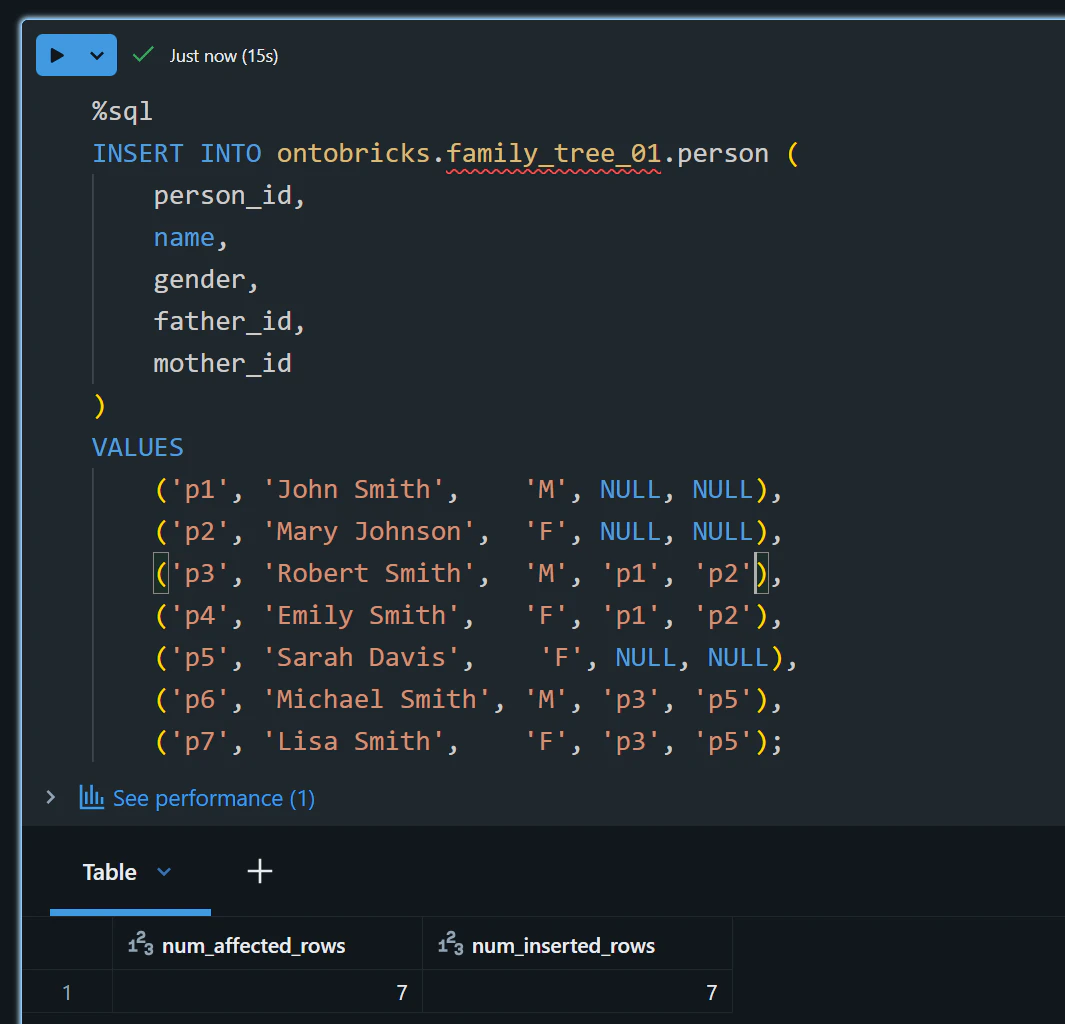
%sql
INSERT INTO ontobricks.family_tree_01.person (
    person_id,
    name,
    gender,
    father_id,
    mother_id
)
VALUES
    ('p1', 'John Smith',    'M', NULL, NULL),
    ('p2', 'Mary Johnson',  'F', NULL, NULL),
    ('p3', 'Robert Smith',  'M', 'p1', 'p2'),
    ('p4', 'Emily Smith',   'F', 'p1', 'p2'),
    ('p5', 'Sarah Davis',    'F', NULL, NULL),
    ('p6', 'Michael Smith', 'M', 'p3', 'p5'),
    ('p7', 'Lisa Smith',    'F', 'p3', 'p5');
Databricks Apps に対するデータベースオブジェクトの権限付与
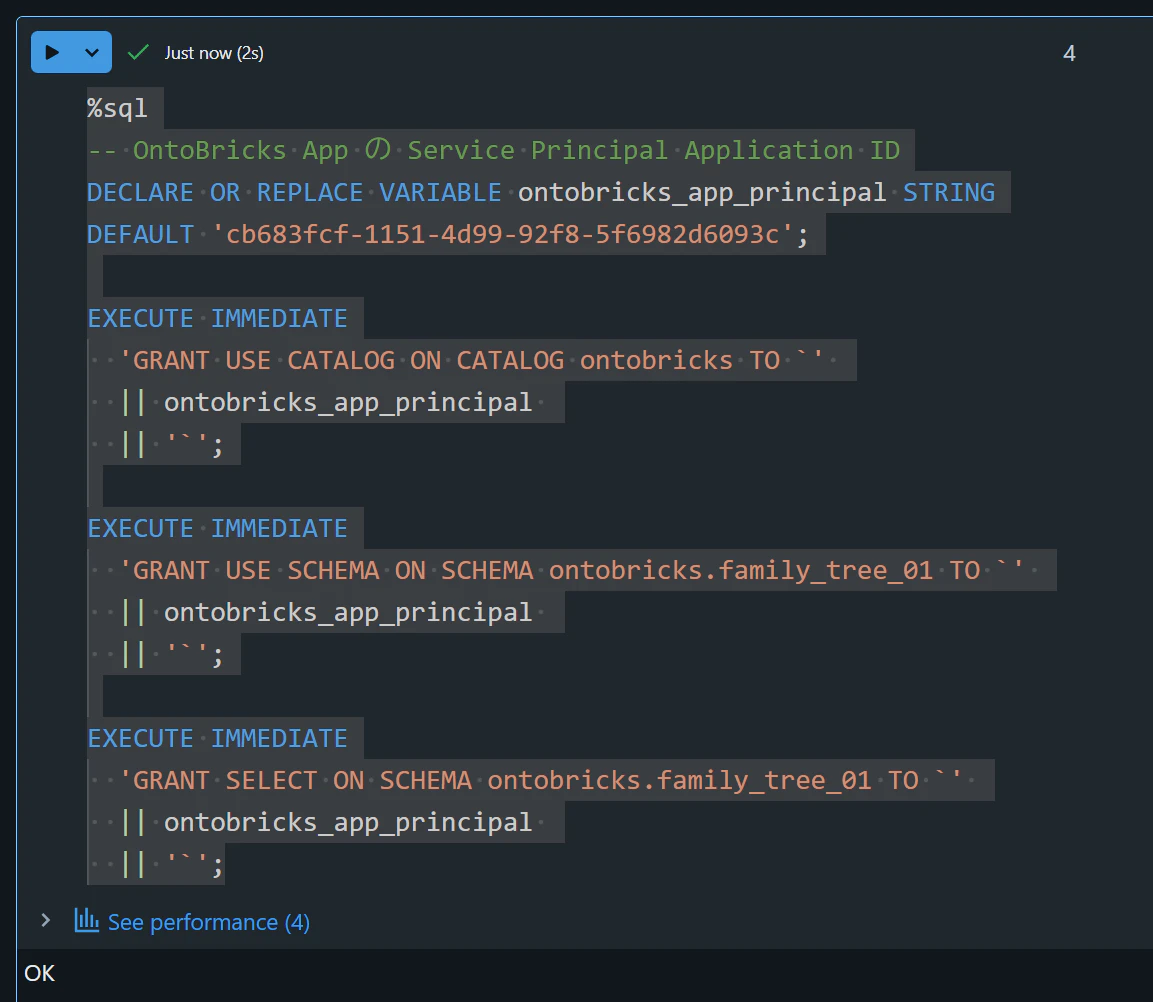
DEFAULTの値には、先ほど控えた OntoBricks の Databricks Apps の App ID をセットします。
%sql
-- OntoBricks App の Service Principal Application ID
DECLARE OR REPLACE VARIABLE ontobricks_app_principal STRING
DEFAULT 'cb683fcf-1151-4d99-92f8-5f6982d6093c';

EXECUTE IMMEDIATE
  'GRANT USE CATALOG ON CATALOG ontobricks TO `'
  || ontobricks_app_principal
  || '`';

EXECUTE IMMEDIATE
  'GRANT USE SCHEMA ON SCHEMA ontobricks.family_tree_01 TO `'
  || ontobricks_app_principal
  || '`';

EXECUTE IMMEDIATE
  'GRANT SELECT ON SCHEMA ontobricks.family_tree_01 TO `'
  || ontobricks_app_principal
  || '`';
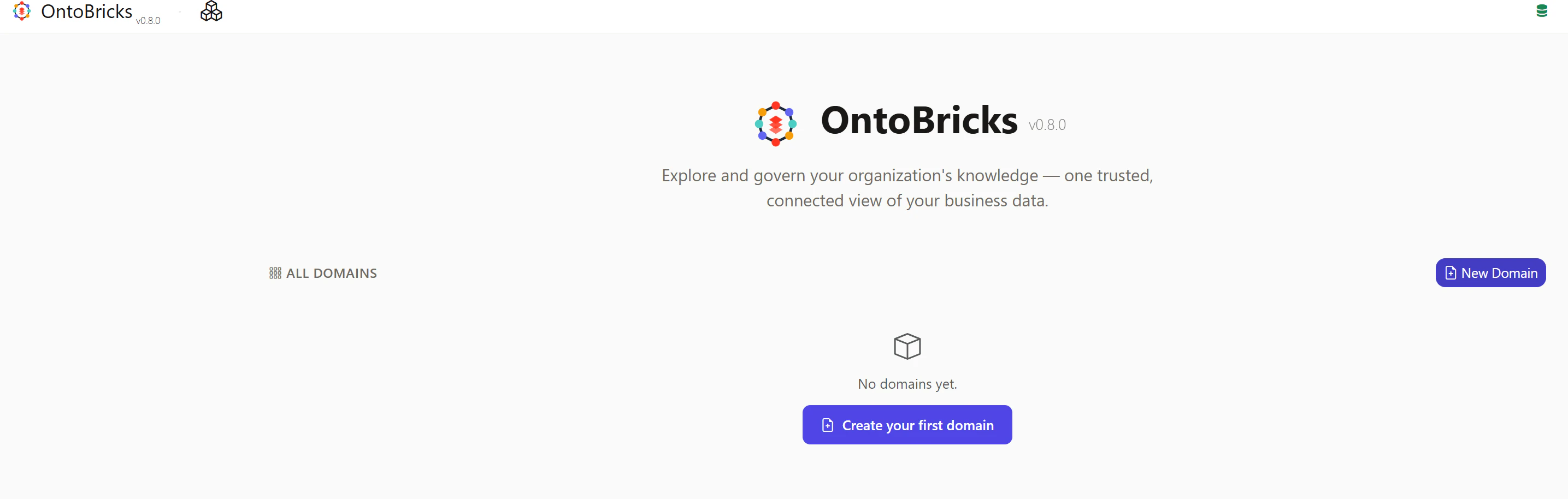
OntoBricks へアクセスしNew Domainを選択
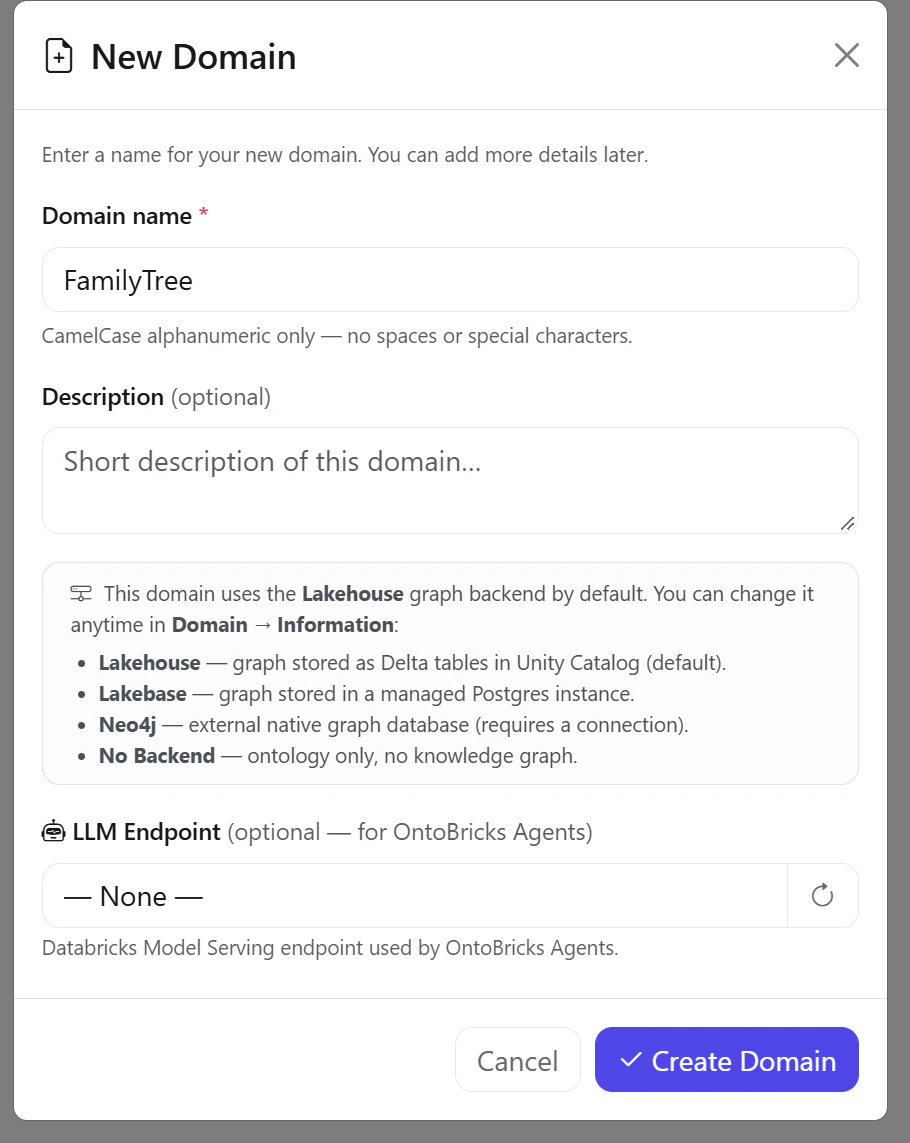
FamilyTreeドメインを作成
Domain NameにFamilyTreeと入力し、Create Domainを選択します。
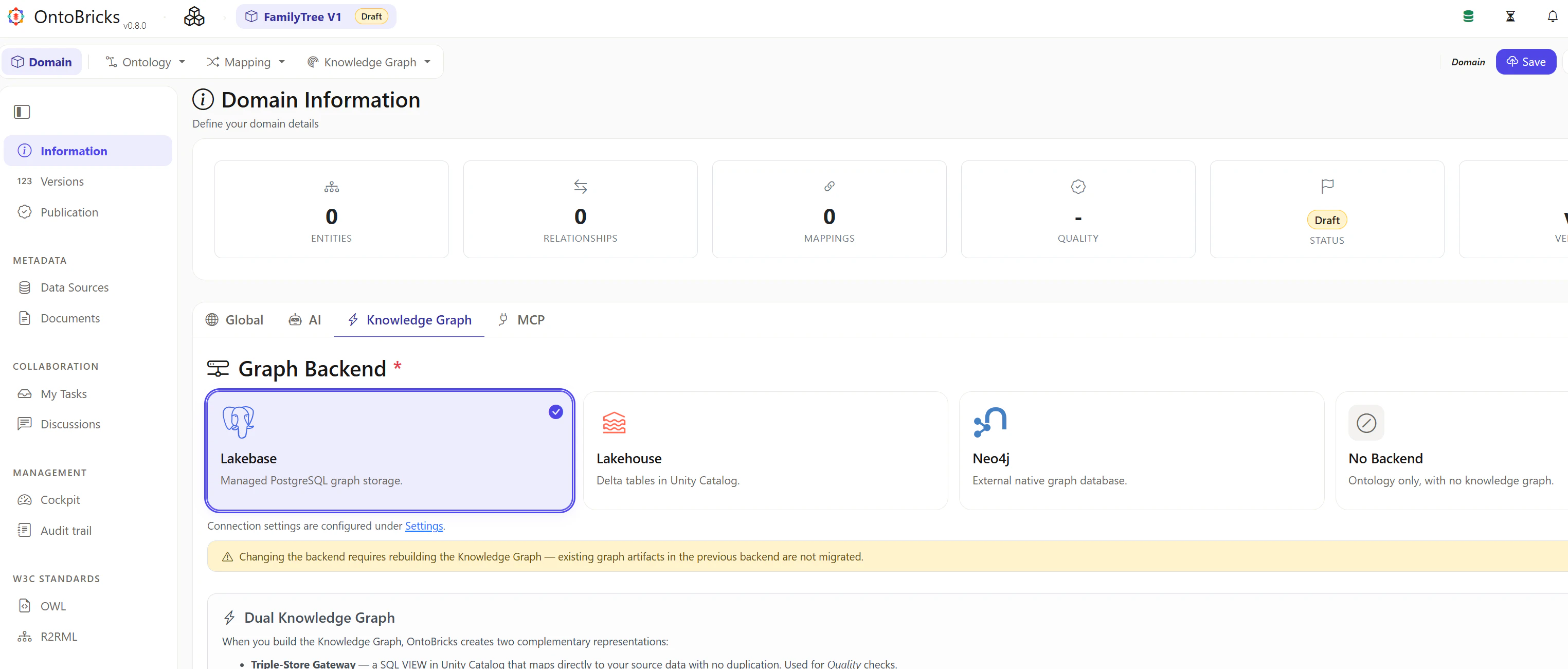
Graph Backend を Lakebase に変更
Domain -> Information -> Knowledge GraphタブにてLakebaseを選び、右上のSaveを選択します。
Data Sources の追加
Data Sourcesを選択後、Add Data Sourceを選択します。
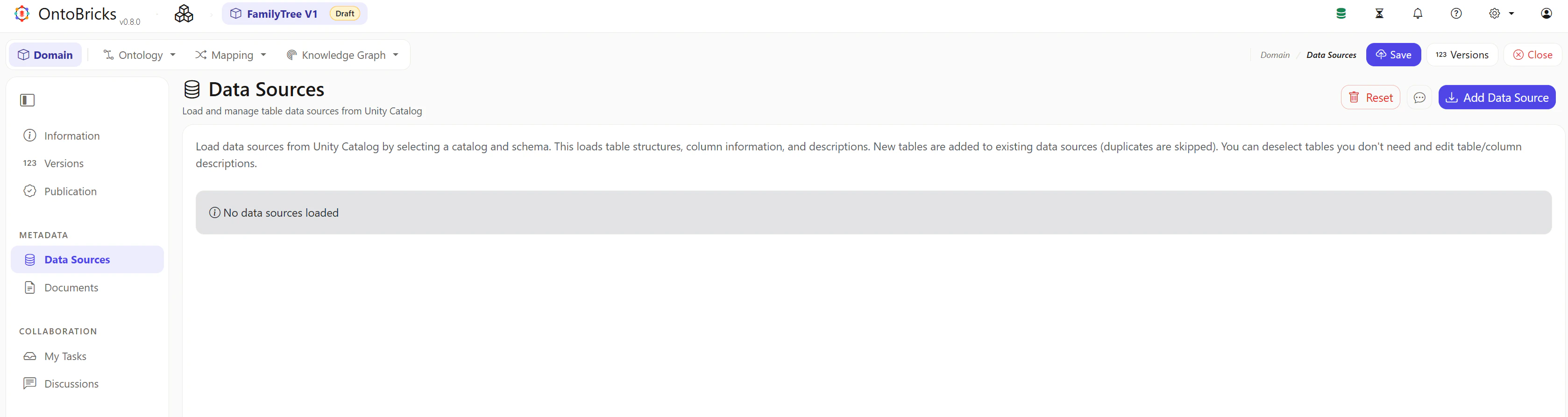
鉛筆のアイコンを選択します。
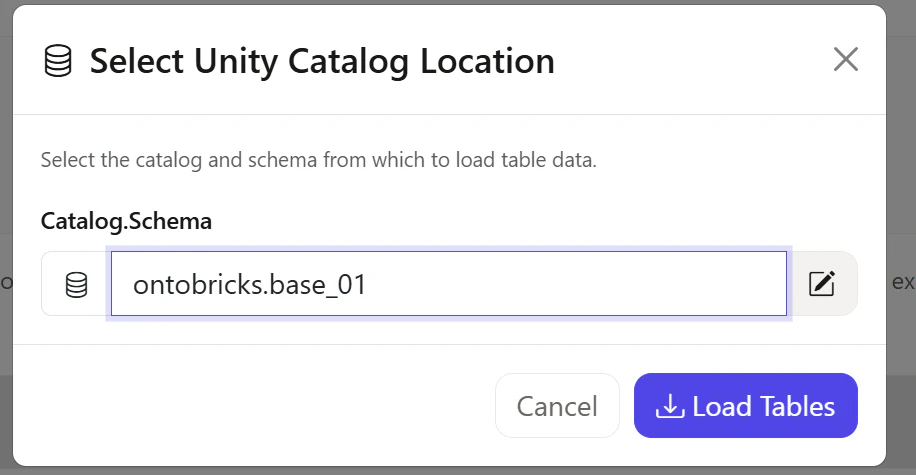
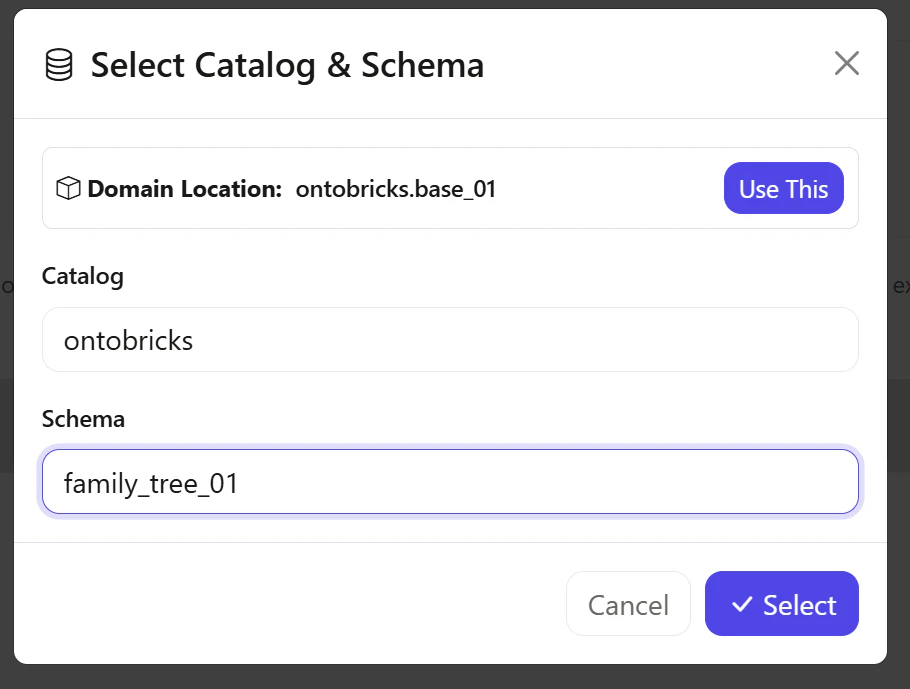
Catalogにてontobricksを、Schemaにてfamily_tree_01を選択します。
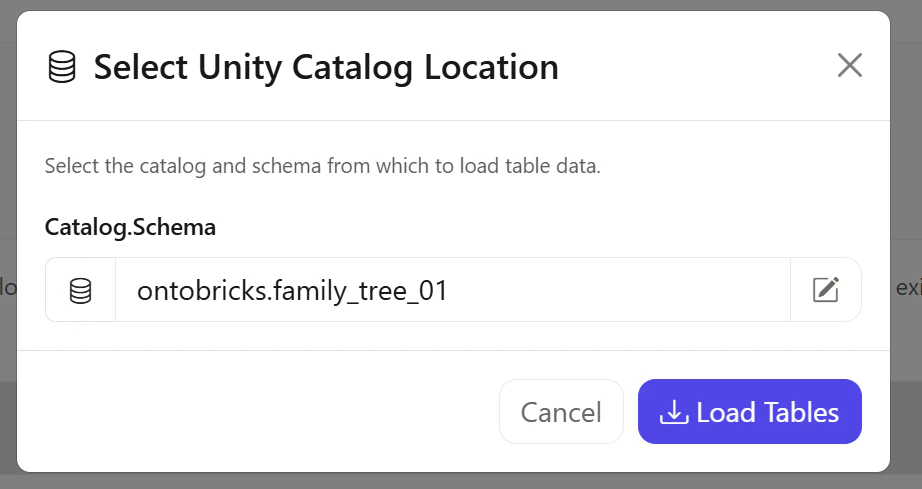
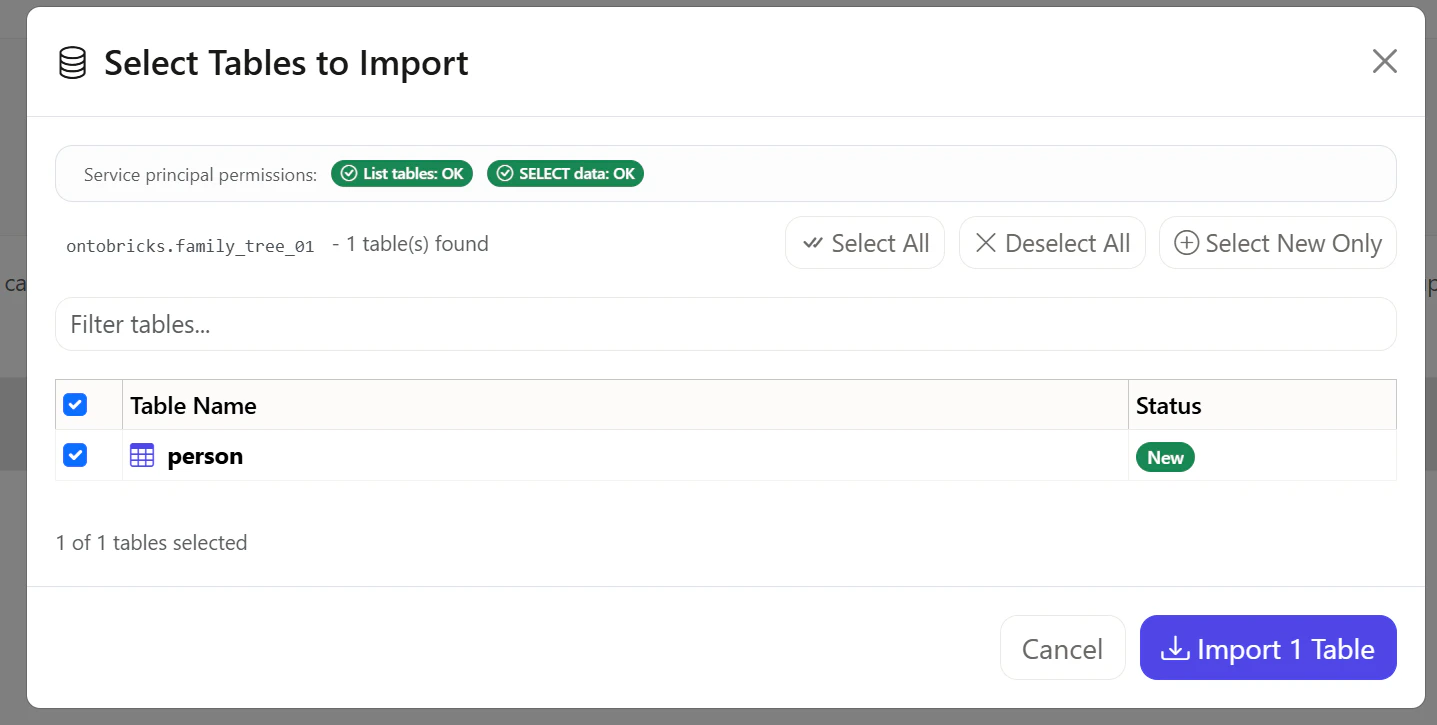
Load Tablesを選択します。
Import 1 Tablesを選択します。
family_tree_ontology.ttlの作成
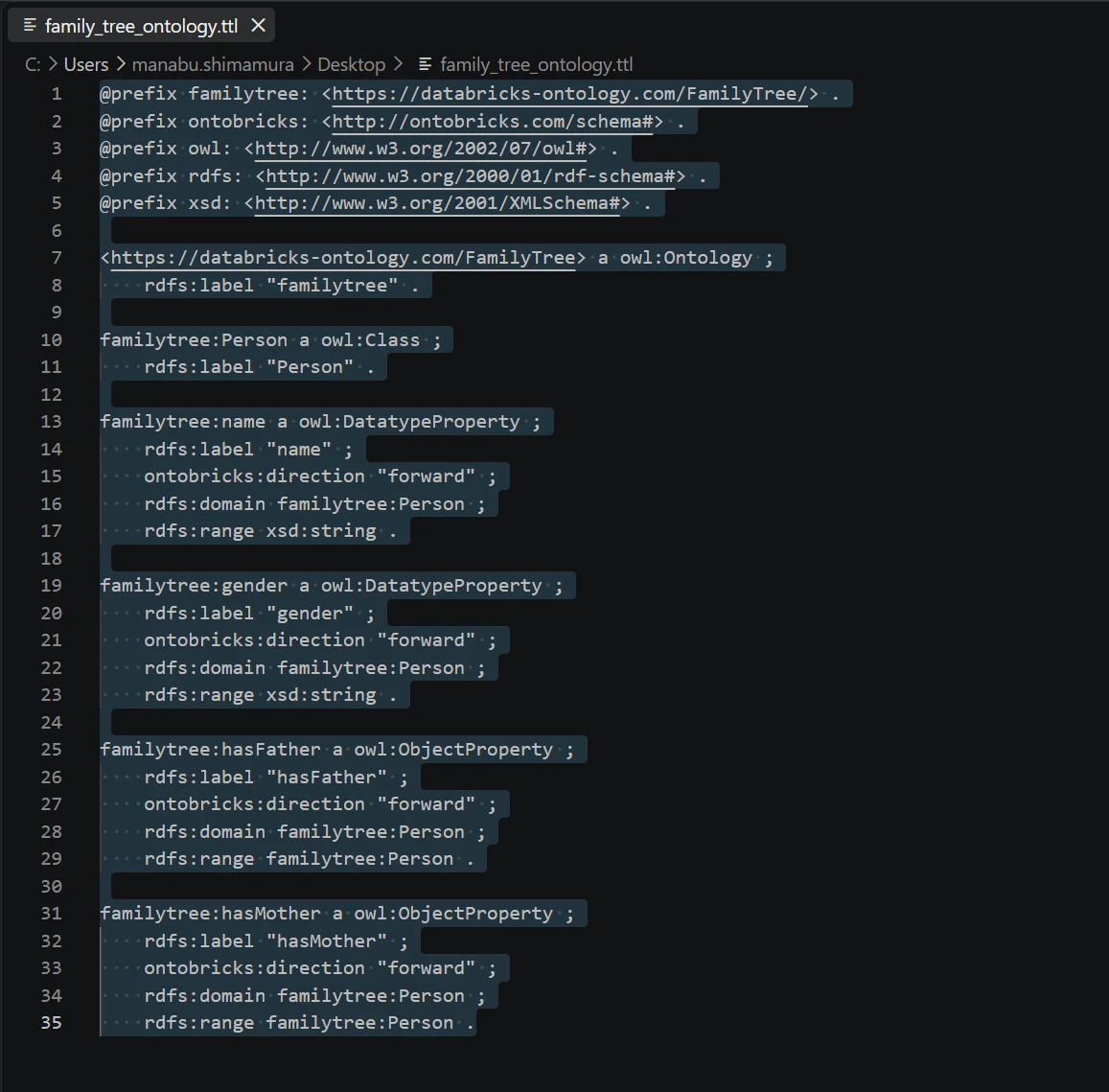
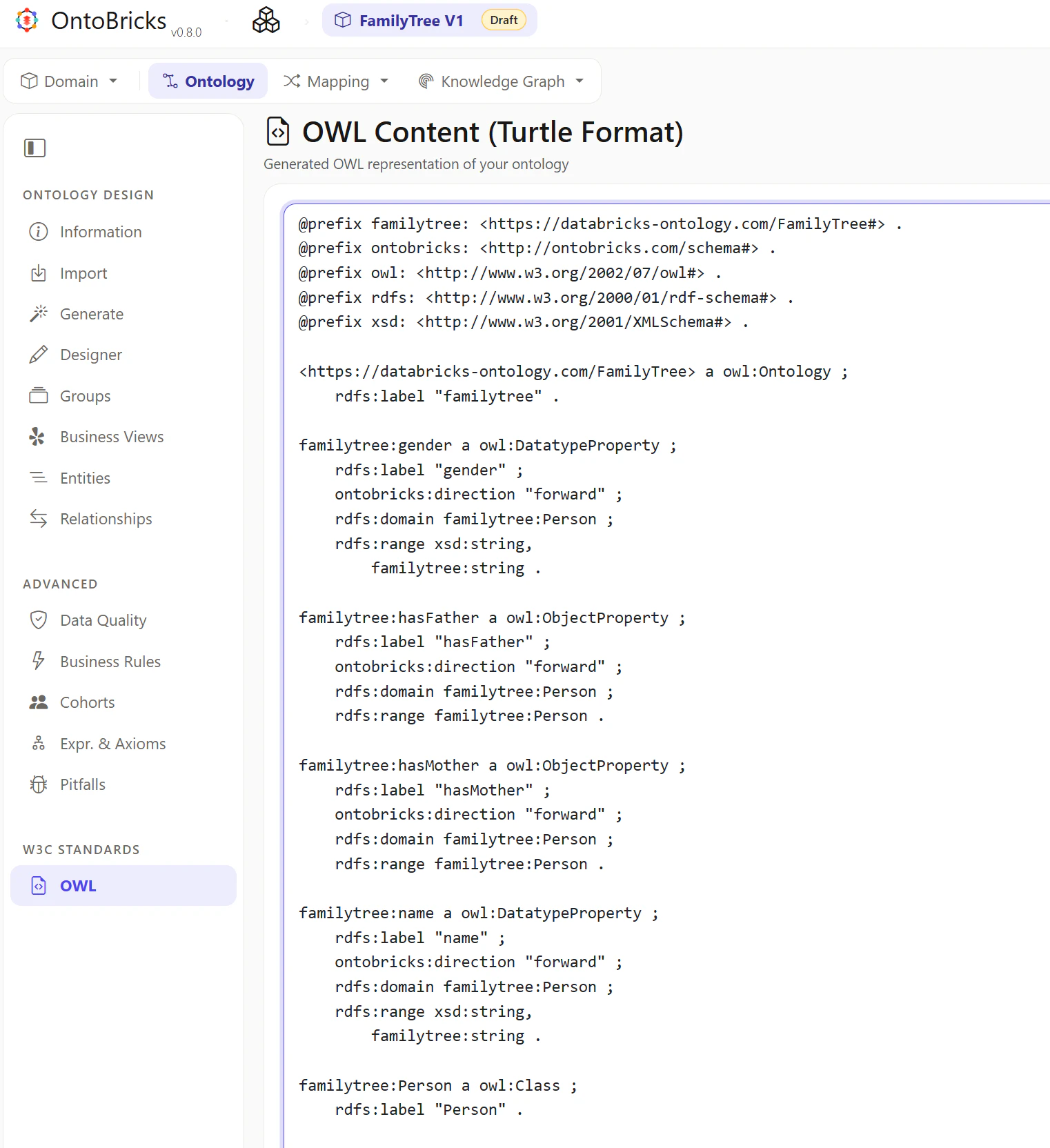
ローカル環境にて、下記の内容を記述したfamily_tree_ontology.ttlというファイルを作成します。
@prefix familytree: <https://databricks-ontology.com/FamilyTree/> .
@prefix ontobricks: <http://ontobricks.com/schema#> .
@prefix owl: <http://www.w3.org/2002/07/owl#> .
@prefix rdfs: <http://www.w3.org/2000/01/rdf-schema#> .
@prefix xsd: <http://www.w3.org/2001/XMLSchema#> .

<https://databricks-ontology.com/FamilyTree> a owl:Ontology ;
    rdfs:label "familytree" .

familytree:Person a owl:Class ;
    rdfs:label "Person" .

familytree:name a owl:DatatypeProperty ;
    rdfs:label "name" ;
    ontobricks:direction "forward" ;
    rdfs:domain familytree:Person ;
    rdfs:range xsd:string .

familytree:gender a owl:DatatypeProperty ;
    rdfs:label "gender" ;
    ontobricks:direction "forward" ;
    rdfs:domain familytree:Person ;
    rdfs:range xsd:string .

familytree:hasFather a owl:ObjectProperty ;
    rdfs:label "hasFather" ;
    ontobricks:direction "forward" ;
    rdfs:domain familytree:Person ;
    rdfs:range familytree:Person .

familytree:hasMother a owl:ObjectProperty ;
    rdfs:label "hasMother" ;
    ontobricks:direction "forward" ;
    rdfs:domain familytree:Person ;
    rdfs:range familytree:Person .
Ontology の取り込み
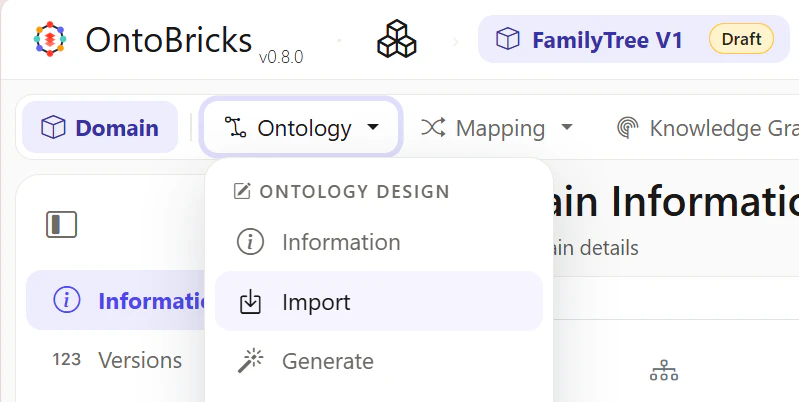
Ontology -> Importを選択します。
From Local Fileを選択して、family_tree_ontology.ttlを取り込みます。
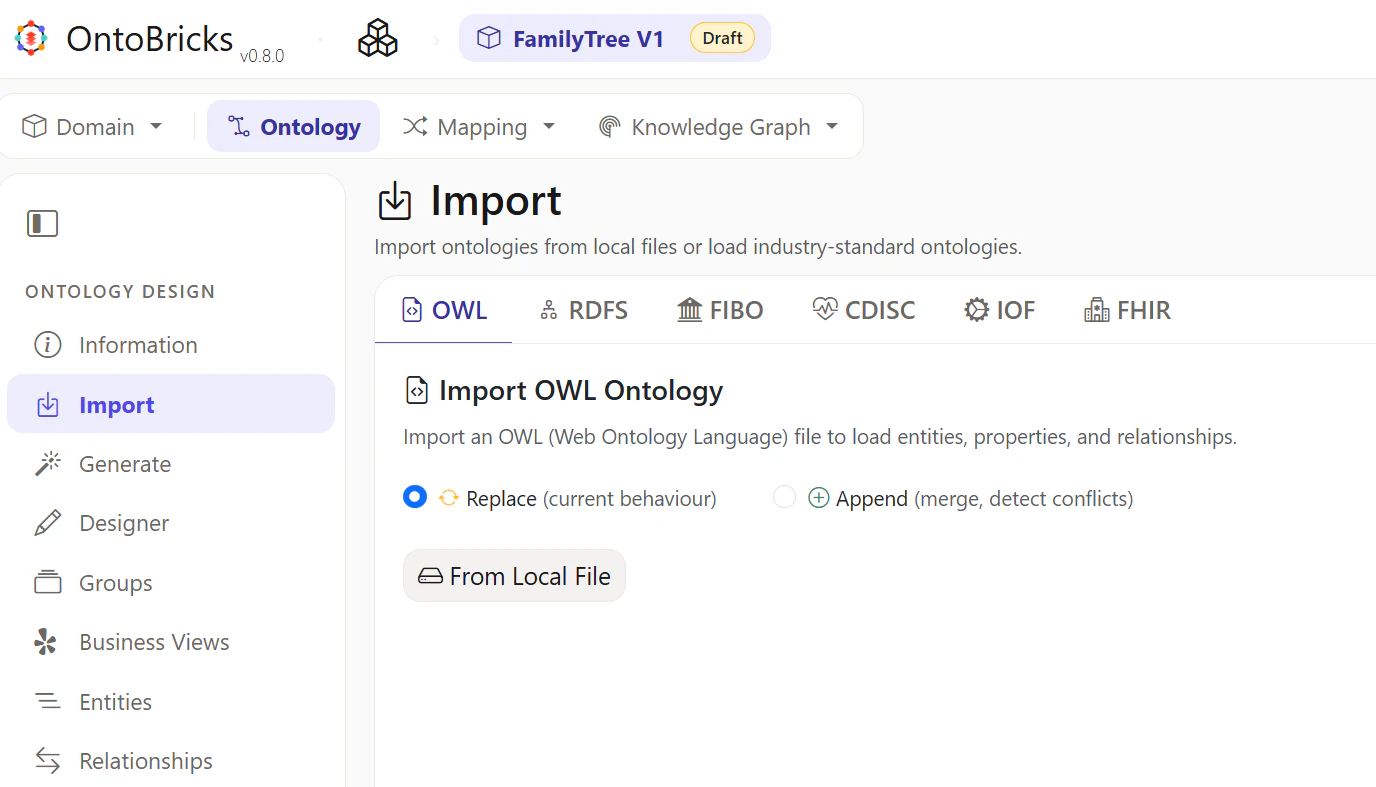
OWLタブを選択して、ファイルと同等の内容が設定されていることを確認します。
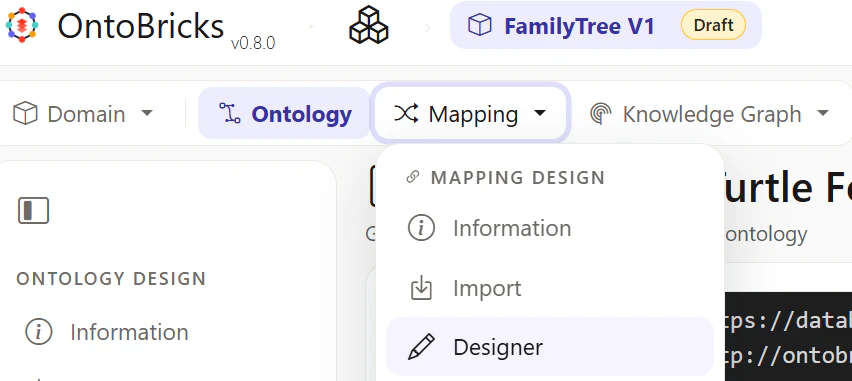
Mapping の画面に遷移
Mapping -> Designerを選択します。
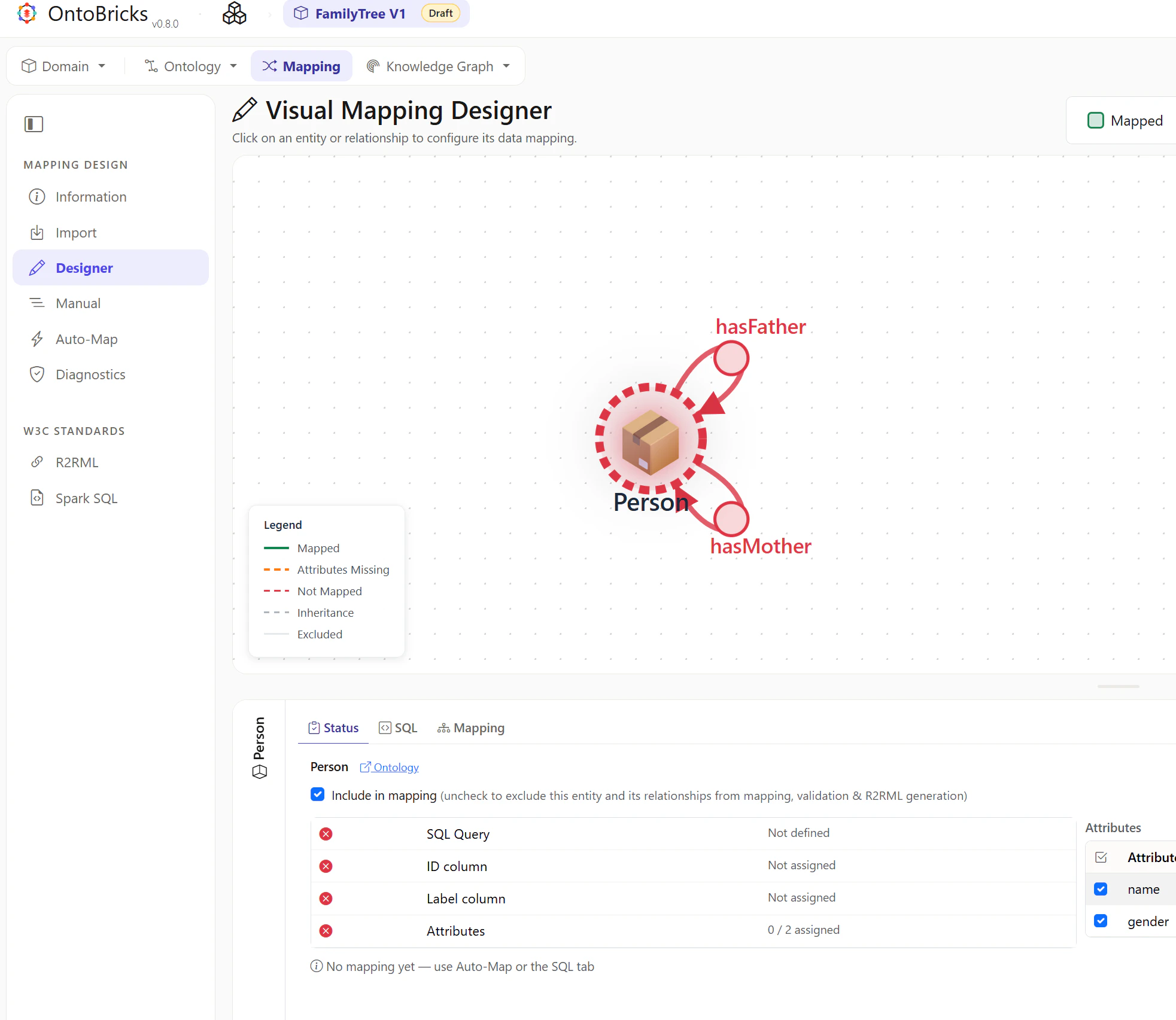
Personの設定
Visual 内にあるPersonを選択します。
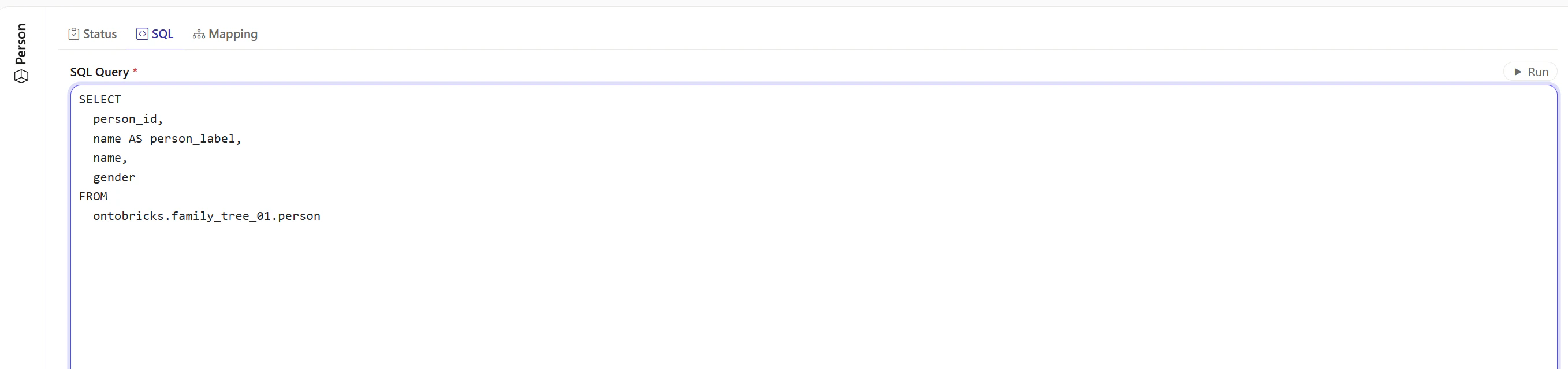
SQLタブを選択して、下記の値をセットし、Runを選択します。
SELECT
  person_id,
  name AS person_label,
  name,
  gender
FROM
  ontobricks.family_tree_01.person
項目がマッピングされていることを確認します。
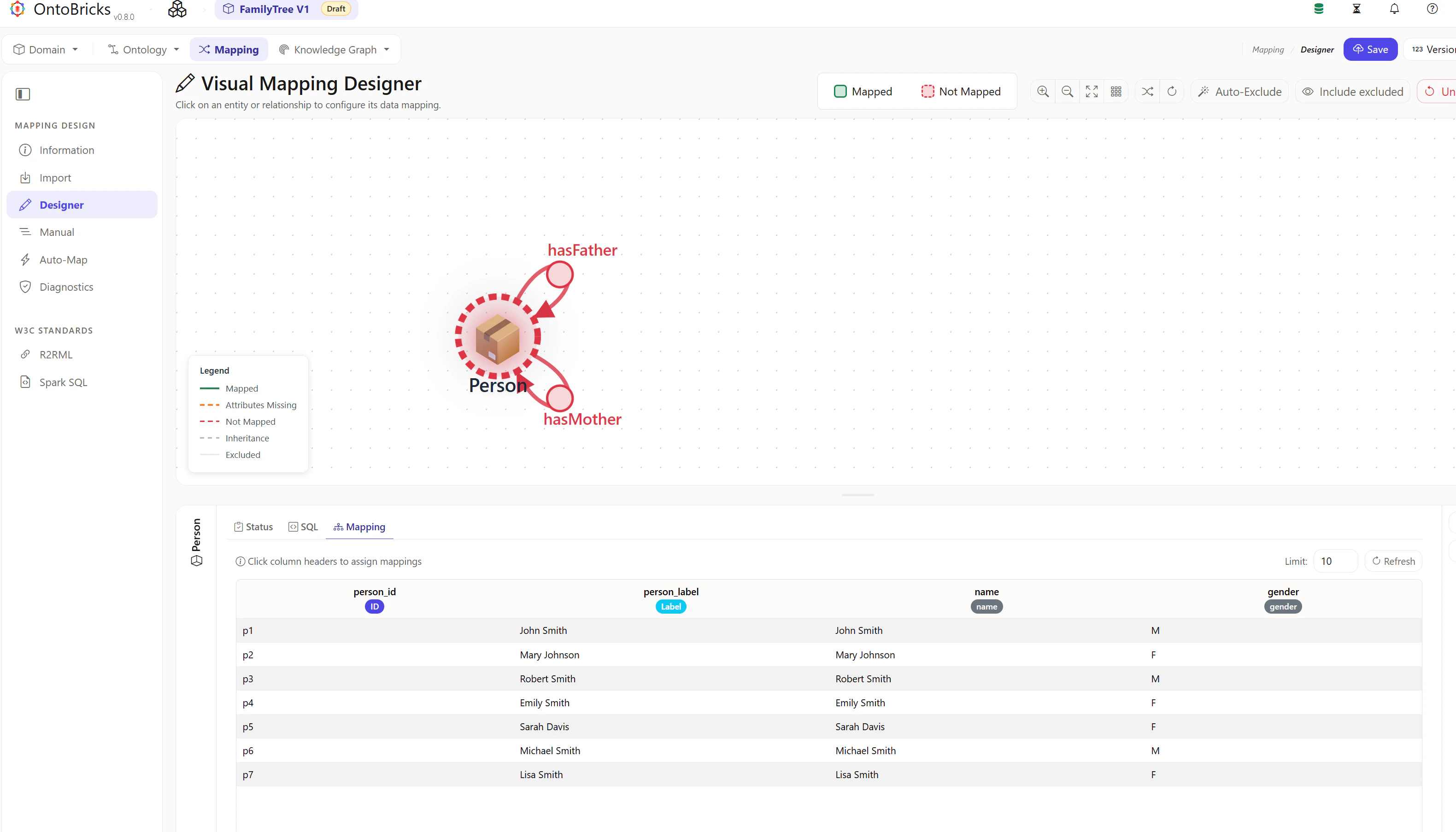
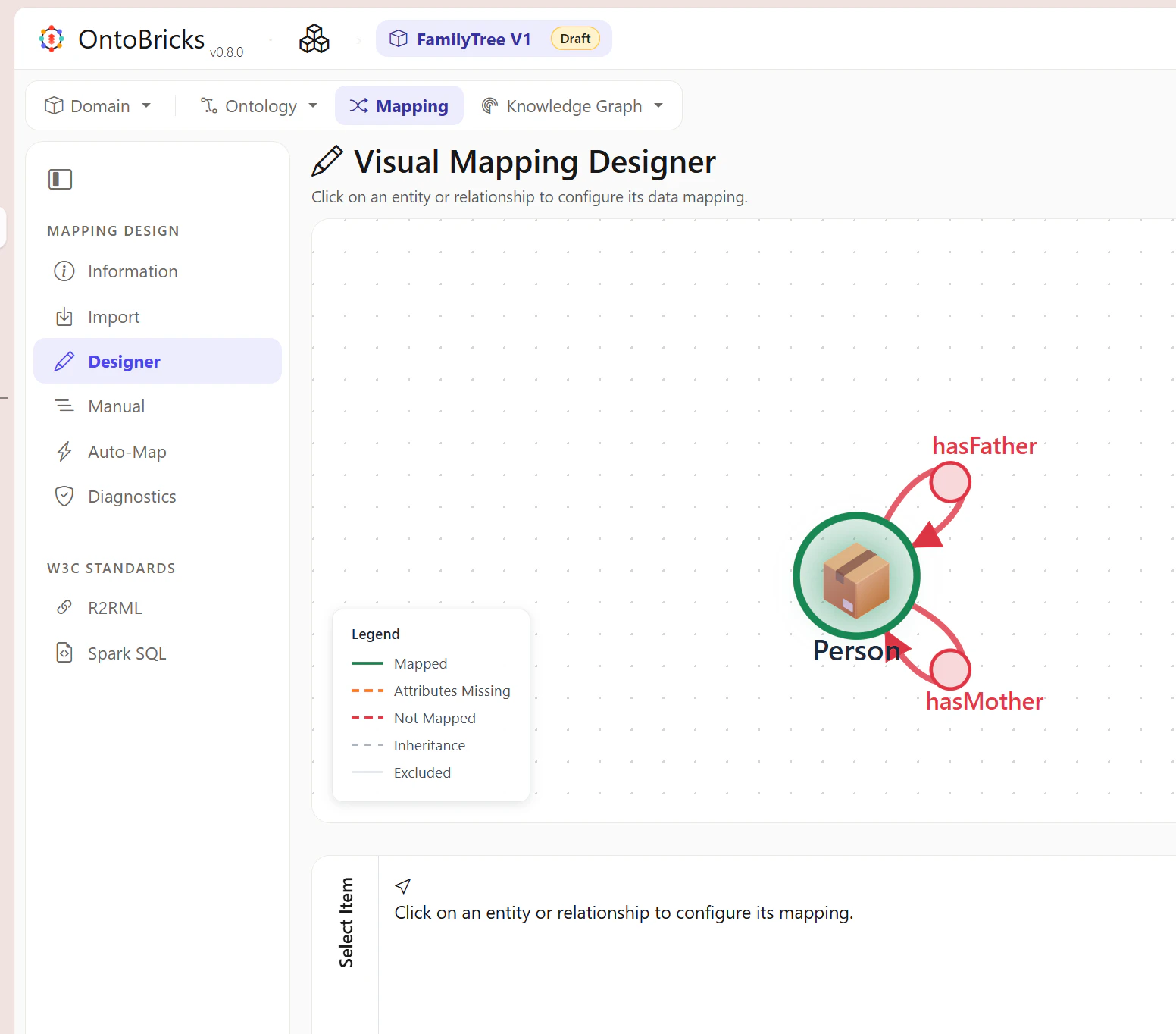
Visual 内の空白の領域を選択し、Personが緑色になることを確認します。
hasFatherの設定
hasFatherを選択します。
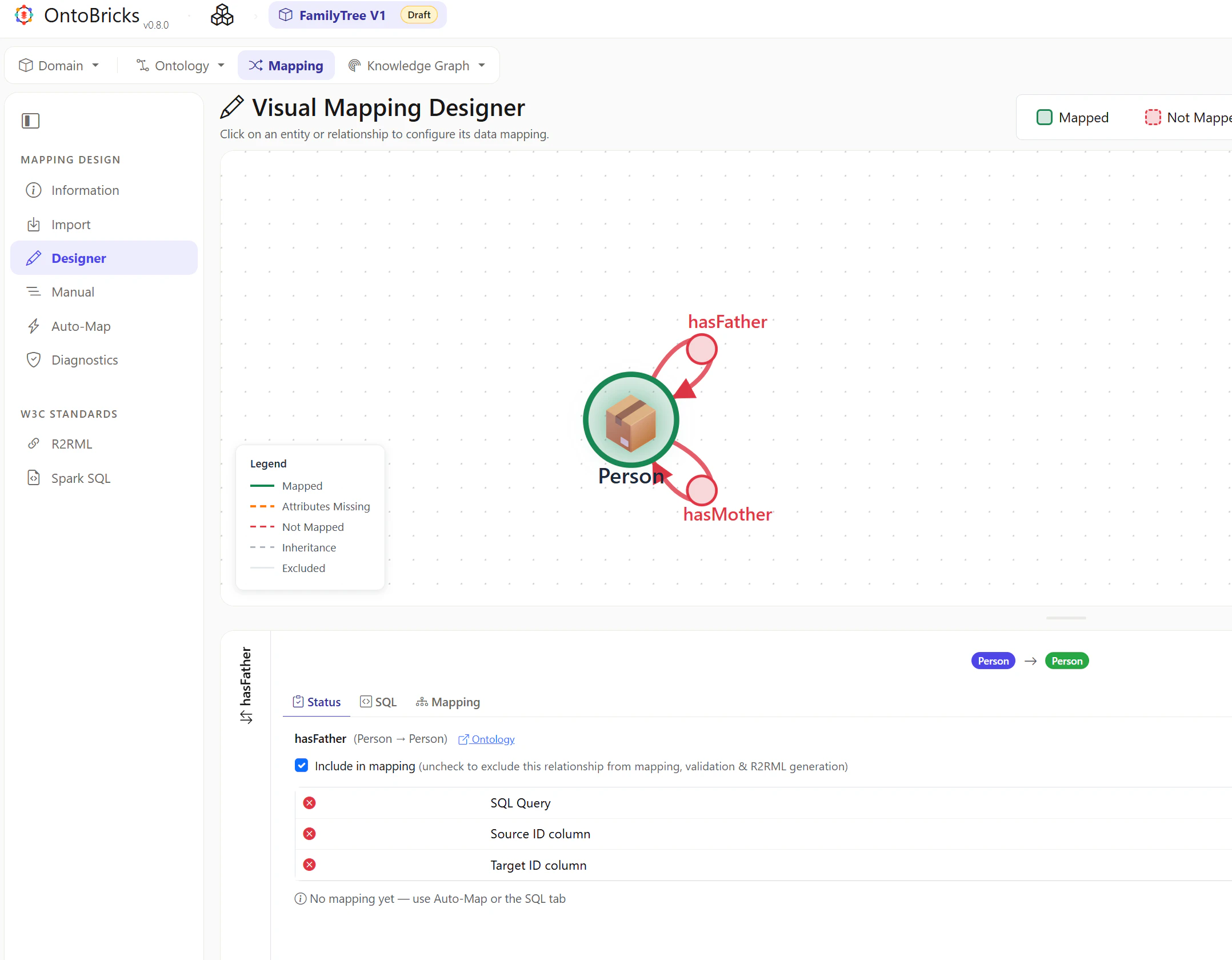
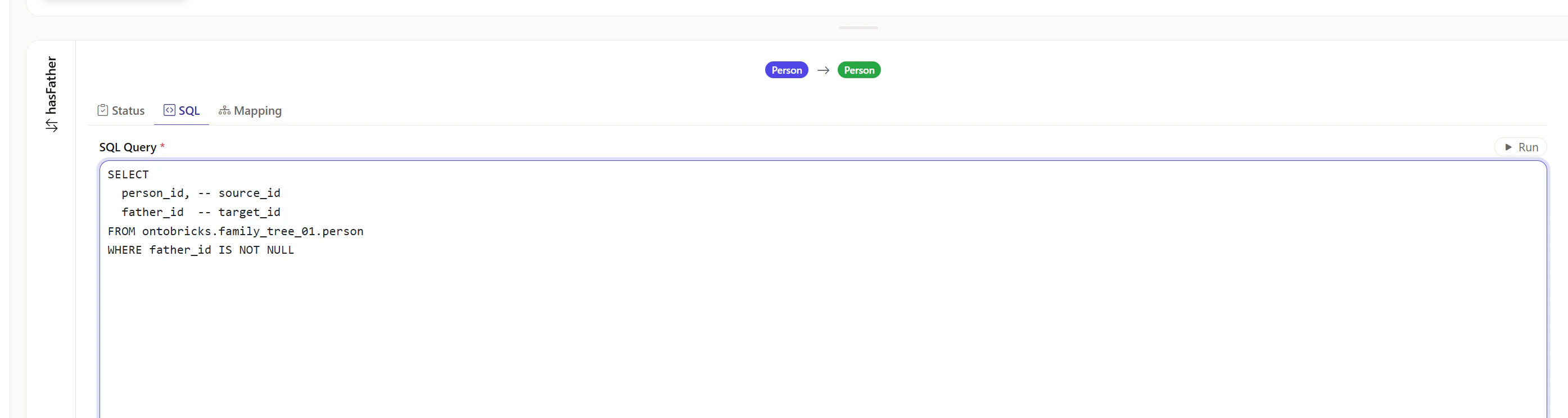
SQLタブを選択して、下記の値をセットし、Runを選択します。
SELECT
  person_id, -- source_id
  father_id  -- target_id
FROM ontobricks.family_tree_01.person
WHERE father_id IS NOT NULL
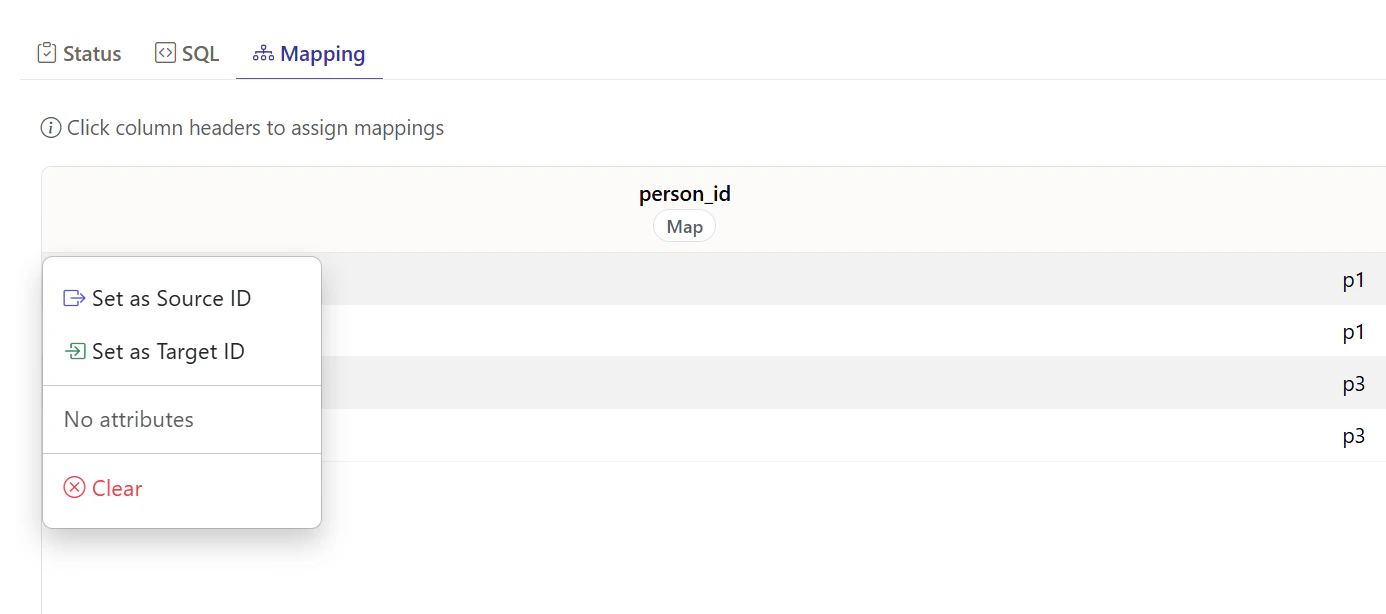
person_idのMAPをクリックして、source_idを選択します。
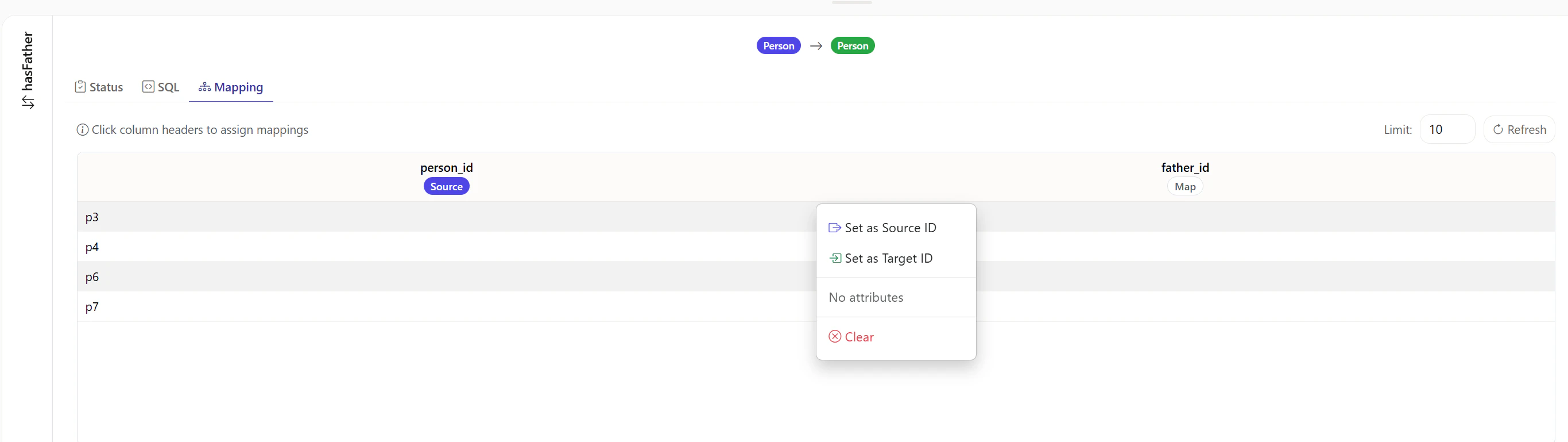
father_idのMAPをクリックして、target_idを選択します。
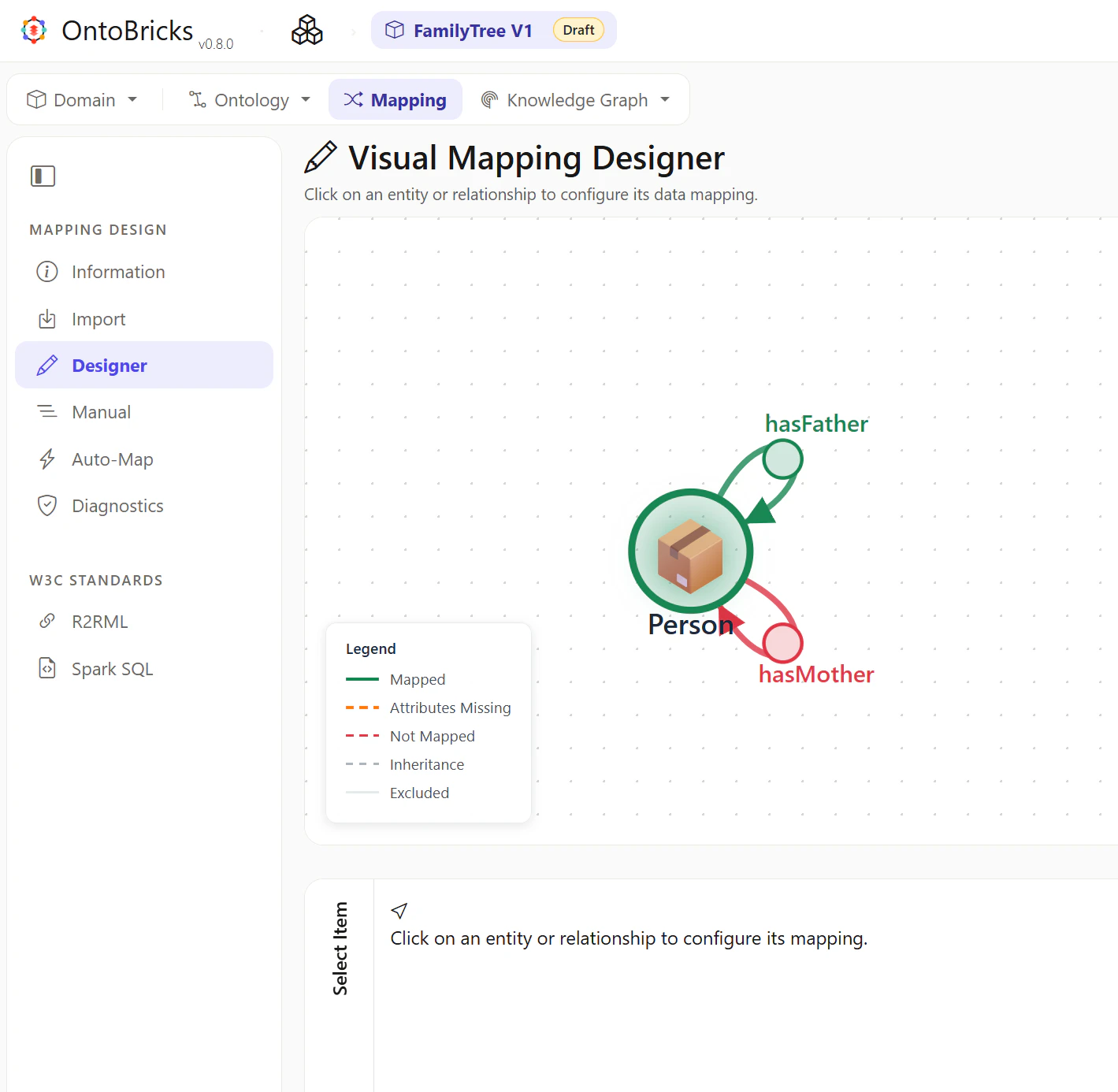
Visual 内の空白の領域を選択し、hasFatherが緑色になることを確認します。
hasMotherの設定
hasMotherを選択します。
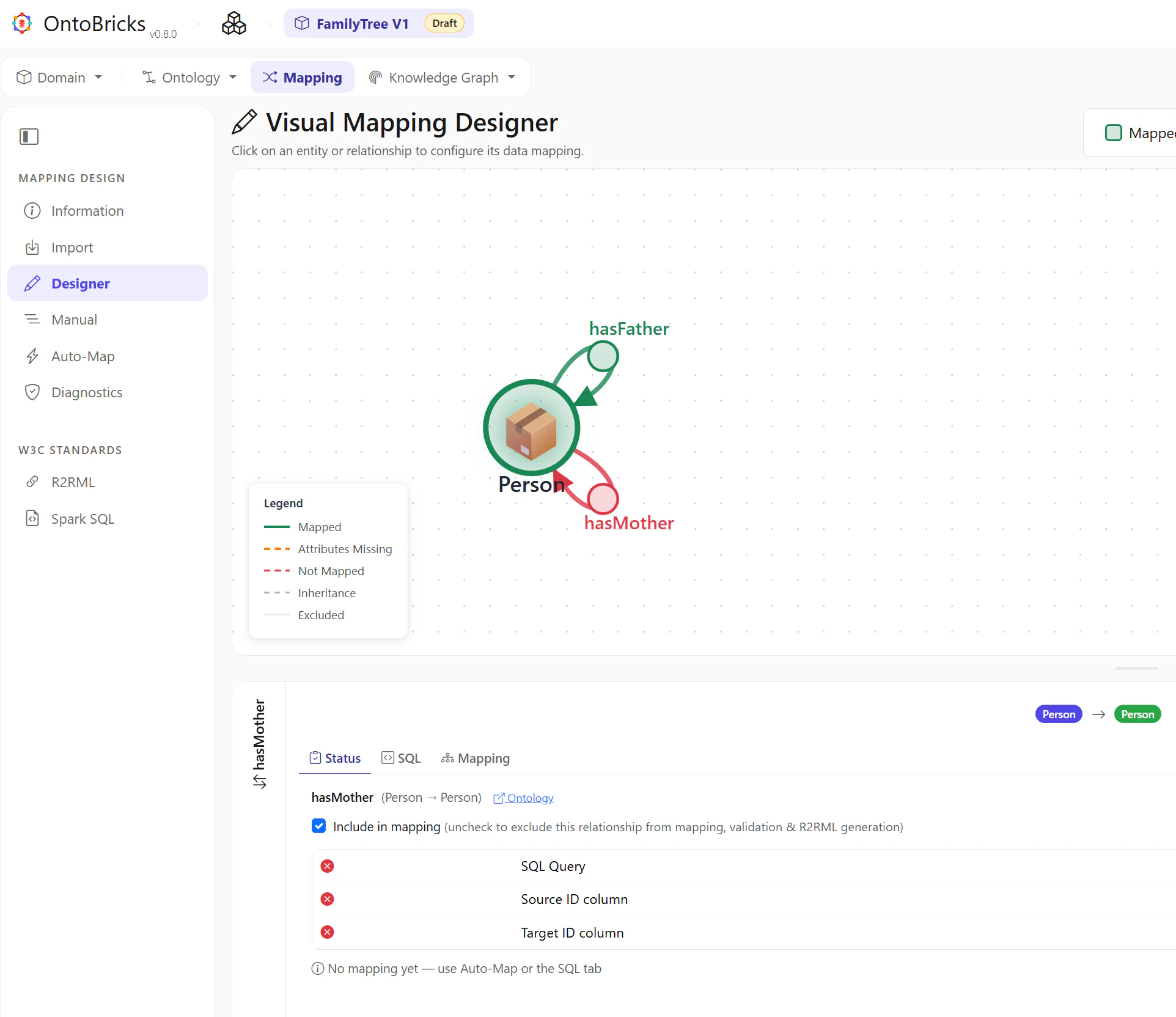
SQLタブを選択して、下記の値をセットし、Runを選択します。
SELECT
  person_id, -- source_id
  mother_id  -- target_id
FROM ontobricks.family_tree_01.person
WHERE mother_id IS NOT NULL
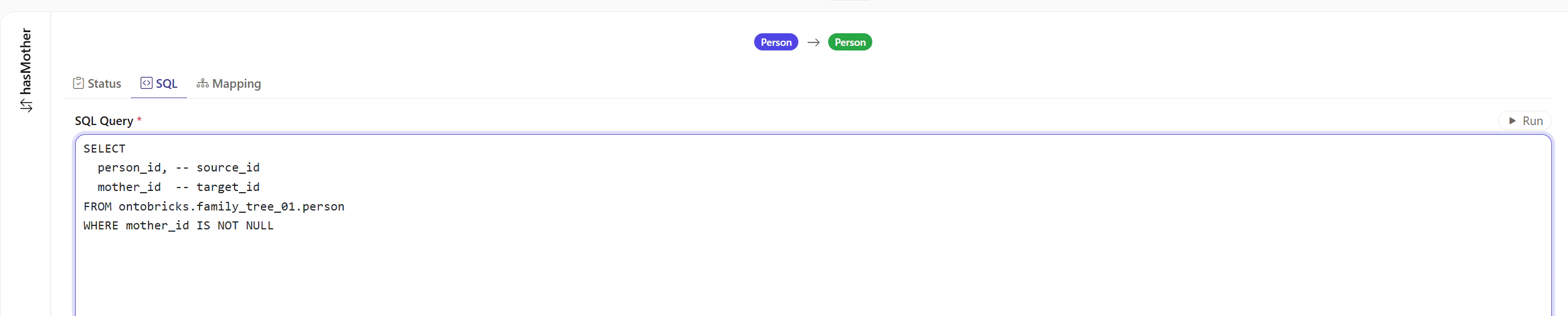
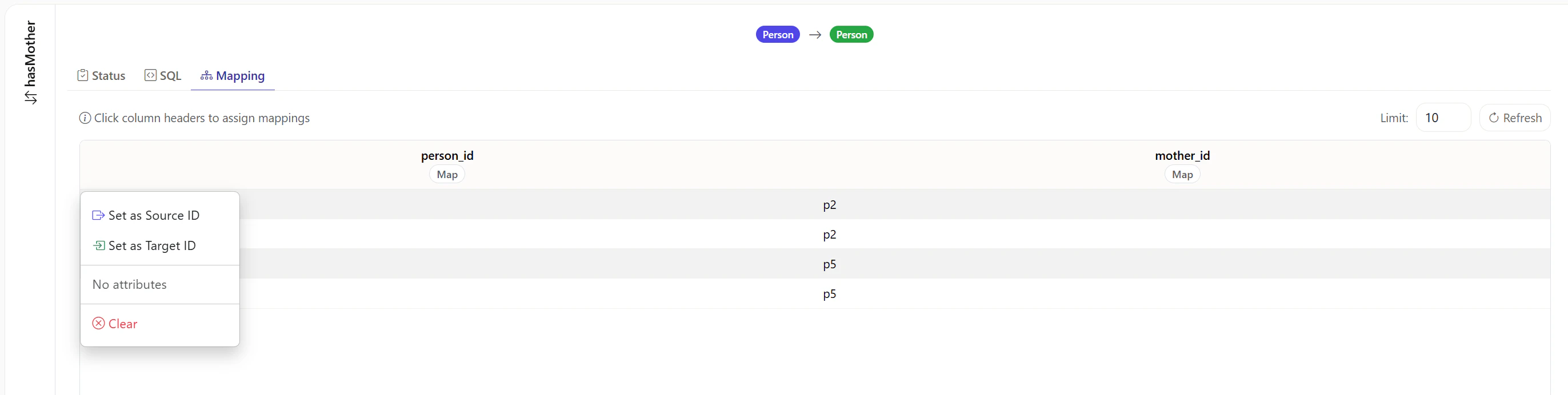
person_idのMAPをクリックして、source_idを選択します。
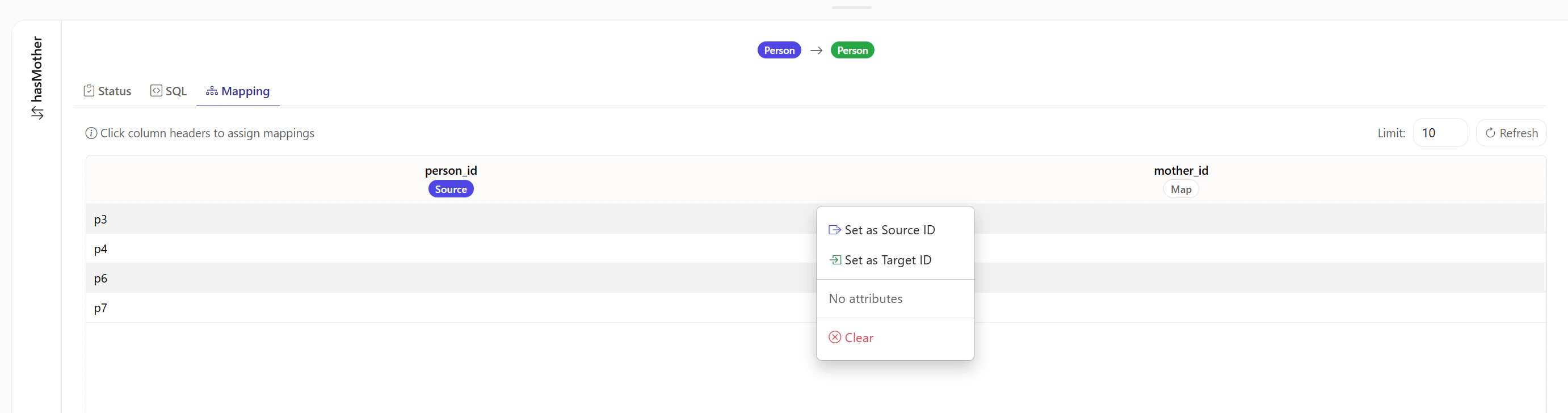
mother_idのMAPをクリックして、target_idを選択します。
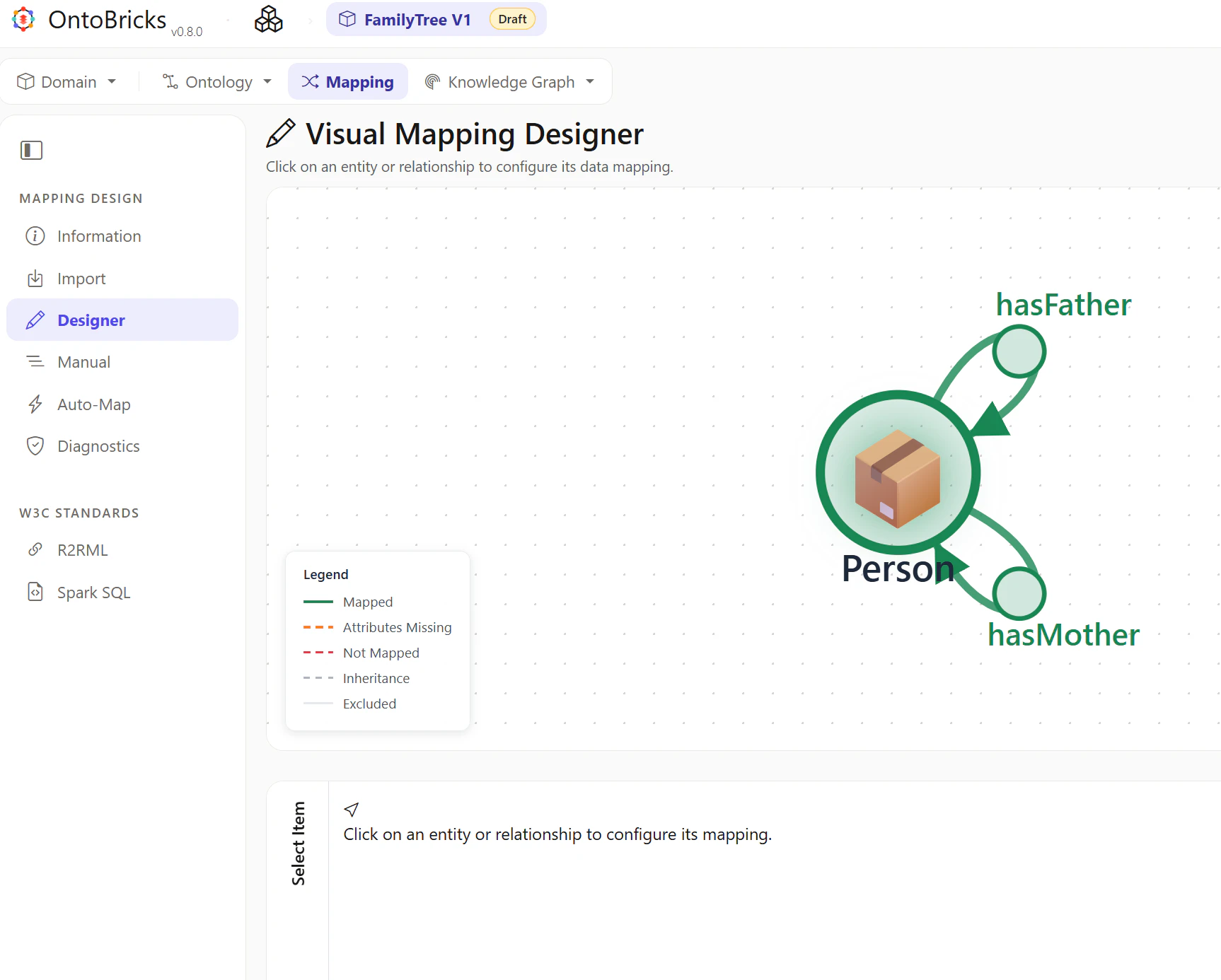
Visual 内の空白の領域を選択し、hasMotherが緑色になることを確認します。
R2RML の確認
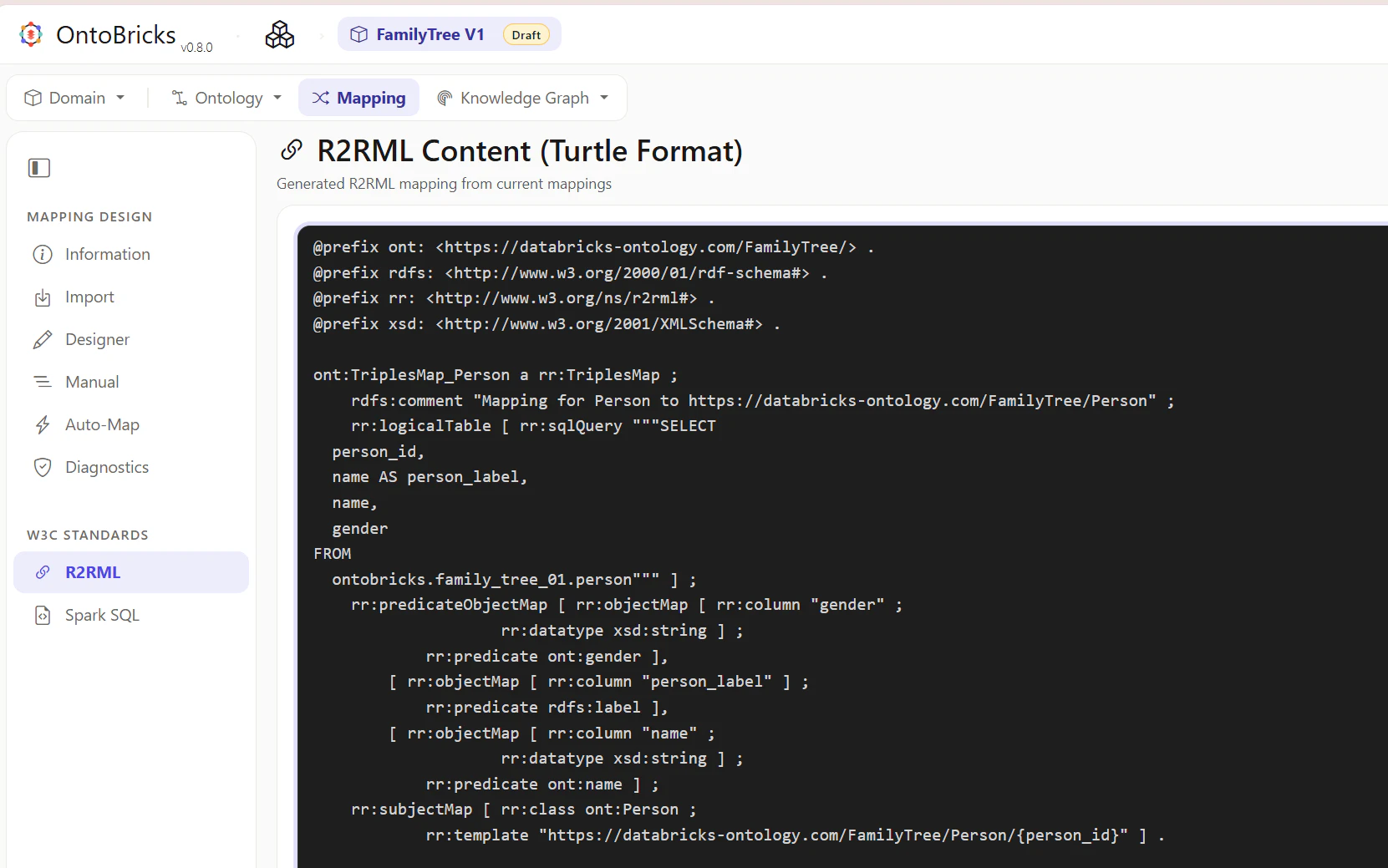
R2RMLを選択して、下記の記述となっていることを確認します。
@prefix ont: <https://databricks-ontology.com/FamilyTree/> .
@prefix rdfs: <http://www.w3.org/2000/01/rdf-schema#> .
@prefix rr: <http://www.w3.org/ns/r2rml#> .
@prefix xsd: <http://www.w3.org/2001/XMLSchema#> .

ont:TriplesMap_Person a rr:TriplesMap ;
    rdfs:comment "Mapping for Person to https://databricks-ontology.com/FamilyTree/Person" ;
    rr:logicalTable [ rr:sqlQuery """SELECT
  person_id,
  name AS person_label,
  name,
  gender
FROM
  ontobricks.family_tree_01.person""" ] ;
    rr:predicateObjectMap [ rr:objectMap [ rr:column "gender" ;
                    rr:datatype xsd:string ] ;
            rr:predicate ont:gender ],
        [ rr:objectMap [ rr:column "person_label" ] ;
            rr:predicate rdfs:label ],
        [ rr:objectMap [ rr:column "name" ;
                    rr:datatype xsd:string ] ;
            rr:predicate ont:name ] ;
    rr:subjectMap [ rr:class ont:Person ;
            rr:template "https://databricks-ontology.com/FamilyTree/Person/{person_id}" ] .

ont:TriplesMap_Rel_hasFather_0 a rr:TriplesMap ;
    rdfs:comment "Relationship mapping: Person --hasFather--> Person" ;
    rr:logicalTable [ rr:sqlQuery """SELECT
  person_id, -- source_id
  father_id  -- target_id
FROM ontobricks.family_tree_01.person
WHERE father_id IS NOT NULL""" ] ;
    rr:predicateObjectMap [ rr:objectMap [ rr:template "https://databricks-ontology.com/FamilyTree/Person/{father_id}" ] ;
            rr:predicate ont:hasFather ] ;
    rr:subjectMap [ rr:template "https://databricks-ontology.com/FamilyTree/Person/{person_id}" ] .

ont:TriplesMap_Rel_hasMother_1 a rr:TriplesMap ;
    rdfs:comment "Relationship mapping: Person --hasMother--> Person" ;
    rr:logicalTable [ rr:sqlQuery """SELECT
  person_id, -- source_id
  mother_id  -- target_id
FROM ontobricks.family_tree_01.person
WHERE mother_id IS NOT NULL""" ] ;
    rr:predicateObjectMap [ rr:objectMap [ rr:template "https://databricks-ontology.com/FamilyTree/Person/{mother_id}" ] ;
            rr:predicate ont:hasMother ] ;
    rr:subjectMap [ rr:template "https://databricks-ontology.com/FamilyTree/Person/{person_id}" ] .
Knowledge Graph の作成
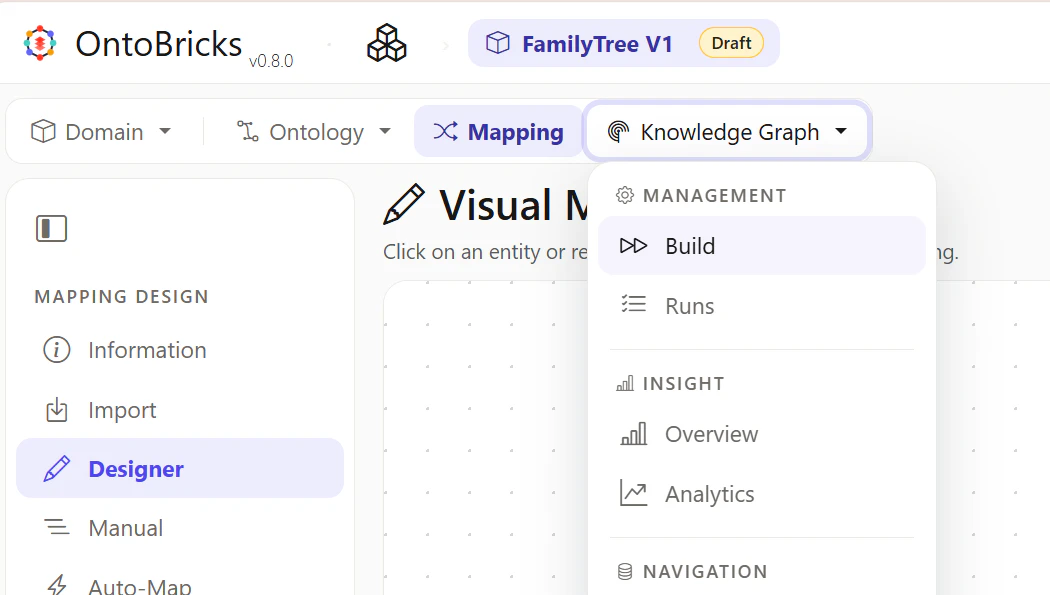
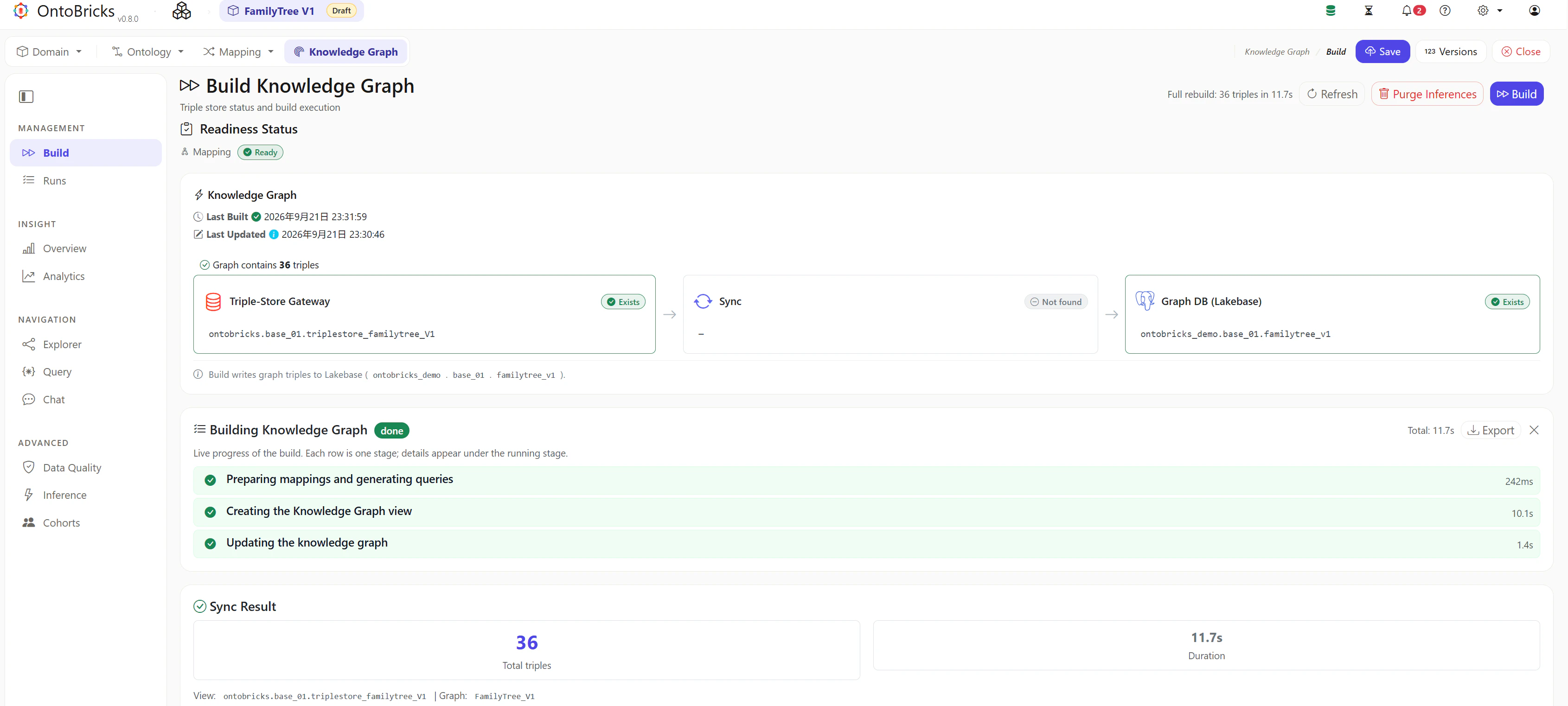
Knowledge Graph -> Buildを選択します。
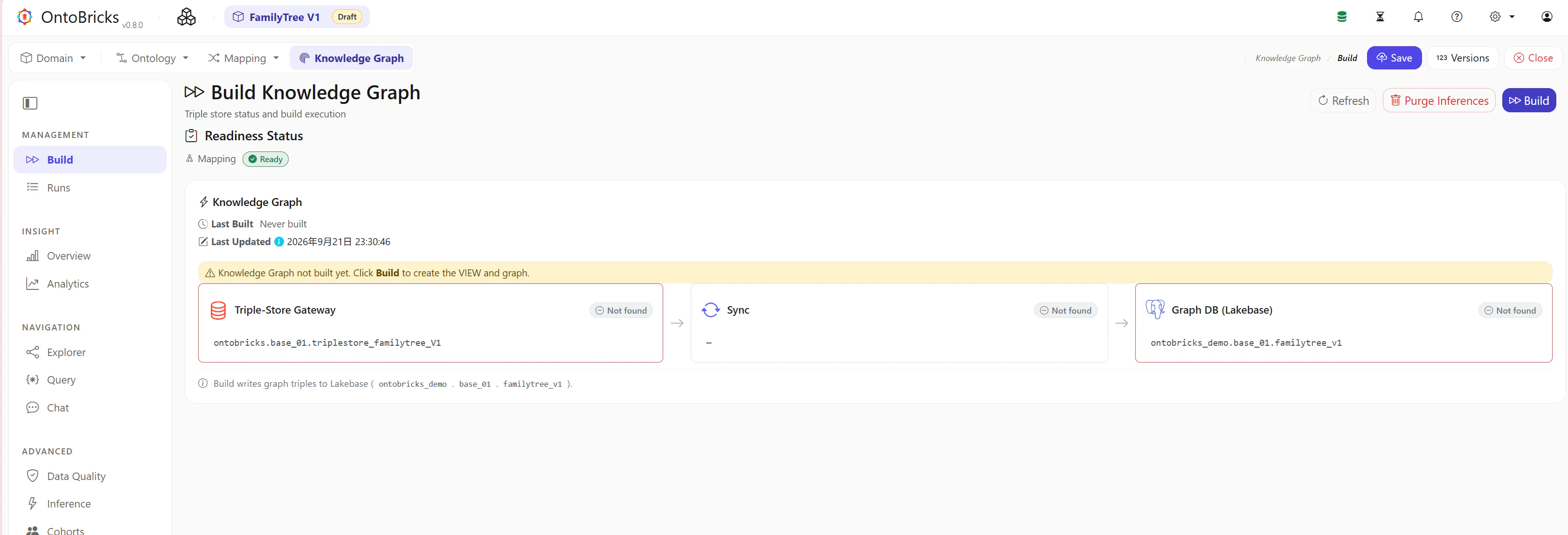
右上のBuildを選択します。
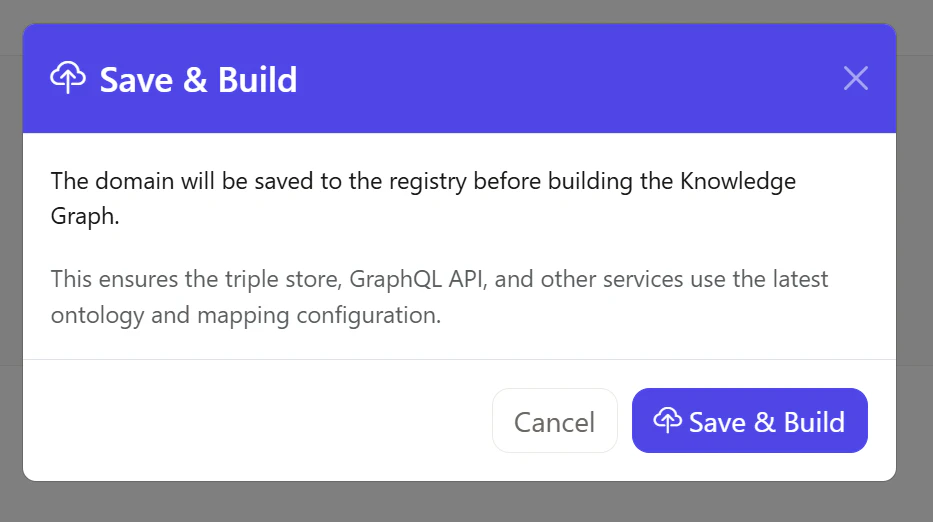
Save & Buildを選択します。
処理が完了することを確認します。
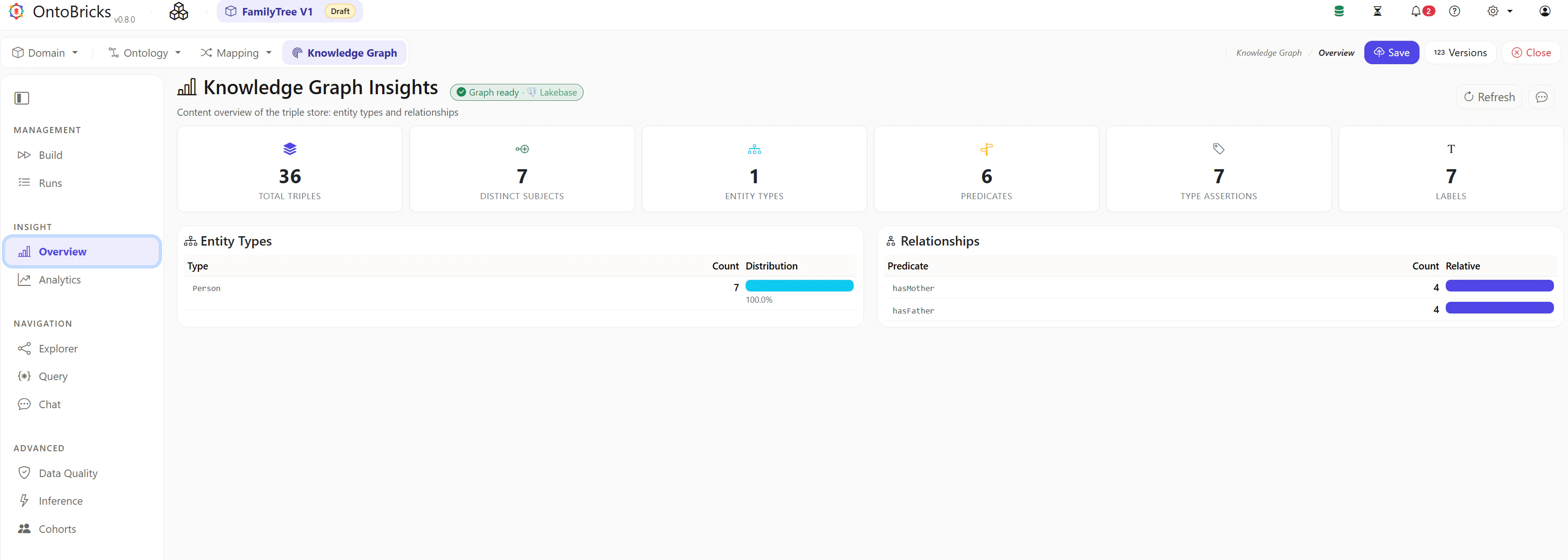
Overviewタブにて項目数が表示されていることを確認します。
動作確認
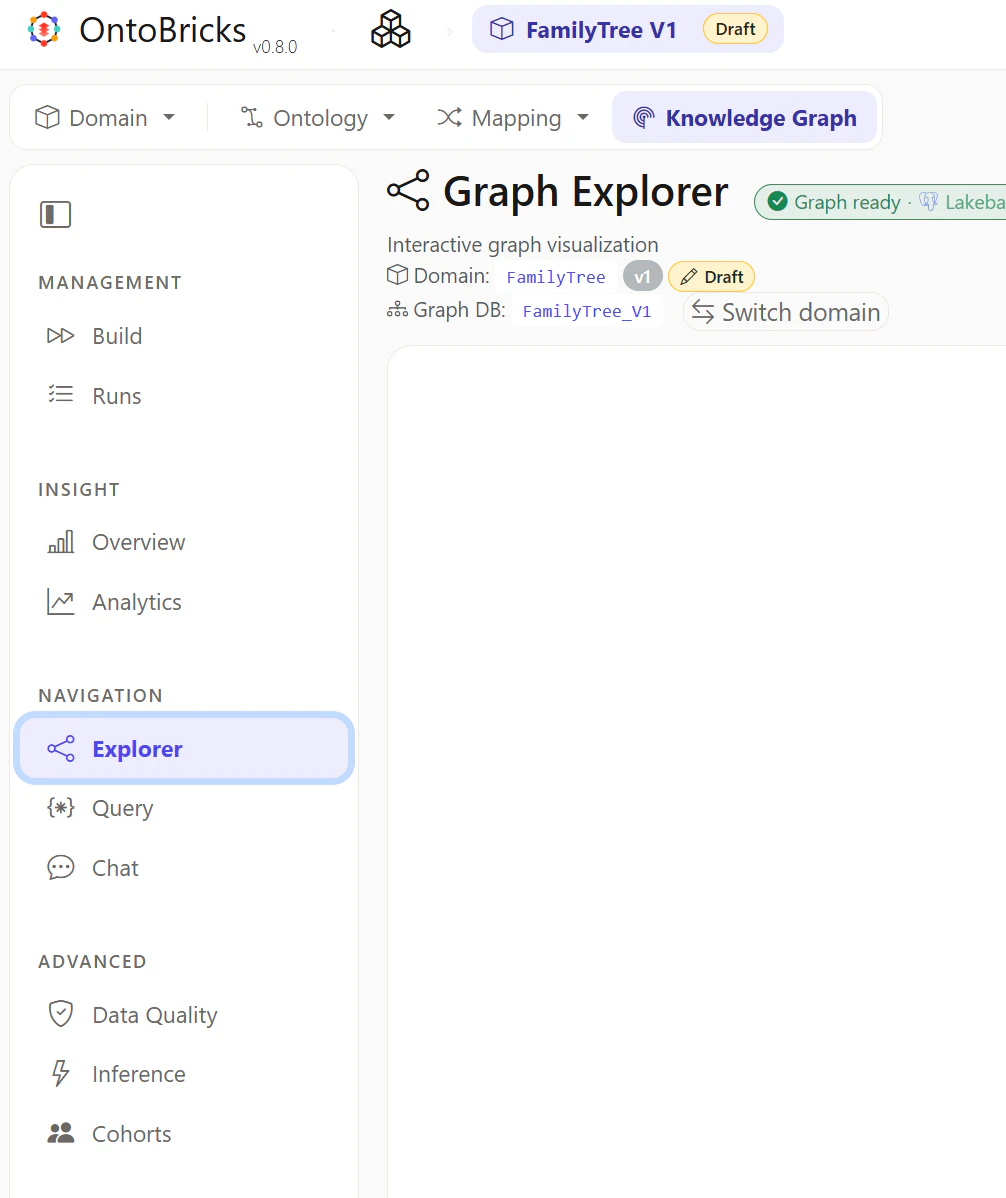
Graph Explorer の動作確認
Graph Explorer を表示
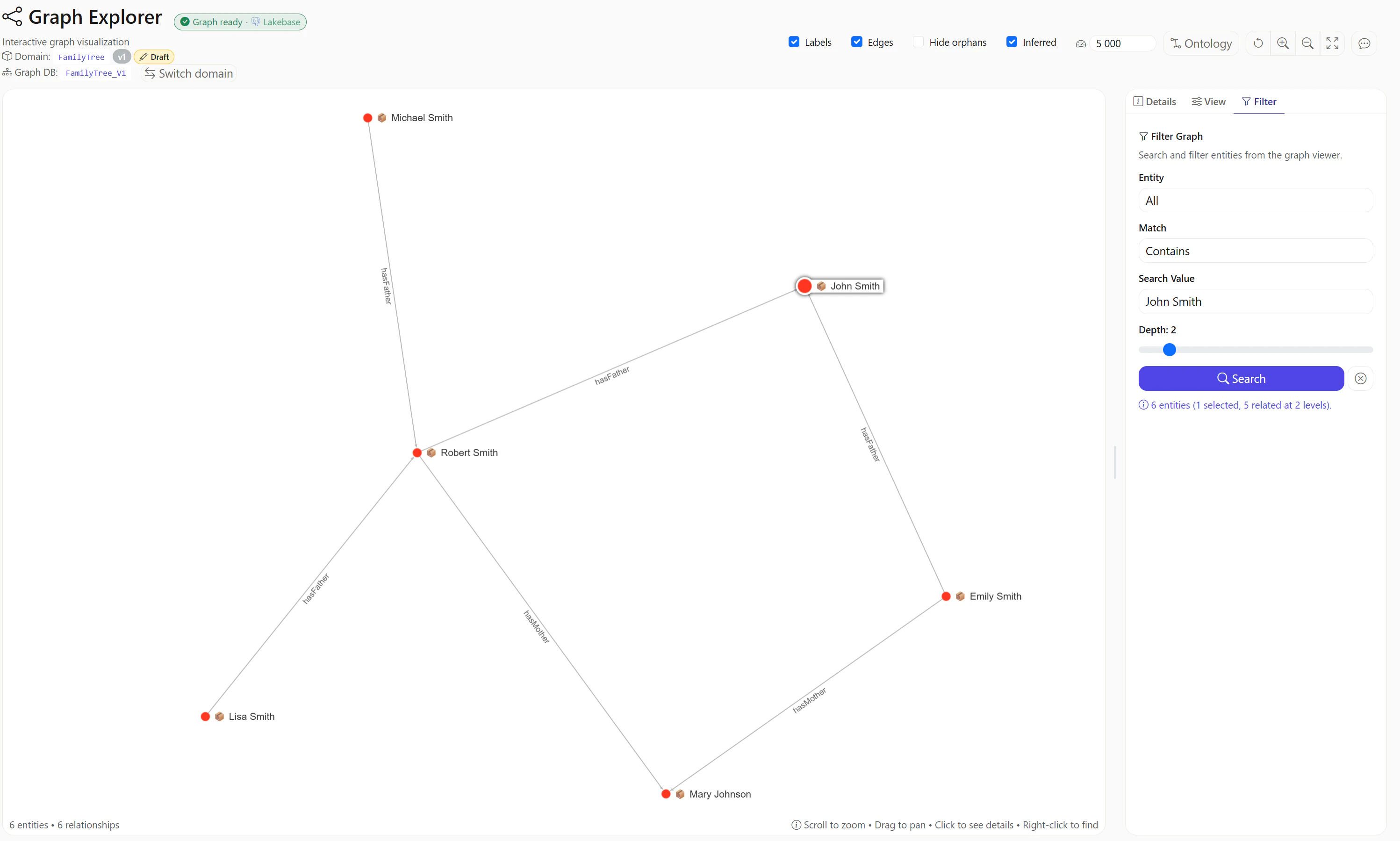
John Smithと入力しグラフを表示
Chat の動作確認
Chat を表示
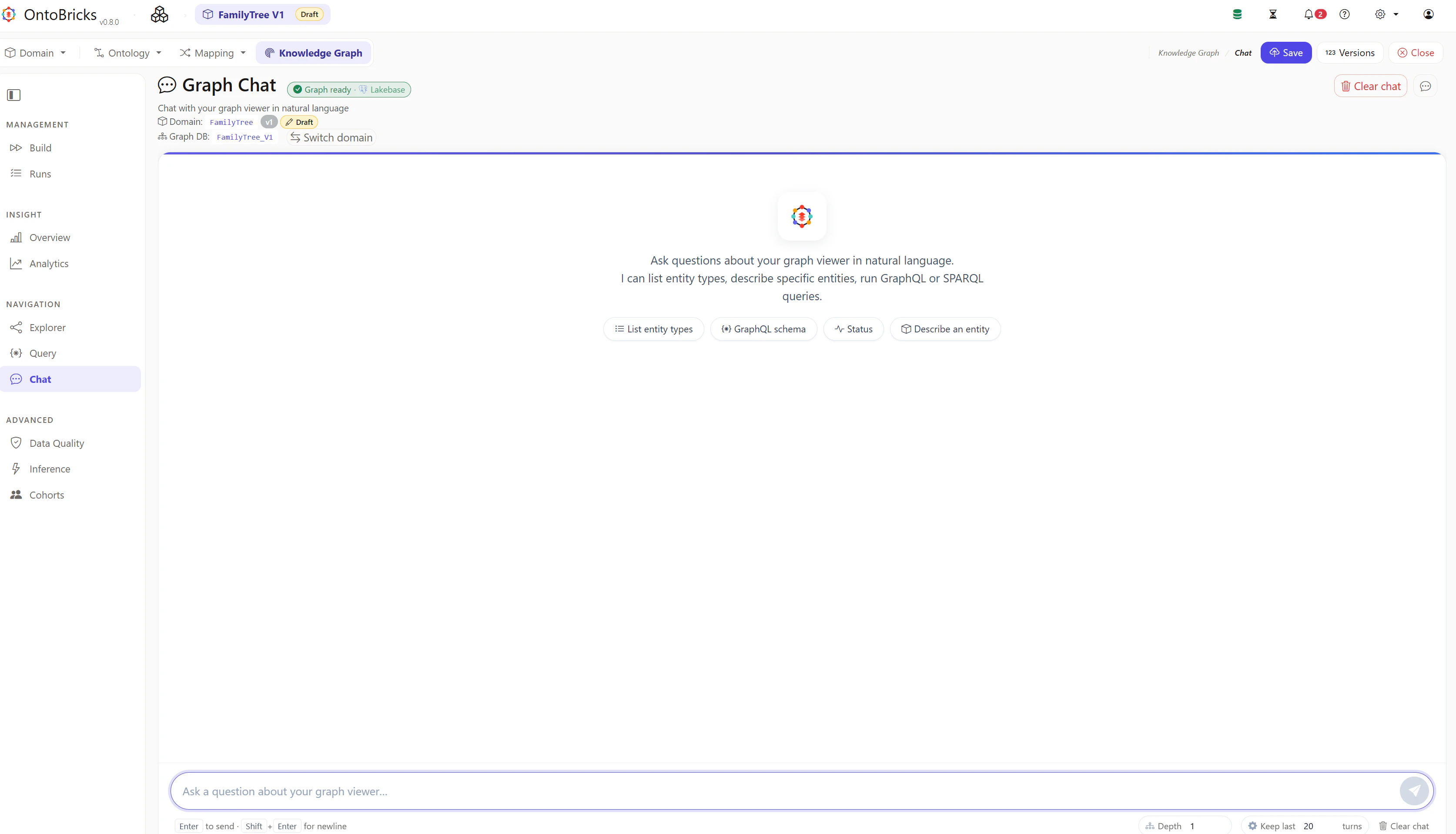
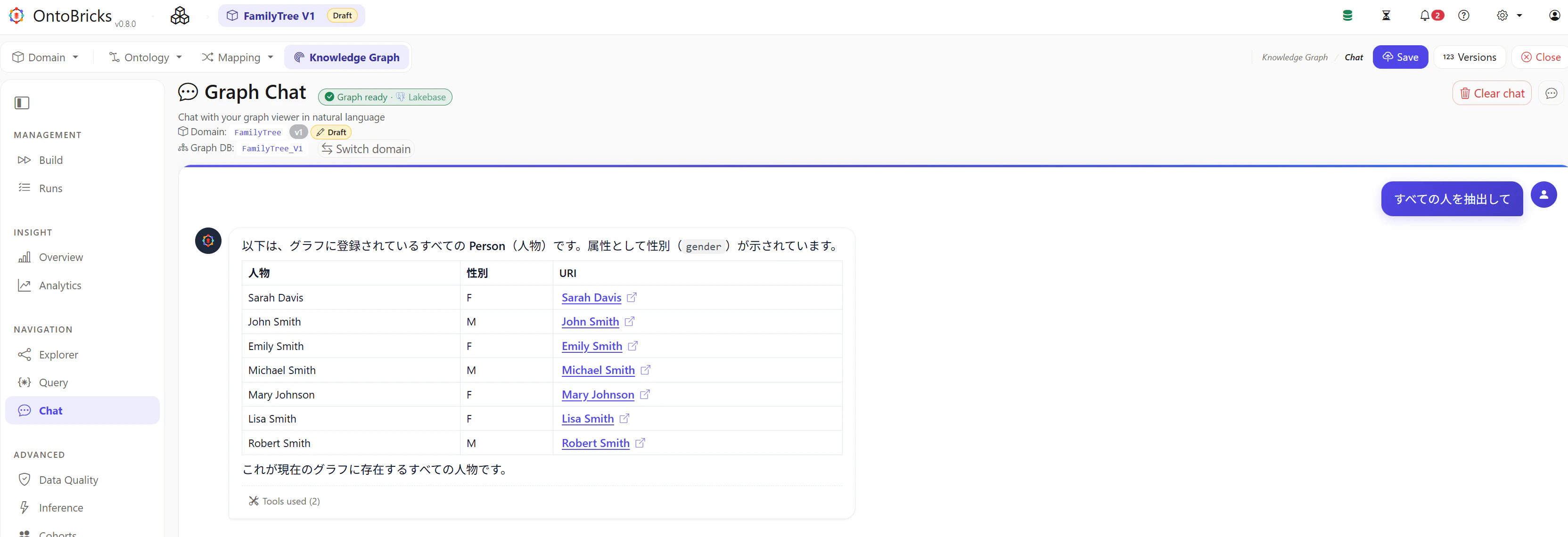
1. すべての人物を表示:期待値 7 人
すべての人を抽出してと入力し、想定どおりの回答が返ることを確認します。
2. John の子を表示:期待値 Emily、Robert
父親が John Smith の人と入力し、想定どおりの回答が返ることを確認します。

3. John Smith の孫を表示:期待値 Lisa、Michael
John Smith の子のうち、その人物が父親になっている子供、つまり John Smith の孫を教えて。hasFather の関係を2段階たどってください。と入力し、想定どおりの回答が返ることを確認します。

GraphQL の動作確認
Query を表示
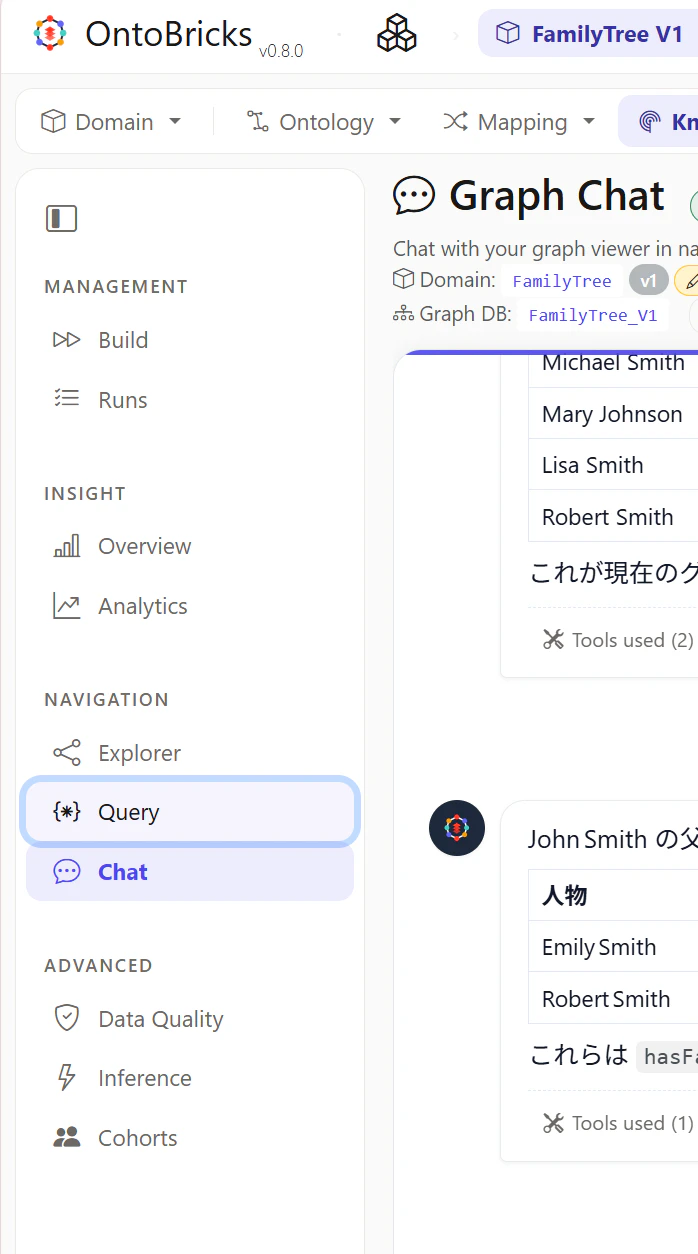
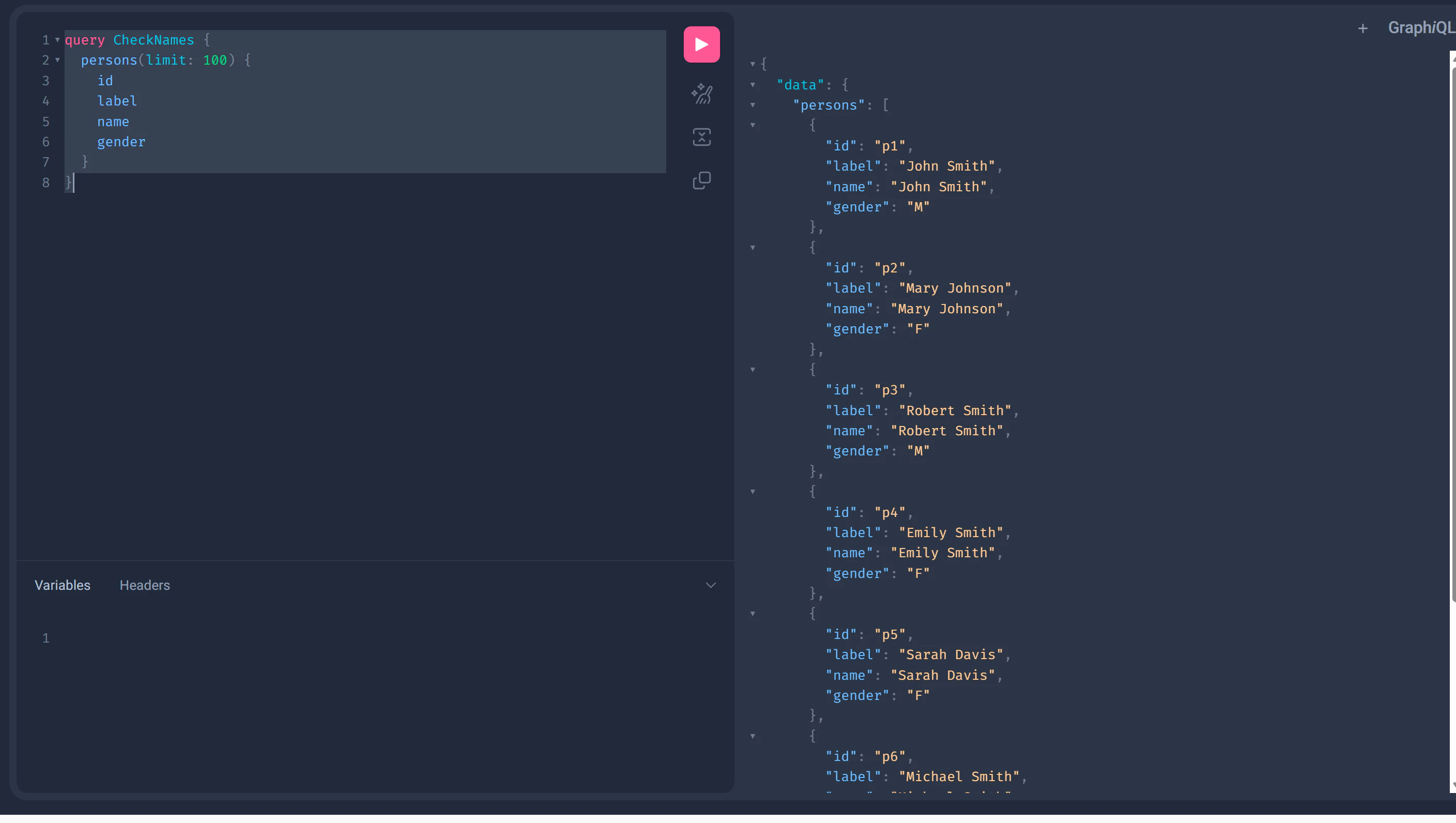
1. すべての人物を表示:期待値 7 人
query CheckNames {
  persons(limit: 100) {
    id
    label
    name
    gender
  }
}
{
  "data": {
    "persons": [
      {
        "id": "p1",
        "label": "John Smith",
        "name": "John Smith",
        "gender": "M"
      },
      {
        "id": "p2",
        "label": "Mary Johnson",
        "name": "Mary Johnson",
        "gender": "F"
      },
      {
        "id": "p3",
        "label": "Robert Smith",
        "name": "Robert Smith",
        "gender": "M"
      },
      {
        "id": "p4",
        "label": "Emily Smith",
        "name": "Emily Smith",
        "gender": "F"
      },
      {
        "id": "p5",
        "label": "Sarah Davis",
        "name": "Sarah Davis",
        "gender": "F"
      },
      {
        "id": "p6",
        "label": "Michael Smith",
        "name": "Michael Smith",
        "gender": "M"
      },
      {
        "id": "p7",
        "label": "Lisa Smith",
        "name": "Lisa Smith",
        "gender": "F"
      }
    ]
  }
}
2. John の子を表示:期待値 Emily、Robert
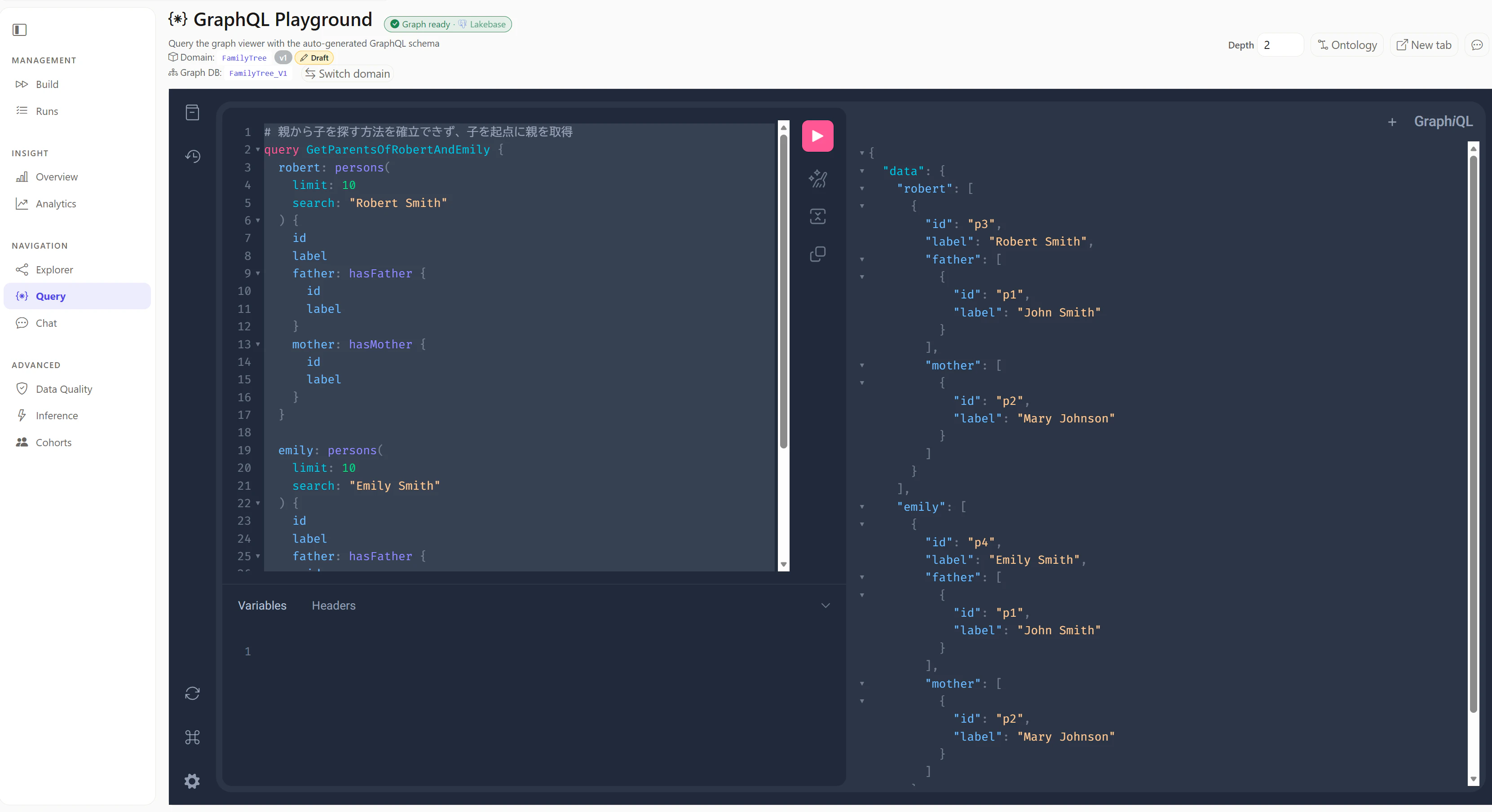
親から子をたどるクエリを作成できなかったため、子を起点に親を取得するクエリを実行します。
# 親から子を探す方法を確立できず、子を起点に親を取得
query GetParentsOfRobertAndEmily {
  robert: persons(
    limit: 10
    search: "Robert Smith"
  ) {
    id
    label
    father: hasFather {
      id
      label
    }
    mother: hasMother {
      id
      label
    }
  }

  emily: persons(
    limit: 10
    search: "Emily Smith"
  ) {
    id
    label
    father: hasFather {
      id
      label
    }
    mother: hasMother {
      id
      label
    }
  }
}
{
  "data": {
    "robert": [
      {
        "id": "p3",
        "label": "Robert Smith",
        "father": [
          {
            "id": "p1",
            "label": "John Smith"
          }
        ],
        "mother": [
          {
            "id": "p2",
            "label": "Mary Johnson"
          }
        ]
      }
    ],
    "emily": [
      {
        "id": "p4",
        "label": "Emily Smith",
        "father": [
          {
            "id": "p1",
            "label": "John Smith"
          }
        ],
        "mother": [
          {
            "id": "p2",
            "label": "Mary Johnson"
          }
        ]
      }
    ]
  }
}
3. John Smith の孫を表示:期待値 Lisa、Michael
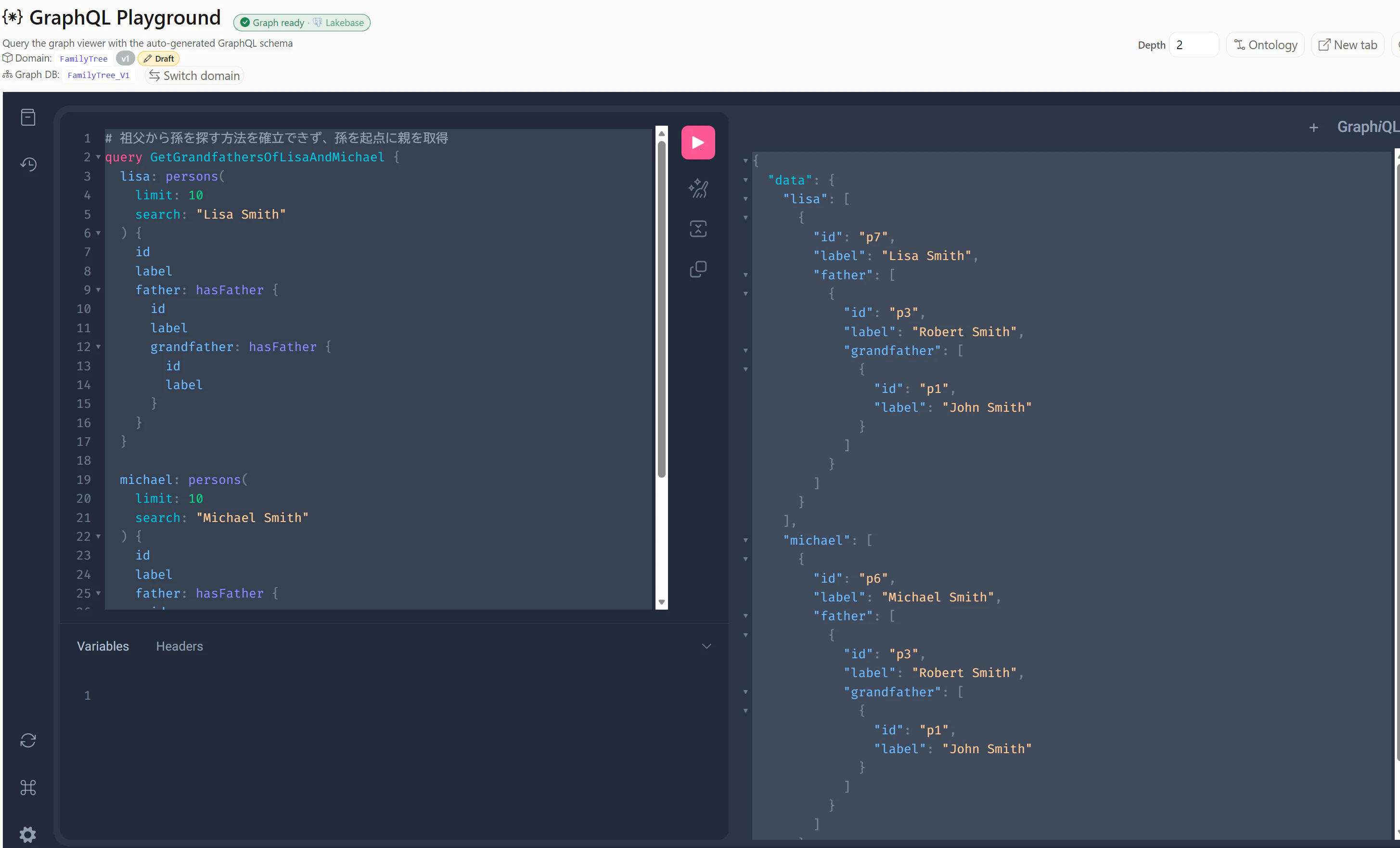
こちらも祖父から孫をたどるクエリを作成できなかったため、孫を起点に父・祖父を取得するクエリを実行します。
# 祖父から孫を探す方法を確立できず、孫を起点に親を取得
query GetGrandfathersOfLisaAndMichael {
  lisa: persons(
    limit: 10
    search: "Lisa Smith"
  ) {
    id
    label
    father: hasFather {
      id
      label
      grandfather: hasFather {
        id
        label
      }
    }
  }

  michael: persons(
    limit: 10
    search: "Michael Smith"
  ) {
    id
    label
    father: hasFather {
      id
      label
      grandfather: hasFather {
        id
        label
      }
    }
  }
}
{
  "data": {
    "lisa": [
      {
        "id": "p7",
        "label": "Lisa Smith",
        "father": [
          {
            "id": "p3",
            "label": "Robert Smith",
            "grandfather": [
              {
                "id": "p1",
                "label": "John Smith"
              }
            ]
          }
        ]
      }
    ],
    "michael": [
      {
        "id": "p6",
        "label": "Michael Smith",
        "father": [
          {
            "id": "p3",
            "label": "Robert Smith",
            "grandfather": [
              {
                "id": "p1",
                "label": "John Smith"
              }
            ]
          }
        ]
      }
    ]
  }
}
SPARQL の動作確認
ノートブックにて認証情報の取得などを実施
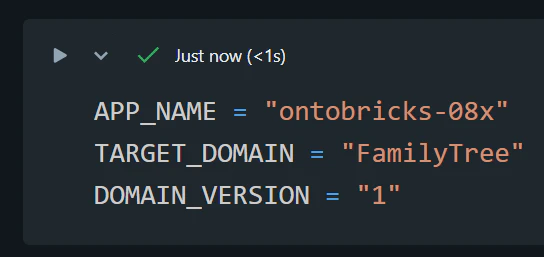
変数をセットします。
APP_NAME = "ontobricks-08x"
TARGET_DOMAIN = "FamilyTree"
DOMAIN_VERSION = "1"
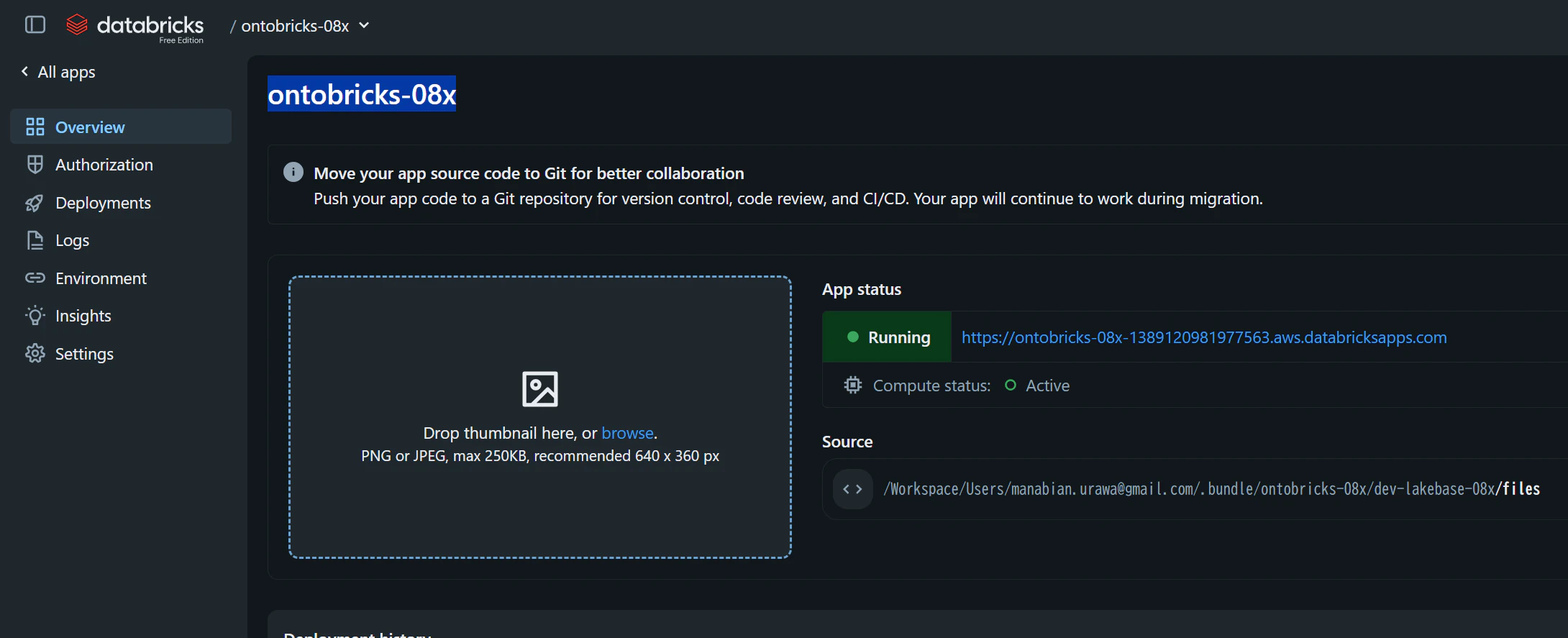
APP_NAMEはontobricks-で始まるアプリ名です。
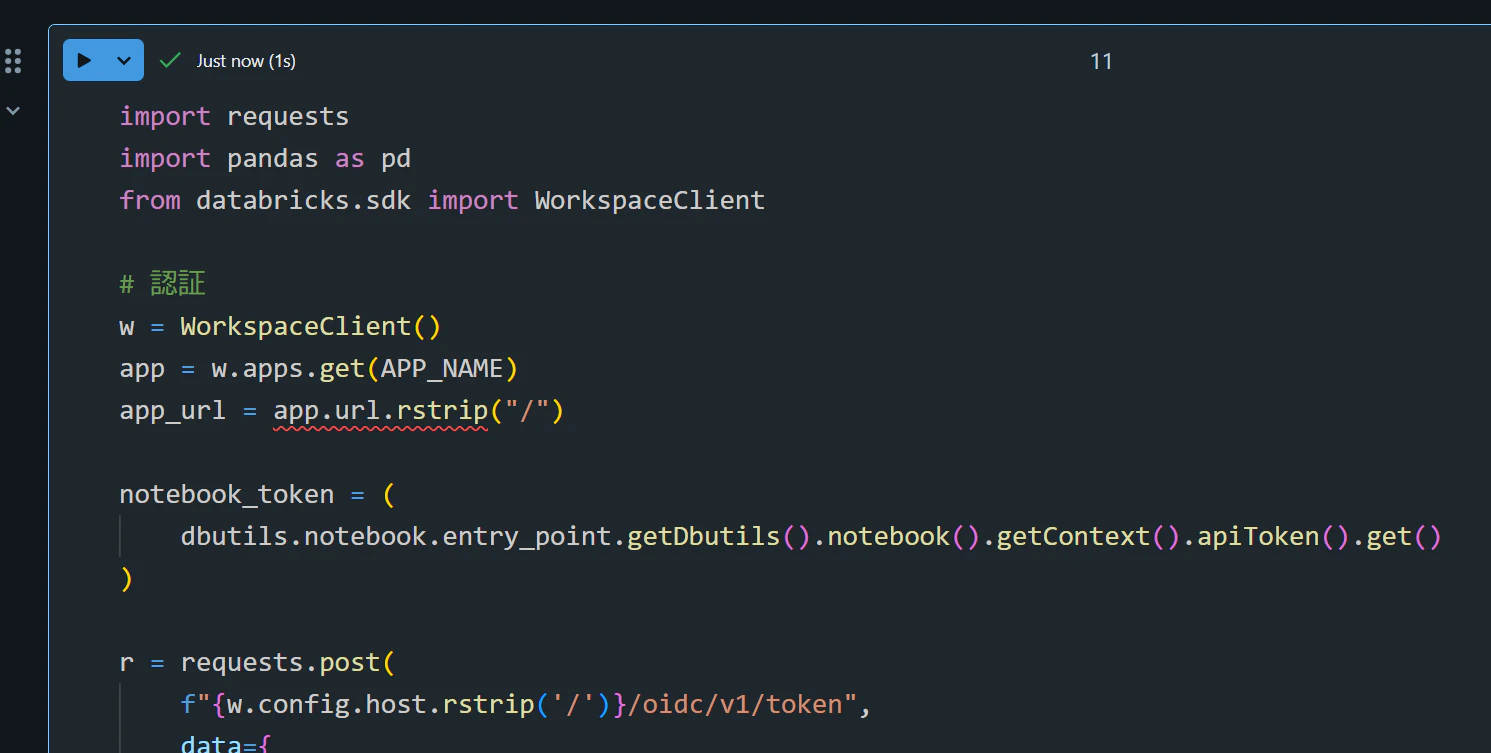
import requests
import pandas as pd
from databricks.sdk import WorkspaceClient

# 認証
w = WorkspaceClient()
app = w.apps.get(APP_NAME)
app_url = app.url.rstrip("/")

notebook_token = (
    dbutils.notebook.entry_point.getDbutils().notebook().getContext().apiToken().get()
)

r = requests.post(
    f"{w.config.host.rstrip('/')}/oidc/v1/token",
    data={
        "grant_type": "urn:ietf:params:oauth:grant-type:token-exchange",
        "subject_token": notebook_token,
        "subject_token_type": "urn:databricks:params:oauth:token-type:personal-access-token",
        "requested_token_type": "urn:ietf:params:oauth:token-type:access_token",
        "scope": "all-apis",
        "audience": app.oauth2_app_client_id,
    },
    timeout=30,
)
r.raise_for_status()

session = requests.Session()
session.headers["Authorization"] = f"Bearer {r.json()['access_token']}"


# 共通のAPI呼び出し
def api(method, path, **kwargs):
    headers = {}
    if method == "POST":
        csrf = session.cookies.get("csrf_token")
        if not csrf:
            raise RuntimeError("CSRFトークンを取得できませんでした")
        headers["X-CSRF-Token"] = csrf
    response = session.request(
        method,
        f"{app_url}{path}",
        headers=headers,
        timeout=120,
        **kwargs,
    )
    if not response.ok:
        raise RuntimeError(f"{path}: HTTP {response.status_code}\n{response.text}")
    data = response.json()
    if data.get("success") is False:
        raise RuntimeError(f"{path}: {data}")
    return data


# ドメイン名の解決とセッション初期化
domains = api("GET", "/domain/list-projects").get("domains", [])
domain_name = next(
    (name for name in domains if name.casefold() == TARGET_DOMAIN.casefold()),
    None,
)

if domain_name is None:
    raise ValueError(f"{TARGET_DOMAIN}が見つかりません。候補: {domains}")

api(
    "POST",
    "/domain/load-from-uc",
    json={
        "domain": domain_name,
        "version": DOMAIN_VERSION,
    },
)

print(f"対象: {domain_name} / V{DOMAIN_VERSION}")
SPARQL クエリを実行する関数を定義します。
def execute_sparql(query):
    result = api(
        "POST",
        "/dtwin/execute",
        json={
            "query": query,
            "limit": 100,
        },
    )

    rows = result.get("results", [])
    print(f"取得件数: {len(rows)}")

    if rows:
        display(pd.DataFrame(rows))
    else:
        print("結果は0行です")
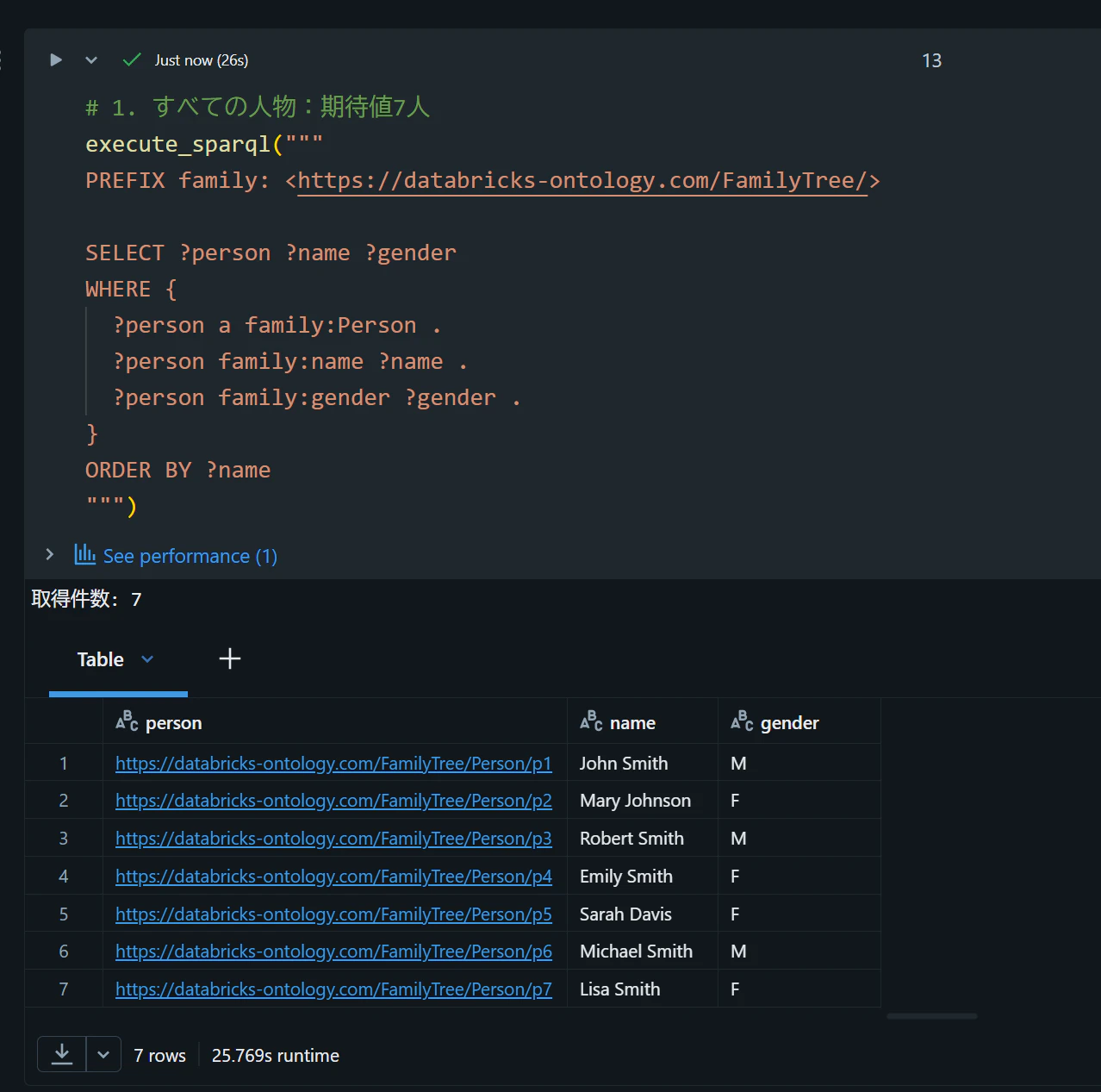
1. すべての人物を表示:期待値 7 人
# 1. すべての人物:期待値7人
execute_sparql("""
PREFIX family: <https://databricks-ontology.com/FamilyTree/>

SELECT ?person ?name ?gender
WHERE {
  ?person a family:Person .
  ?person family:name ?name .
  ?person family:gender ?gender .
}
ORDER BY ?name
""")
| person | name | gender |
|---|---|---|
| https://databricks-ontology.com/FamilyTree/Person/p1 | John Smith | M |
| https://databricks-ontology.com/FamilyTree/Person/p2 | Mary Johnson | F |
| https://databricks-ontology.com/FamilyTree/Person/p3 | Robert Smith | M |
| https://databricks-ontology.com/FamilyTree/Person/p4 | Emily Smith | F |
| https://databricks-ontology.com/FamilyTree/Person/p5 | Sarah Davis | F |
| https://databricks-ontology.com/FamilyTree/Person/p6 | Michael Smith | M |
| https://databricks-ontology.com/FamilyTree/Person/p7 | Lisa Smith | F |
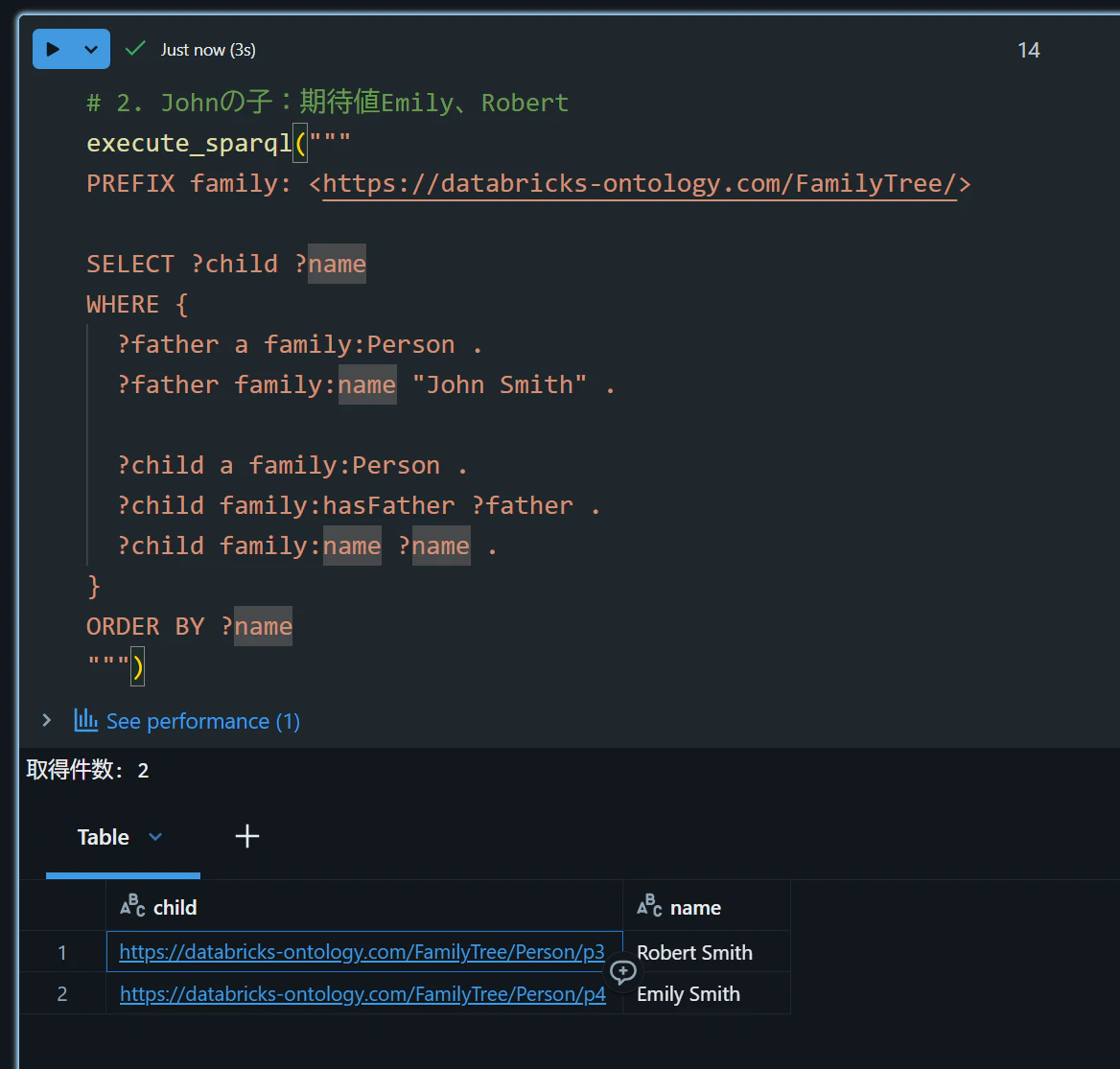
2. John の子を表示:期待値 Emily、Robert
# 2. Johnの子:期待値Emily、Robert
execute_sparql("""
PREFIX family: <https://databricks-ontology.com/FamilyTree/>

SELECT ?child ?name
WHERE {
  ?father a family:Person .
  ?father family:name "John Smith" .

  ?child a family:Person .
  ?child family:hasFather ?father .
  ?child family:name ?name .
}
ORDER BY ?name
""")
| child | name |
|---|---|
| https://databricks-ontology.com/FamilyTree/Person/p3 | Robert Smith |
| https://databricks-ontology.com/FamilyTree/Person/p4 | Emily Smith |
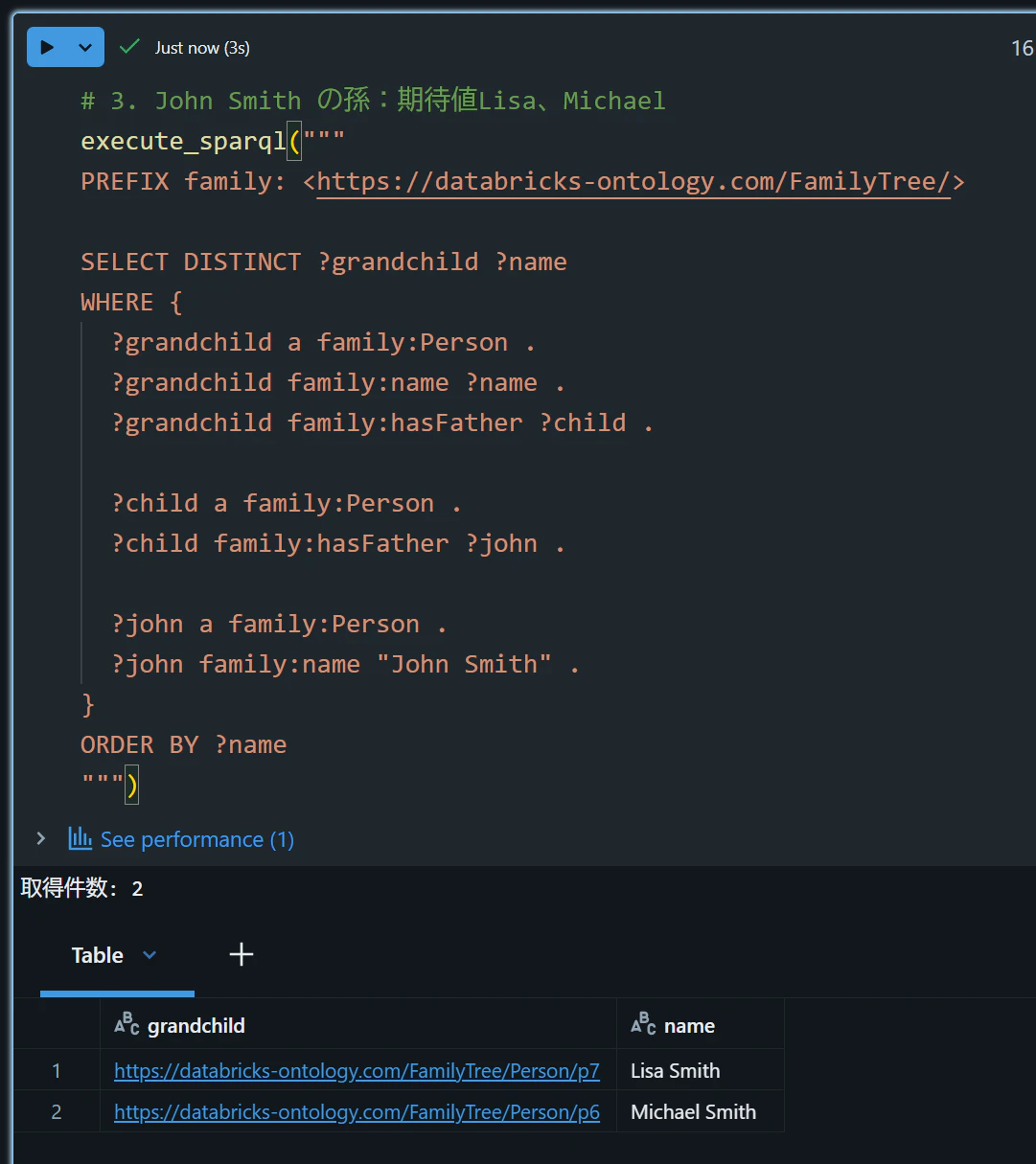
3. John Smith の孫を表示:期待値 Lisa、Michael
# 3. John Smith の孫:期待値Lisa、Michael
execute_sparql("""
PREFIX family: <https://databricks-ontology.com/FamilyTree/>

SELECT DISTINCT ?grandchild ?name
WHERE {
  ?grandchild a family:Person .
  ?grandchild family:name ?name .
  ?grandchild family:hasFather ?child .

  ?child a family:Person .
  ?child family:hasFather ?john .

  ?john a family:Person .
  ?john family:name "John Smith" .
}
ORDER BY ?name
""")
| grandchild | name |
|---|---|
| https://databricks-ontology.com/FamilyTree/Person/p7 | Lisa Smith |
| https://databricks-ontology.com/FamilyTree/Person/p6 | Michael Smith |