

簡単な接続のメモを記する。
D2で図を作ると格好いいので、D2 MCPサーバーを入れてみた。
理由は、cheat sheetをAI Agentに知ってほしいし、コンパイルしてチェックしてほしいからである。Markdownに入れ込んでレンダリングするとエラーになることを避けたい。生成する時点でAIに直してほしいわけ。
手順
1. IBM Bobで設定
プロジェクト毎に設定する場合:
.bob/mcp.json
{
  "mcpServers": {
    "d2": {
      "type": "stdio",
      "command": "podman",
      "args": [
        "run",
        "--rm",
        "-i",
        "--platform",
        "linux/amd64",
        "ghcr.io/h0rv/d2-mcp:main",
        "--image-type",
        "svg"
      ],
      "alwaysAllow": [
        "render-d2",
        "fetch_d2_cheat_sheet",
        "compile-d2"
      ]
    }
  }
}
- 公式ガイドと異なる点
"--platform", "linux/amd64"である。なぜならば、ARM64のイメージが公開されていないので linuxのものを使う。少し遅いらしいけど互換性あり。自分の用途には十分である - 元のファイルを変更できない設定:
-v "$(pwd)":/data \と--write-filesを与えないこと。 -
"render-d2","fetch_d2_cheat_sheet","compile-d2"ツールを許可
IBM BobのUIでも確認できる。
Command Pallete > MCP Servers
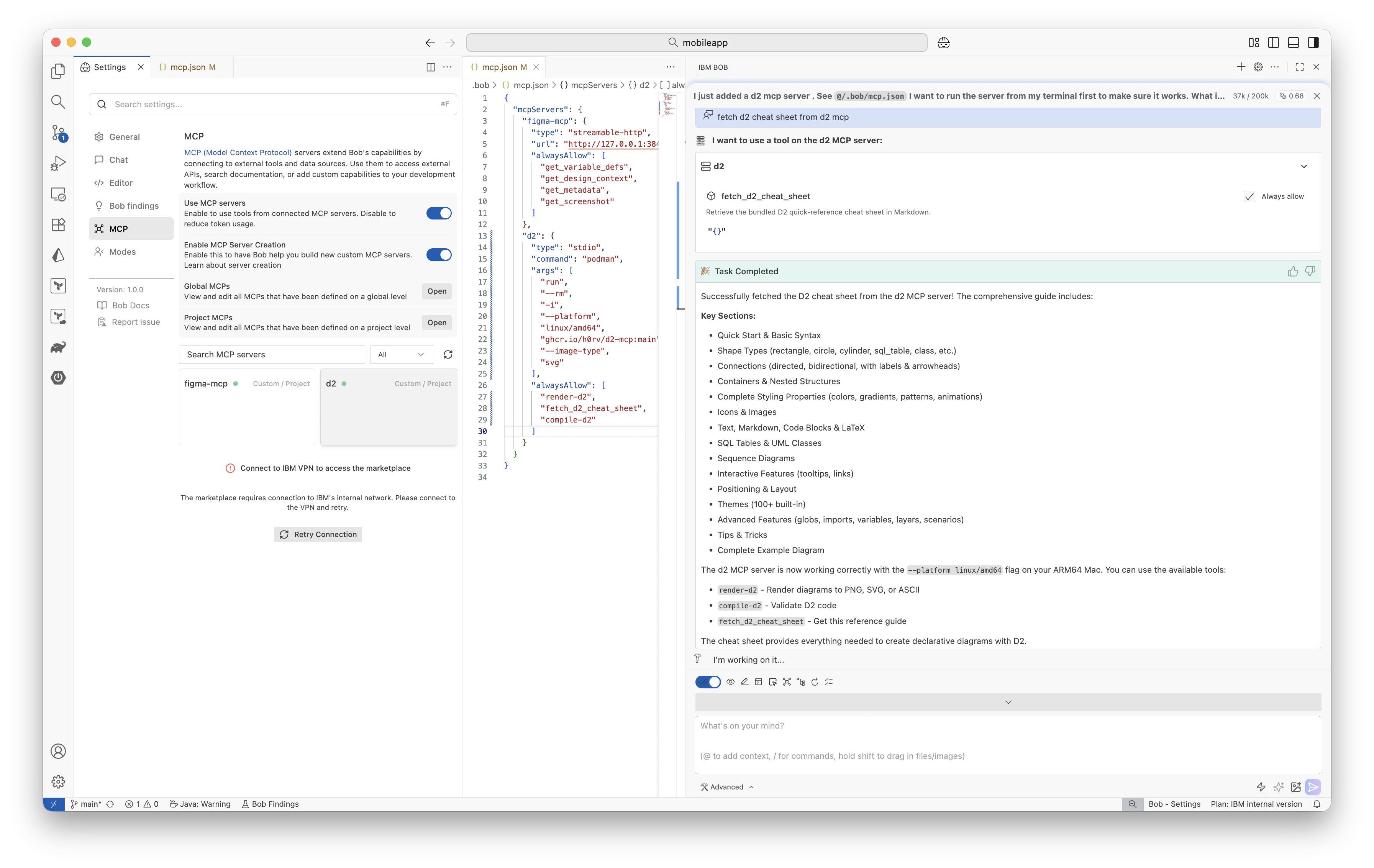
2. 利用してみる
プロンプトの例
Fetch d2 cheat sheet from d2 mcp
以上
See you later🐊