
の記事をまねて、shift registerをつかって、digisparkもどきでLCDを使えるようにしてから、i2c slave化しました。
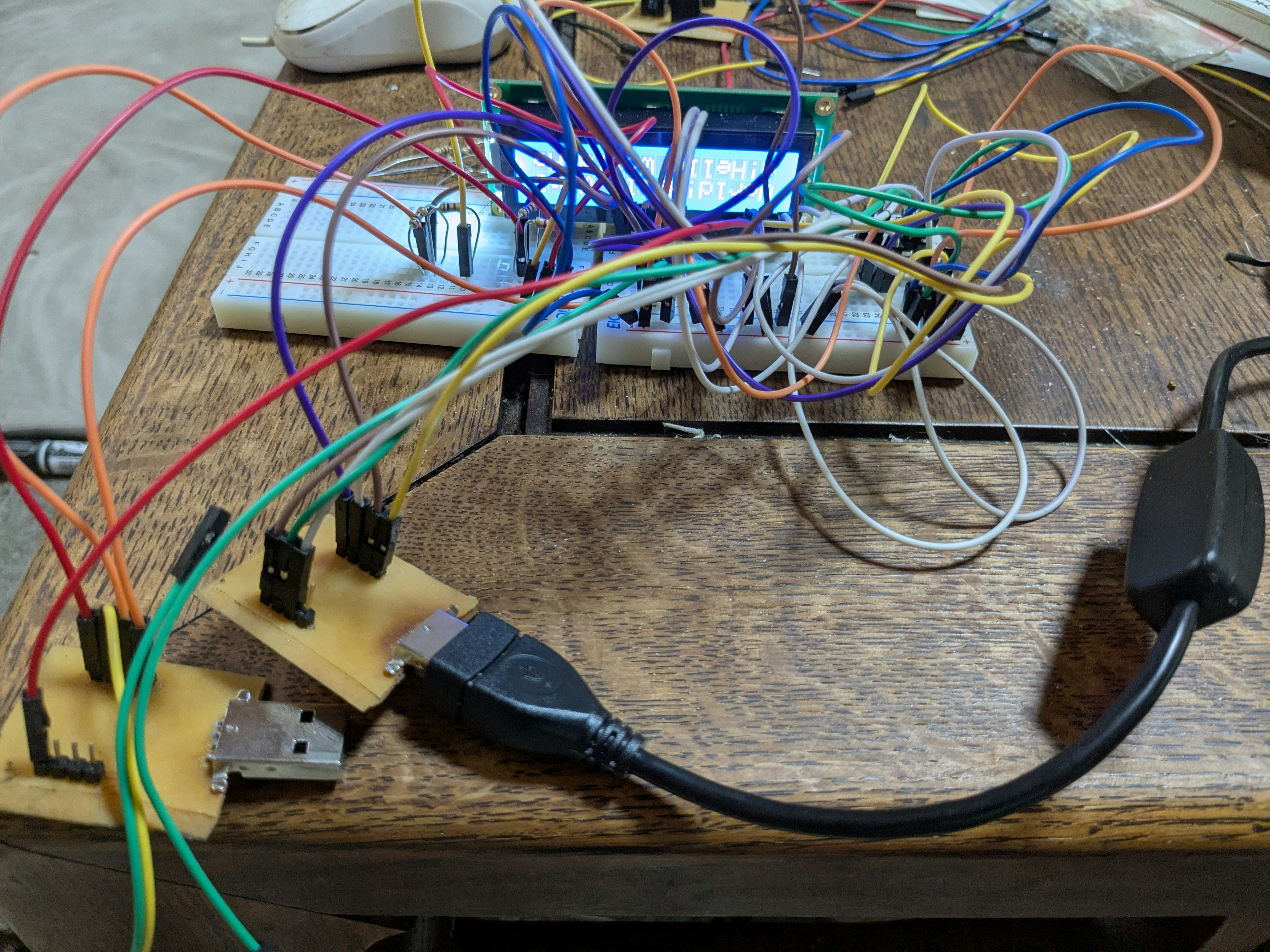
(表示が逆さまに取り付けてしまいました)
LCDは、秋月電子のACM1602K-NLW-BBWです。
上記の記事の修正版がShiftLCD_Fixedにあります。
master
masterもDigisparkもどきを使いました。LiquidCrystal_I2Cをダウンロードしてつくりました。 コードはこんな感じ
追記 Wire.hをつかったバージョンのLiquidCrystal_I2Cでうごきました。以下のコードは修正済みです。
#include <LiquidCrystal_I2C.h>

LiquidCrystal_I2C lcd(0x21,16,2);  // set address & 16 chars / 2 lines

void setup()
{
  lcd.init();                           // initialize the lcd
  //lcd.backlight();
  //lcd.clear();  // Print a message to the LCD.
}

byte count = 0;

unsigned long previousMillis = 0;
const long interval = 200;

void loop()
{
  unsigned long currentMillis = millis();
  if (currentMillis - previousMillis >= interval) {
    previousMillis = currentMillis;
    lcd.print("Hello World!");
  }
}
です。TinyWireMが必要です。
slave
slaveのコードは、こんな感じ
#include <ShiftLCD.h>

#include <Wire.h>

#define I2C_SLAVE_ADDRESS 0x21 // the 7-bit address (remember to change this when adapting this example)

#define DATA_BUFFER_SIZE ( 16 )
#define CHAR_BUFFER_SIZE ( 32 )

ShiftLCD lcd(1, 3, 4);

byte data[DATA_BUFFER_SIZE];
int8_t index = 0;
int8_t done_index = 0;

byte char_buff[CHAR_BUFFER_SIZE];
int8_t char_index;
int8_t done_char_index;

inline int8_t step(int8_t idx) {
  idx++;
  if (idx == DATA_BUFFER_SIZE)
    idx = 0;
  return idx;
}

inline int8_t step_char(int8_t cidx) {
  cidx++;
  if (cidx == CHAR_BUFFER_SIZE)
    cidx = 0;
   return cidx;
}

void receiveEvent(uint8_t howMany)
{
   // lcd.write('a');
  //  lcd.print(howMany);

    while(Wire.available()) {
      byte d = Wire.read();
      if ((d & 0b00000111) != 0b00000101) { //Rs & En
   //      lcd.print("-");
         continue;
      }
      data[index] = d;
      index = step(index);
     }
 }

void setup() {
  lcd.begin(16, 2);
  Wire.begin(I2C_SLAVE_ADDRESS);
  Wire.onReceive(receiveEvent);

  lcd.print(DATA_BUFFER_SIZE);
}

unsigned long previousMillis = 0;
const long interval = 100;

byte parity_count = 0;
byte h, l;

void loop() {
  while(done_index != index) {
    byte d = data[done_index];
    done_index = step(done_index);

    if (parity_count % 2 == 0) {
        h = (d & 0b11110000);
        parity_count++;
    } else if (parity_count % 2 == 1) {
      l = (d & 0b11110000) >> 4;
      char_buff[char_index] = h | l;
      char_index = step_char(char_index);
      //lcd.write(h+l);
      parity_count = 0;
    }
  }

  unsigned long currentMillis = millis();
  if (currentMillis - previousMillis >= interval) {
    previousMillis = currentMillis;
    while(done_char_index != char_index) {
      char d = char_buff[done_char_index];
      done_char_index = step_char(done_char_index);
      lcd.write(d);
    }
  }
}
です。TinyWireが必要です。追記 Wire.hで動きました。上記のコードは修正済みです。
キャラクターの表示しか対応しおりません。それは、LiquidCrystal_I2Cは、PCF8574のコマンドにあわせていて、1文字送るのに上位4bitと下位4bitをわけて3回づつ送るので、slaveの方で対応が難しくなっていて、長く動かしてると文字化けがしょうじます。それに対応するより、LiquidCristal_I2Cを書き直したいと思っているからです(「キャラクターコードらしきものが送られてこない」と、ソースを読まなければいけませんでした)。
リンクエラー
どのライブラリーか忘れましたが、リンク時にmultiple definition errorがでました。
関数ポインターは、宣言ではなく定義となるそうです。
ヘッダーファイルから、cファイルにその行をコピーしヘッダーファイルの行はexternをつけると良いようです。
あとがき
- LCDをショートさせて壊したらしく、配線を見直しても動きませんでした。同じのを買い直して出来ました。
- LCDのコントラスト調整用の半固定抵抗器は必要です。
- I2Cのプルアップ抵抗も必要です。それぞれ2kΩを使っています。
- 私のDigisparkもどきは、pin1にLEDをつけていました。i2cのピンと被っていました。なんかおかしいと慌てて取り外しました。