
はじめに
毎日ひとつ、AIアプリをつくる。
日替わりでテーマに沿って小さなアプリを開発します。Claudeで。
この記事は  AI Code Challenge Advent Calender 2025 の 14 日目の記事です!
 13日目の記事:音から音符に変換するアプリを作ってみた!
15日目の記事:星空から星座を見つけるアプリを作ってみた! 
AI アプリ
概要

私、間違い探し得意です。
なので自分のオリジナルの間違い探し作りたい...! 
AI 実装
Claude Desktopでプロンプトを与えて実装してもらいます。
 プロンプト:
間違い探しをつくるアプリを作って
絵や写真をアップロードしたらその画像の間違い探しのための画像を生成する

間違い探しアプリを作成しました!
プロンプト:
間違いのパターンは以下としてください
- 色の違い:服の色、背景の色、物の色が変わっている
- 形の違い:帽子の形、家具の形、動物の耳の形など
- 大きさの違い:同じものでもサイズが違う
- 向きの違い:左右反転、上下逆さまになっている
- 有る/無い:物が消えている、追加されている
- 位置のズレ:同じ物が少し移動している
- 数の違い:花びんの花の本数、窓の数など
改良版の間違い探しアプリを作成しました!
完成したアプリ
できました!
 間違い探しメーカー
(出来上がりが良くないので非公開です💦)
使い方:
- ドラッグ&ドロップまたはボタンで画像を選択
こんなイメージです。
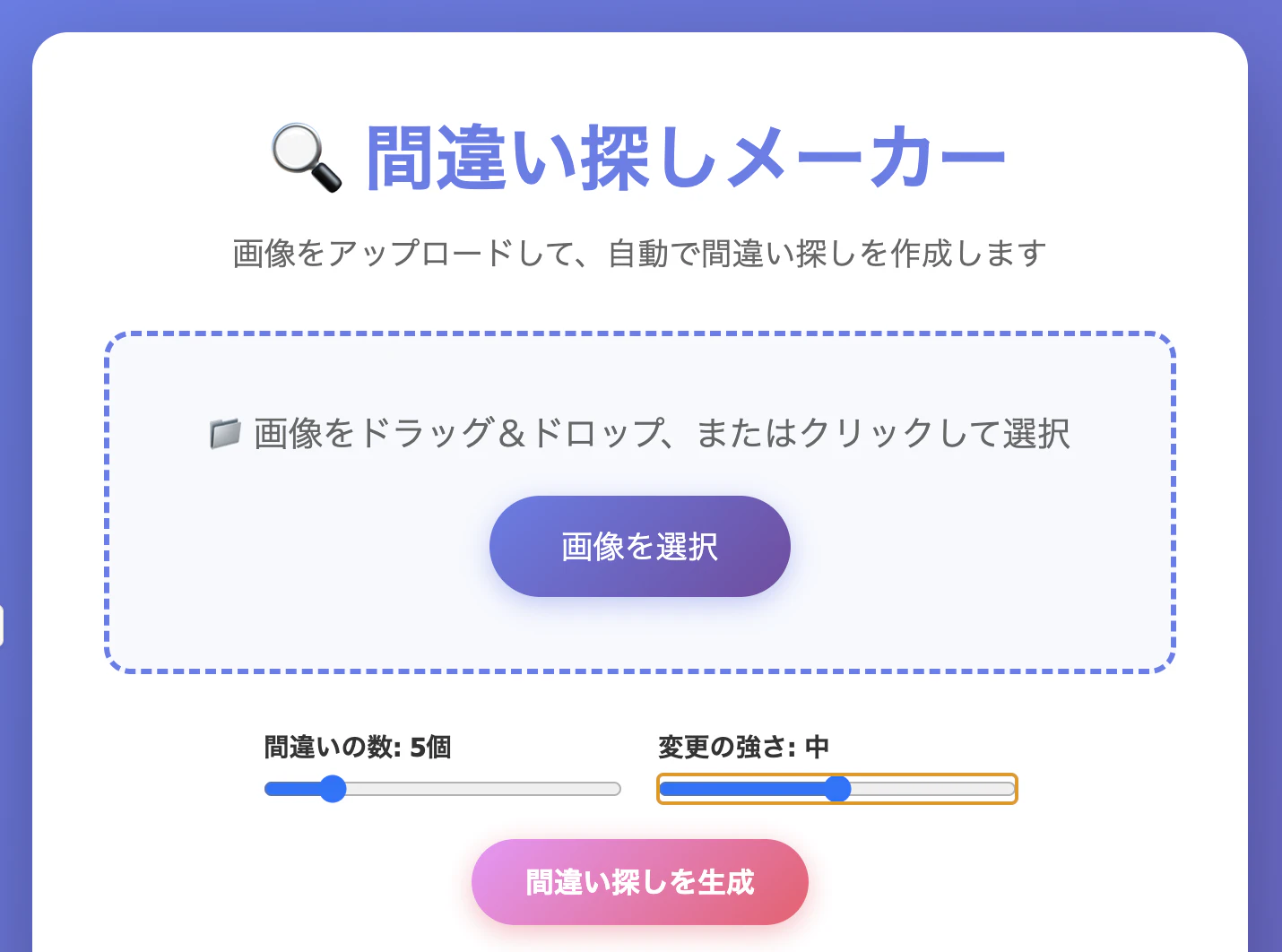
実際に画像をアップロードしてみました。
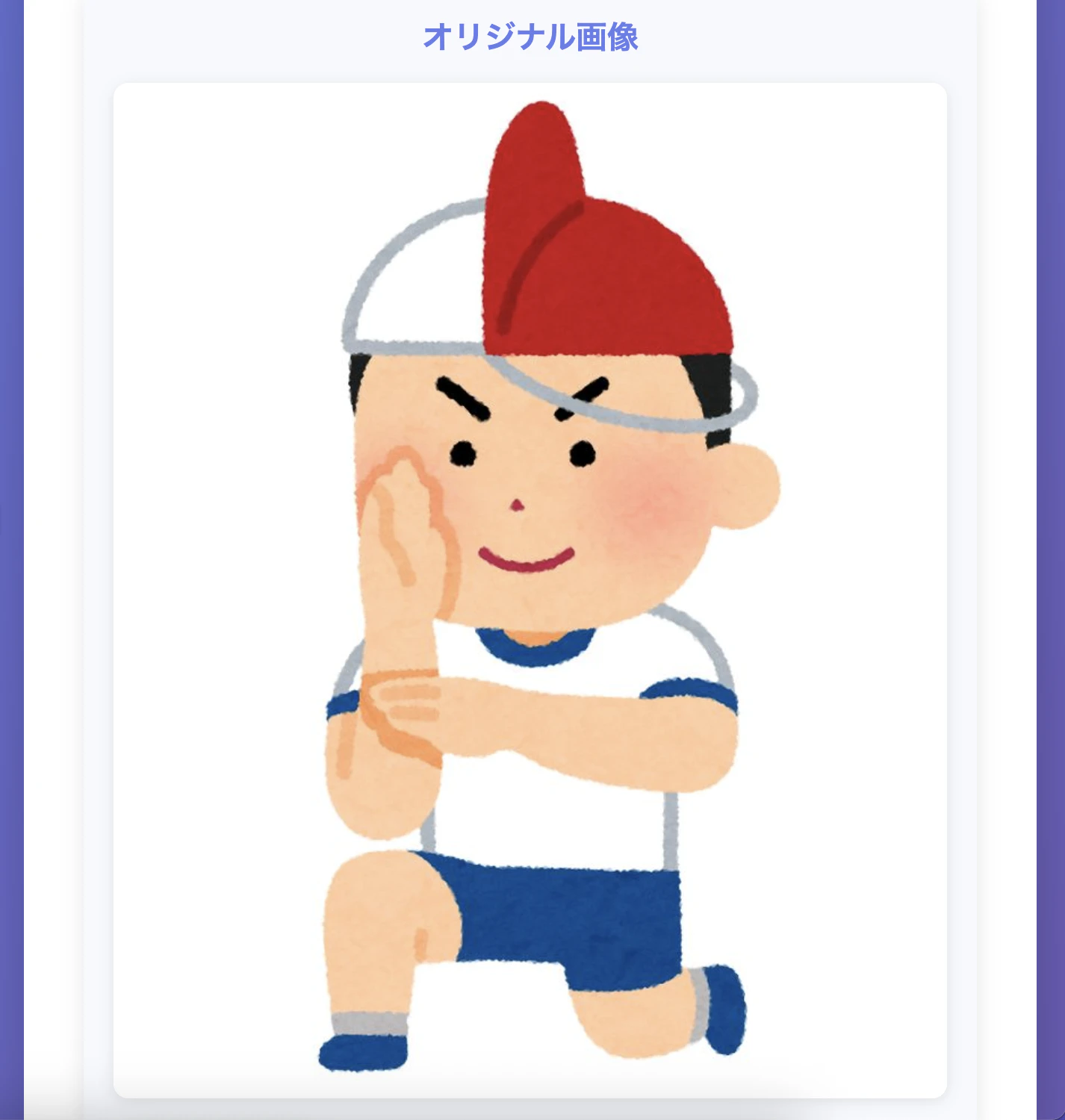
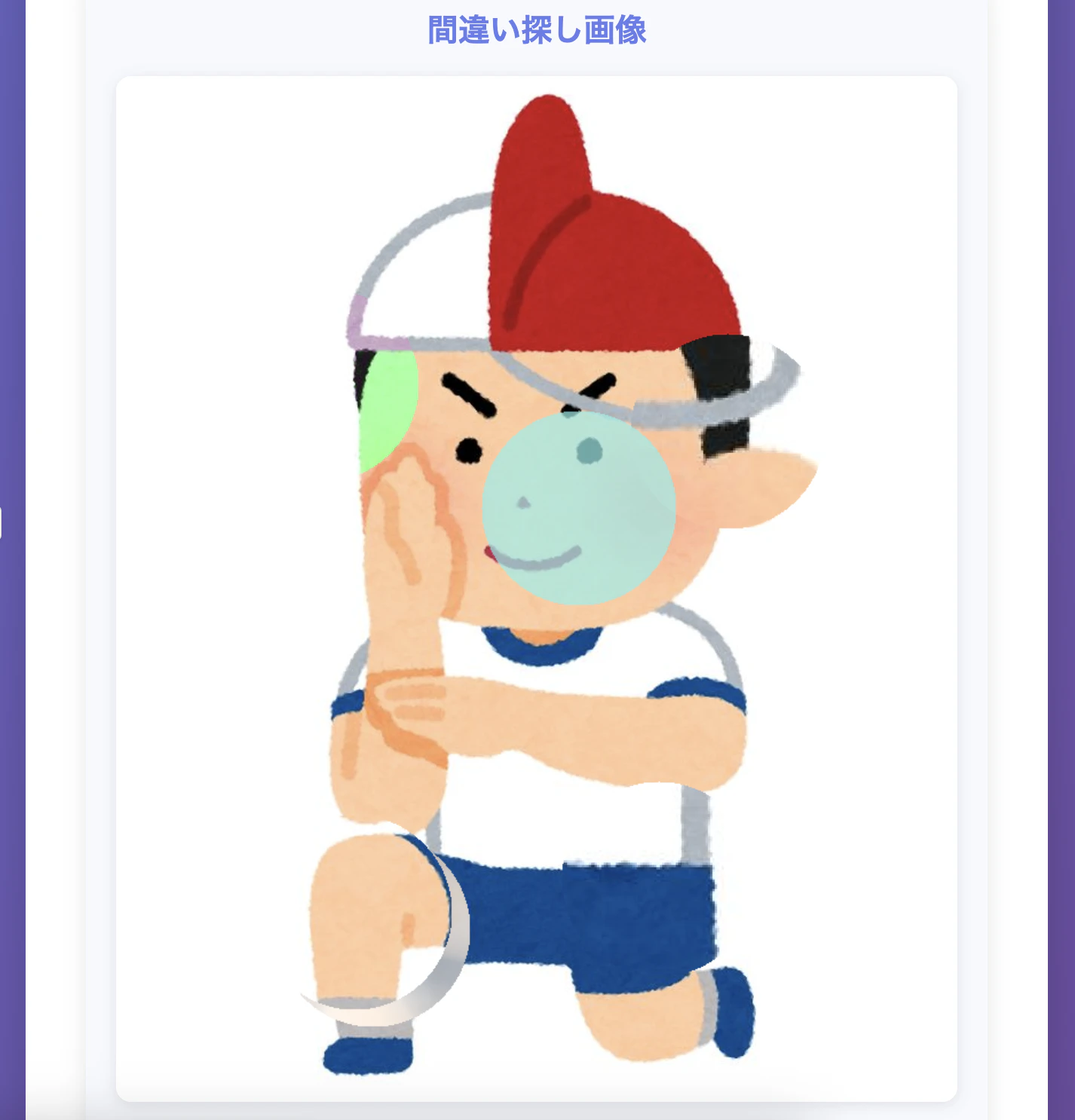
あれ、、、思ってたのと違う。こんな間違い探しは嫌だ。
プログラム解説
ポイントとなるプログラムを解説します。
function generateDifferences() {
    if (!originalImage) return;

    document.getElementById('loading').style.display = 'block';
    document.getElementById('imagesContainer').innerHTML = '';
    document.getElementById('differenceList').innerHTML = '';

    setTimeout(() => {
        const diffCount = parseInt(diffCountSlider.value);
        const intensity = parseInt(intensitySlider.value);

        // キャンバスを作成
        const canvas1 = document.createElement('canvas');
        const canvas2 = document.createElement('canvas');
        const ctx1 = canvas1.getContext('2d');
        const ctx2 = canvas2.getContext('2d');

        // 画像のサイズに合わせる
        canvas1.width = canvas2.width = originalImage.width;
        canvas1.height = canvas2.height = originalImage.height;

        // オリジナル画像を両方に描画
        ctx1.drawImage(originalImage, 0, 0);
        ctx2.drawImage(originalImage, 0, 0);

        // 間違いを生成
        differences = [];

        const imageData = ctx2.getImageData(
            0,
            0,
            canvas2.width,
            canvas2.height
        );

        for (let i = 0; i < diffCount; i++) {
            const diff = createDifference(imageData, intensity);
            differences.push(diff);
        }

        ctx2.putImageData(imageData, 0, 0);

        // 表示
        displayResults(canvas1, canvas2);

        document.getElementById('loading').style.display = 'none';
    }, 100);
}
function createDifference(imageData, intensity) {
    const types = ['color', 'remove', 'add', 'position', 'size', 'flip'];
    const type = types[Math.floor(Math.random() * types.length)];

    const x = Math.floor(Math.random() * (imageData.width - 150)) + 75;
    const y = Math.floor(Math.random() * (imageData.height - 150)) + 75;

    const size = 25 + intensity * 20;

    switch (type) {
        case 'color':
            changeColor(imageData, x, y, size, intensity);
            return {
                type: '色の違い',
                x,
                y,
                description: 'エリアの色が変わっています'
            };

        case 'remove':
            removeObject(imageData, x, y, size);
            return {
                type: '物が消えている',
                x,
                y,
                description: '何かが消えています'
            };

        case 'add':
            addObject(imageData, x, y, size, intensity);
            return {
                type: '物が追加されている',
                x,
                y,
                description: '何かが追加されています'
            };

        case 'position':
            shiftPosition(imageData, x, y, size);
            return {
                type: '位置のズレ',
                x,
                y,
                description: 'エリアが移動しています'
            };

        case 'size':
            changeSize(imageData, x, y, size, intensity);
            return {
                type: '大きさの違い',
                x,
                y,
                description: 'サイズが変わっています'
            };

        case 'flip':
            flipArea(imageData, x, y, size);
            return {
                type: '向きの違い',
                x,
                y,
                description: '左右反転しています'
            };
    }
}
- 色の違いの間違いを作ります。
case 'color':
    changeColor(imageData, x, y, size, intensity);
    return {
        type: '色の違い',
        x,
        y,
        description: 'エリアの色が変わっています'
    };
- 物の一部を消す間違いを作ります。
case 'remove':
    removeObject(imageData, x, y, size);
    return {
        type: '物が消えている',
        x,
        y,
        description: '何かが消えています'
    };
- 物の一部を追加する間違いを作ります。
case 'add':
    addObject(imageData, x, y, size, intensity);
    return {
        type: '物が追加されている',
        x,
        y,
        description: '何かが追加されています'
    };
- 物の位置をずらした間違いを作ります。
case 'position':
    shiftPosition(imageData, x, y, size);
    return {
        type: '位置のズレ',
        x,
        y,
        description: 'エリアが移動しています'
    };
- 物の大きさを変えた間違いを作ります。
case 'size':
    changeSize(imageData, x, y, size, intensity);
    return {
        type: '大きさの違い',
        x,
        y,
        description: 'サイズが変わっています'
    };
- 物の向きを変えた間違いを作ります。
case 'flip':
    flipArea(imageData, x, y, size);
    return {
        type: '向きの違い',
        x,
        y,
        description: '左右反転しています'
    };
Claudeではなく、Nno Banana を使ってみました。
AI実装 v2
プロンプト:
間違い探しの画像を作成して
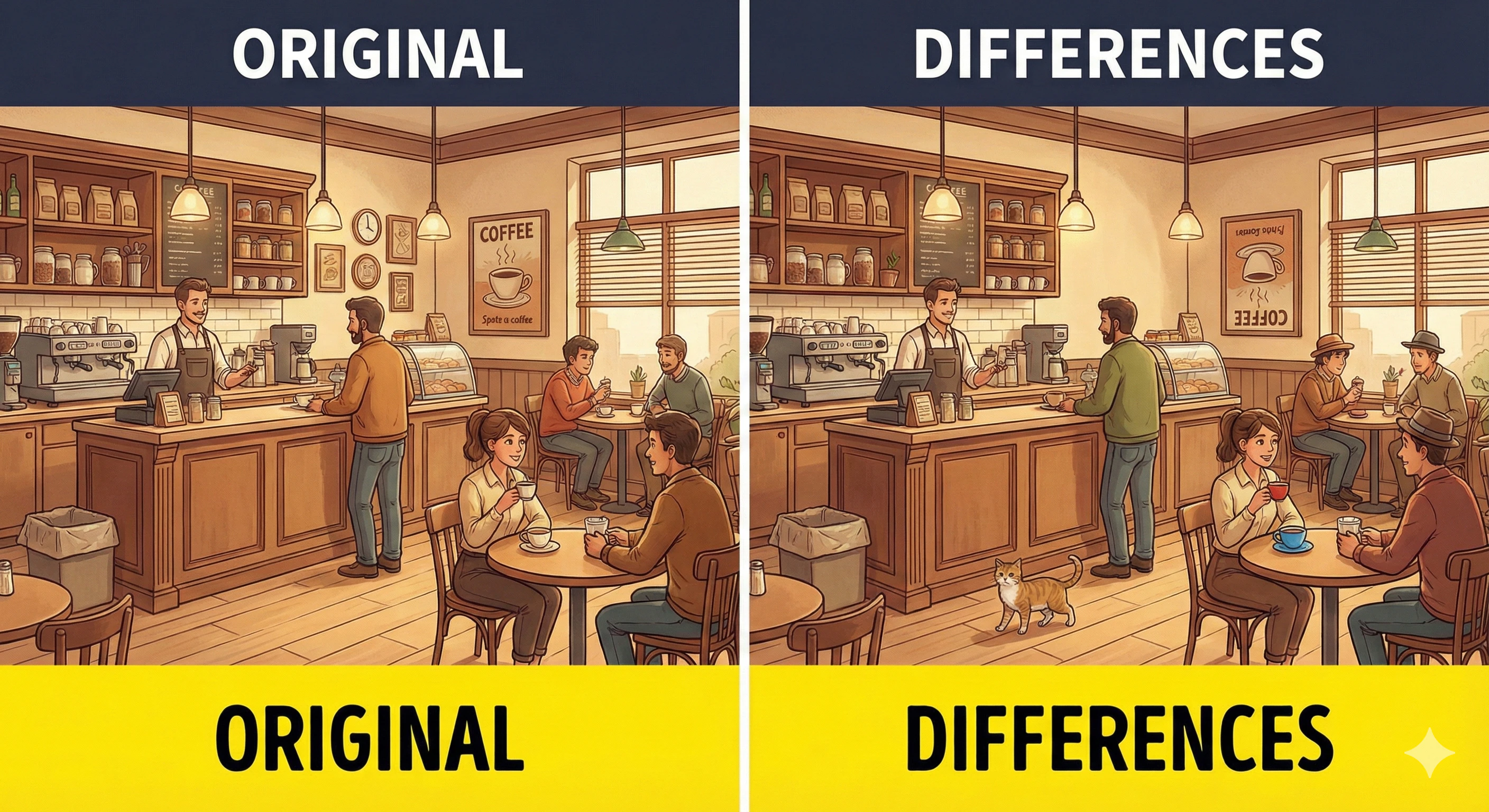
こちらはそれっぽいのができましたね!
おわりに
- AIに間違い探しを作らせるのは難しいようだ。
画像に何が写っているのかを識別して、それをどのパターンで加工するか。 - 別のAIツールで試してみるのもありですね。
AI で楽しいアプリ開発を!!
この記事は AI Code Challenge Advent Calender 2025 の 14 日目の記事です!