

はじめに
前の記事(↓)で設定した Ansible Automation Platform (AAP) のログファイル出力について、ログローテーション設定を OS 機能で実装した記録です。
IBM Bob(AI アシスタント)にファイルのログローテートの手順を確認しながら実装しました。
AI の進化でこの辺りのよく知られている内容の手順確認は問題なく出力されて、実装が本当に楽になりました。
環境
- RHEL 10(AWS EC2 インスタンス)
- IBM Bob
IBM Bob を使用した手順確認
Bob シェル Ask mode で手順確認を実施しています。
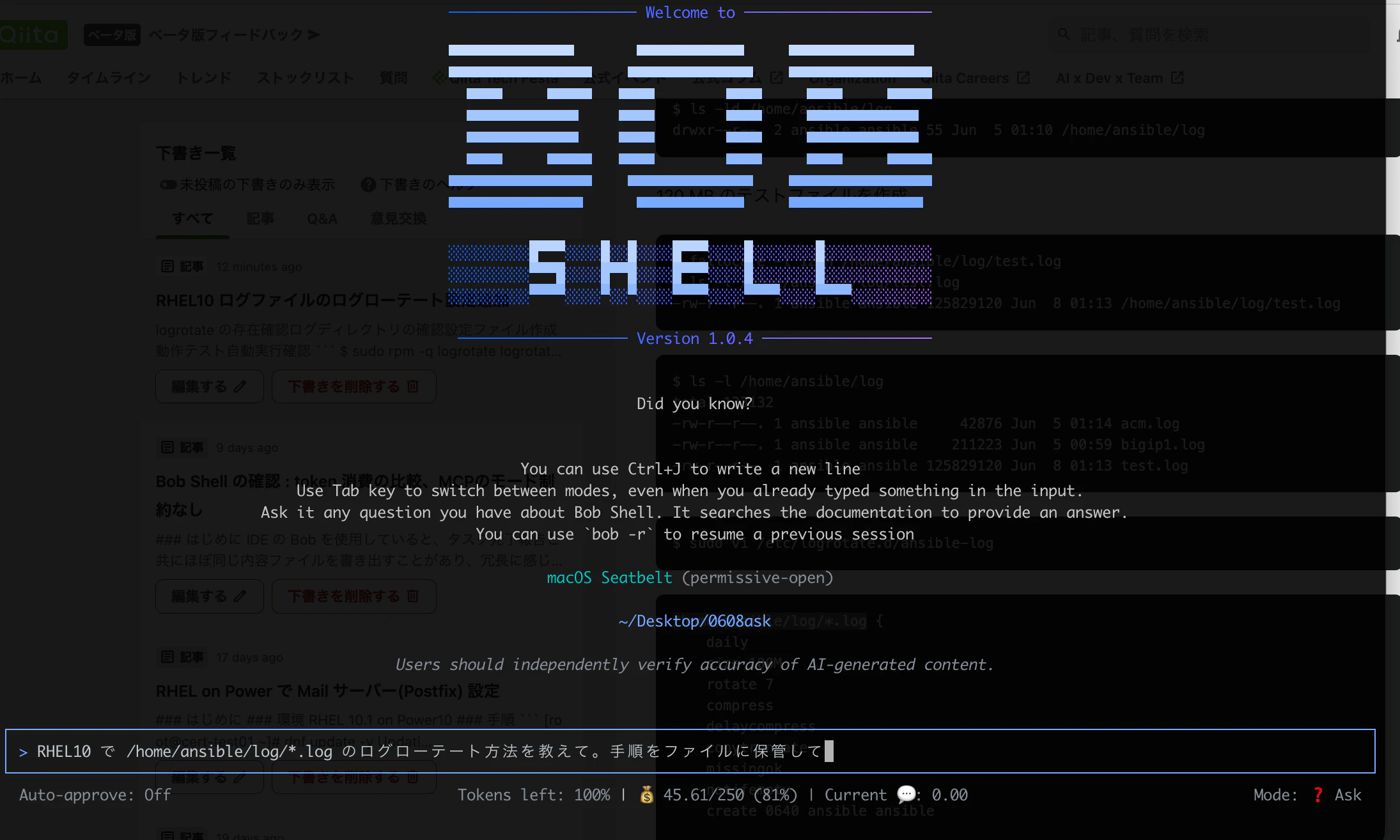
出力された手順(一部)

実装手順
logrotate の確認
$ sudo rpm -q logrotate
logrotate-3.22.0-4.el10.x86_64
ログディレクトリの確認
$ ls -ld /home/ansible/log
drwxr--r--. 2 ansible ansible 55 Jun  5 01:10 /home/ansible/log
テスト用ファイルの作成
120 MB のテストファイルを作成して動作確認に使用します。
$ fallocate -l 120M /home/ansible/log/test.log
$ ls -l /home/ansible/log/test.log
-rw-r--r--. 1 ansible ansible 125829120 Jun  8 01:13 /home/ansible/log/test.log
$ ls -l /home/ansible/log
total 123132
-rw-r--r--. 1 ansible ansible     42876 Jun  5 01:14 acm.log
-rw-r--r--. 1 ansible ansible    211223 Jun  5 00:59 bigip1.log
-rw-r--r--. 1 ansible ansible 125829120 Jun  8 01:13 test.log
logrotate 設定ファイルの作成
$ sudo vi /etc/logrotate.d/ansible-log
/home/ansible/log/*.log {
    daily
    size 100M
    rotate 7
    compress
    delaycompress
    copytruncate
    missingok
    notifempty
    create 0640 ansible ansible

    dateext
    dateformat -%Y%m%d
}
設定の意味
| 項目 | 意味 |
|---|---|
/home/ansible/log/*.log |
対象ログファイル |
daily |
毎日ローテーション判定を実行(size 指定時は実質上書きされる) |
size 100M |
ファイルサイズが 100MB を超えた場合にローテーション |
rotate 7 |
7 世代分のログを保持 |
compress |
ローテーション済みファイルを gzip 圧縮 |
delaycompress |
直前 1 世代の圧縮を次回ローテーション時まで遅延 |
copytruncate |
元のファイルをコピー後にゼロクリア(ログ書き込みプロセスの再起動不要) |
missingok |
対象ファイルが存在しなくてもエラーにしない |
notifempty |
空ファイルはローテーションしない |
create 0640 ansible ansible |
ローテーション後に新しいログファイルをパーミッション 0640、所有者 ansible で作成 |
dateext |
ローテーション済みファイル名に日付サフィックスを付ける |
dateformat -%Y%m%d |
日付フォーマットの指定(例: test.log-20260608) |
補足:
sizeとdailyの関係
sizeとdailyを同時に指定した場合、sizeが優先されます。
「毎日チェックし 100MB 超の場合のみローテーション」ではなく、サイズ閾値のみがトリガーとなり日次スケジュールは無視されます。
デバッグ実行時のnote: 'size' overrides previously specified 'daily'はこの動作を示しています。
動作確認
デバッグ実行(-d オプション)
実際には変更を加えずに、設定内容と動作をドライランで確認します。
$ sudo logrotate -d /etc/logrotate.d/ansible-log
warning: logrotate in debug mode does nothing except printing debug messages!  Consider using verbose mode (-v) instead if this is not what you want.

reading config file /etc/logrotate.d/ansible-log
note: 'size' overrides previously specified 'daily'
Reading state from file: /var/lib/logrotate/logrotate.status
Allocating hash table for state file, size 64 entries
...

Handling 1 logs

rotating pattern: /home/ansible/log/*.log 104857600 bytes empty log files are not rotated, (7 rotations), old logs are removed
considering log /home/ansible/log/acm.log
  log does not need rotating (log size is below the 'size' threshold)
considering log /home/ansible/log/bigip1.log
  log does not need rotating (log size is below the 'size' threshold)
considering log /home/ansible/log/test.log
  log needs rotating
rotating log /home/ansible/log/test.log, log->rotateCount is 7
Converted '-%Y%m%d' -> '-%Y%m%d'
dateext suffix '-20260608'
...
copying /home/ansible/log/test.log to /home/ansible/log/test.log-20260608
truncating /home/ansible/log/test.log
100MB を超えている test.log のみローテーション対象と判定されています。
強制実行(1回目)
$ sudo logrotate -f /etc/logrotate.d/ansible-log
$ echo $?
0
$ ls -l /home/ansible/log
total 123132
-rw-r--r--. 1 ansible ansible         0 Jun  8 01:15 acm.log
-rw-r--r--. 1 ansible ansible     42876 Jun  8 01:15 acm.log-20260608
-rw-r--r--. 1 ansible ansible         0 Jun  8 01:15 bigip1.log
-rw-r--r--. 1 ansible ansible    211223 Jun  8 01:15 bigip1.log-20260608
-rw-r--r--. 1 ansible ansible         0 Jun  8 01:15 test.log
-rw-r--r--. 1 ansible ansible 125829120 Jun  8 01:15 test.log-20260608
日付付きファイルが作成されています。delaycompress の設定により、1 世代目はまだ圧縮されていません。
強制実行(2回目)
再度 test.log を 120MB に膨らませて実行します。
$ fallocate -l 120M /home/ansible/log/test.log
$ sudo logrotate -f /etc/logrotate.d/ansible-log
error: destination /home/ansible/log/test.log-20260608 already exists, skipping rotation
$ ls -l /home/ansible/log
total 123252
-rw-r--r--. 1 ansible ansible         0 Jun  8 01:15 acm.log
-rw-r--r--. 1 ansible ansible     42876 Jun  8 01:15 acm.log-20260608
-rw-r--r--. 1 ansible ansible         0 Jun  8 01:15 bigip1.log
-rw-r--r--. 1 ansible ansible    211223 Jun  8 01:15 bigip1.log-20260608
-rw-r--r--. 1 ansible ansible 125829120 Jun  8 01:38 test.log
-rw-r--r--. 1 ansible ansible    122517 Jun  8 01:15 test.log-20260608.gz
dateext により同日付の test.log-20260608 がすでに存在するため、ローテーションはスキップされました。
一方、前回作成された test.log-20260608 は delaycompress の動作により、今回の実行タイミングで test.log-20260608.gz に圧縮されています。
logrotate の自動実行確認
RHEL 10 では logrotate は cron ではなく systemd.timer で管理されています。
logrotate.timer が enabled であれば、毎日自動的に /etc/logrotate.d/ 以下の設定が適用されるため、cron への手動登録は不要です。
$ systemctl status logrotate.timer
● logrotate.timer - Daily rotation of log files
     Loaded: loaded (/usr/lib/systemd/system/logrotate.timer; enabled; preset: enabled)
     Active: active (waiting) since Mon 2026-06-08 00:46:11 UTC; 25min ago
 Invocation: 7f50e0aa50694273ab2671ceccc35049
    Trigger: Mon 2026-06-08 01:24:23 UTC; 13min left
   Triggers: ● logrotate.service
       Docs: man:logrotate(8)
             man:logrotate.conf(5)
enabled および active (waiting) になっており、次のトリガー時刻も表示されています。
おわりに
これで AAP のジョブログ出力のローテーション設定ができました。
logrotate.timer により毎日自動的にローテーションが実行されるため、ログファイルの肥大化を防ぐことができます。
以上です。