

2025年度末に突如降ってきたAmazon Aurora PostgreSQL express configuration。名前からはややわかりづらいのですが:
- 数秒でクラスターを起動
- VPCなし(デフォでIGW付属、IAM DB認証)
という代物です。少し動かした感想としては、NeonなどのDBaaSのような手軽さでAWSにPostgreSQLを起動できるもの、と受け入れられそうです。これはとてもうれしいことです。VPCなくていいんですよ奥さん。
動かしてみた
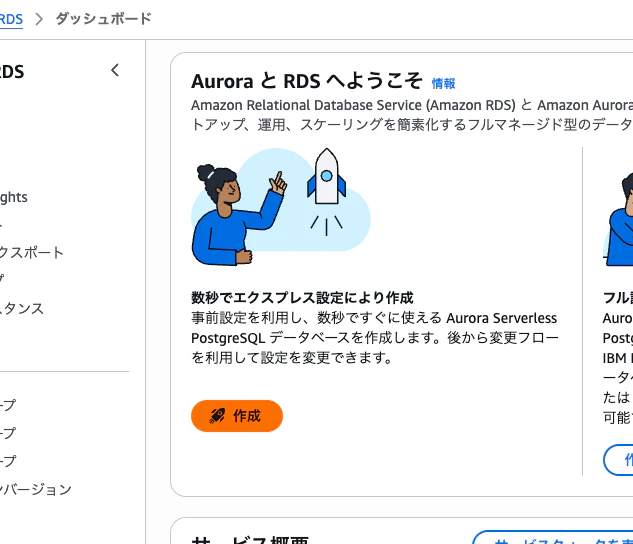
 ほとんど既定値から変えられない。ACUと識別子だけ変更可能。
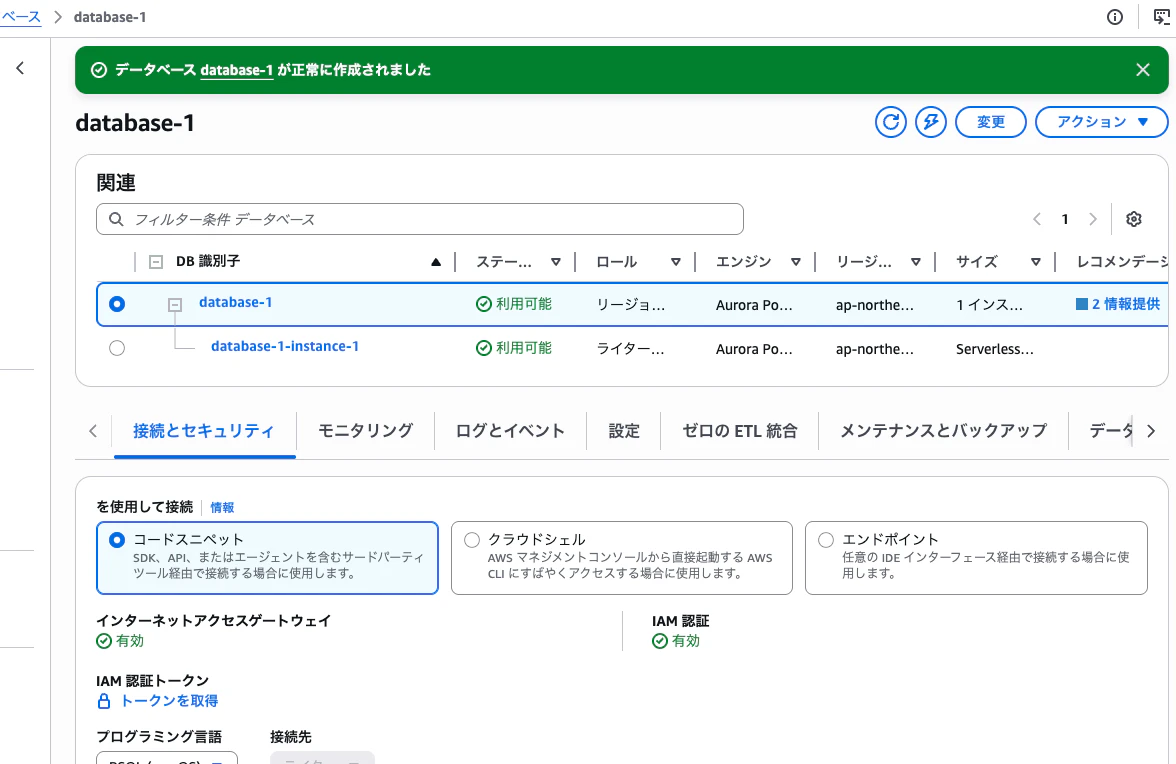 10秒くらいで起動した
 IO optimizedなどは後から選択できる。後からVPCに載せることはできない。
PostgreSQLへの接続
import psycopg2
import boto3

auth_token = boto3.client('rds', region_name='ap-south-1').generate_db_auth_token(DBHostname='channy-express-db-instance-1.abcdef.ap-south-1.rds.amazonaws.com', Port=5432, DBUsername='postgres', Region='ap-south-1')

conn = None
try:
    conn = psycopg2.connect(
        host='channy-express-db-instance-1.abcdef.ap-south-1.rds.amazonaws.com',
        port=5432,
        database='postgres',
        user='postgres',
        password=auth_token,
        sslmode='require'
    )
    cur = conn.cursor()
    cur.execute('SELECT version();')
    print(cur.fetchone()[0])
    cur.close()
公式ブログより引用。IAM DB認証を用いて、揮発性のトークンを用いて接続する。
クラウドシェル
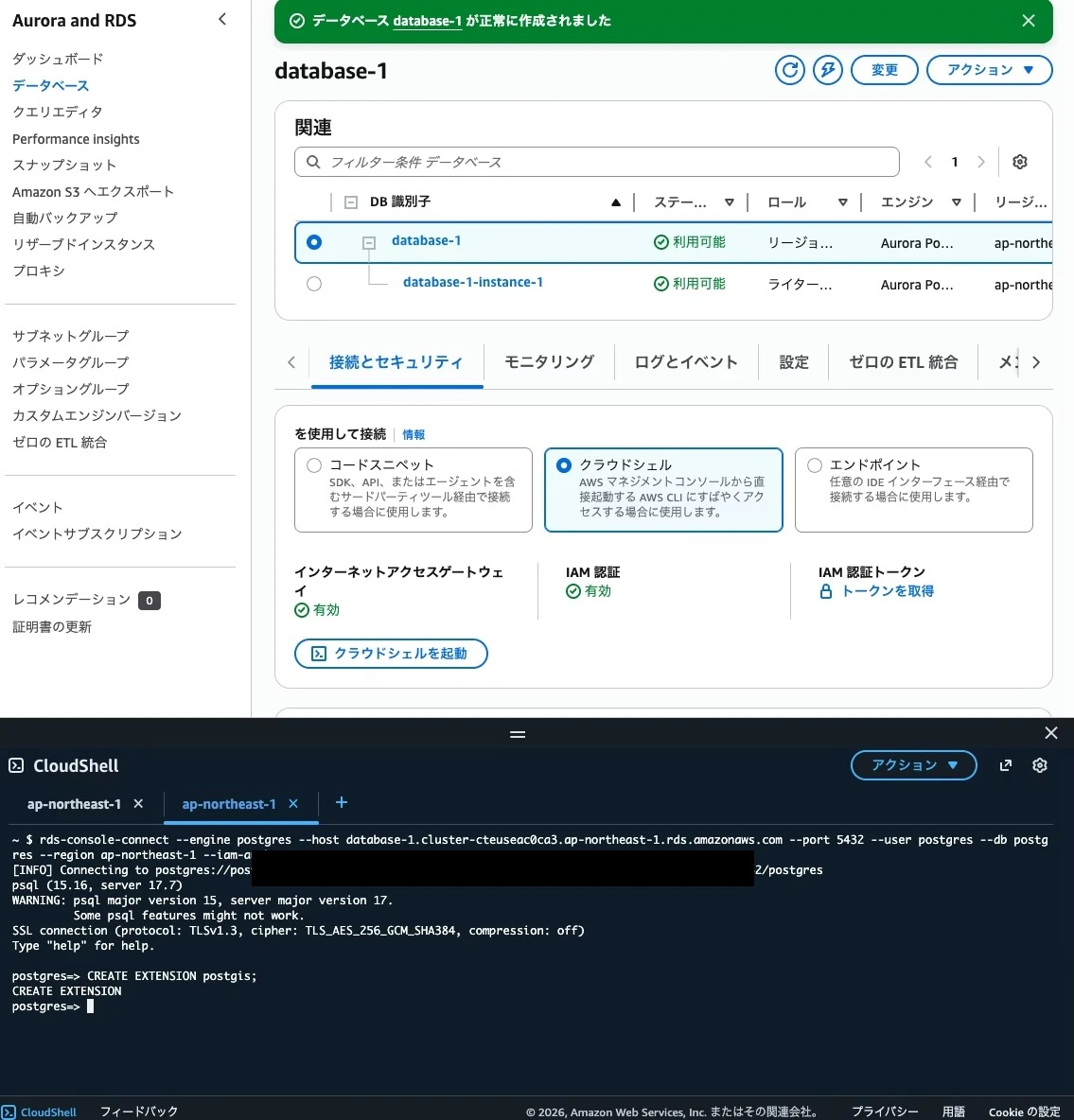 クラウドシェルでSQLの実行もかんたん
感想
サーバーレスにやりたいけどRDBを使いたい、でもVPCが必要なのかぁ、という典型的なかなしみを癒す神アプデでした。