
はじめに
この記事はFlutter初心者の筆者が学習のために書いている記事です。
間違っていたら温かくご指摘いただけるとありがたいです。
前回の記事では、MacにFlutter SDKインストールして使えるようにするところまで準備したので、今回はプロジェクトを作成して実行していきます。
動作環境
- PC:Macbook
- CPU:Intel
- OS:MacOS Ventura 13.3.1
プロジェクトを作成
Flutterのプロジェクト作成はとても簡単です。
以下のコマンドを実行します。
プロジェクト名は自由に付けてください。(私はflutter_appという名前で作成しました。)
# 事前にプロジェクトを作成する場所に移動する
cd [プロジェクトを作成する場所]

# プロジェクトを作成する
flutter create [プロジェクト名]
成功すると、指定した名前のプロジェクトフォルダ直下に様々なフォルダやファイルが出来上がっていることが確認できます。
プロジェクトを実行する
プロジェクト直下で以下のコマンドを実行します。
# プロジェクト直下に移動
cd [プロジェクト直下]

# Flutterプロジェクトを実行する
flutter run
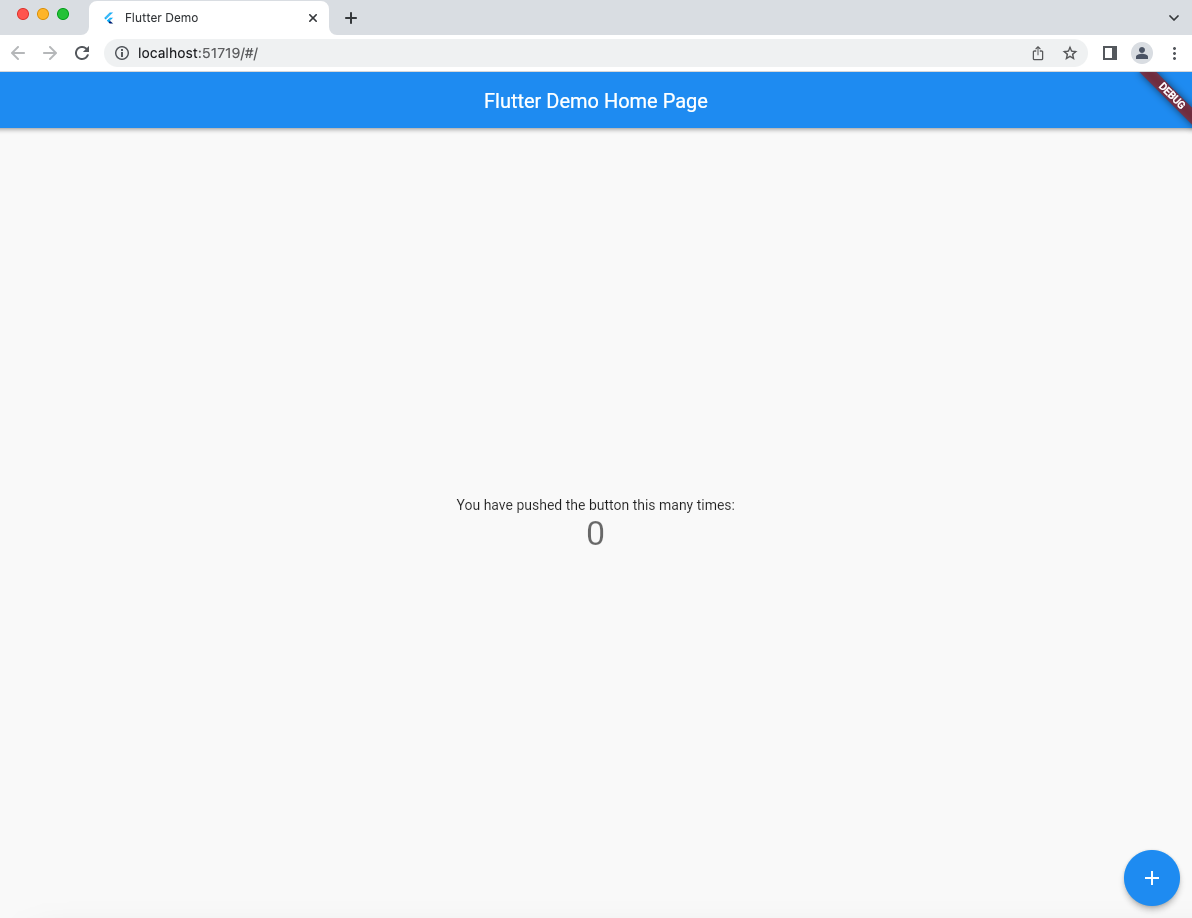
ビルドに少し時間がかかりますが、完了したらChromeでflutterプロジェクトが実行されます。
まず、iOSシュミレータを実行します。
open /Applications/Xcode.app/Contents/Developer/Applications
上のコマンドを実行するとFinderが開くので、開いたディレクトリ直下にあるSumulator.appを実行します。
シュミレータが起動してホーム画面が表示されたらFlutterプロジェクトを実行します。
# プロジェクト直下に移動
cd [プロジェクト直下]

# Flutterプロジェクトを実行する
flutter run
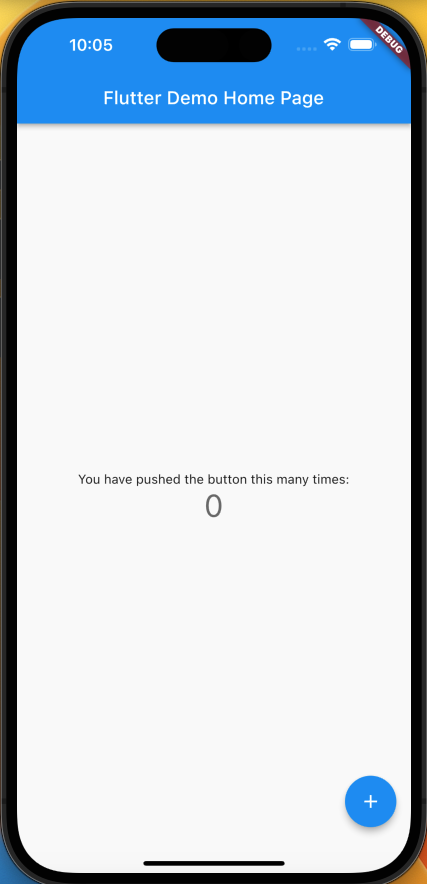
ビルドが完了したらiOSシュミレータでflutterプロジェクトが実行されます。
まずAndroidエミュレータを実行します。
# インストールされている仮想デバイスを確認します。
~/Library/Android/sdk/emulator/emulator -list-avds

# 上のコマンドで表示された仮想デバイスを指定して実行します。
~/Library/Android/sdk/emulator/emulator -avd [仮想デバイス名]
エミュレータが起動してホーム画面が表示されたらFlutterプロジェクトを実行します。
# プロジェクト直下に移動
cd [プロジェクト直下]

# Flutterプロジェクトを実行する
flutter run
ビルドが完了したらAndroidエミュレータでflutterプロジェクトが実行されます。

最後に
無事Flutterプロジェクトの作成と3つの環境での実行ができました!
1つのプロジェクトで複数環境のアプリを作れるのは本当にすごいですね。今回はWeb、iOS、Androidだけでしたが、他にもデスクトップアプリとしても実行できるようです。これは流行っているのも納得です。