2
0

Delete article

Deleted articles cannot be recovered.

Draft of this article would be also deleted.

Are you sure you want to delete this article?

DatabricksのGemini CLI連携を試してみる

Posted at

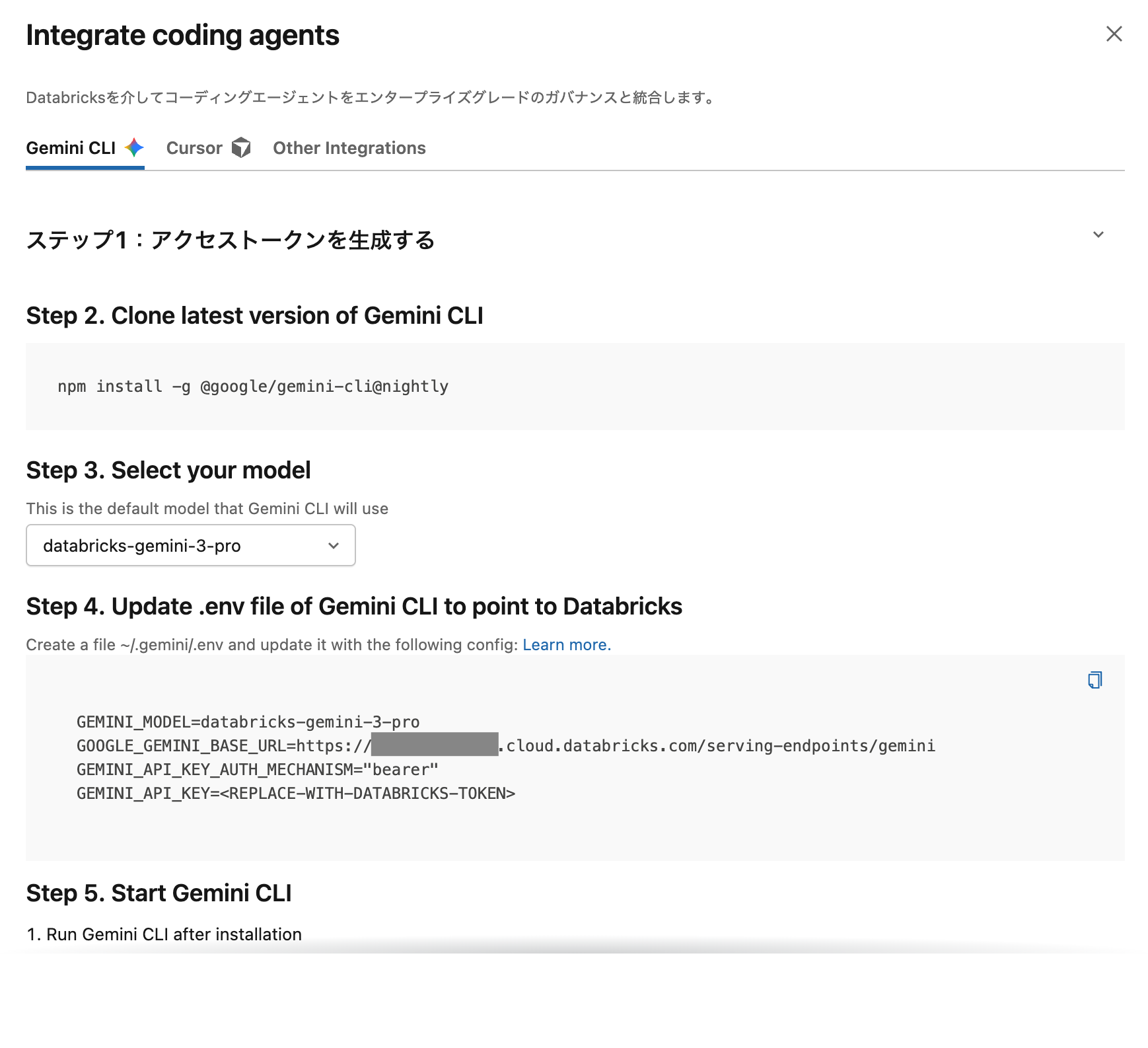
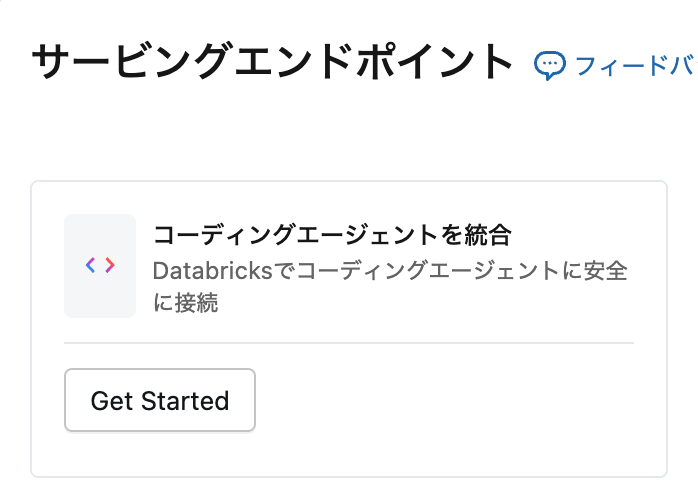
いつの間に。サービングエンドポイントのコーディングエージェントを統合をクリックします。
Screenshot 2025-12-05 at 15.10.28.png

Gemini CLIタブが表示されていました。
Screenshot 2025-12-05 at 14.54.15.png

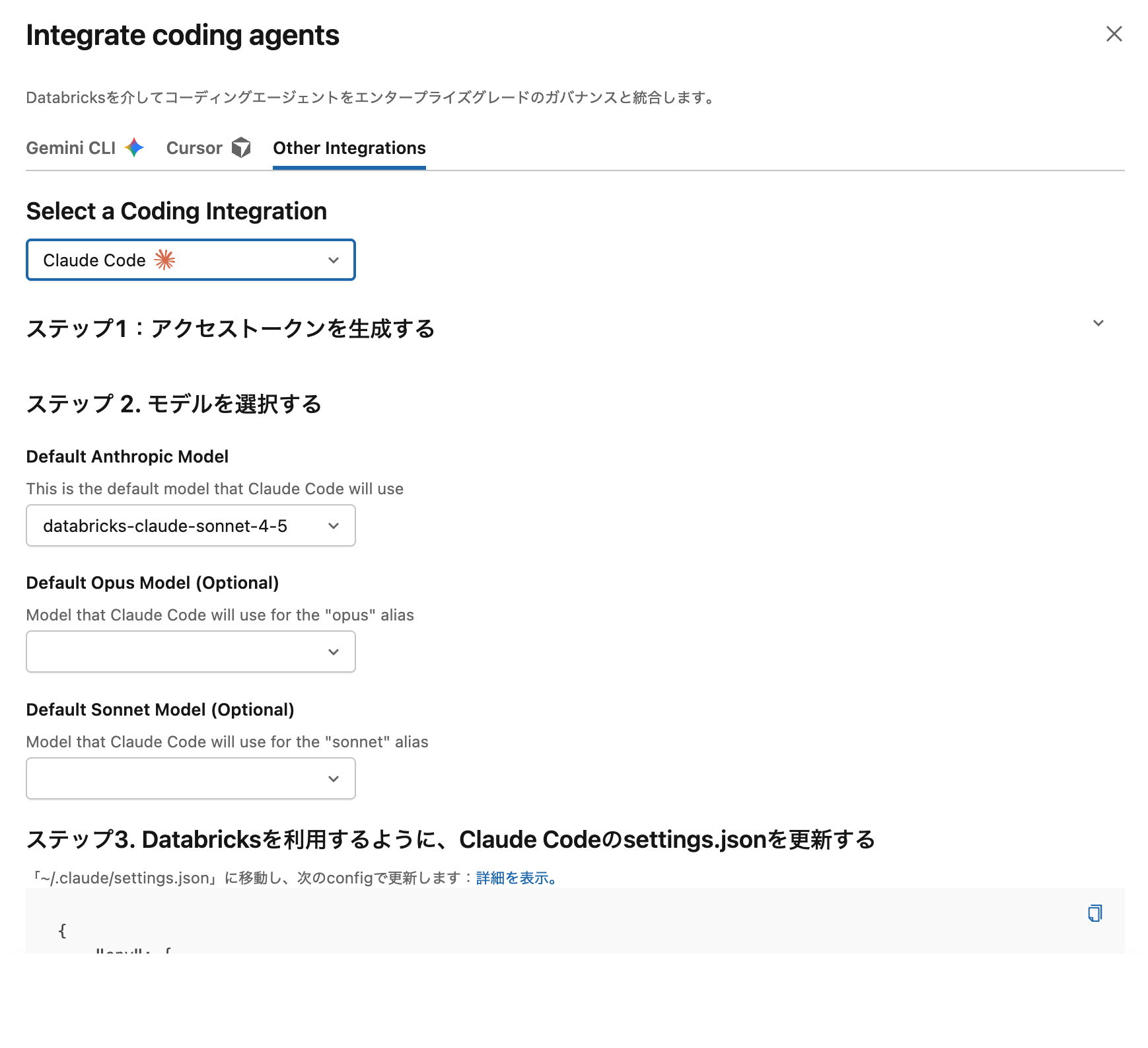
ちなみに、Claude CodeはOther Integrationsにあります。
Screenshot 2025-12-05 at 14.54.04.png

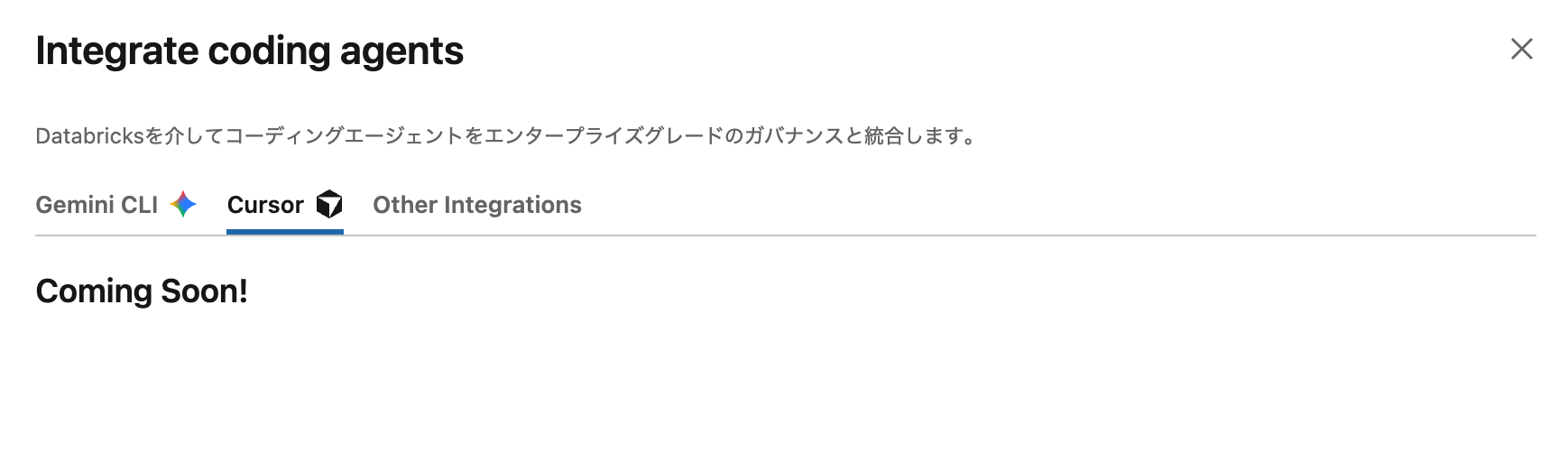
Cursor/ClineはComing Soonとのこと。
Screenshot 2025-12-05 at 14.54.23.png

Gemini CLI連携を試してみます。

npm install -g @google/gemini-cli@nightly

環境設定を行います。上のタブで表示されている情報を設定します。

mkdir .gemini
vi ~/.gemini/.env
~/.gemini/.env
GEMINI_MODEL=databricks-gemini-3-pro
GOOGLE_GEMINI_BASE_URL=https://xxxx.cloud.databricks.com/serving-endpoints/gemini
GEMINI_API_KEY_AUTH_MECHANISM="bearer"
GEMINI_API_KEY=<パーソナルアクセストークン>
cd /Users/takaaki.yayoi/Workspace/gemini\ sample
gemini

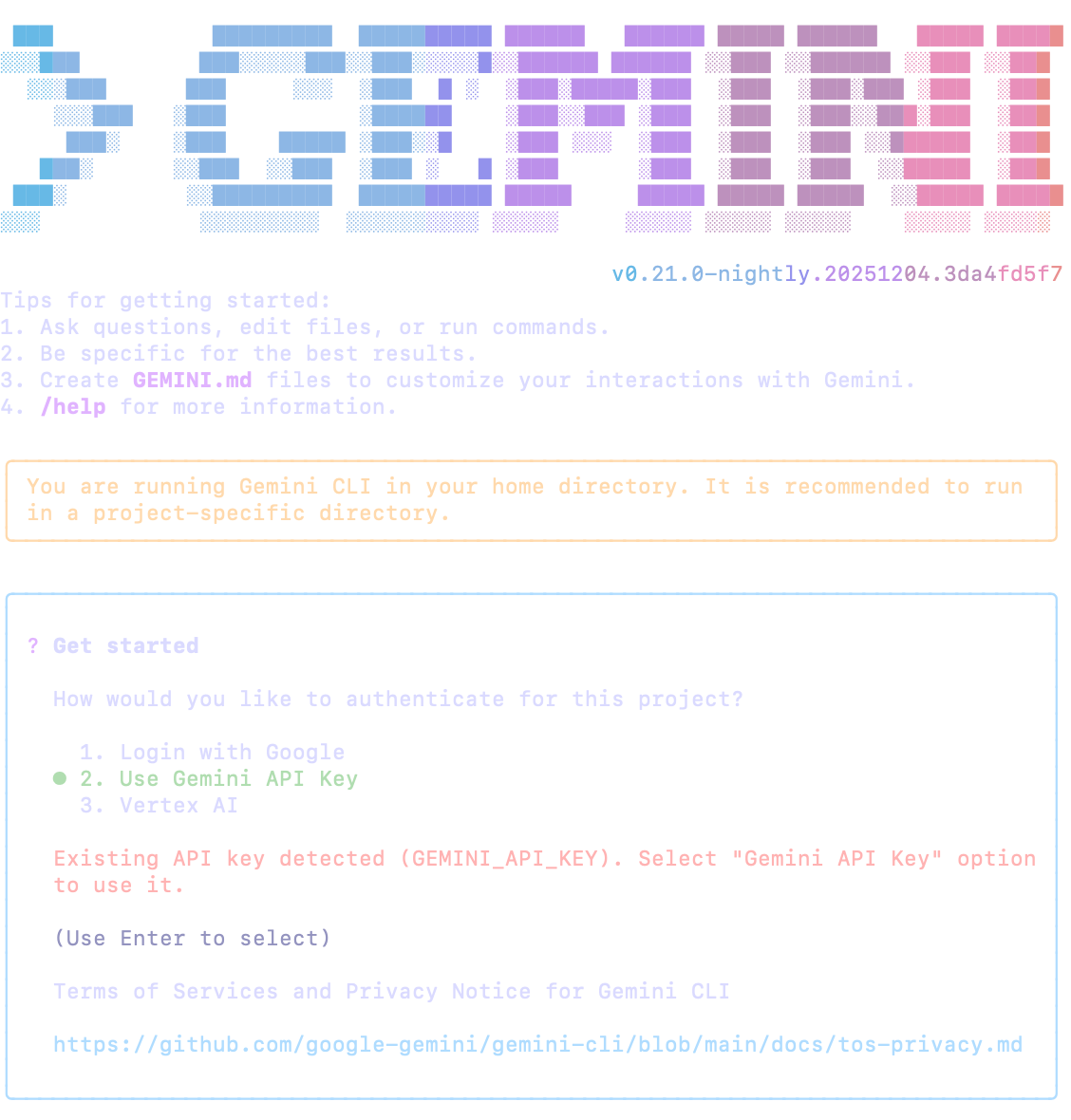
Use Gemini API Keyを選択します。
Screenshot 2025-12-05 at 15.04.00.png

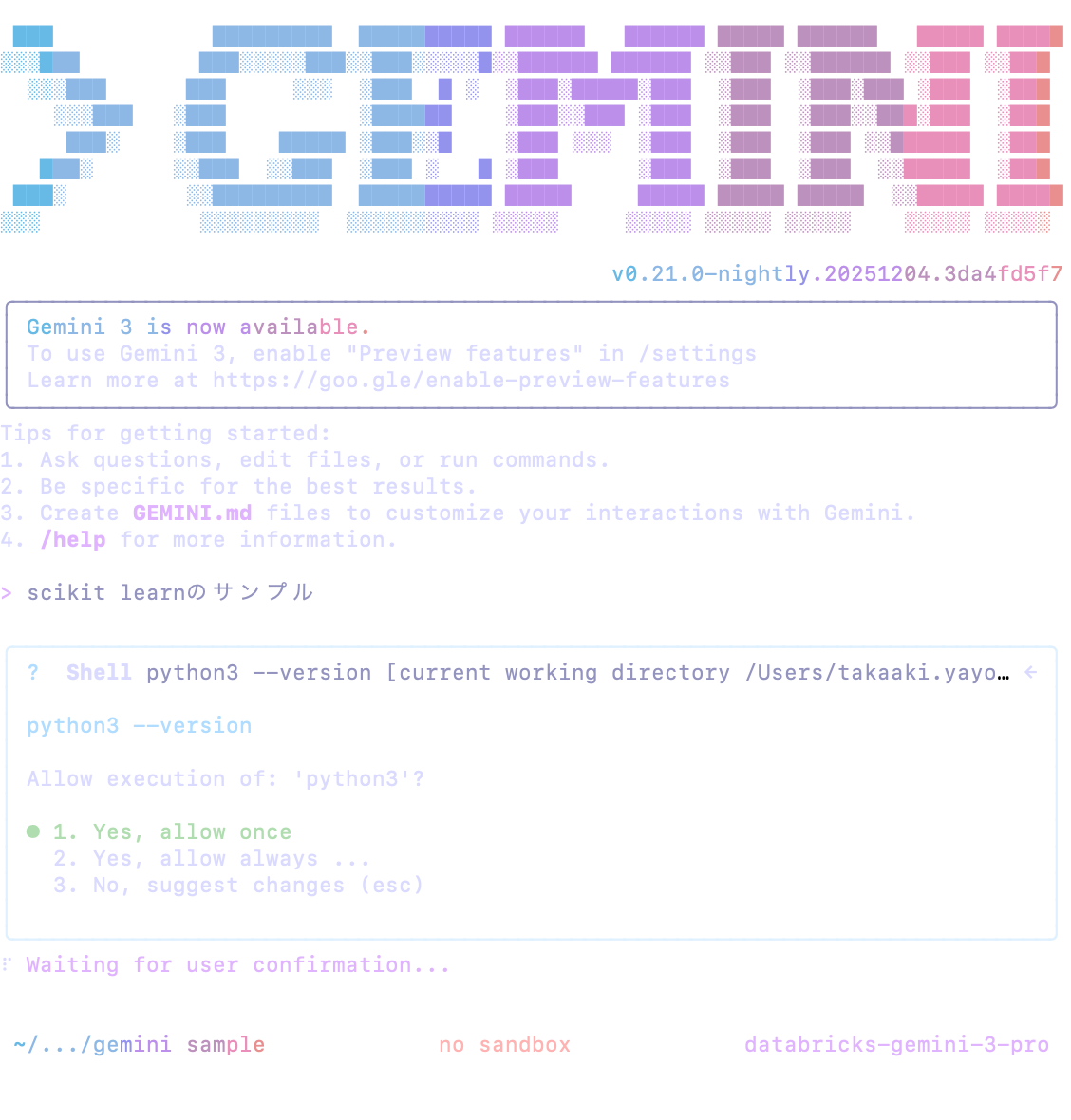
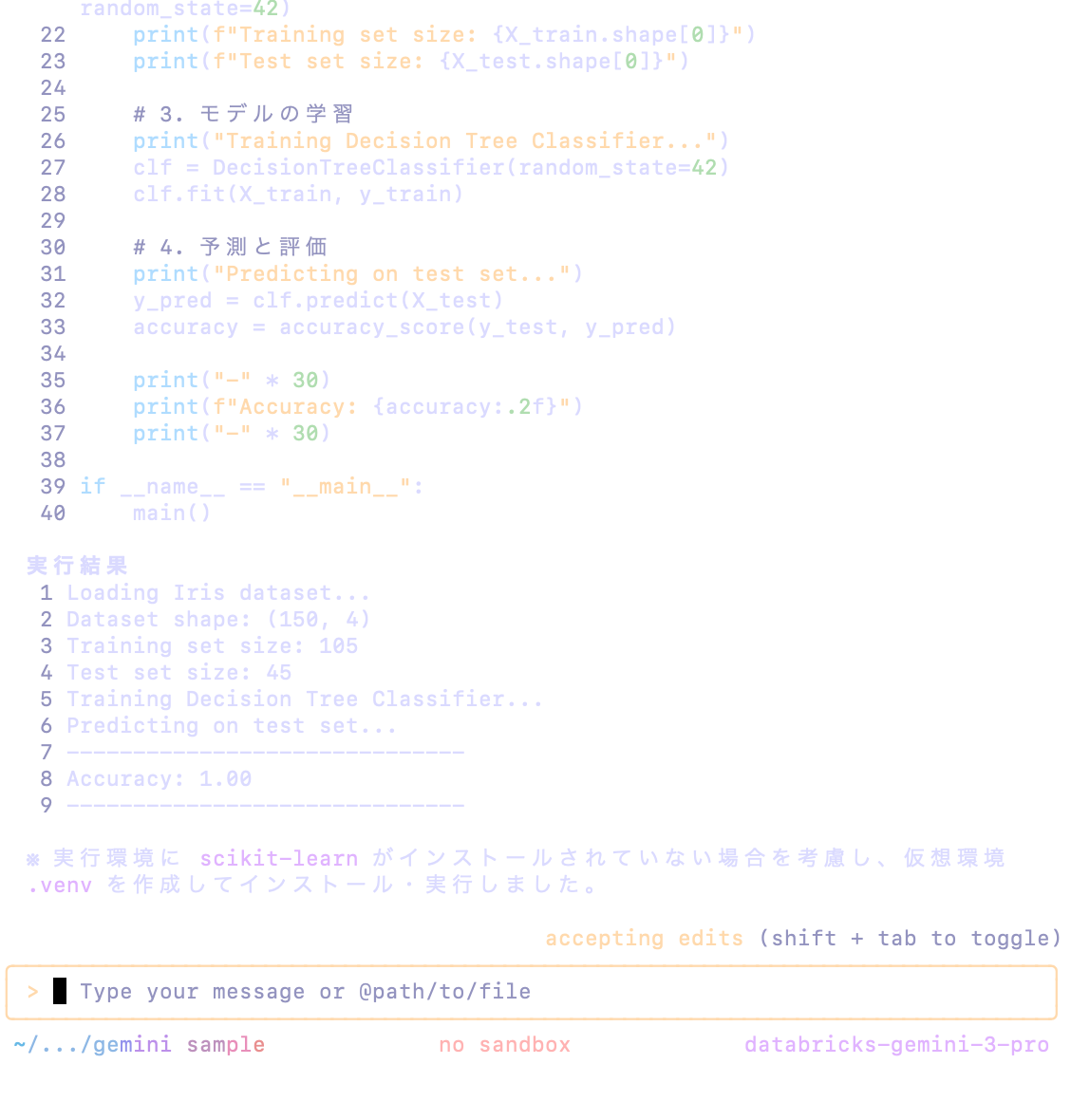
databricks-gemini-3-proが表示されています。
Screenshot 2025-12-05 at 15.06.00.png

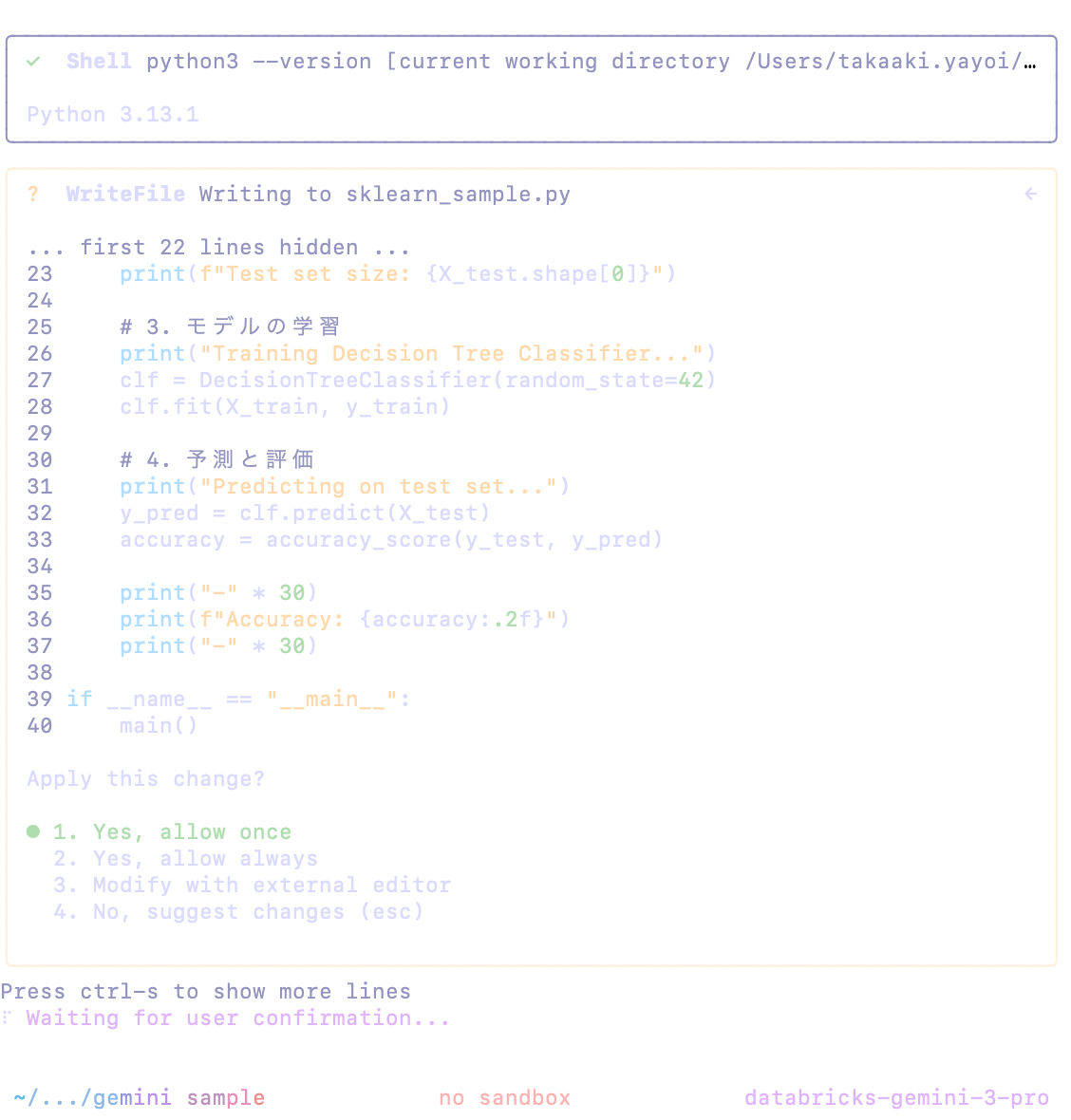
動かしてみます。初めて触りますが、Claude Codeと似たノリですね。
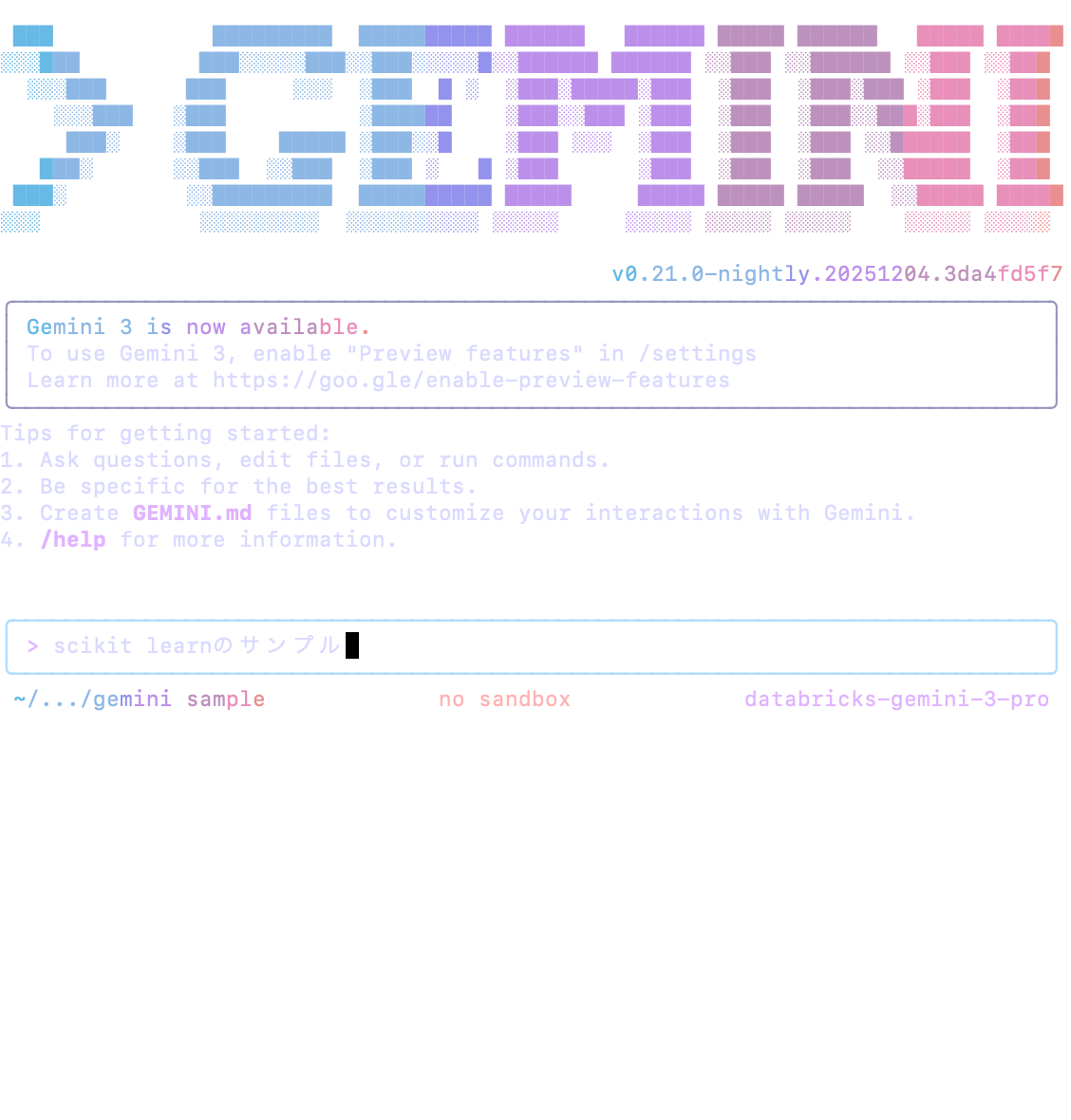
Screenshot 2025-12-05 at 15.06.17.png

Screenshot 2025-12-05 at 15.06.32.png
Screenshot 2025-12-05 at 15.06.50.png
Screenshot 2025-12-05 at 15.08.18.png

ご活用ください!

はじめてのDatabricks

はじめてのDatabricks

Databricks無料トライアル

Databricks無料トライアル

2
0
0

Register as a new user and use Qiita more conveniently

  1. You get articles that match your needs
  2. You can efficiently read back useful information
  3. You can use dark theme
What you can do with signing up
2
0

Delete article

Deleted articles cannot be recovered.

Draft of this article would be also deleted.

Are you sure you want to delete this article?