

このコラムの目標
- Ubuntu24.04をインストール
- ElixirとErlangをインストール
- iexで動作確認
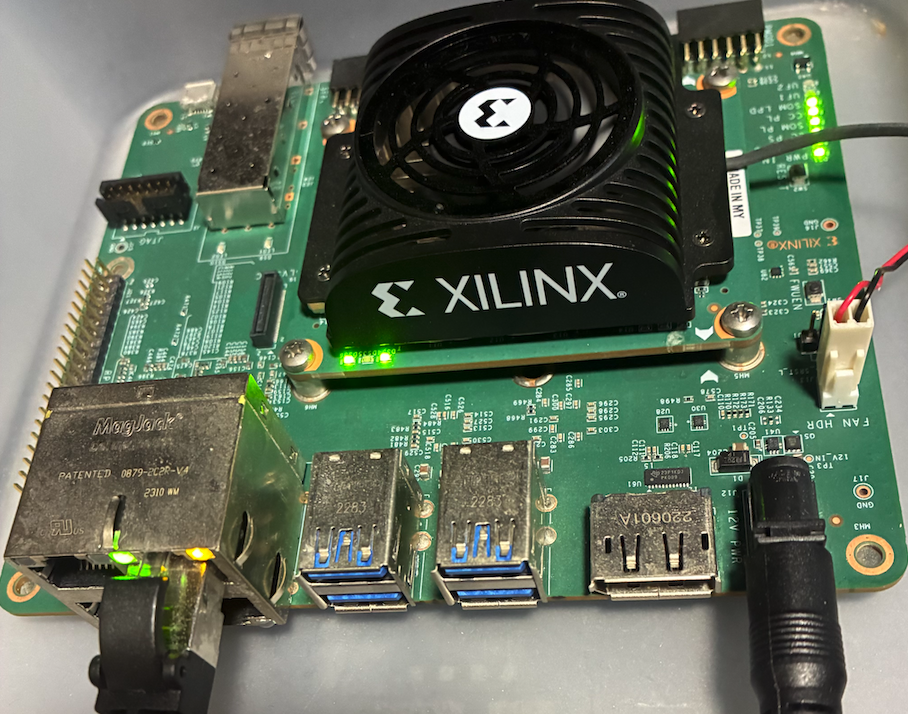
Ubuntu24.04をインストール
- Ubuntu24.04のイメージをダウンロードします
-
ダウンロードしたイメージをSDカードに焼きます
- ダウンロードに使ったOSごと操作方法は違いますがUbuntuのケース
- イメージファイルをダブルクリックするとイメージライターが起動できる
- SDカードを選択
- 焼けるのを待つ
- ダウンロードに使ったOSごと操作方法は違いますがUbuntuのケース
-
焼けたSDをKR260に差す
-
電源を入れる
-
初期アカウントはubuntu
- パスワードはubuntu
- ログインに成功するとパスワード変更できます
- パスワードはubuntu
パスワード設定後はssh経由でも操作可能です
ipアドレスはip aで調べることができます
ElixirとErlangをインストール
- miseをインストール
$ curl https://mise.run | sh
$ echo "eval \"\$(/home/ubuntu/.local/bin/mise activate bash)\"" >> ~/.bashrc

$ source ~/.bashrc
- miseを使ってElixirとErlangをインストール
$ mise use -g erlang@lates
$ mise use -g elixir@latest
iexで動作確認
iexを起動
$ iex
下記のように表示します
Erlang/OTP 28 [erts-16.2] [source] [64-bit] [smp:4:4] [ds:4:4:10] [async-threads:1] [jit]
Interactive Elixir (1.19.4) - press Ctrl+C to exit (type h() ENTER for help)
プロプラムを入力
iex(1)> Enum.sum(1..10)
55
55と表示されます
ここまで、できればElixirのインストールは成功です