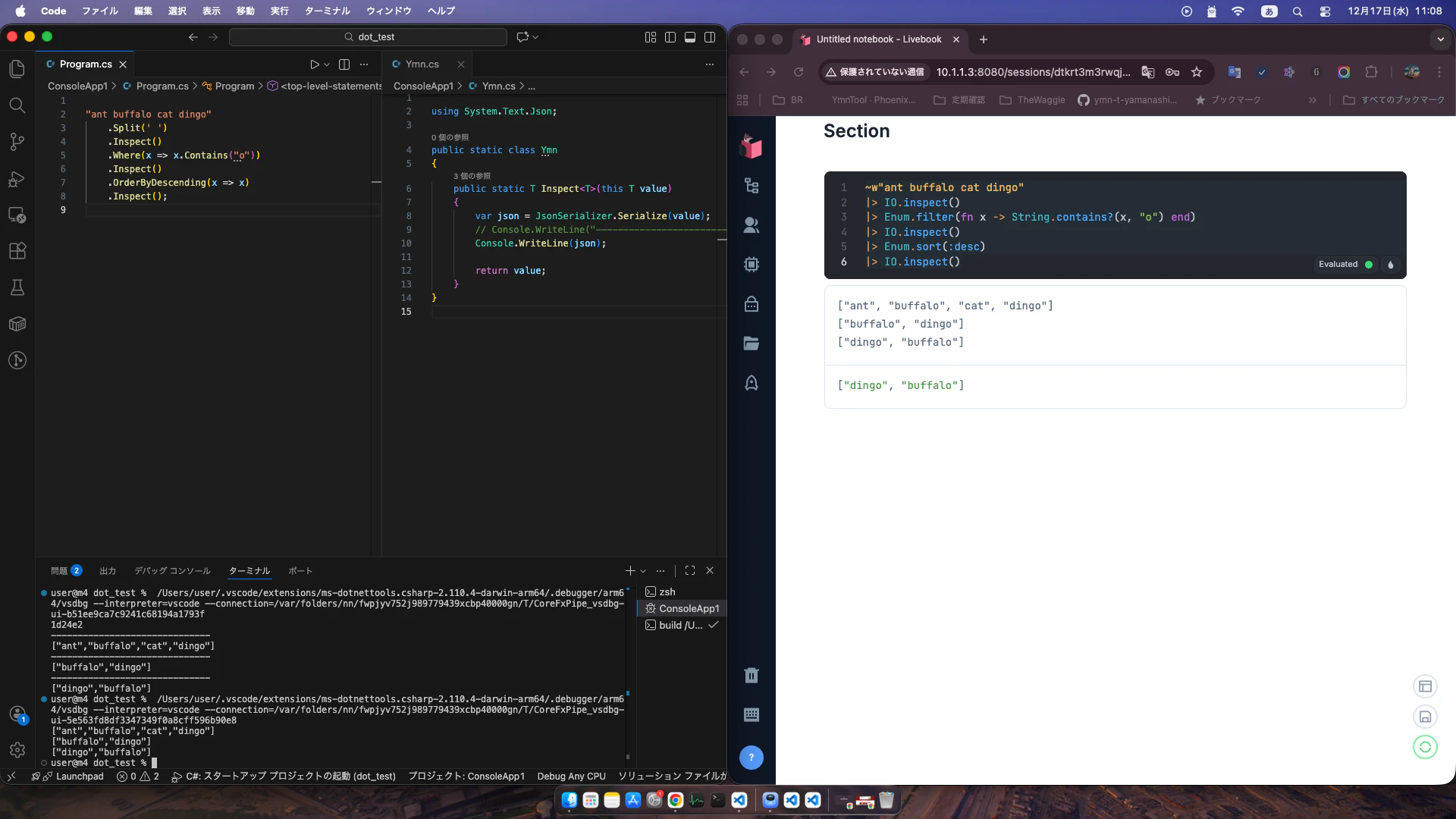
今回は関数の途中をデバッグをしたいです
Elixirの場合はIO.inspectがありますがC#にはなかったので自作します
IO.inspectは入力値を画面に出力して、次の関数に入力値をそのまま渡すことができます
C#版IO.inspectを自作
using System.Text.Json;

public static class Ymn
{
    public static T Inspect<T>(this T value)
    {
        var json = JsonSerializer.Serialize(value);
        Console.WriteLine(json);

        return value;
    }
}
- JsonSerializer.Serializeを行うとJsonの構造に変換できます
- 上記を画面に出力
- 入力値をそのまま返します
ポイントT Inspect<T>(this T value)
このTは前の関数の型を引き継ぎます
valueを返すことによってスルーすることができます
実験
お題
- "ant buffalo cat dingo"をリスト
- 現時点でデバック出力
- 文字列リストから"o"を含む文字列を取得
- 現時点でデバック出力
- 降順にする
Elixirの場合
~w"ant buffalo cat dingo"
|> IO.inspect()
|> Enum.filter(fn x -> String.contains?(x, "o") end)
|> IO.inspect()
|> Enum.sort(:desc)
|> IO.inspect()

# 結果
["ant", "buffalo", "cat", "dingo"]
["buffalo", "dingo"]
["dingo", "buffalo"]
C#の場合
"ant buffalo cat dingo"
    .Split(' ')
    .Inspect()
    .Where(x => x.Contains("o"))
    .Inspect()
    .OrderByDescending(x => x)
    .Inspect();

// 結果
["ant","buffalo","cat","dingo"]
["buffalo","dingo"]
["dingo","buffalo"]
これで、Elixirと同じ感覚でデバッグできるようになりました