
はじめに
前回はラズパイにLLMを載せて推論を行いました。残念ながらラズパイにはGPUがなく、CPU推論になっていました。今回はGPUを使って推論を行なっていきます。
その記事もご覧ください。
GPUの性能
私のパソコンのGPUの性能です。
| 項目 | 値 |
|---|---|
| 名称 | GeForce RTX 3060 ti |
| メモリ | 8 GB |
| CUDA | 13.1 |
CLIからの確認
echo 'export PATH=$PATH:/usr/lib/wsl/lib' >> ~/.bashrc
source ~/.bashrc

watch -n 0.5 nvidia-smi
Gemmaの用意
環境構築
前回と違うのは、CUDA対応のbuildを行うことです。
sudo apt update
sudo apt install -y git cmake build-essential python3 python3-pip curl wget

git clone https://github.com/ggml-org/llama.cpp.git
cd llama.cpp

python3 -m pip install -r requirements.txt --break-system-packages

cmake -B build -DGGML_CUDA=ON
cmake --build build --config Release -j 4
ログイン
Hugging Faceにログイン
- ブラウザで Hugging Face にログイン
- 右上のアイコン → Settings
- 左メニューの Access Tokens
- Create new token
- 種類は Read でOK
- 作成された長い文字列をコピー
pip install -U "huggingface_hub[cli]" --break-system-packages
hf auth login

Enter your token (input will not be visible):
Add token as git credential? [y/N]: N
インストール認証
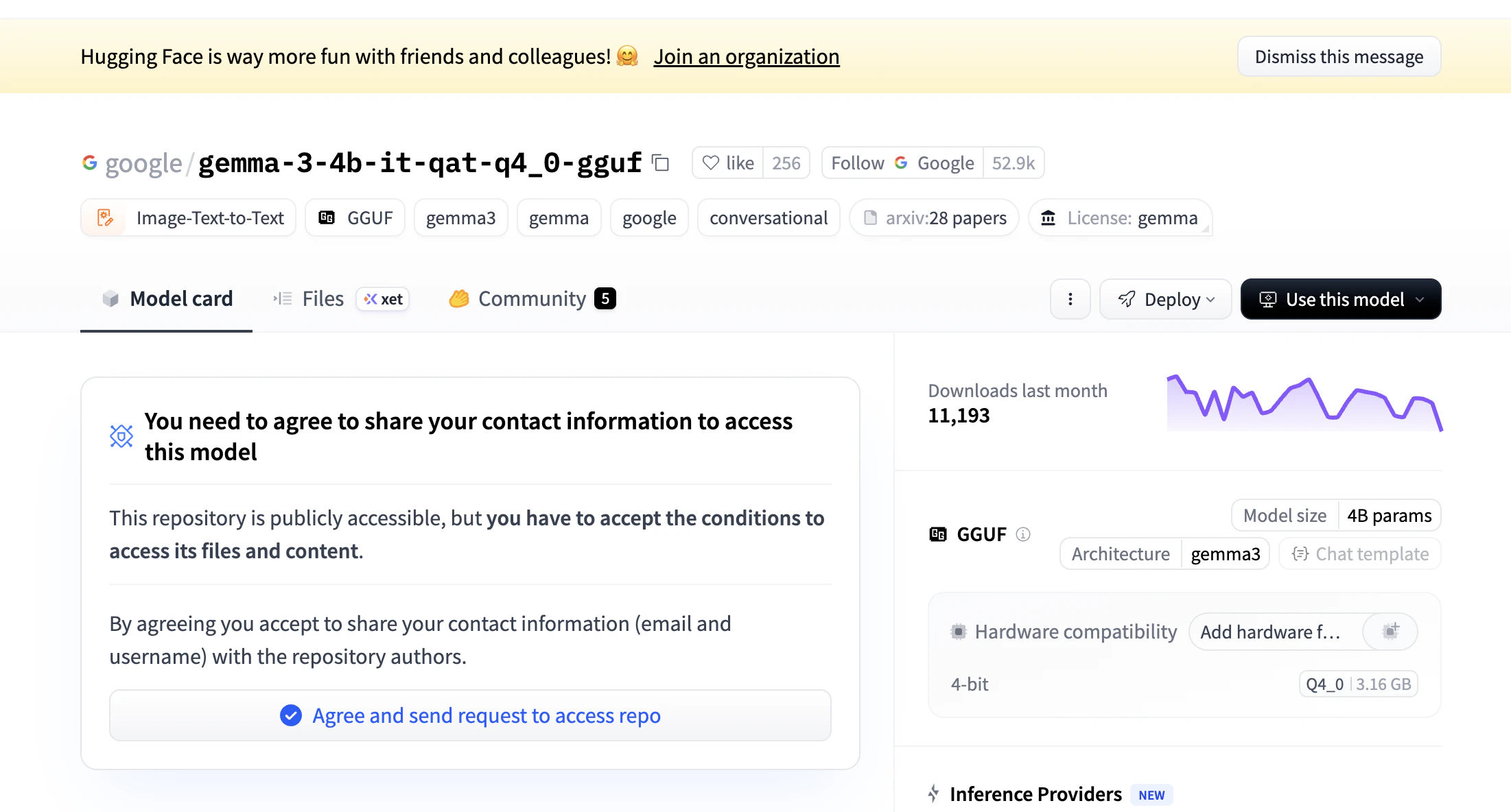
Agree and send request to access repoで認証
mkdir -p ~/models/gemma-4-E4B

hf download ggml-org/gemma-4-E4B-it-GGUF \
  --local-dir ~/models/gemma-4-E4B
起動
cd ~/llama.cpp

./build/bin/llama-cli \
  -m ~/models/gemma-4-E4B/gemma-4-E4B-it-Q8_0.gguf \
  --jinja \
  -ngl 99 \
  -c 1024 \
  -n -1 \
  -t 8
1行目にfound 1 CUDA devicesとありますね。ちゃんと認識できています。
ggml_cuda_init: found 1 CUDA devices (Total VRAM: 8191 MiB):
  Device 0: NVIDIA GeForce RTX 3060 Ti, compute capability 8.6, VMM: yes, VRAM: 8191 MiB

Loading model...


▄▄ ▄▄
██ ██
██ ██  ▀▀█▄ ███▄███▄  ▀▀█▄    ▄████ ████▄ ████▄
██ ██ ▄█▀██ ██ ██ ██ ▄█▀██    ██    ██ ██ ██ ██
██ ██ ▀█▄██ ██ ██ ██ ▀█▄██ ██ ▀████ ████▀ ████▀
                                    ██    ██
                                    ▀▀    ▀▀

build      : b8920-15fa3c493
model      : gemma-4-E4B-it-Q8_0.gguf
modalities : text

available commands:
  /exit or Ctrl+C     stop or exit
  /regen              regenerate the last response
  /clear              clear the chat history
  /read <file>        add a text file
  /glob <pattern>     add text files using globbing pattern


>
APIサーバ化
--reasoning offをつけることでthinkingモードを切ることができます。
./build/bin/llama-server \
  -m ~/models/gemma4-E4B/gemma-4-E4B-it-Q8_0.gguf \
  --host 0.0.0.0 \
  --port 8080 \
  -ngl all \
  -n -1 \
  --reasoning off
curl http://localhost:8080/v1/chat/completions \
  -H "Content-Type: application/json" \
  -d '{
    "model": "gemma",
    "messages": [
      {
        "role": "user",
        "content": "日本語で短く自己紹介して"
      }
    ],
    "max_tokens": 128
  }'
curl http://100.127.220.104:8080/v1/chat/completions \
  -H "Content-Type: application/json" \
  -d '{
    "model": "gemma",
    "messages": [
      {
        "role": "user",
        "content": "日本語で短く自己紹介して"
      }
    ],
    "max_tokens": 128
  }'