
Robloxで編集していると、Lightが多いときに重くなってしまいますよね。
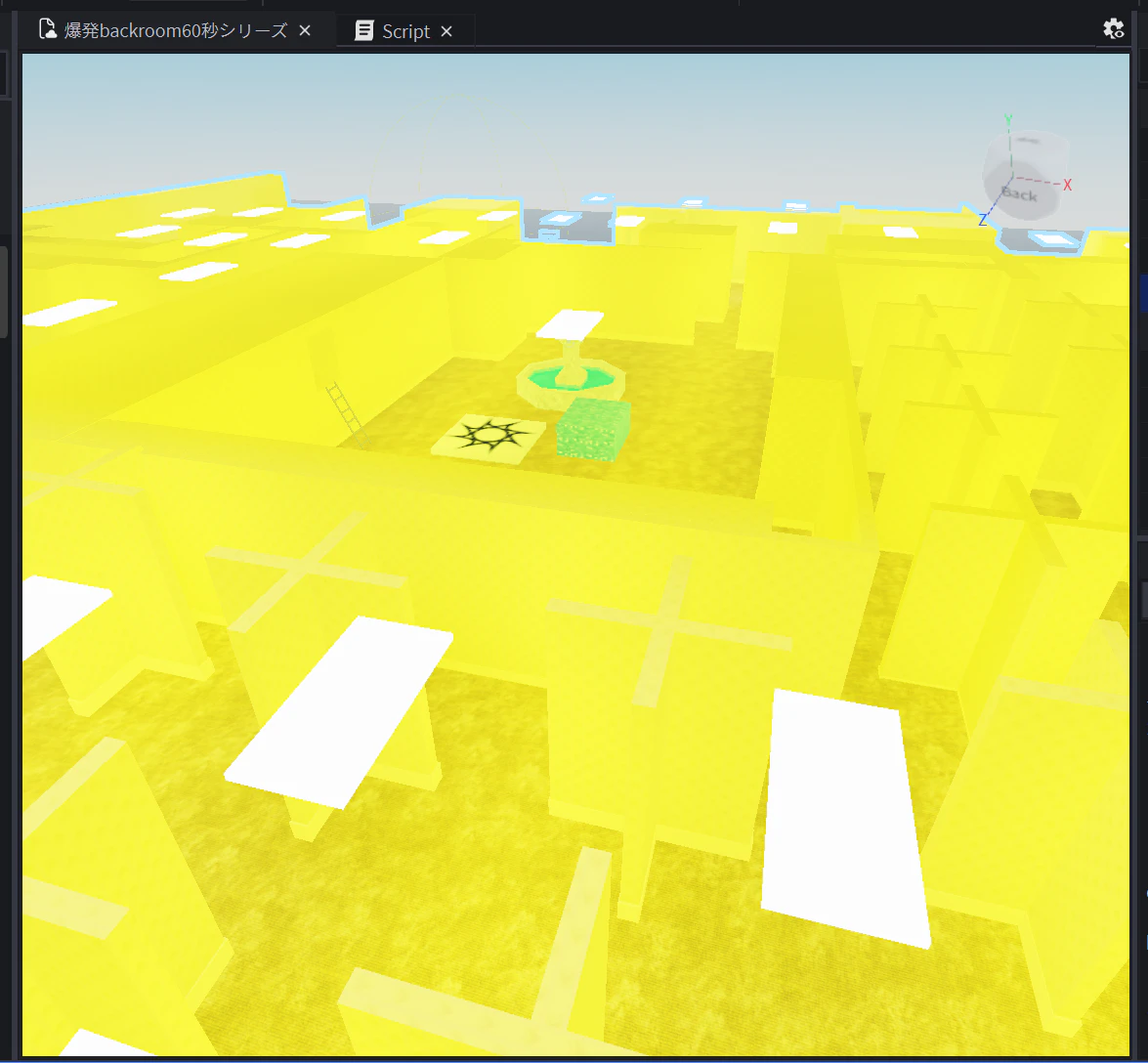
とくに、何百個もLightがある場合は、「どうすればいいんだ…?」となります。
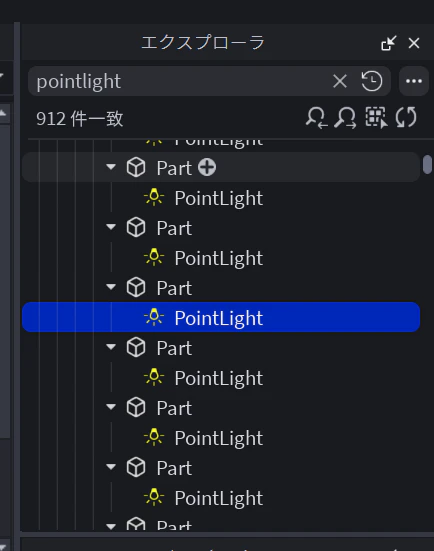
今回は、エディターのコマンドで、「一括でShadowsをオフ」にする方法を書きます。
(View → Command Bar)
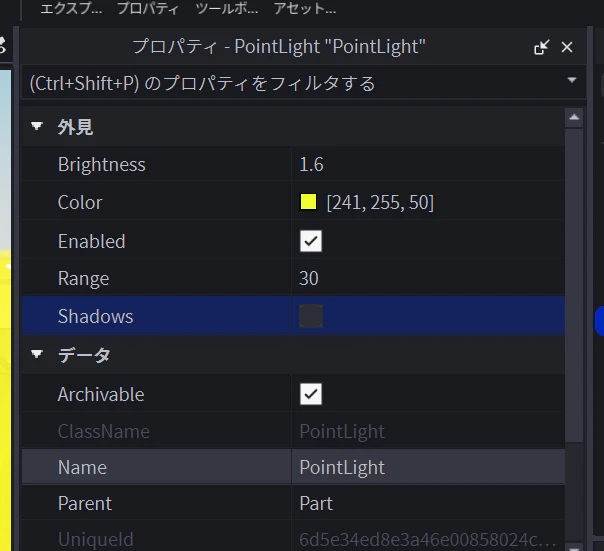
一括でShadowsをオフするコマンド
(コピペすれば)難しくないです。
local count = 0

for _, inst in ipairs(workspace:GetDescendants()) do
	if inst:IsA("PointLight") then
		if inst.Shadows then
			inst.Shadows = false
			count += 1
		end
	end
end

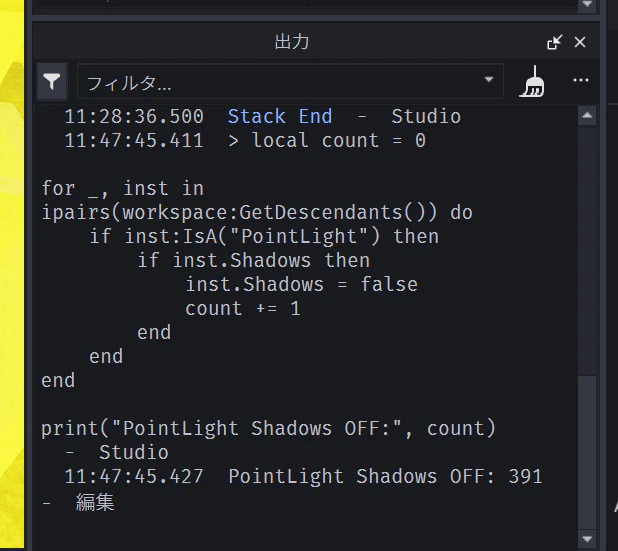
print("PointLight Shadows OFF:", count)
丁寧に、実行後に件数を出してくれます。
なお、「ライトを全部けすんじゃぁぁぁぁ!!!」という場合は、ライトそのものを削除するコマンドもあります。
一括でPointLightを削除するコマンド
ワールドを破壊したり、Undoがきかない場合もあります。
ワールドを複製するなどして、気をつけましょう。
local count = 0

for _, inst in ipairs(workspace:GetDescendants()) do
	if inst:IsA("PointLight") then
		inst:Destroy()
		count += 1
	end
end

print("PointLight removed:", count)