

はじめに
Web APIで、こちらから相手に通信するとき、タイムアウトを考慮する必要があります。
たとえば、
- 毎分起動するcronがロックを取る場合、先行タスクがタイムアウトで待たされて、後続タスクが処理できない
- APIが期待するタイムアウトより相手先タイムアウトが先に発生して、相手のレスポンスが取得できないまま、API側はエラーになってしまう
などです。
しかし、タイムアウトのテストは意外と面倒です。テスト用公開サーバーを使いたいところですが、なかなか見つかりません。モックサーバーとしておなじみのhttpbinでも、10秒が限度です。
https://httpbin.org/
そこで、AWS Lightsailを使って、短期間でタイムアウトサーバーを構築するという発想が出てきます。
目的
タイムアウトのテストを行うため、60秒待ってレスポンスを返すサーバーを、できるだけ早く構築する
構成概要
ここでpythonスクリプトが「70秒」待っているのは、nginxからタイムアウトの504 Gateway Timeoutを発生させるためです。
起動する
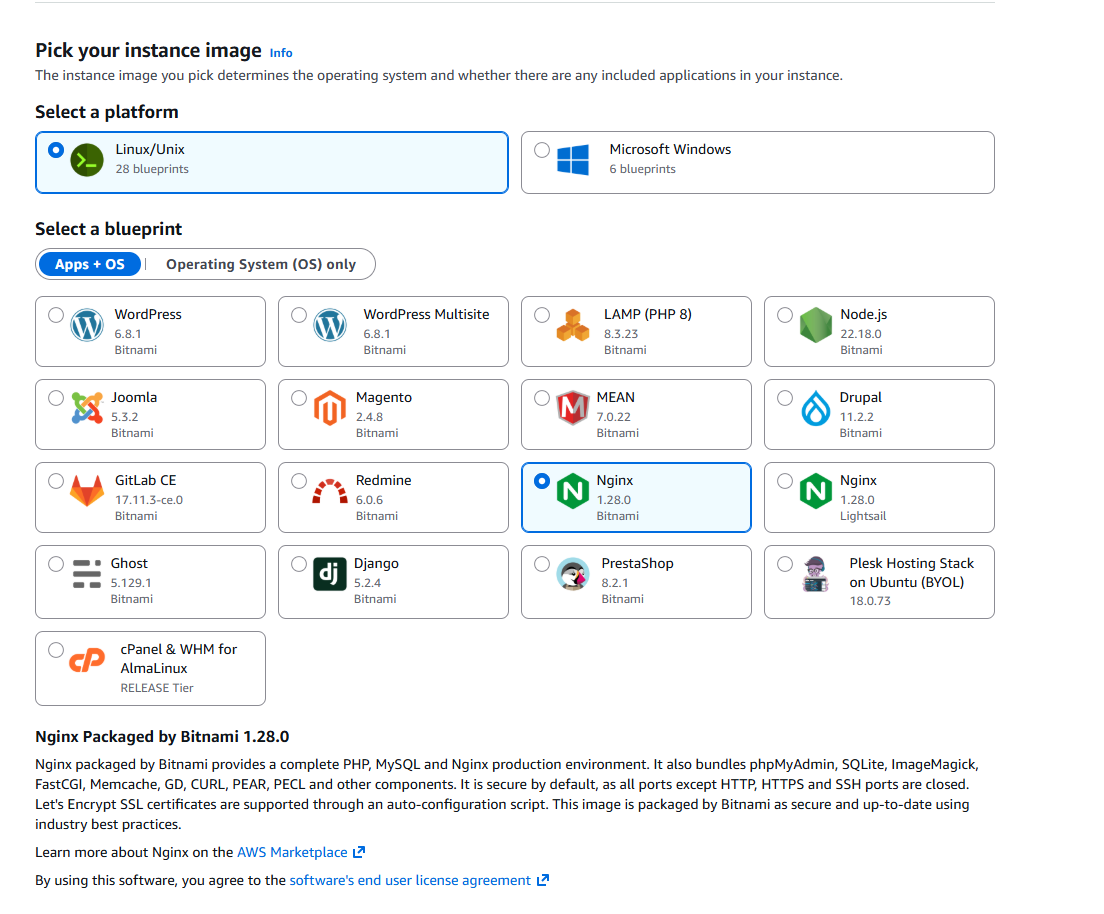
「Nginx」を選んで起動します。ここではBitnami版を使用。
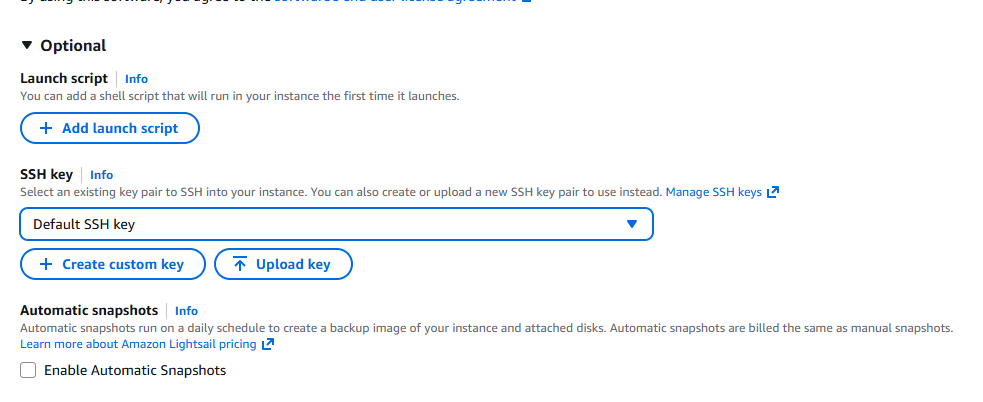
SSH鍵設定
自動生成だけでなく、普段使用している鍵を使うこともできます。
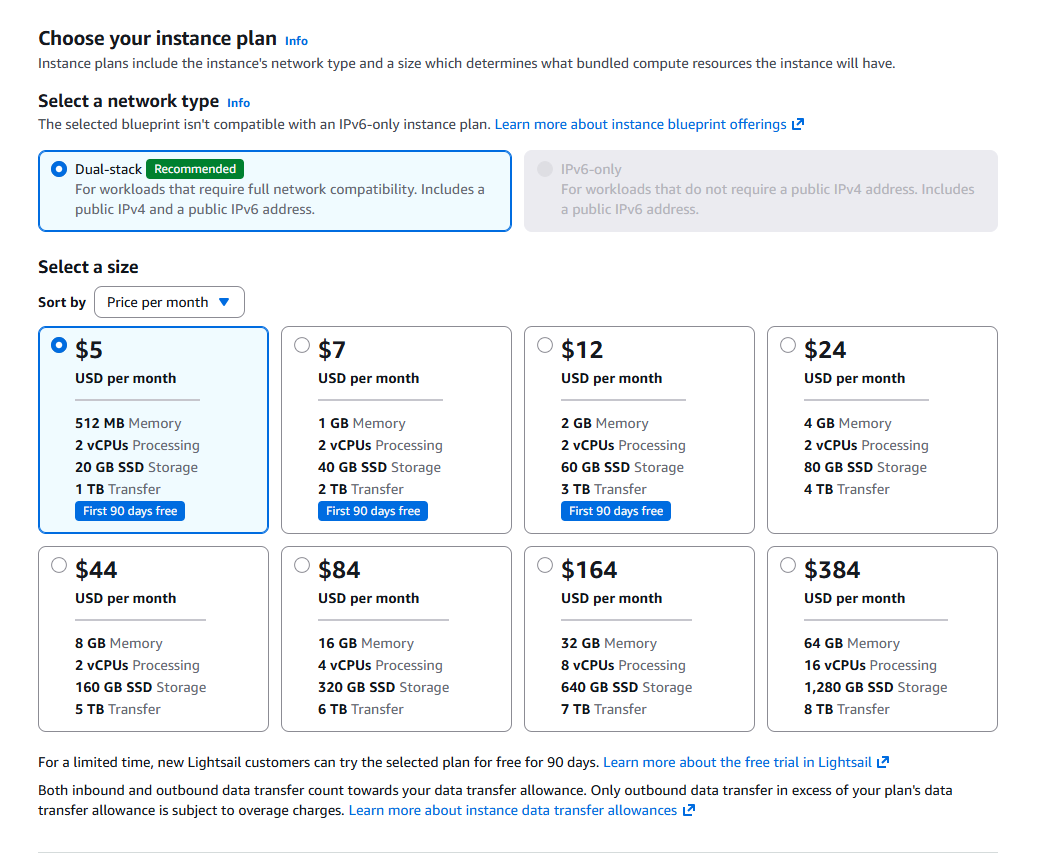
インスタンスプラン
私は、とりあえず最安を選択……
確定
「Create instance」ボタンで起動します。
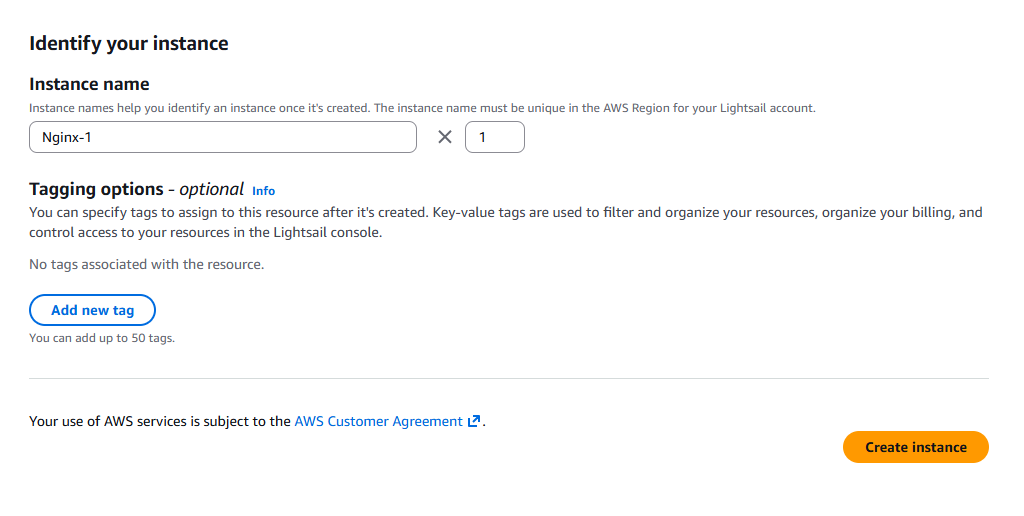
1分程度で起動するはずです。
接続確認
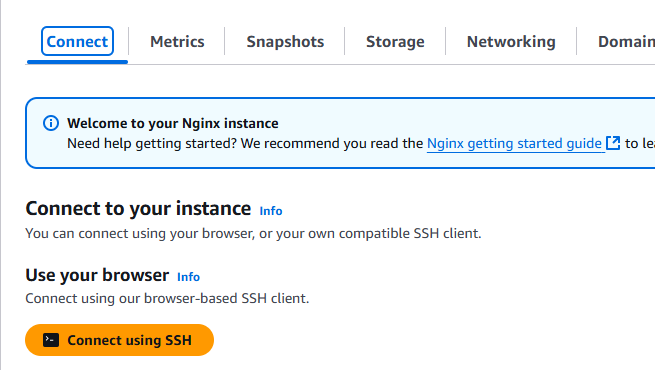
「Connect using SSH」ボタンで、ブラウザの仮想端末が開き、そのままアクセスできます。
Lightsailを設定する
nginxを設定する
Lightsailのパッケージはbitnamiの流儀に従っているため、普通にインストールしたときの環境とは少し違います。
$ vi /opt/bitnami/nginx/conf/server_blocks/sixty_seconds.conf

server {
  listen 8080;
  location /sleep {
    proxy_pass http://127.0.0.1:8000;
    proxy_read_timeout 60s;
   }
}
設定変更後再起動します。
$ sudo /opt/bitnami/ctlscript.sh restart nginx
pythonサーバーを立ち上げる
シェルスクリプトで完結します。
$ python3 - <<'PY'
import time
from http.server import BaseHTTPRequestHandler, HTTPServer
class H(BaseHTTPRequestHandler):
    def do_GET(self):
        time.sleep(70)
        self.send_response(200)
        self.end_headers()
        self.wfile.write(b'OK')
HTTPServer(('127.0.0.1',8000), H).serve_forever()
PY
実行するとポートを空けてサーバーが立ち上がるため、このウィンドウはそのまま放置します。
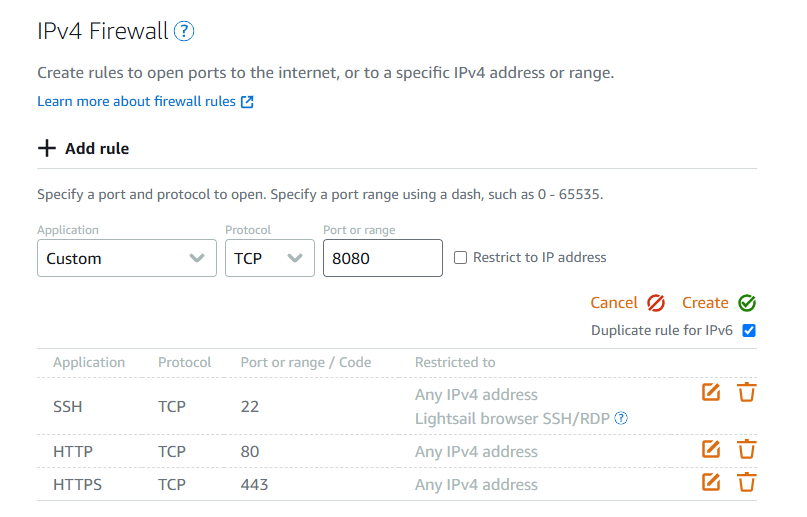
ポートを空ける
8080番ポートは標準では空いていないので、設定します。
ブラウザからアクセスする
LightsailはグローバルIPを持っているため、nginxで設定したポートとパスに直接アクセスすれば、すぐ検証可能です。
http://[global-ip]:8080/sleep にアクセスしてみます。
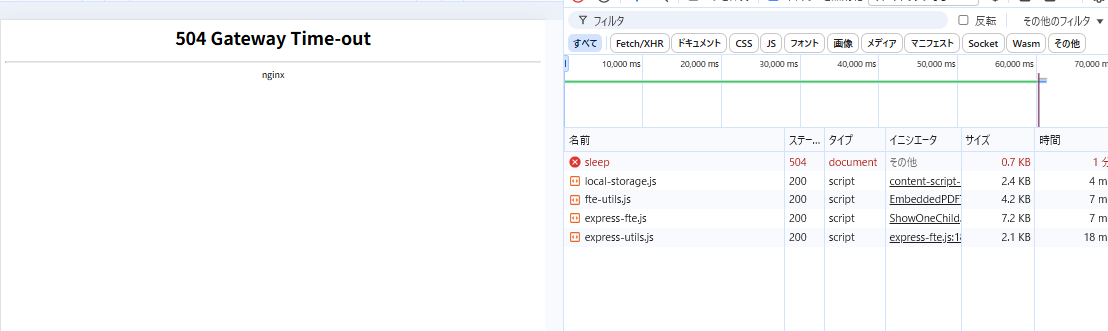
無事60秒のタイムアウトができました!
一応curlでもやってみましょう。
$ date; curl -vvv http://[global-ip]:8080/sleep; date
Tue Nov 25 17:09:59 JST 2025
*   Trying [global-ip]:8080...
* Connected to [global-ip] ([global-ip]) port 8080 (#0)
> GET /sleep HTTP/1.1
> Host: [global-ip]:8080
> User-Agent: curl/7.81.0
> Accept: */*
>
* Mark bundle as not supporting multiuse
< HTTP/1.1 504 Gateway Time-out
< Server: nginx
< Date: Tue, 25 Nov 2025 08:10:59 GMT
< Content-Type: text/html
< Content-Length: 160
< Connection: keep-alive
<
<html>
<head><title>504 Gateway Time-out</title></head>
<body>
<center><h1>504 Gateway Time-out</h1></center>
<hr><center>nginx</center>
</body>
</html>
* Connection #0 to host [global-ip] left intact
Tue Nov 25 17:10:59 JST 2025
たしかに60秒かかってタイムアウトしています。
使用後削除する
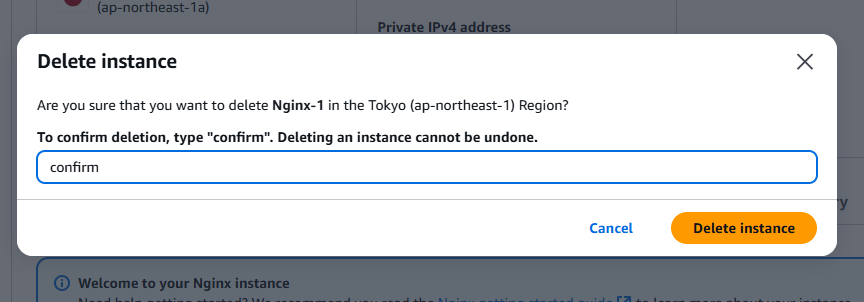
Lightsailは1時間単位の課金です。不要なら削除してしまいましょう。
(´-`).。oO(この手順があれば、すぐ再作成できますし……)
参考