
目的
GitHub Actionのself-hosted runnerとしてAWS Codebuildが利用できるようのは知っている。
でも認証周りとかちょっとめんどくさいな、 ECS x Fargate x GitHub Actionでよくね?
という重い腰を浮かせて、とりあえず設定周りを中心にやってみた。
接続手順
1)
Codebuildの画面から、設定 > 接続 > 「接続を作成」ボタンを押下

2)
GitHubを選択して、接続名称を入力して、ボタンを押下。
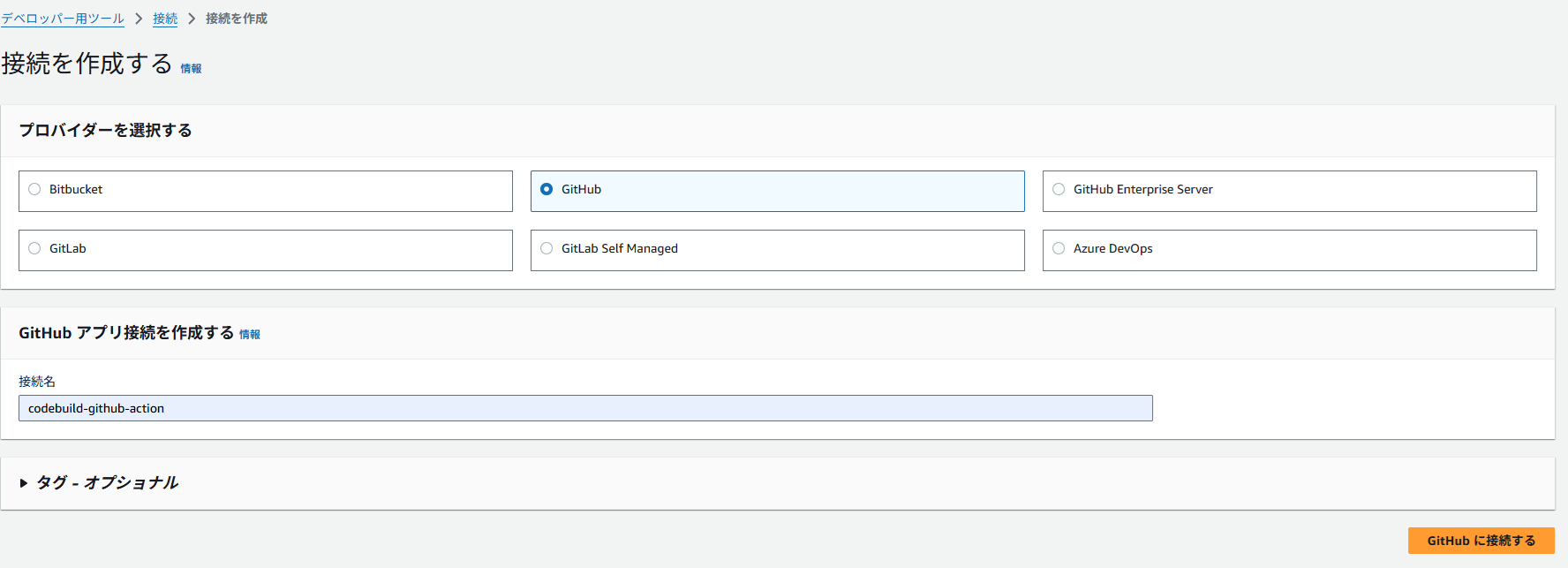
3)
GitHubへの認証を求められるので、ログインする。
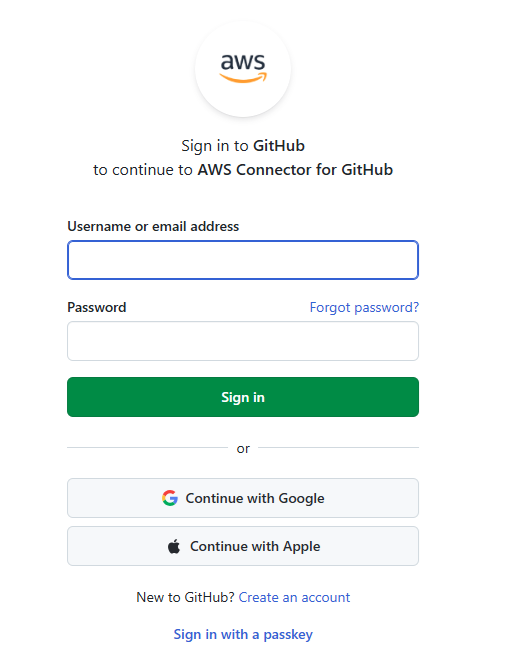
4)
承認しよう

5)
Codebuildに戻ってきました。「新しいアプリをインストールする」を押下

6)
GitHub に遷移後、GitHub Appのインストール・権限を許可します。
※ 組織で保有しているGitHubの場合はどのようにすべきか

7)
「接続」を押下

Codebuild Project作成
Codebuild : GitHubの関係は 1:1 または 1:組織 となる。
本件は個人Accountのためリポジトリ単位で設定する。
プロジェクトタイプ
ランナープロジェクトを選択する

Ruuner
GitHubを選択し、「このプロジェクトにのみオーバーライド認証情報を使用」にチェック

「接続」に先ほど作成した設定を選択できる。
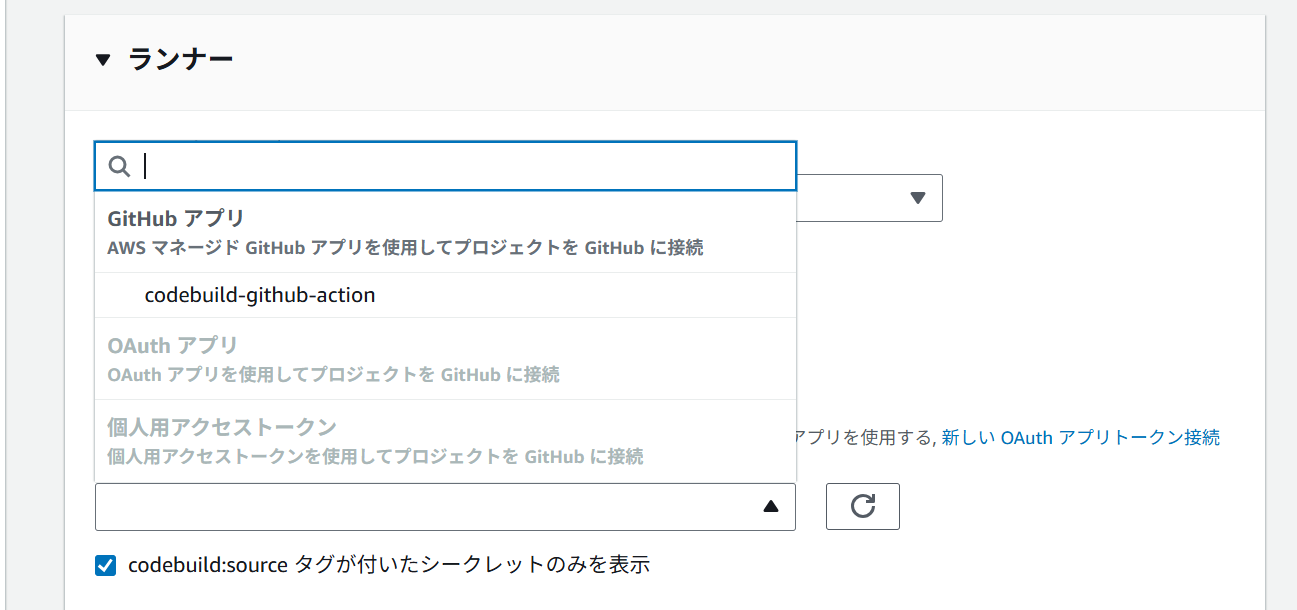
適切なリポジトリを選択する

あとは、いつも通りCodebuildを設定していくだけ。
BuildspecはGitHub Workflowに置き換わるので不要
GitHub Workflowの設定
公式にもあるように、WorkFlowにはruns-on:[codebuild-<project-name>-${{ github.run_id }}-${{ github.run_attempt }}] を記載する。 <project-name> は CodebuildのProjectNameを記載する。
name: PR Merged Build

on:
  push:
    branches:
      - main

jobs:
  build:
    name: Build on AWS CodeBuild Runner
    runs-on:
      - codebuild-codebuild-github-action-${{ github.run_id }}-${{ github.run_attempt }}
    steps:
      - run: echo "Hello World!"
Merge後、post-merge buildとCodebuildが実行されたことを確認できた。
