
概要
androidでtensorflowやってみた。
api17でやってみた。
写真
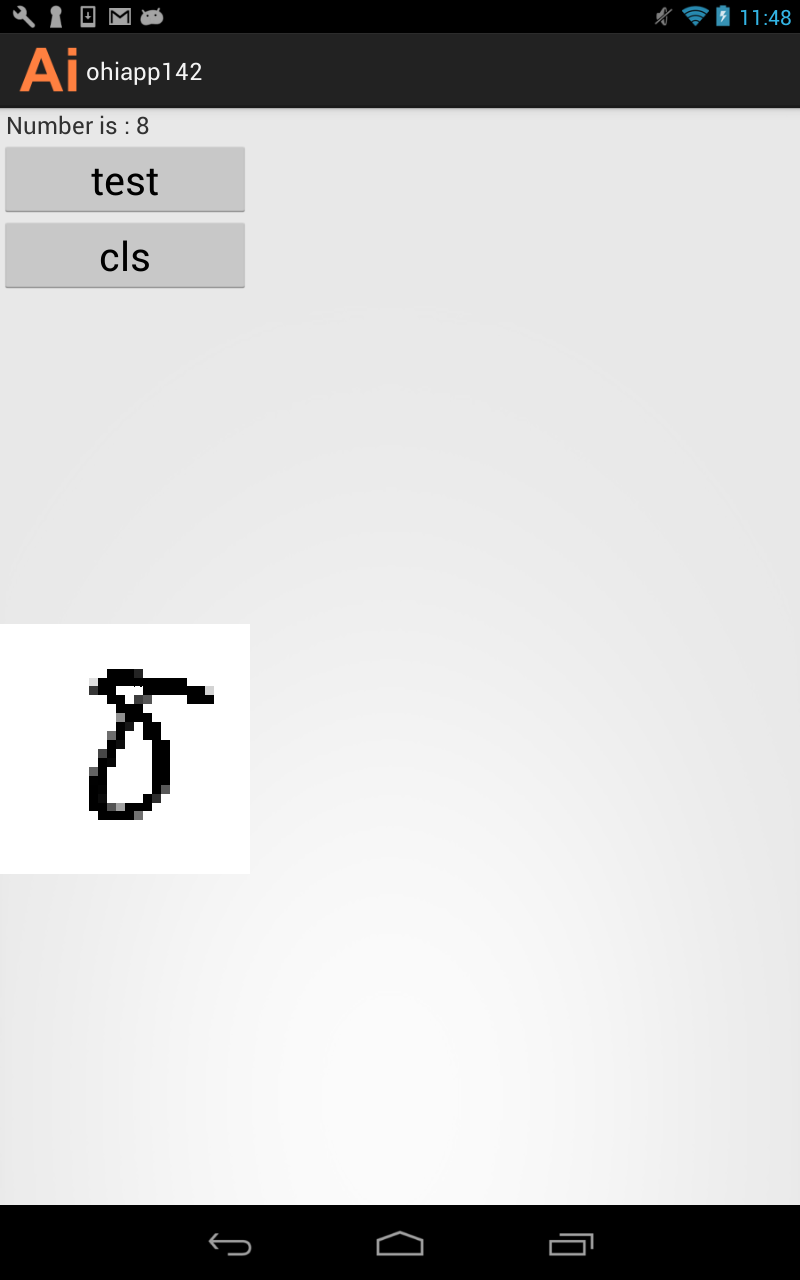
成果物
環境
windows 7
ADT v22.6
android 4.2.2 api17
ビルド手順
githubから、以下を入手
graph_label_strings.txt
mnist_model_graph.pb
libtensorflow_inference.so
tensorflow java
プロジェクトに配置
graph_label_strings.txt
mnist_model_graph.pb
assetsに置く
libtensorflow_inference.so
libsに置く
tensorflow java
srcに置く
サンプルコード
package com.ohisamallc.ohiapp142;

import android.content.res.AssetManager;
import android.util.Log;
import org.tensorflow.Operation;
import org.tensorflow.contrib.android.TensorFlowInferenceInterface;
import java.io.BufferedReader;
import java.io.IOException;
import java.io.InputStreamReader;
import java.util.ArrayList;
import java.util.Comparator;
import java.util.List;
import java.util.PriorityQueue;
import java.util.Vector;

public class TensorFlowImageClassifier implements Classifier {
	private static final String TAG = "TensorFlowImageClassifier";
	private static final int MAX_RESULTS = 3;
	private static final float THRESHOLD = 0.1f;
	private String inputName;
	private String outputName;
	private int inputSize;
	private Vector<String> labels = new Vector<String>();
	private float[] outputs;
	private String[] outputNames;
	private boolean logStats = false;
	private TensorFlowInferenceInterface inferenceInterface;
	private TensorFlowImageClassifier() {
	}
	public static Classifier create(AssetManager assetManager, String modelFilename, String labelFilename, int inputSize, String inputName, String outputName)
			throws IOException {
		TensorFlowImageClassifier c = new TensorFlowImageClassifier();
		c.inputName = inputName;
		c.outputName = outputName;
		String actualFilename = labelFilename.split("file:///android_asset/")[1];
		Log.i(TAG, "Reading labels from: " + actualFilename);
		BufferedReader br = null;
		br = new BufferedReader(new InputStreamReader(assetManager.open(actualFilename)));
		String line;
		while ((line = br.readLine()) != null)
		{
			c.labels.add(line);
		}
		br.close();
		c.inferenceInterface = new TensorFlowInferenceInterface(assetManager, modelFilename);
	    final Operation operation = c.inferenceInterface.graphOperation(outputName);
	    final int numClasses = (int) operation.output(0).shape().size(1);
	    Log.i(TAG, "Read " + c.labels.size() + " labels, output layer size is " + numClasses);
		c.inputSize = inputSize;
		c.outputNames = new String[] {
			outputName
		};
		c.outputs = new float[numClasses];
		return c;
	}
	@Override
	public List<Recognition> recognizeImage(final float[] pixels) {
	    inferenceInterface.feed(inputName, pixels, 784);
	    inferenceInterface.run(outputNames, logStats);
	    inferenceInterface.fetch(outputName, outputs);
		PriorityQueue<Recognition> pq = new PriorityQueue<Recognition>(3, new Comparator<Recognition>() {
			@Override
			public int compare(Recognition lhs, Recognition rhs) {
				return Float.compare(rhs.getConfidence(), lhs.getConfidence());
			}
		});
		for (int i = 0; i < outputs.length; ++i)
		{
			if (outputs[i] > THRESHOLD)
			{
				pq.add(new Recognition("" + i, labels.size() > i ? labels.get(i) : "unknown", outputs[i], null));
			}
		}
		final ArrayList<Recognition> recognitions = new ArrayList<Recognition>();
		int recognitionsSize = Math.min(pq.size(), MAX_RESULTS);
		for (int i = 0; i < recognitionsSize; ++i)
		{
			recognitions.add(pq.poll());
		}
		return recognitions;
	}
	@Override
	public void enableStatLogging(boolean debug) {
		//inferenceInterface.enableStatLogging(debug);
	}
	@Override
	public String getStatString() {
		return inferenceInterface.getStatString();
	}
	@Override
	public void close() {
		inferenceInterface.close();
	}
}