
概要
neosでlogixやってみる。
練習問題、やってみた。
練習問題
外部画像を表示せよ。
方針
外部画像を取得してマテリアルにして、クアドメッシュにレンダリングする。
実行結果
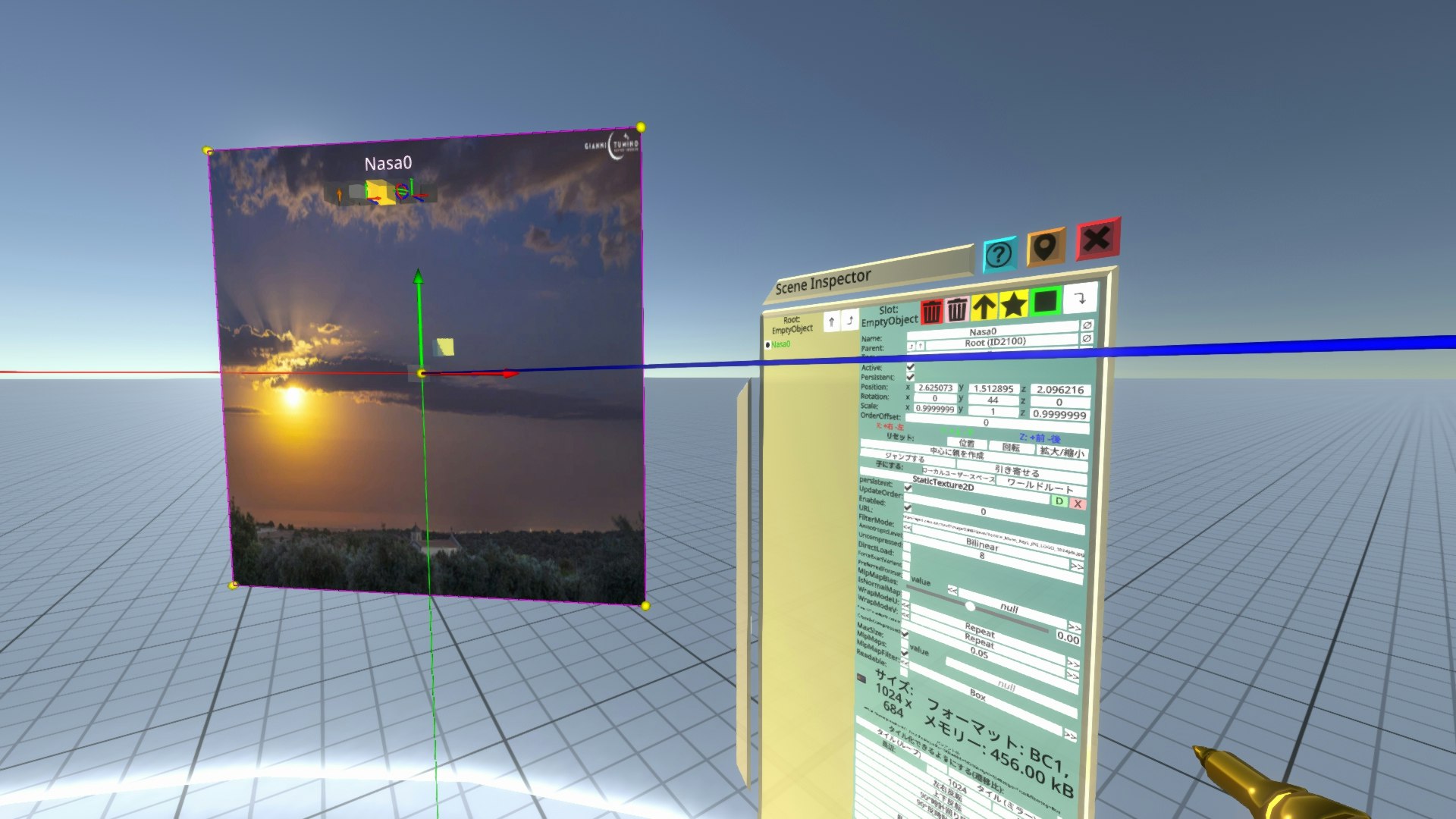
俺コード
FrooxEngine.StaticTexture2D.url = "https://apod.nasa.gov/apod/image/2308/GianniTumino_Moon_Rays_JPG_LOGO_1024pix.jpg"
FrooxEngine.UnlitMaterial.Texture = FrooxEngine.StaticTexture2D.id
FrooxEngine.MeshRenderer.Materials = FrooxEngine.UnlitMaterial.id
FrooxEngine.MeshRenderer.Mesh = FrooxEngine.QuadMesh.id
手順で説明
- devツールを装着する。
- 新規>空のオブジェクトを作る。
- コンポーネントをアタッチする。
Assets -> Materials -> UnlitMaterial
Assets -> Procedual Meshes -> QuadMesh
Assets -> StaticTexture2D
Renderering -> MeshRenderer - 設定する。
StaticTexture2Dのurlは "https://apod.nasa.gov/apod/image/2308/GianniTumino_Moon_Rays_JPG_LOGO_1024pix.jpg"
UnlitMaterialのTextureはStaticTexture2D
MeshRendererのMaterialsはUnlitMaterial
MeshRendererのMeshはQuadMesh
以上。