簡単な接続のメモを記する。
Figmaの公式ガイド - Local Server installation. Figma.comでホスティングされるサーバーも使えるが、ローカル環境の方が制約少なそうだから本記事ではローカル環境の接続方法を説明する。
1. Figma Desktopアプリをダウのロードしておく
ブラウザー上では動かない。サーバー機能はデスクトップアプリあるのでダウンロード必要。
2. Figma設定でAccesTokenを作成していること
Account > Settings > Securityタブ
トークンを作成する際に わかりやすい名前を付けておく。以下TokenFormMCPと名付けた。

3. IBM Bobで設定
プロジェクト毎に設定する場合:
.bob/mcp.json
{
  "mcpServers": {
    "figma-mcp": {
      "type": "streamable-http",
      "url": "http://127.0.0.1:3845/mcp",
      "alwaysAllow": ["get_variable_defs", "get_design_context", "get_metadata"]
    }
  }
}
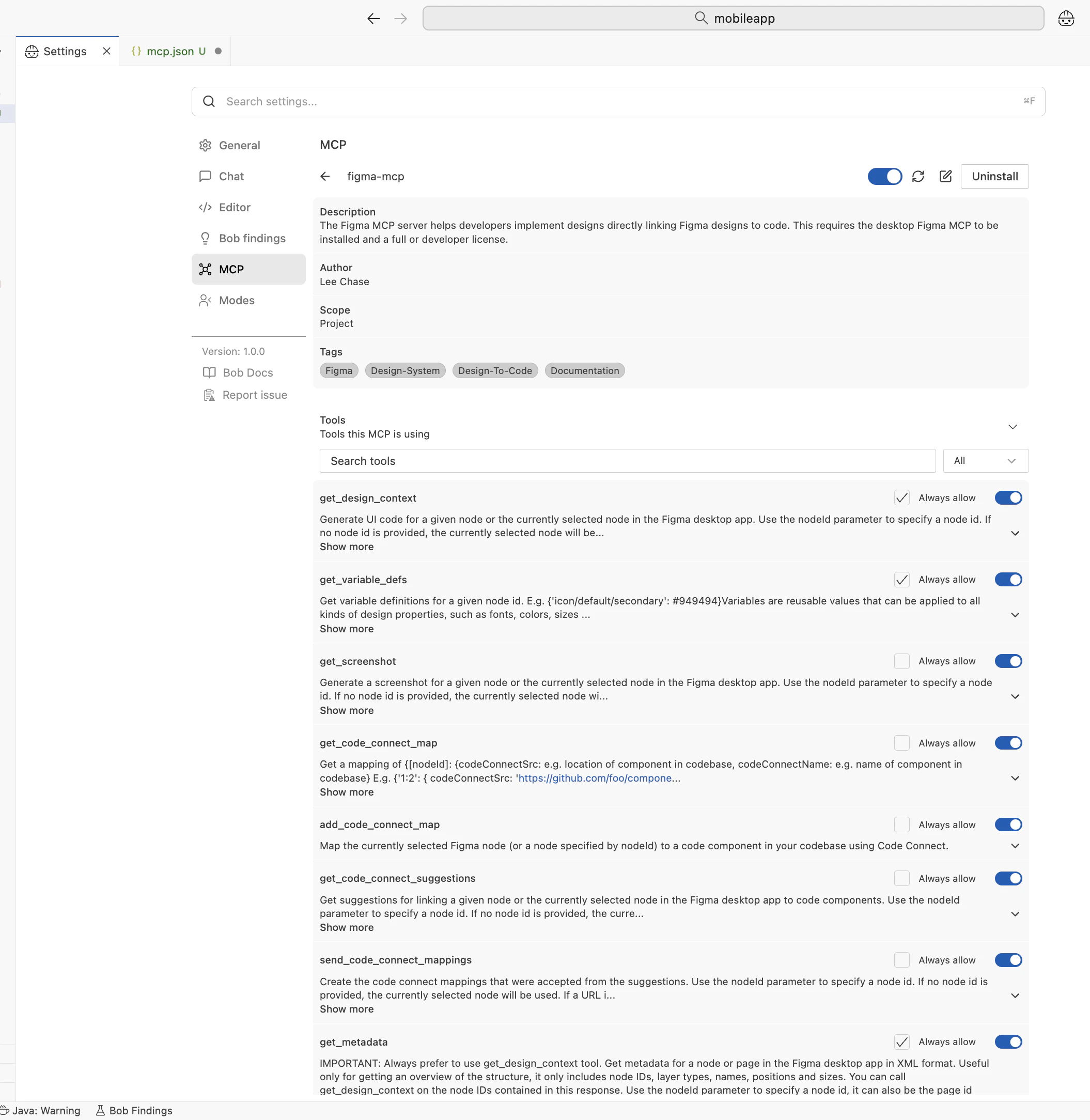
メタデータ取得、変数情報取得、コンテキスト情報取得というツールに一々許可するのは毎度面倒なので最初からalwaysAllow配列に入れている。
IBM BobのUIでも確認できる。
Command Pallete > MCP Servers
4. 利用してみる
プロンプトの例
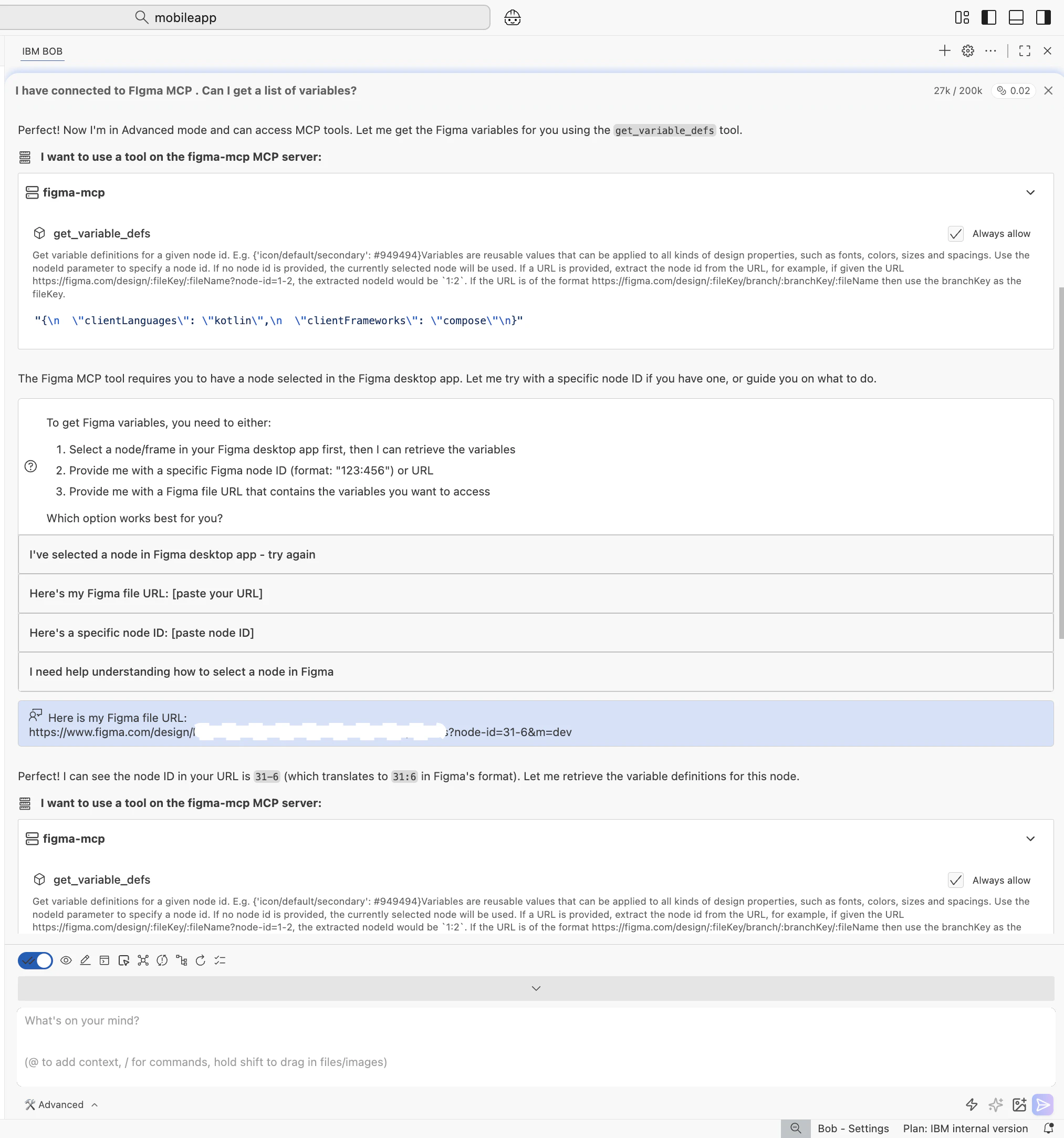
Advancedなどのモードで「I have connected to FIgma MCP . Can I get a list of variables?」
それでFigma PageのURL聞かれるので 提供