

結論
タイトル通りlocalstackからRustFSへ変更しました
目的
localstackの無料版でも認証トークン必須となったのでローカル環境のS3を変更する
何に変更するか
最初にMinIOが浮かんだのですがここ最近、利用することがなかったので調査
このタイミングで知りましたがソースのみの配布となりコンテナ利用がひと手間かかるので却下
調べた所、RustFSが良さそうと思い試してみました
RustFSを試してみる
公式のこちらを参考にcompose.ymlを変更。
compose.yml
volumes:
  test-rustfs-data:

services:
  test-rustfs:
    image: rustfs/rustfs:latest
    container_name: test-rustfs
    ports:
      - 9000:9000
      - 9001:9001
    environment:
      - RUSTFS_ADDRESS=0.0.0.0:9000
      - RUSTFS_ACCESS_KEY=test
      - RUSTFS_SECRET_KEY=test
      - RUSTFS_CONSOLE_ENABLE=true
    volumes:
      - test-rustfs-data:/data
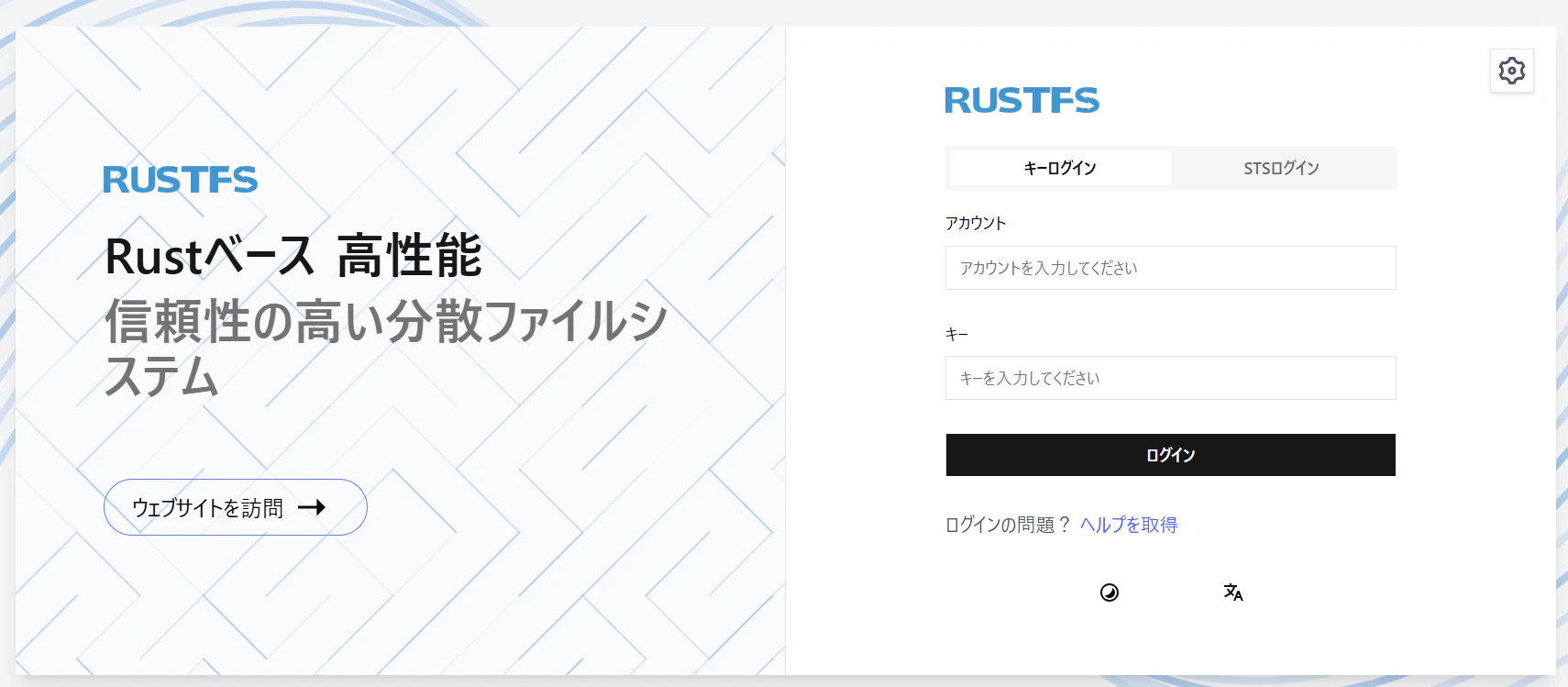
dockerを起動し localhost:9001 へアクセスすると以下のようにコンソールが確認できました。
ローカル環境でやりたいことを試してみる
試したかったこと
- LaravelのStorageで読み書きができる
LaravelのStorageでの読み書き
localstackと変わらず
コンソール画面から作成したバケットに対し
指定したRUSTFS_ACCESS_KEYとRUSTFS_SECRET_KEYを
Laravelの.envのAWS_ACCESS_KEY_IDとAWS_SECRET_ACCESS_KEYに設定し読み書きできました