0
0

Delete article

Deleted articles cannot be recovered.

Draft of this article would be also deleted.

Are you sure you want to delete this article?

More than 3 years have passed since last update.

投稿記事の時間の表示方法

Last updated at Posted at 2021-04-24

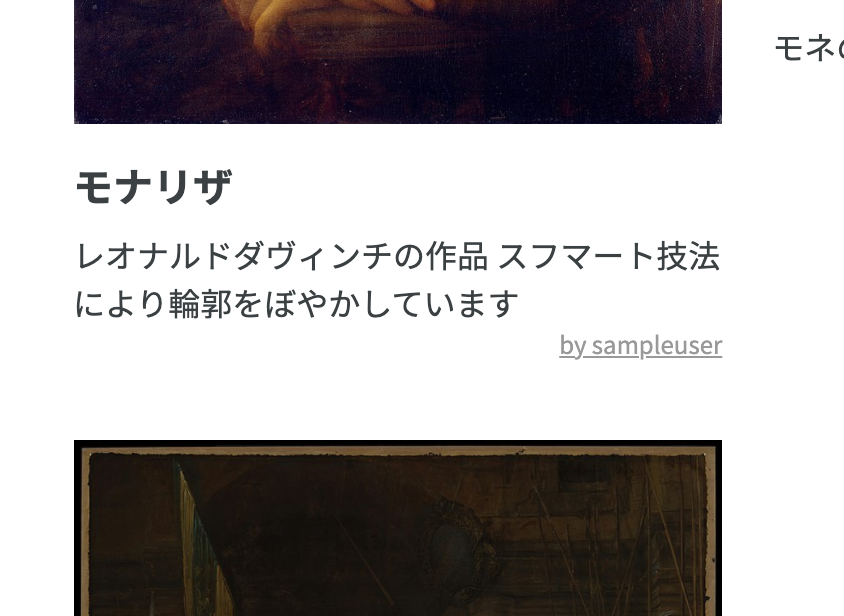
febc6509d03de2df9a31cc0c0488ca5d.png

投稿機能を実装しましたが、投稿した時間が表示されていません。
ここに時間を表示します。

<p><%= picture.created_at%></p>

このコードをviewファイルの該当の部分に記述します。

<%= モデル名.created_at%>

で記述します。 次にconfigにあるapplication.rb内に以下のように修正し 時間表示を日本時間に直します。
module Kari35089
  class Application < Rails::Application
    # Initialize configuration defaults for originally generated Rails version.
    config.load_defaults 6.0
    config.time_zone = 'Tokyo'

サーバーを再起動し、このように表示することができました。
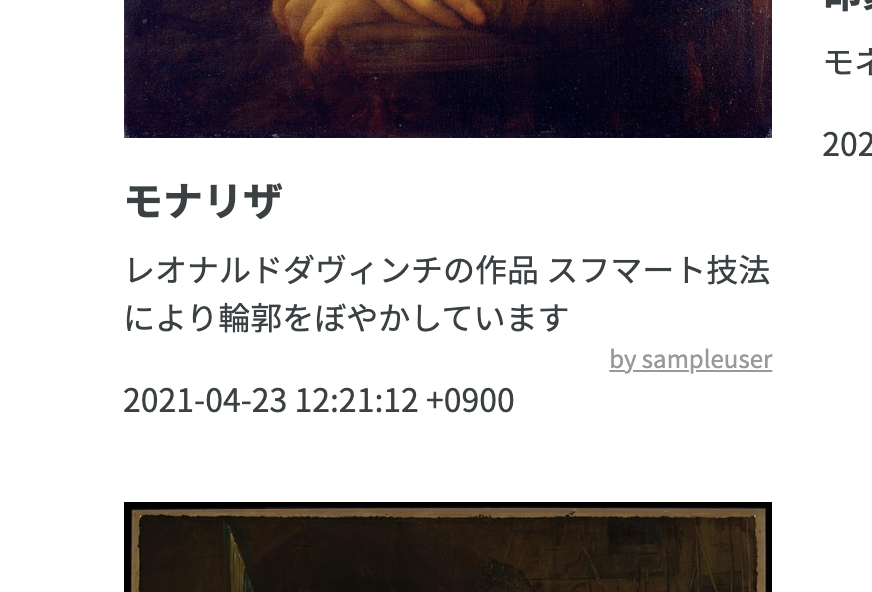
225fbe130e812d7eec61fae5008f681c.png

次に+900という表示を消します。
以下のように修正します。

<p><%= picture.created_at.strftime("%Y-%m-%d %H:%M")%></p>
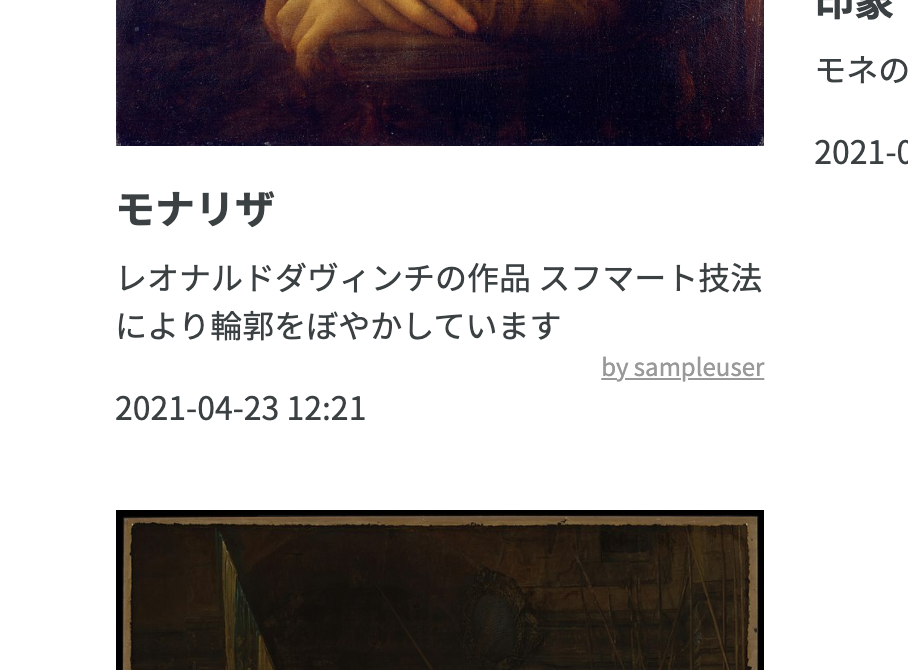
1bee5506bbf7139794173a358049cc2f.png

正しく表示することができました。

0
0
0

Register as a new user and use Qiita more conveniently

  1. You get articles that match your needs
  2. You can efficiently read back useful information
  3. You can use dark theme
What you can do with signing up
0
0

Delete article

Deleted articles cannot be recovered.

Draft of this article would be also deleted.

Are you sure you want to delete this article?