
概要
Databricks Lakebase Postgres で、ワークスペーススコープの Databricks グループを Role として登録し、Databricks Notebooks からアクセスする手順を共有します。
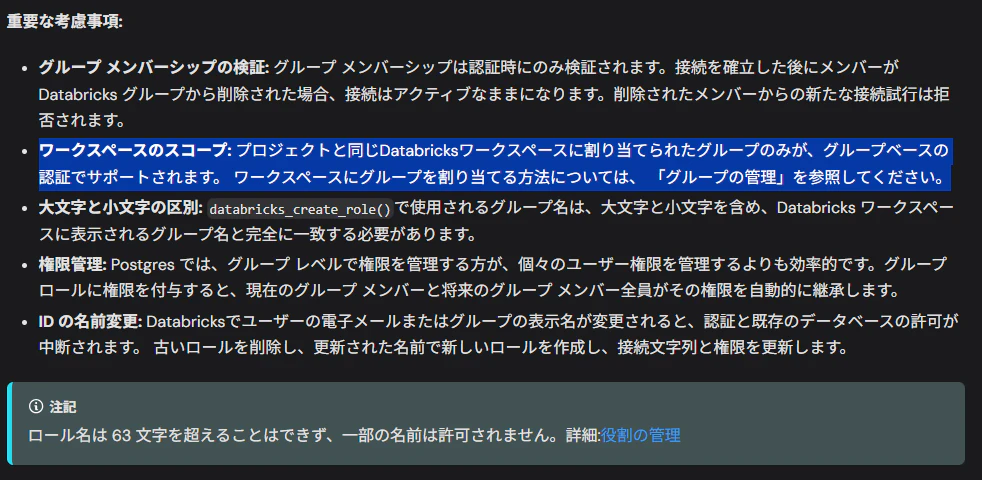
ドキュメントに以下の記載がある通り、Databricks グループはワークスペーススコープのグループである点に注意してください。
ワークスペースのスコープ: プロジェクトと同じDatabricksワークスペースに割り当てられたグループのみが、グループベースの認証でサポートされます。ワークスペースにグループを割り当てる方法については、「グループの管理」を参照してください。
出所: Postgresロールを作成する | Databricks on AWS
Databricks グループの作成とグループへの権限付与
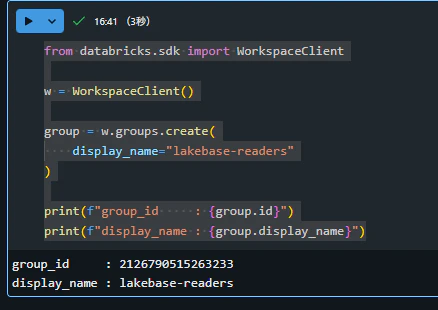
Databricks SDK でワークスペーススコープのグループを作成
from databricks.sdk import WorkspaceClient

w = WorkspaceClient()

group = w.groups.create(
    display_name="lakebase-readers"
)

print(f"group_id     : {group.id}")
print(f"display_name : {group.display_name}")
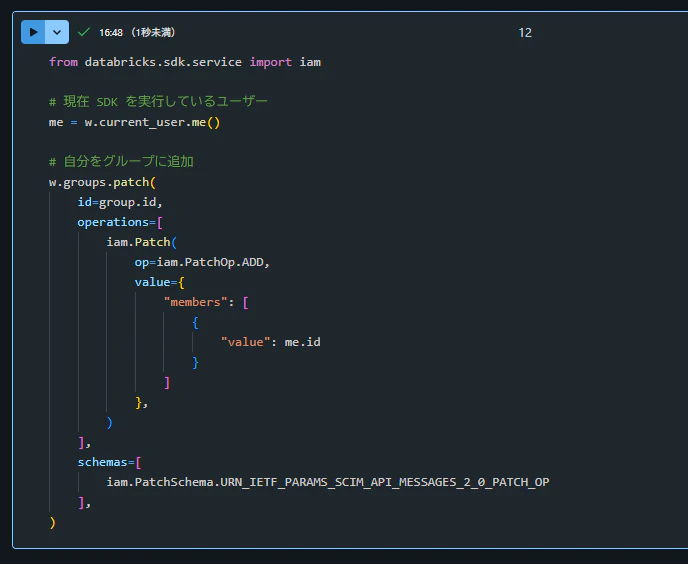
現在のユーザーをグループに追加
from databricks.sdk.service import iam

# 現在 SDK を実行しているユーザー
me = w.current_user.me()

# 自分をグループに追加
w.groups.patch(
    id=group.id,
    operations=[
        iam.Patch(
            op=iam.PatchOp.ADD,
            value={
                "members": [
                    {
                        "value": me.id
                    }
                ]
            },
        )
    ],
    schemas=[
        iam.PatchSchema.URN_IETF_PARAMS_SCIM_API_MESSAGES_2_0_PATCH_OP
    ],
)
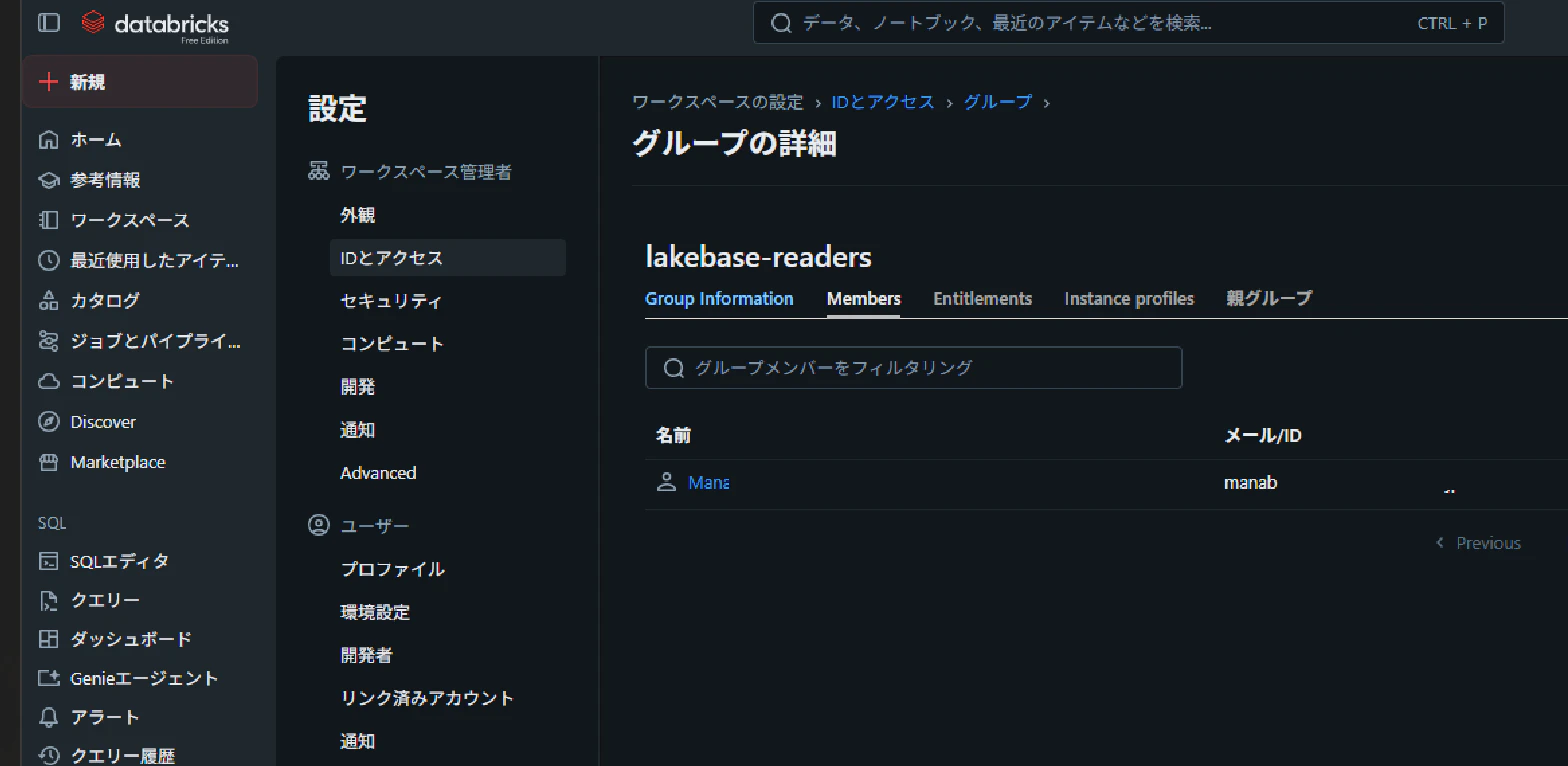
Databricks グループが作成されたことを確認

Lakebase での Role の作成と Role への権限付与
databricks_auth 拡張機能をインストール
CREATE EXTENSION IF NOT EXISTS databricks_auth;
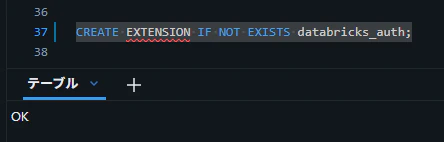
インストールされたことを確認します。
SELECT * FROM pg_extension;

Databricks グループを Lakebase のロールに追加
SELECT databricks_create_role(
    'lakebase-readers',
    'GROUP'
);
Lakebase のロールに権限付与
GRANT CONNECT
ON DATABASE databricks_postgres
TO "lakebase-readers";

GRANT USAGE
ON SCHEMA public
TO "lakebase-readers";

GRANT SELECT
ON ALL TABLES IN SCHEMA public
TO "lakebase-readers";
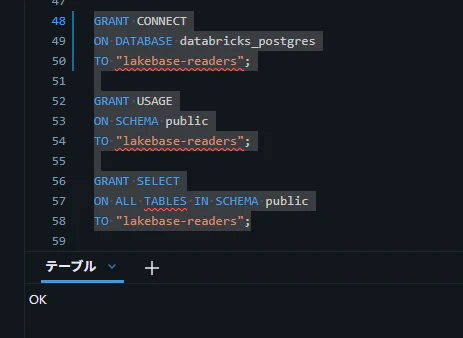
付与した権限を確認します。
SELECT
  grantee,
  table_schema,
  table_name,
  privilege_type,
  is_grantable
FROM information_schema.role_table_grants
WHERE grantee = 'lakebase-readers'
ORDER BY table_schema, table_name, privilege_type;
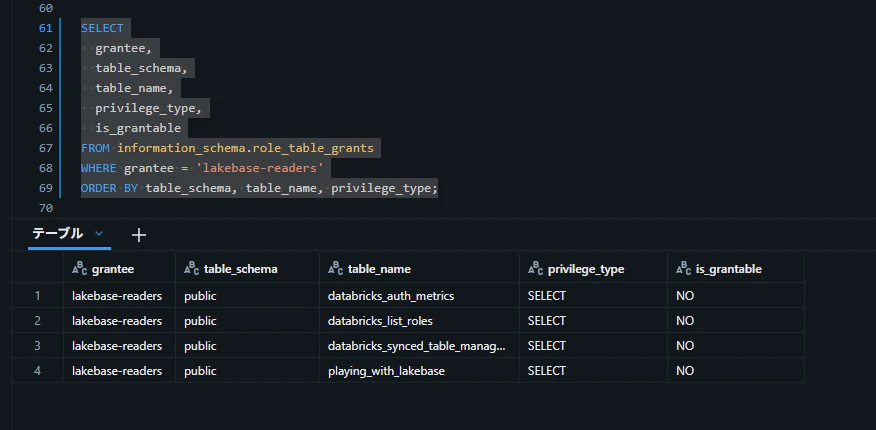
Databricks Notebook から接続
接続情報をセット
# Lakebase における Branch の Resource name をセット
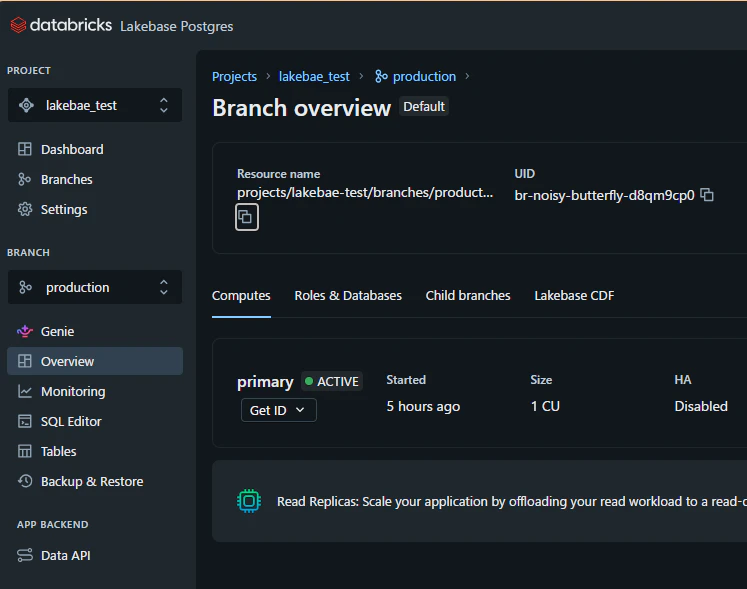
endpoint = "projects/lakebase-test/branches/production/endpoints/primary"

# Lakebase におけるコンピュートの Connection details の値をセット
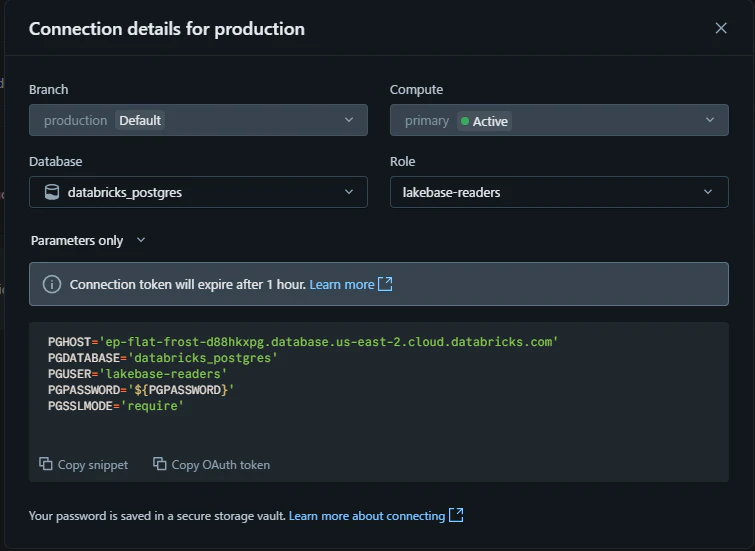
host = "ep-flat-frost-d88hkxpg.database.us-east-2.cloud.databricks.com"  ## PGHOST
dbname = "databricks_postgres" ## PGDATABASE
user = "lakebase-readers" ## PGUSER
sslmode = "require"  ## PGSSLMODE

# 下記は変更する必要なし
port = 5432
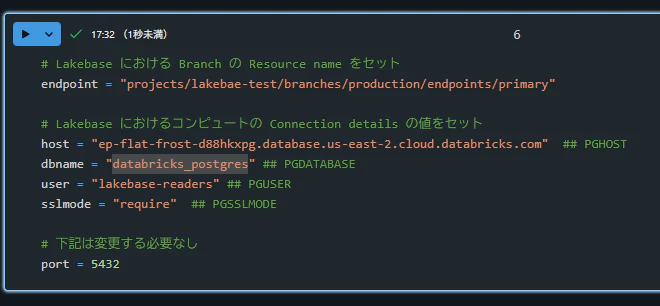
endpoint の値には、Lakebase Postgres 画面における Branch の Overview にある Resource name の値をセットします。
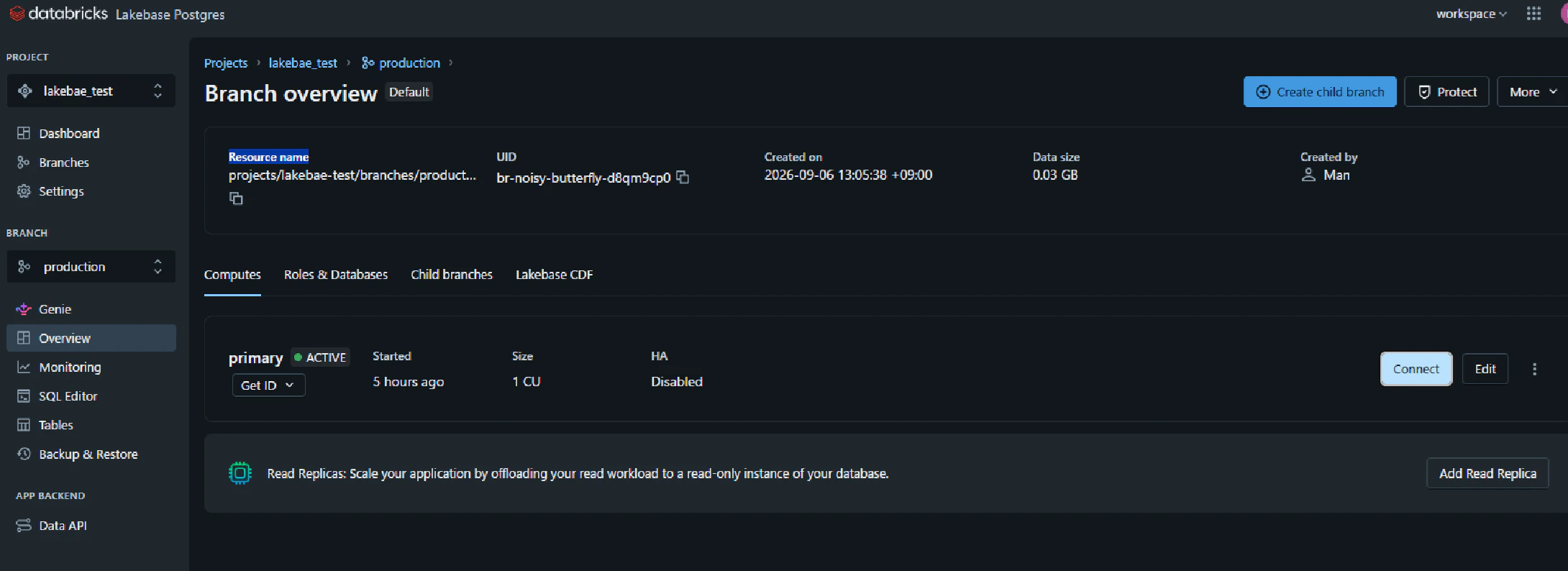
host 等の値は、Lakebase Postgres 画面の Computes → Connect を選択し、Role に作成したロールを設定したうえで Parameters only の値をセットします。
Lakebase へログイン
from databricks.sdk import WorkspaceClient
import psycopg

# Databricks ワークスペースクライアントを初期化
w = WorkspaceClient()

# Lakebase Postgres エンドポイントの認証情報を生成
credential = w.postgres.generate_database_credential(
    endpoint=endpoint
)

# psycopg を使用して Postgres データベースに接続
# トークンベース認証を使用してセキュアに接続
conn = psycopg.connect(
    host=host,
    port=port,
    dbname=dbname,
    user=user,
    password=credential.token,  # 生成されたトークンを使用
    sslmode=sslmode,
)
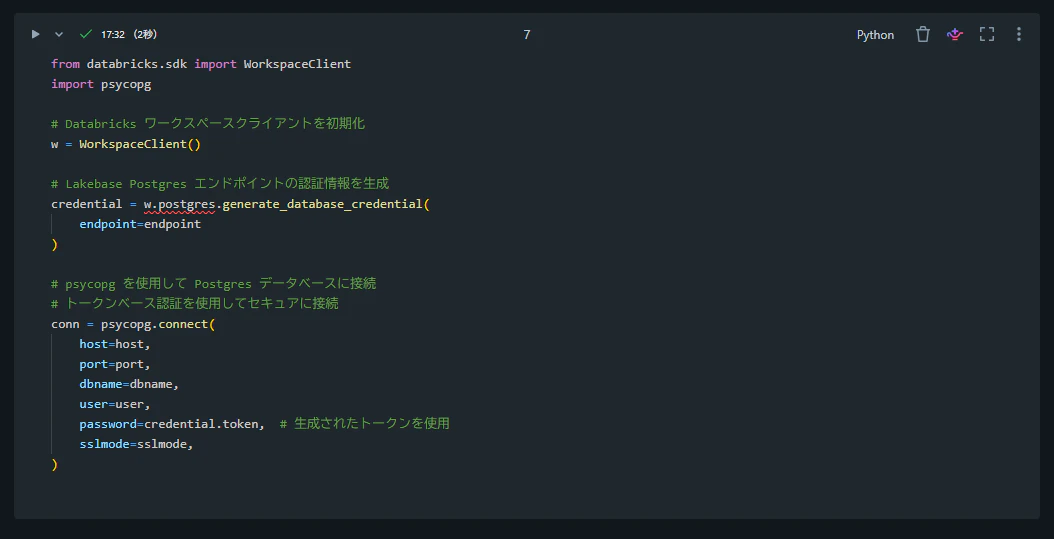
Lakebase へのクエリを実行
with conn.cursor() as cur:
    cur.execute("""
        SELECT * FROM public.playing_with_lakebase LIMIT 3;
    """)

    rows = cur.fetchall()
    cols = [desc.name for desc in cur.description]
    print(f"columns: {cols}")
    for row in rows:
        print(row)
