1
0

Delete article

Deleted articles cannot be recovered.

Draft of this article would be also deleted.

Are you sure you want to delete this article?

Claude Code(ubuntu)+Ollama(macbookprom5)で完全ローカル環境

1
Last updated at Posted at 2026-10-28

半年ほど前に同じことを試したときは、Anthropicのアカウントが必要でどうしてもうまくできませんでしたが、最近解除されたようですので試してみました

環境

Ollamaサーバ:MacBookProM5 メモリ32GB
Claude Code実行環境:ubuntu 26.04 LTS

セットアップ(ubuntu側)

sudo npm install -g @anthropic-ai/claude-code
claude --version
2.1.312 (Claude Code)

接続設定

# Claude Code接続設定
export ANTHROPIC_BASE_URL="http://192.168.x.x:11434"
export ANTHROPIC_AUTH_TOKEN="ollama"
export ANTHROPIC_API_KEY=""

実行

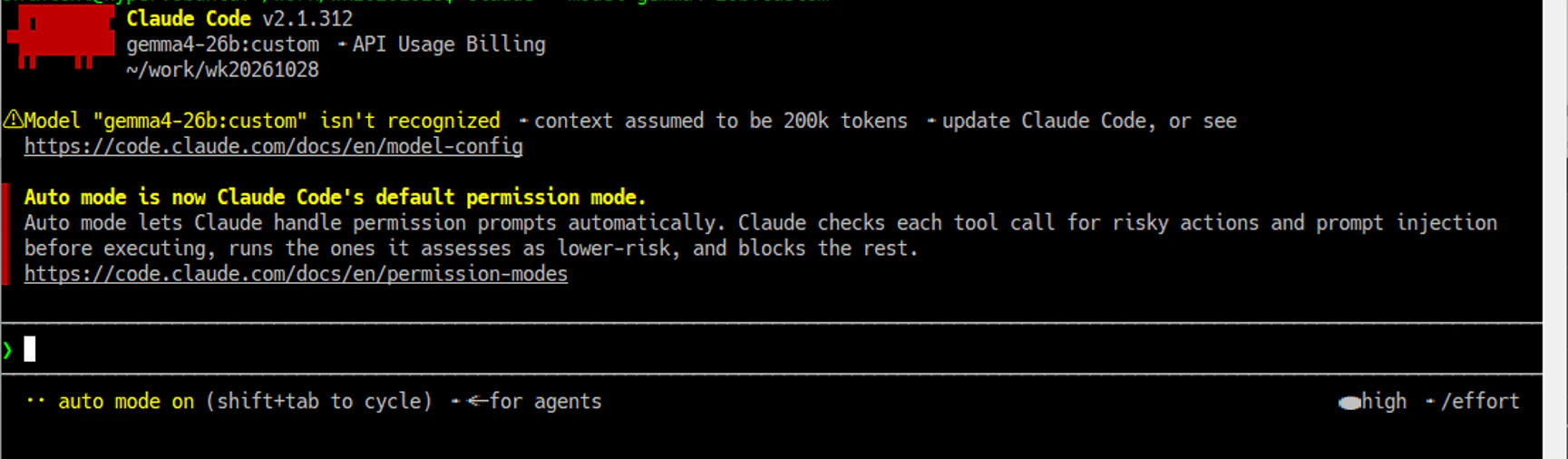
claude --model gemma4-26b:custom
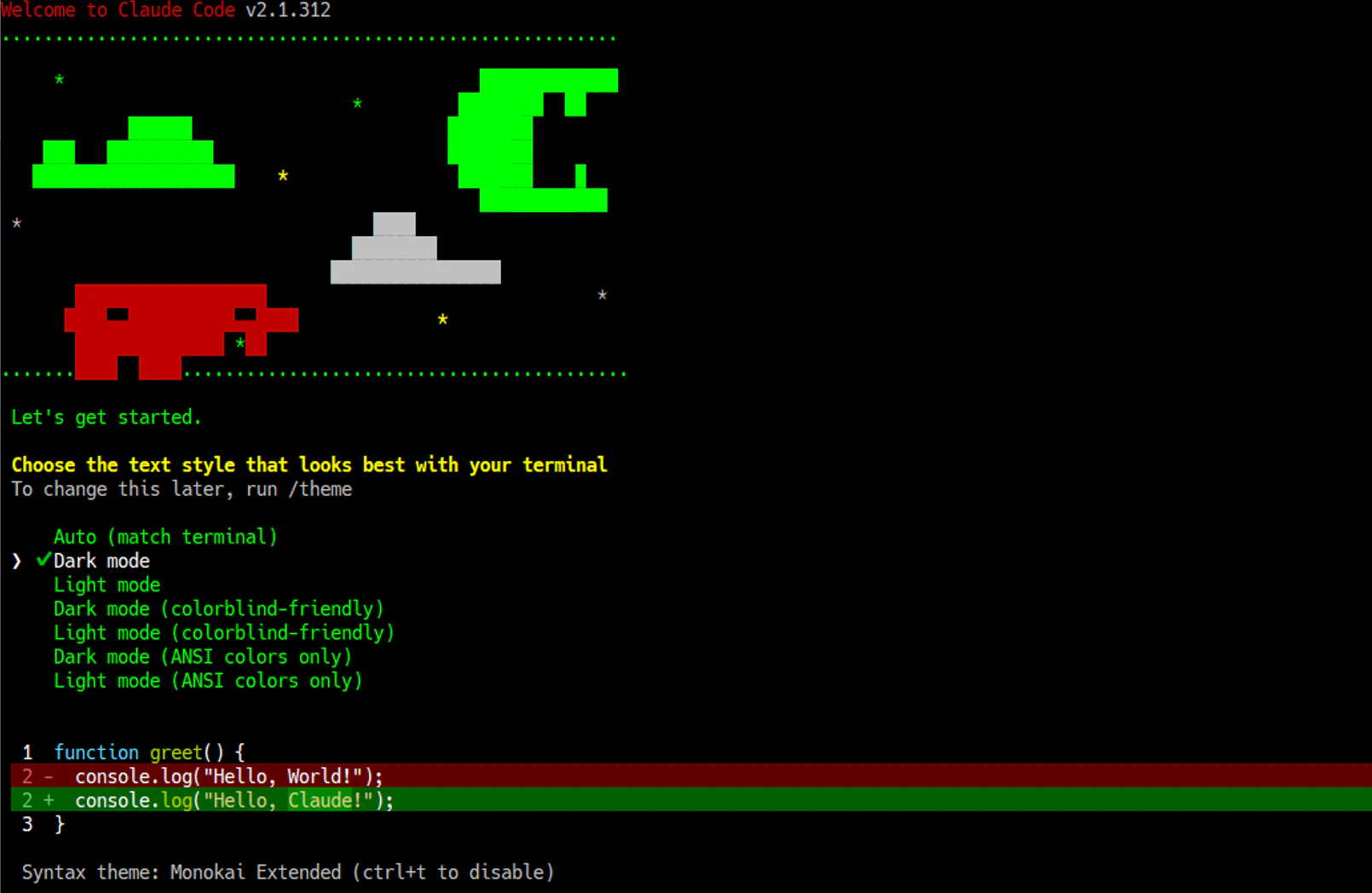
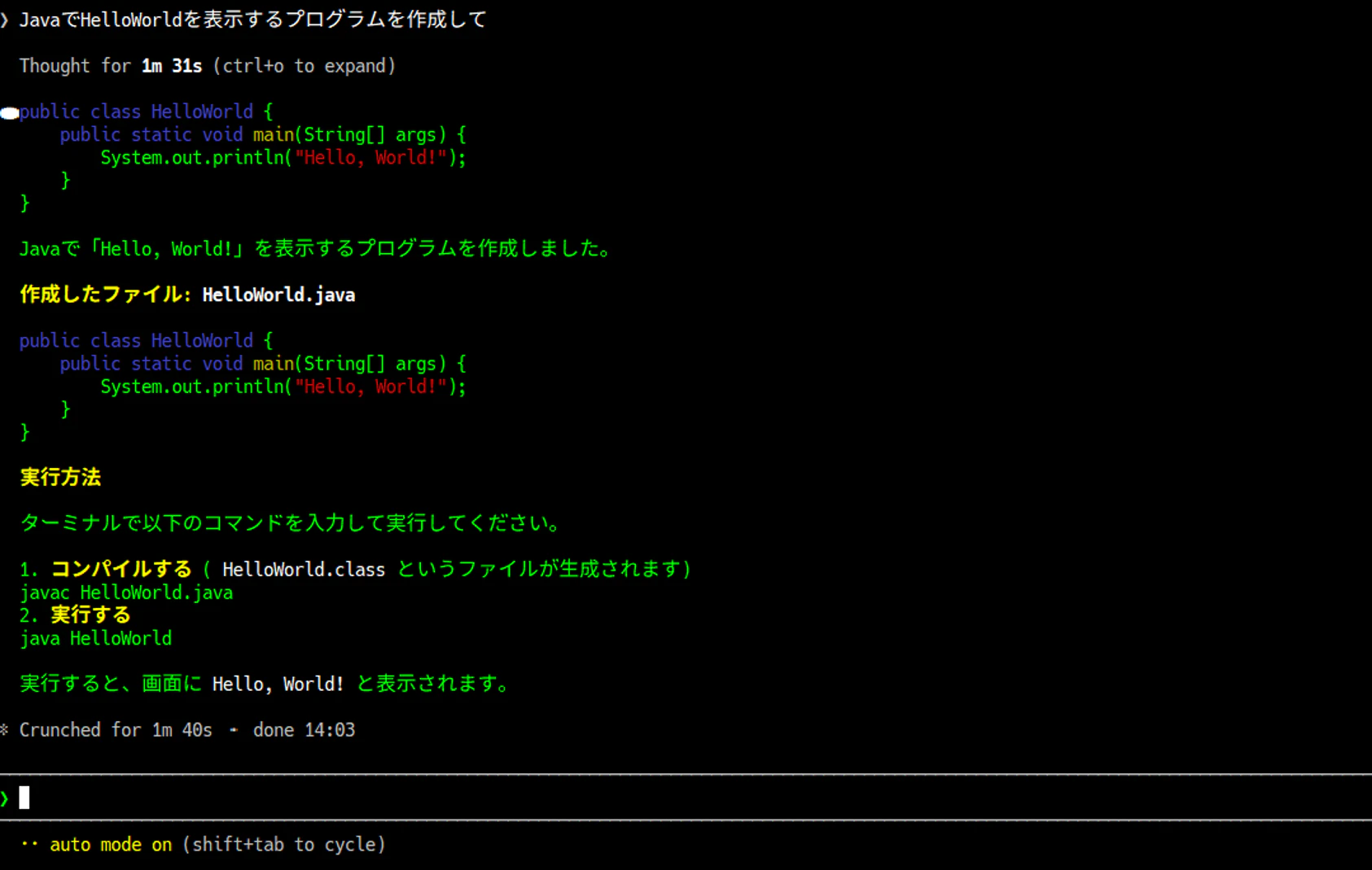
image.png

※画像がずれているのはご愛敬です(笑)

image.png

image.png

感想

これができなくて、ClaudeCodeをあきらめてopencodeを使っていました。
やっとできたので、ちょっと使ってみようかと思います。

1
0
0

Register as a new user and use Qiita more conveniently

  1. You get articles that match your needs
  2. You can efficiently read back useful information
  3. You can use dark theme
What you can do with signing up
1
0

Delete article

Deleted articles cannot be recovered.

Draft of this article would be also deleted.

Are you sure you want to delete this article?