
はじめに
CSSを書いているとあっという間に時間が過ぎて本来の目的である処理が全く書けないのでえらい人が書いてくれたデザインに頼りたくvueでdaisyUIを使える様にします。
デザインできる人すごい…ありがたい…。
手順
まずはvueアプリの作成から。
インストールとかは省きます。
vueアプリの作成
$ vue create sample

Vue CLI v5.0.8
? Please pick a preset: (Use arrow keys)
❯ Default ([Vue 3] babel, eslint)
  Default ([Vue 2] babel, eslint)
  Manually select features

# (略)

$ cd sample
$ yarn serve

 DONE  Compiled successfully in 3716ms                                                                                                                                                  11:32:40 PM


  App running at:
  - Local:   http://localhost:8080/

# (略)
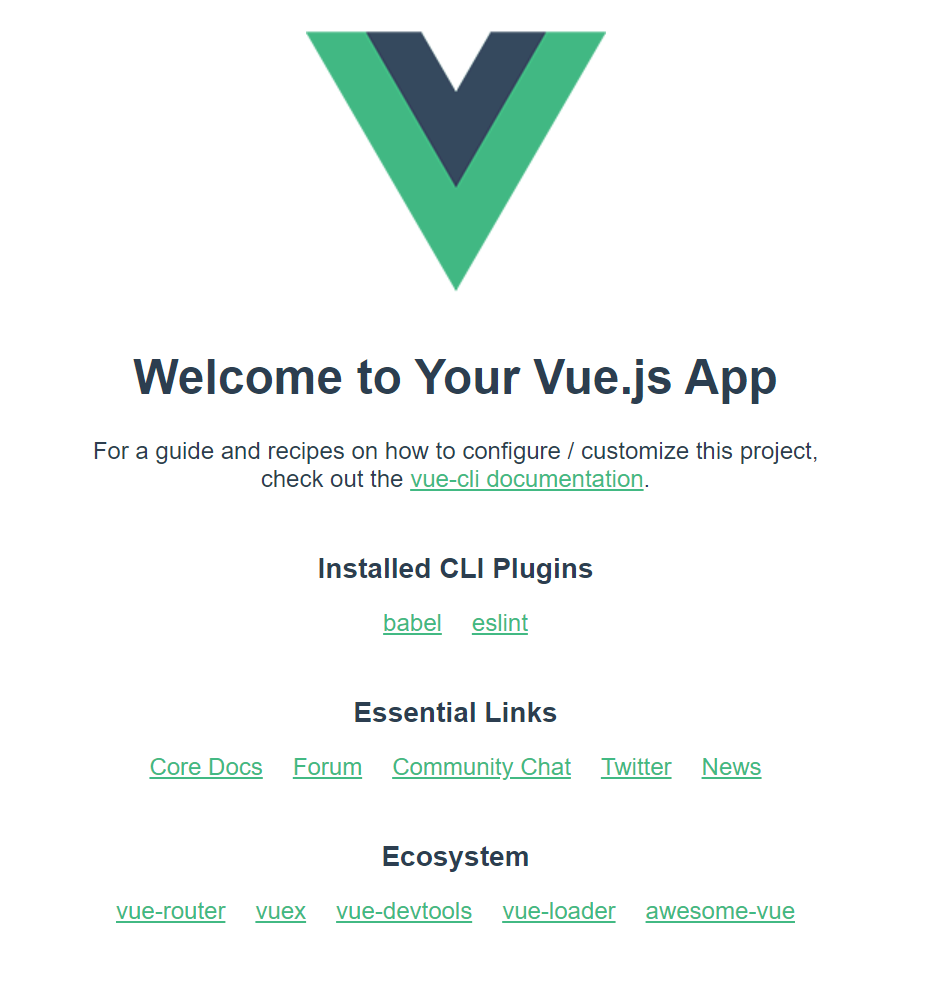
表示されたのでよしとします。
tailwindcssのインストール
daisyUIを利用する前提としてtailwindcssが必要なので、インストールします。
https://tailwindcss.com/docs/installation/using-postcss
# 3つインストールする。
$ yarn add -D tailwindcss postcss autoprefixer

# tailwind.config.jsが作成される。
$ npx tailwindcss init
/postcss.config.jsを作成して以下とします。
/postcss.config.js
module.exports = {
  plugins: {
    tailwindcss: {},
    autoprefixer: {},
  }
}
/tailwind.config.jsを編集します。
/tailwind.config.js
/** @type {import('tailwindcss').Config} */
module.exports = {
  content: ["./src/**/*.{html,js,vue}"],    // 編集
  theme: {
    extend: {},
  },
  plugins: [],
}
/src/main.cssを作成し以下とします。
/src/main.css
@tailwind base;
@tailwind components;
@tailwind utilities;
/src/main.jsを編集します。
/src/main.js
import { createApp } from 'vue'
import App from './App.vue'
import './main.css' // 追加

createApp(App).mount('#app')
Vue.jsのWelcomeページのレイアウトが崩れていれば、反映されていると思われます。

daisyUIのインストール
求めていたdaisyUIをインストールします。
$ yarn add -D daisyui
/tailwind.config.jsを編集します。
/tailwind.config.js
/** @type {import('tailwindcss').Config} */
module.exports = {
  content: ["./src/**/*.{html,js,vue}"],
  theme: {
    extend: {},
  },
  plugins: [require("daisyui")], // 編集
}
/public/index.htmlにボタンを追加してみる。
/public/index.html
<!-- (略) -->
    <div id="app"></div>
    <!-- built files will be auto injected -->
    <!-- 以下、追加 -->
    <button class="btn">hogehoge</button>
<!-- (略) -->

daisyUIのボタンが表示されました。
おわりに
/tailwind.config.jsのcontentにvueを含めるのを忘れていて手間取りました。
daisyUI自体はこれから触っていくので、色々試したいと思います。