0
0

Delete article

Deleted articles cannot be recovered.

Draft of this article would be also deleted.

Are you sure you want to delete this article?

【Flutter】開発中手動でホットリロードせず、コードが変更されたときに即時画面に反映させる方法

Posted at

背景

アプリ開発中にUI の微調整を繰り返す場面が多く、毎回 r を押すのがめんどくさかったので記事にしました。

保存と同時に Hot Reload を自動実行する設定のやり方

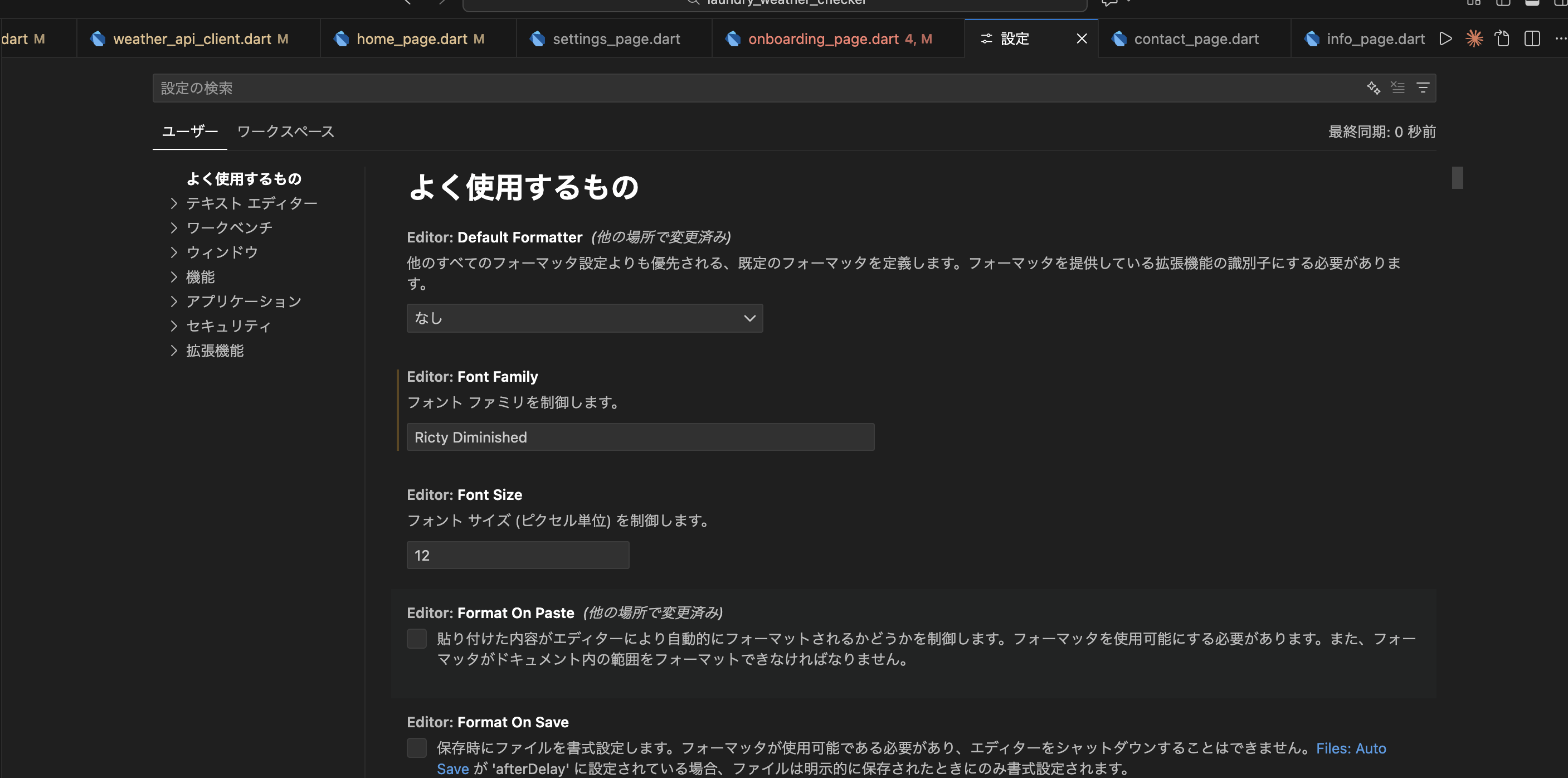
① VSCode の設定を開く

  1. ⌘ + ,(Mac) または Ctrl + ,(Windows)
    スクリーンショット 2025-12-03 10.16.08.png
  2. 検索窓に Flutter reload と入力

② 以下の設定を変更

Flutter Hot Reload On Save

スクリーンショット 2025-12-03 10.27.32.png

設定値のそれぞれの意味は以下の通り

設定値 内容
manual 明示的に手動保存したときにリロードする(自動保存を使用している場合は、自分で保存を押す必要があります)
nerver 保存時にリロードしない
manuallfDirty 明示的に手動保存したときのみリロードを行う(自動保存を使用している場合は、自分で保存ボタンを押す必要があります)。ただし、ファイルに変更があった場合のみ実行されます。
all 手動保存でも自動保存でも、すべての保存でリロードする
allDirty 手動保存でも自動保存でも、ファイルに変更があった場合のみリロードを行う
0
0
0

Register as a new user and use Qiita more conveniently

  1. You get articles that match your needs
  2. You can efficiently read back useful information
  3. You can use dark theme
What you can do with signing up
0
0

Delete article

Deleted articles cannot be recovered.

Draft of this article would be also deleted.

Are you sure you want to delete this article?