1
0

Delete article

Deleted articles cannot be recovered.

Draft of this article would be also deleted.

Are you sure you want to delete this article?

XAMLStudio をビルドする

1
Posted at

環境

  • windows 11
  • VS2026がインストール済み

手順

1. 開発者モードを有効にする

済

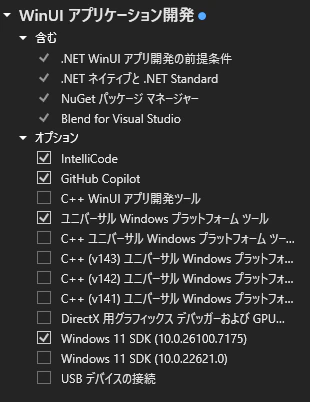
2. VS2026でUWP開発を有効にする

XAML StudioはUWPで開発されているので、ユニバーサル Windows プラットフォームツールを有効にする
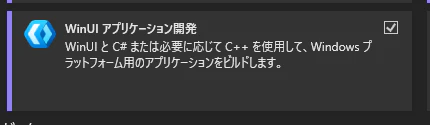
image.png

image.png

わかりヅラ

3. ソースをチェックアウトする

git clone https://github.com/dotnet/XAMLStudio.git
git checkout dev

4. ソリューションを開く

XAMLStudio\XamlStudio.slnxを開く

Windows 11 SDK (10.0.22621.0) を入れろって言われたので追加インストール
※ここで入れられそう

5. ビルド

  1. XamlStudioプロジェクトをスタートアップに変更する
  2. プラットフォームを x64 に変更する
  3. XamlStudioプロジェクトをビルド

6. 実行

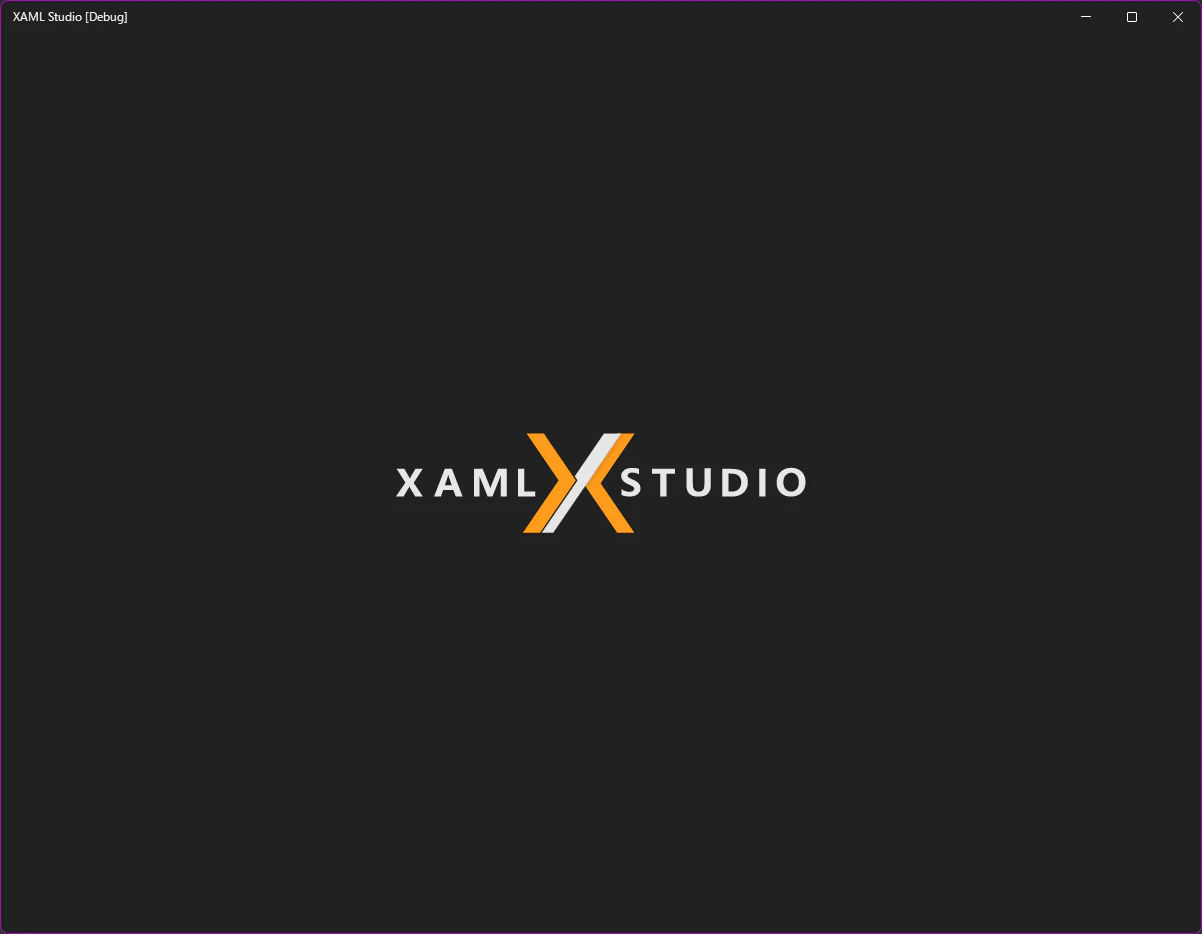
起動できました。

image.png

1
0
0

Register as a new user and use Qiita more conveniently

  1. You get articles that match your needs
  2. You can efficiently read back useful information
  3. You can use dark theme
What you can do with signing up
1
0

Delete article

Deleted articles cannot be recovered.

Draft of this article would be also deleted.

Are you sure you want to delete this article?