
はじめに
クソアプリ Advent Calendar 2025の記事となります。
最近は、HTMLのcanvas上に何かを表現することにハマっているので、ラバーペンシル現象をWebで再現してみます。
ラバーペンシル現象とは
鉛筆の端を指でつかんで水平に揺らすと、まるでゴムのようにぐにゃぐにゃと曲がっているように見える錯覚です。皆さんも学生時代に1度はやった経験あるんじゃないでしょうか?
まずWEB鉛筆を用意します
    const pencilLength = 280; // 鉛筆の長さ
    const pencilWidth = 14; // 鉛筆の幅

    const centerX = canvas.width / 2;
    const centerY = canvas.height / 2;

    // 鉛筆の開始位置と終了位置
    const startX = centerX - pencilLength / 2;
    const endX = centerX + pencilLength / 2;
    const y = centerY;

    // 鉛筆本体(木の部分)
    ctx.fillStyle = '#486A49';
    ctx.fillRect(startX, y - pencilWidth / 2, pencilLength * 0.85, pencilWidth);

    // 芯の部分(先端)
    ctx.beginPath();
    ctx.fillStyle = '#CC947C';
    const tipStart = startX + pencilLength * 0.85;
    ctx.moveTo(tipStart, y - pencilWidth / 2);
    ctx.lineTo(tipStart, y + pencilWidth / 2);
    ctx.lineTo(endX, y);
    ctx.closePath();
    ctx.fill();

    // 芯の先端(黒)
    ctx.beginPath();
    ctx.fillStyle = '#222';
    ctx.moveTo(tipStart + (endX - tipStart) * 0.6, y - pencilWidth / 6);
    ctx.lineTo(tipStart + (endX - tipStart) * 0.6, y + pencilWidth / 6);
    ctx.lineTo(endX, y);
    ctx.closePath();
    ctx.fill();

    // 消しゴム部分
    ctx.fillStyle = '#BC6241';
    ctx.fillRect(startX, y - pencilWidth / 2, pencilLength * 0.075, pencilWidth);

    // 金属バンド
    ctx.fillStyle = '#C0C0C0';
    ctx.fillRect(startX + pencilLength * 0.075, y - pencilWidth / 2 - 1, pencilLength * 0.03, pencilWidth + 2);

    // 木目の線
    ctx.strokeStyle = '#333';
    ctx.lineWidth = 1;
    for (let i = 0; i < 3; i++) {
        const lineY = y - pencilWidth / 2 + (i + 1) * (pencilWidth / 4);
        ctx.beginPath();
        ctx.moveTo(startX + pencilLength * 0.11, lineY);
        ctx.lineTo(startX + pencilLength * 0.85, lineY);
        ctx.stroke();
    }

    ctx.restore();
はい、できました。
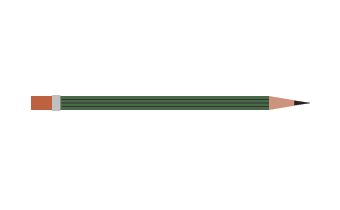
それでは振ってみましょう
// 支点の上下移動
const verticalOffset = Math.sin(time) * verticalAmplitude;

// 支点の位置
const pivotX = centerX - pencilLength / 2 + pencilLength * pivotPosition;
const pivotY = centerY + verticalOffset;

// 回転角度
const rotationAngle = (Math.sin(time) * rotationAmplitude) / 200;

ctx.translate(pivotX, pivotY);
ctx.rotate(rotationAngle);
ctx.translate(-pivotX, -pivotY);
おらおらおらおらおらおらぁっ ! !
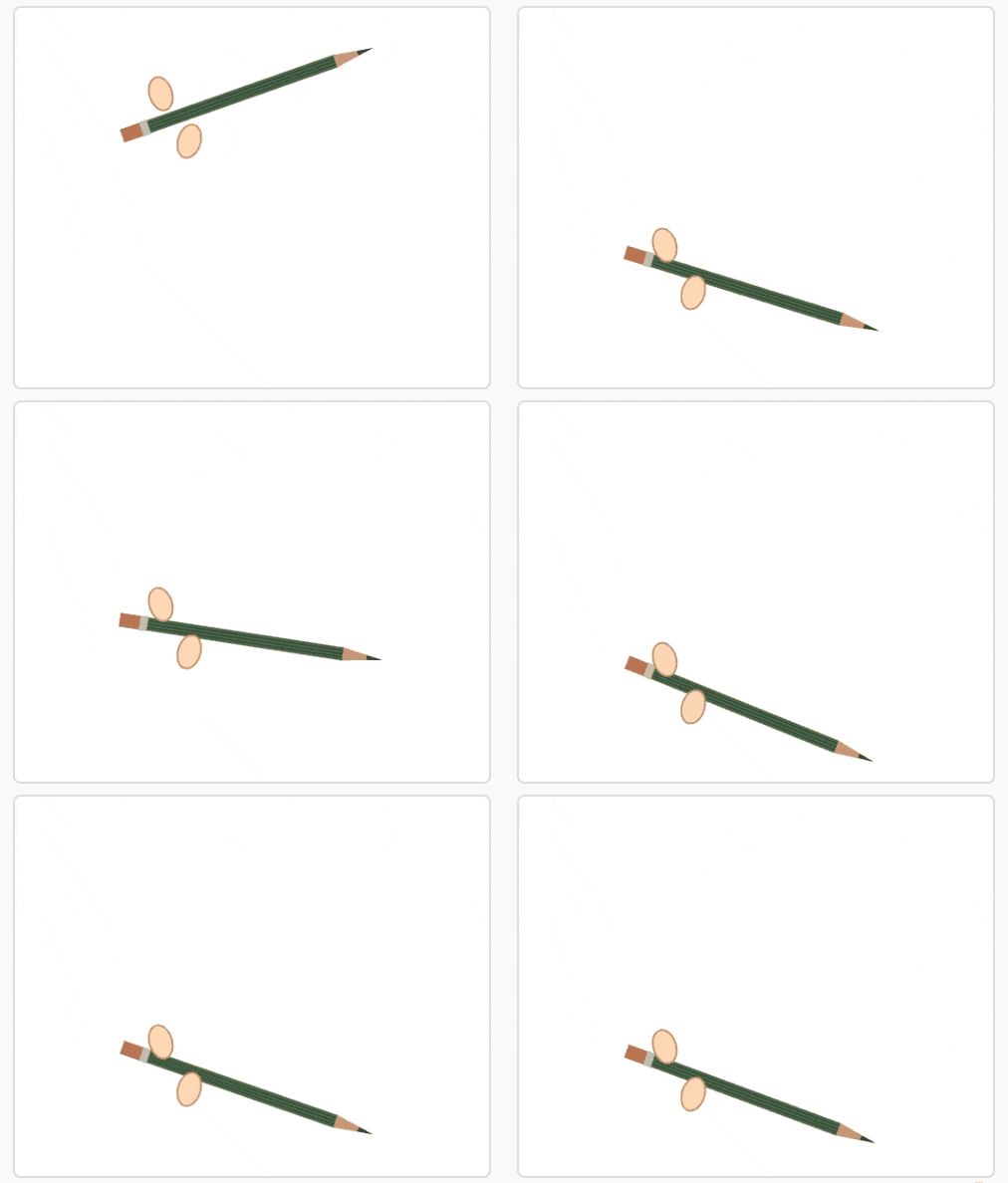
振りすぎました...
パラメータを調整しました
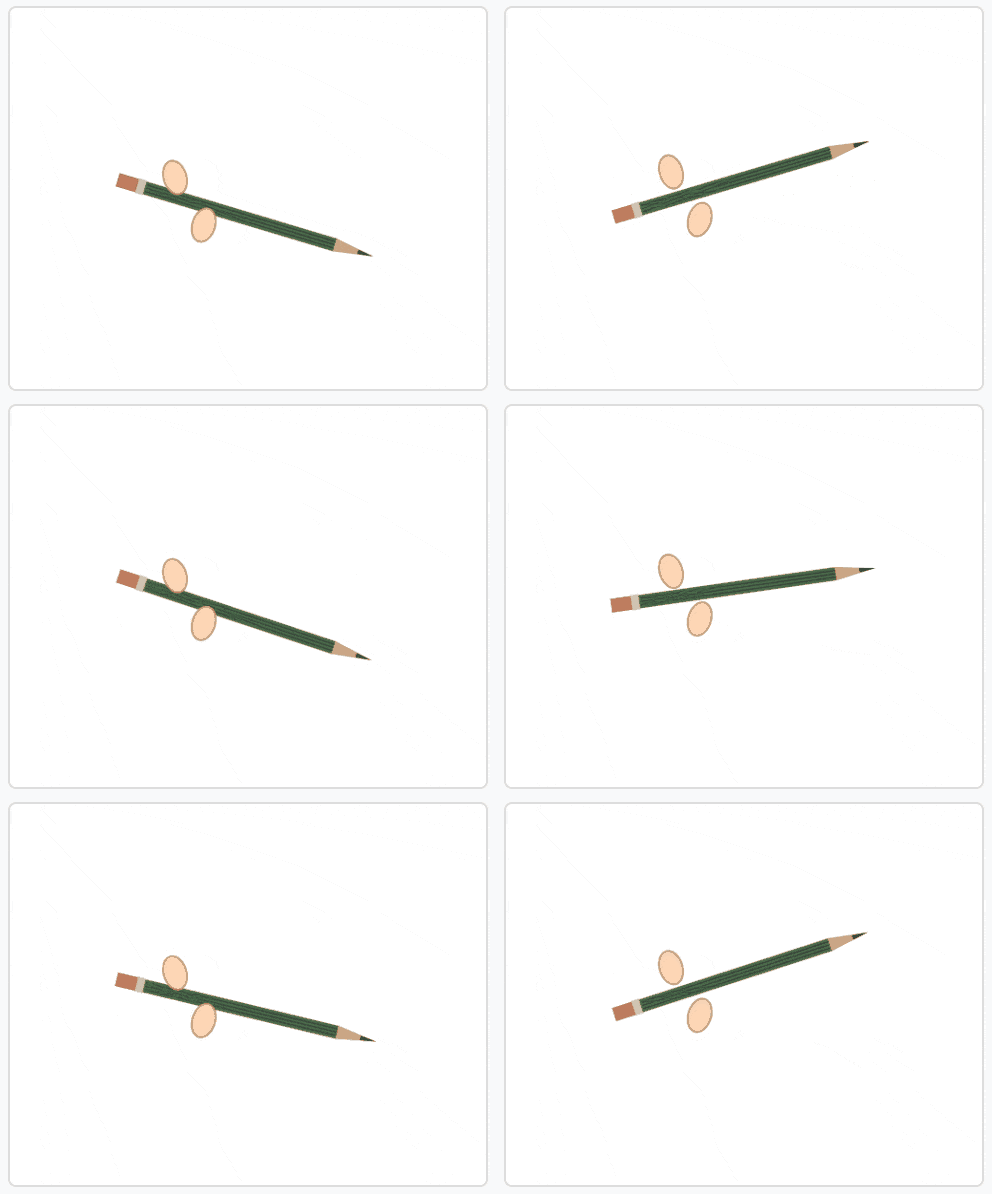
Gif画像のフレームも影響で錯視が起きているか怪しいですが、いかがでしょうか?
おわりに
意外と簡単にWEBでラバーペンシル現象が再現出来ちゃいました。
せっかくWEBでできたので、鉛筆ではなく「カジキ」とか「松明」とかで試してみたいですね。
開発リポジトリを公開しているので、興味があったら見てみてください。アプリへのリンクもあります。
ここまで読んでいただきありがとうございました!