Ubuntu で Kubernetes 三昧その10(Secrets)からの続きです。
@masternode1:~/kubernetes-examples/secrets/vault$ cat install.md

helm repo add hashicorp https://helm.releases.hashicorp.com


helm install vault hashicorp/vault --set='ui.enabled=true' --set='ui.serviceType=LoadBalancer' --namespace vault --create-namespace

kubectl exec --stdin=true --tty=true vault-0 -n vault -- vault operator init

Run the below three times with three unseal keys.

kubectl exec --stdin=true --tty=true vault-0 -n vault -- vault operator unseal
まずは、helm をインストールします。
@masternode1:~/kubernetes-examples/secrets/vault$ helm repo add hashicorp https://helm.releases.hashicorp.com
コマンド 'helm' が見つかりません。次の方法でインストールできます:
sudo snap install helm

@masternode1:~/kubernetes-examples/secrets/vault$ sudo snap install helm --classic
helm 3.18.3 from Snapcrafters✪ installed
hashicorp/vault をインストールします。
@masternode1:~/kubernetes-examples/secrets/vault$ helm repo add hashicorp https://helm.releases.hashicorp.com
"hashicorp" has been added to your repositories
@masternode1:~/kubernetes-examples/secrets/vault$ helm install vault hashicorp/vault --set='ui.enabled=true' --set='ui.serviceType=LoadBalancer' --namespace vault --create-namespace
NAME: vault
LAST DEPLOYED: Wed Jul  2 20:51:35 2025
NAMESPACE: vault
STATUS: deployed
REVISION: 1
NOTES:
Thank you for installing HashiCorp Vault!

Now that you have deployed Vault, you should look over the docs on using
Vault with Kubernetes available here:

https://developer.hashicorp.com/vault/docs


Your release is named vault. To learn more about the release, try:

  $ helm status vault
  $ helm get manifest vault
@masternode1:~/kubernetes-examples/secrets/vault$ kubectl get all -n vault
NAME                                        READY   STATUS    RESTARTS   AGE
pod/vault-0                                 0/1     Pending   0          83s
pod/vault-agent-injector-56459c7545-5v2m5   1/1     Running   0          83s

NAME                               TYPE           CLUSTER-IP       EXTERNAL-IP   PORT(S)             AGE
service/vault                      ClusterIP      10.103.59.184    <none>        8200/TCP,8201/TCP   83s
service/vault-agent-injector-svc   ClusterIP      10.104.192.132   <none>        443/TCP             83s
service/vault-internal             ClusterIP      None             <none>        8200/TCP,8201/TCP   83s
service/vault-ui                   LoadBalancer   10.96.59.83      <pending>     8200:30217/TCP      83s

NAME                                   READY   UP-TO-DATE   AVAILABLE   AGE
deployment.apps/vault-agent-injector   1/1     1            1           83s

NAME                                              DESIRED   CURRENT   READY   AGE
replicaset.apps/vault-agent-injector-56459c7545   1         1         1       83s

NAME                     READY   AGE
statefulset.apps/vault   0/1     83s
ワーカーノードです。
@workernode1:~$ sudo mkdir -p /mnt/vault-data
@workernode1:~$ sudo chmod 777 /mnt/vault-data
マスターノードです。
@masternode1:~/kubernetes-examples$ kubectl apply -f - <<EOF
> apiVersion: v1
kind: PersistentVolume
metadata:
  name: vault-pv-manual
spec:
  capacity:
    storage: 10Gi
  volumeMode: Filesystem
  accessModes:
    - ReadWriteOnce
  persistentVolumeReclaimPolicy: Retain
  hostPath:
    path: "/mnt/vault-data"
> EOF
persistentvolume/vault-pv-manual created
初期化します。
@masternode1:~/kubernetes-examples$ kubectl exec --stdin=true --tty=true vault-0 -n vault -- vault operator init
Unseal Key 1: ybXa8LSkhRoxDa9KVv8iERD0VGcZTd0TP2sLsIQRdiin
Unseal Key 2: b8l8jB9RjVzBrYJzomAJU1oE2SuX09FuvnkofpcVWhaO
Unseal Key 3: HXvx5VBbm3P6KVxOEUcYTeCHmBVxqlFZP6jjjpKBOGYO
Unseal Key 4: GOQUVslh6SIVQo6b0ntCcQBHdEyXaJcUyxtMYvnp3vhM
Unseal Key 5: W4YWTyJ5iH8HBT3d1V+EBxA2HroMa08q02C/E47qQB99

Initial Root Token: hvs.4XKmcafXeepjBRJPkG2W5DAw

Vault initialized with 5 key shares and a key threshold of 3. Please securely
distribute the key shares printed above. When the Vault is re-sealed,
restarted, or stopped, you must supply at least 3 of these keys to unseal it
before it can start servicing requests.

Vault does not store the generated root key. Without at least 3 keys to
reconstruct the root key, Vault will remain permanently sealed!

It is possible to generate new unseal keys, provided you have a quorum of
existing unseal keys shares. See "vault operator rekey" for more information.
@masternode1:~/kubernetes-examples$ kubectl get pods -n vault
NAME                                    READY   STATUS    RESTARTS   AGE
vault-0                                 0/1     Running   0          9m51s
vault-agent-injector-56459c7545-5v2m5   1/1     Running   0          9m51s
unseal を実行します。
1回目
@masternode1:~/kubernetes-examples$ kubectl exec vault-0 -n vault -- vault operator unseal ybXa8LSkhRoxDa9KVv8iERD0VGcZTd0TP2sLsIQRdiin
Key                Value
---                -----
Seal Type          shamir
Initialized        true
Sealed             true
Total Shares       5
Threshold          3
Unseal Progress    1/3
Unseal Nonce       3d14d5c9-1213-d366-cfa2-d112eee04566
Version            1.19.0
Build Date         2025-03-04T12:36:40Z
Storage Type       file
HA Enabled         false
2回目
@masternode1:~/kubernetes-examples$  kubectl exec vault-0 -n vault -- vault operator unseal b8l8jB9RjVzBrYJzomAJU1oE2SuX09FuvnkofpcVWhaO
Key                Value
---                -----
Seal Type          shamir
Initialized        true
Sealed             true
Total Shares       5
Threshold          3
Unseal Progress    2/3
Unseal Nonce       3d14d5c9-1213-d366-cfa2-d112eee04566
Version            1.19.0
Build Date         2025-03-04T12:36:40Z
Storage Type       file
HA Enabled         false
3回目
@masternode1:~/kubernetes-examples$ kubectl exec vault-0 -n vault -- vault operator unseal HXvx5VBbm3P6KVxOEUcYTeCHmBVxqlFZP6jjjpKBOGYO
Key             Value
---             -----
Seal Type       shamir
Initialized     true
Sealed          false
Total Shares    5
Threshold       3
Version         1.19.0
Build Date      2025-03-04T12:36:40Z
Storage Type    file
Cluster Name    vault-cluster-810b11e4
Cluster ID      4f4a36cf-8a2c-1828-b966-68cd7dcea5d1
HA Enabled      false
完了しました。
@masternode1:~/kubernetes-examples$ kubectl get pods -n vault
NAME                                    READY   STATUS    RESTARTS   AGE
vault-0                                 1/1     Running   0          16m
vault-agent-injector-56459c7545-5v2m5   1/1     Running   0          16m
サービスを確認します。
masternode1:~/kubernetes-examples$ kubectl get svc -n vault
NAME                       TYPE           CLUSTER-IP       EXTERNAL-IP   PORT(S)             AGE
vault                      ClusterIP      10.103.59.184    <none>        8200/TCP,8201/TCP   18m
vault-agent-injector-svc   ClusterIP      10.104.192.132   <none>        443/TCP             18m
vault-internal             ClusterIP      None             <none>        8200/TCP,8201/TCP   18m
vault-ui                   LoadBalancer   10.96.59.83      <pending>     8200:30217/TCP      18m
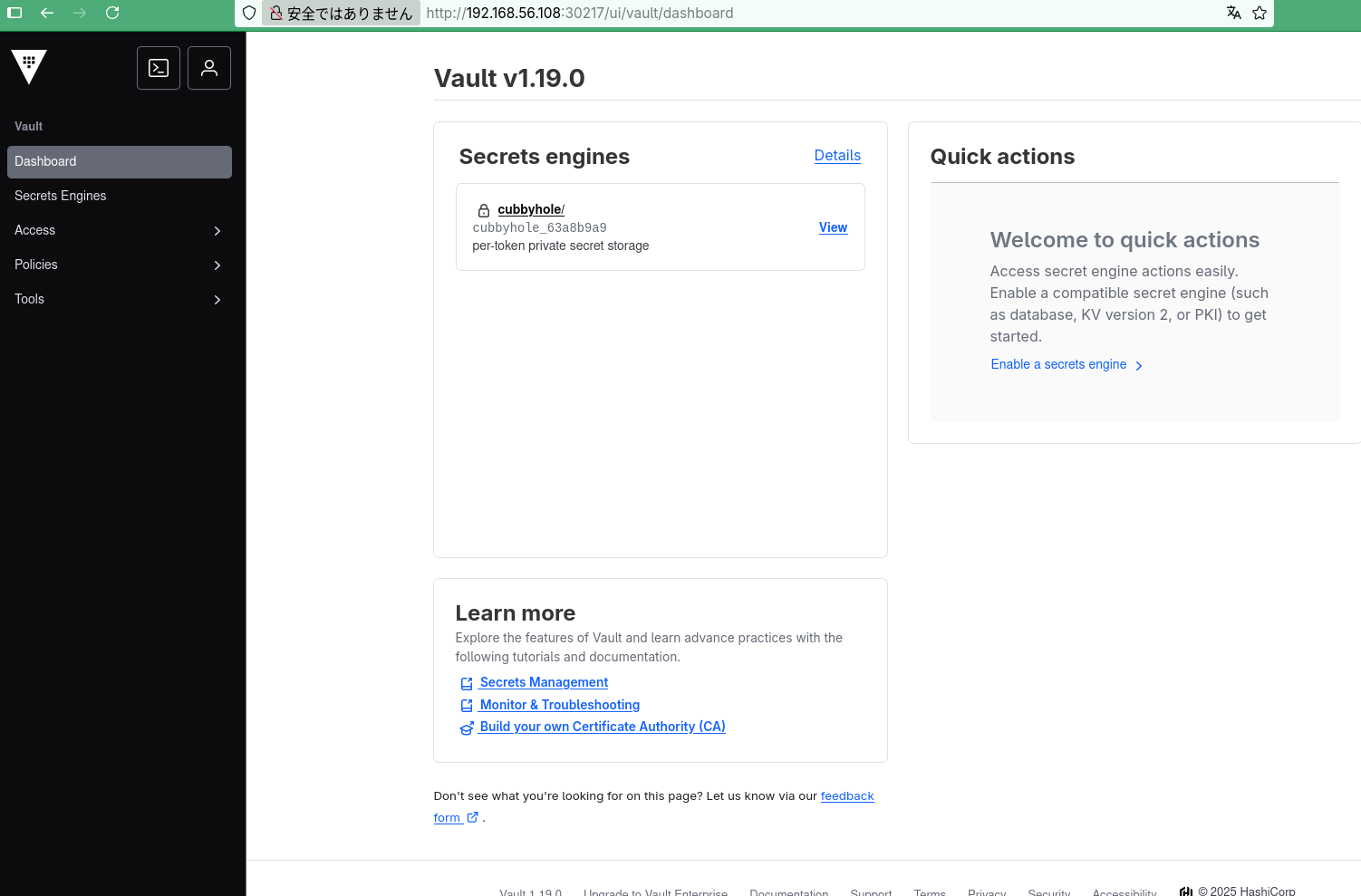
この、vault-ui が、web ui になりますが、http://<ワーカーノードのIP>:30217 で接続します。
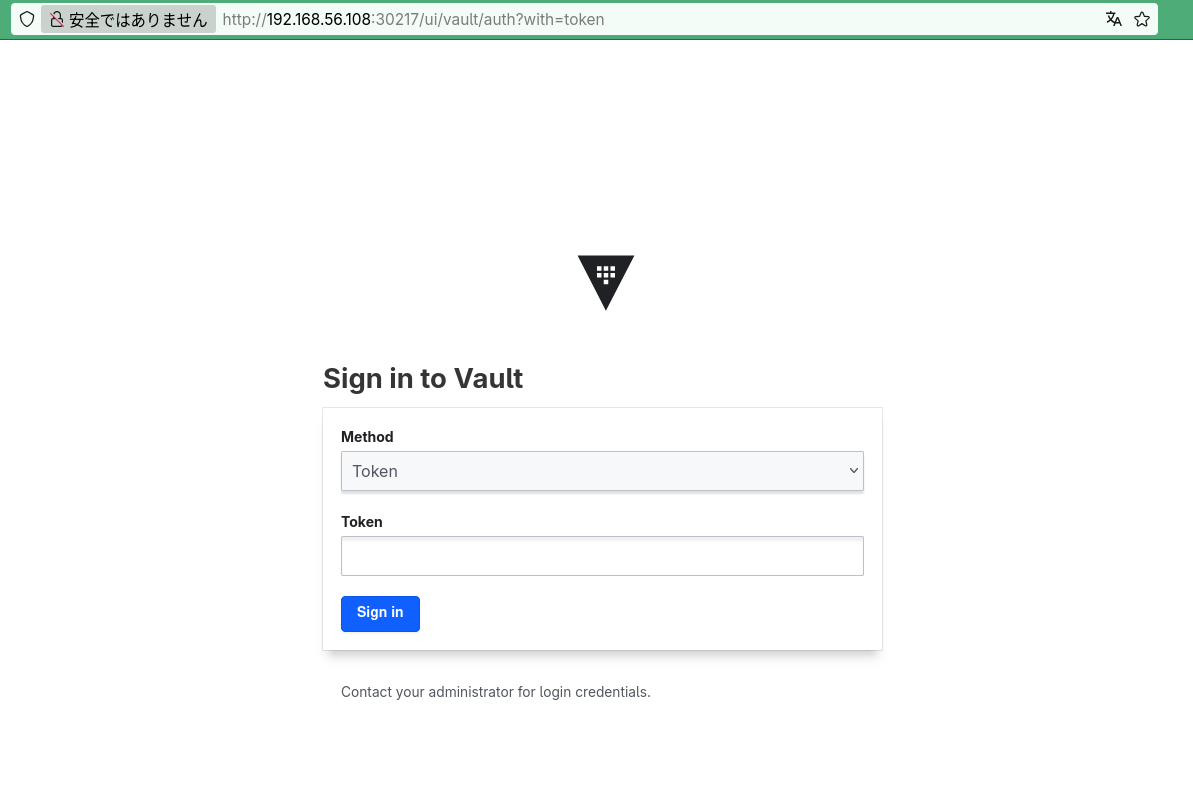
初期化の際に表示されたトークンでログイン可能です。
...(snip)...
nitial Root Token: hvs.4XKmcafXeepjBRJPkG2W5DAw
...(snip)...