
まずはコードを見てください。
import SwiftUI

struct Collection: Identifiable {
    let id = UUID()
    let name: String
}

struct ContentView: View {
    @State var collections = [
        Collection(name: "木﨑太郎"),
        Collection(name: "空道太郎"),
        Collection(name: "松本直也"),
        Collection(name: "子安裕樹"),
    ]
    @State var selectionIndex: Int? =  2

    var body: some View {
        List() {
            ForEach(0..<collections.count, id: \.self) { index in
                HStack {
                    Text(collections[index].name)
                    Spacer()
                }
                .listRowBackground(selectionIndex == index ? Color(UIColor.systemGray4) : nil)
                .contentShape(Rectangle())
                .onTapGesture {
                    selectionIndex = index
                }
            }
        }
    }
}
結果はこうなります。
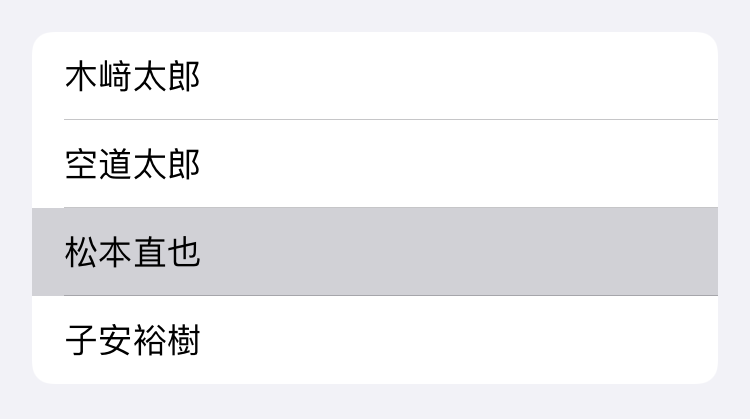
この行で背景色を指定しています。
.listRowBackground(selectionIndex == index ? Color(UIColor.systemGray4) : nil)
色はUIColor.systemGrayで指定するとダークモードでもいい感じにしてくれます。

好きな色を指定したい場合はAsset Catalogを作るといいでしょう。