
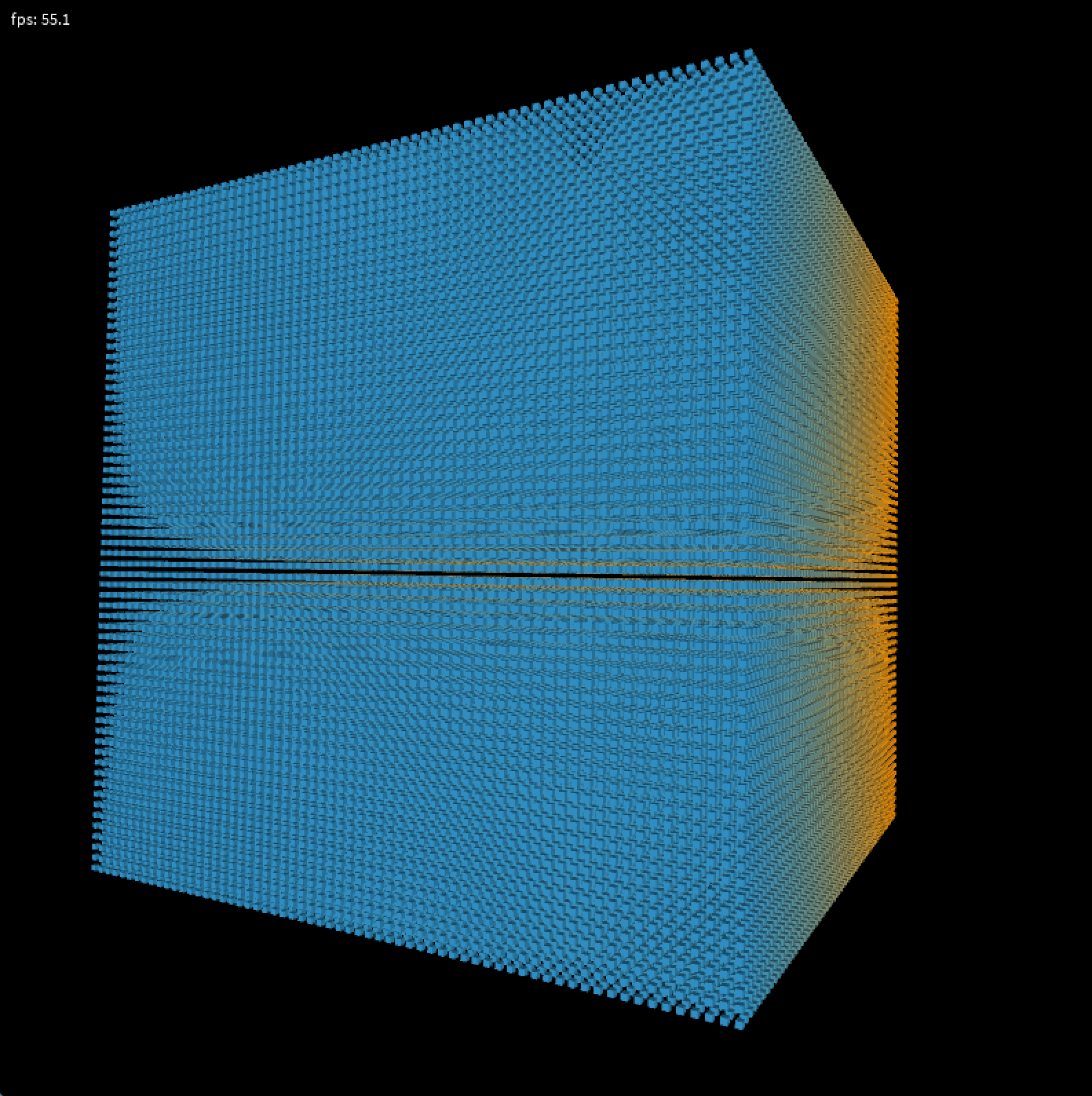
リアルタイム3Dにおいて、ドローコールの負荷が馬鹿にならないという問題があります。
例えば、マインクラフトのように、ボックスが大量にあるような場合です。
Processing環境で、負荷を減らす方法を確認します。
環境
MacBookPro M1
Processing 4.2
26万回のbox()呼び出し
処理が重いです。
約 6 fps
int N = 64;          // 各軸方向の個数
float spacing = 80;  // 立方体どうしの距離
float boxSize = 40;  // 立方体の大きさ

void setup() {
  size(800, 800, P3D);
  perspective(radians(60),1,10,10000);
  noStroke();
}

void draw() {
  background(0);
  lights();

  // シーン全体を見やすくするためのカメラっぽい変換
  translate(width/2, height/2, -spacing * N * 1.5);
  rotateY(frameCount * 0.01);
  rotateX(frameCount * 0.007);

  // 64×64×64 = 262144 回 box() をcall
  for (int z = 0; z < N; z++) {
    for (int y = 0; y < N; y++) {
      for (int x = 0; x < N; x++) {
        pushMatrix();
            // 中心が(0,0,0)付近に来るようにオフセット
            float px = (x - (N - 1) / 2.0) * spacing;
            float py = (y - (N - 1) / 2.0) * spacing;
            float pz = (z - (N - 1) / 2.0) * spacing;
            translate(px, py, pz);

            // 色を少し変えてもOK(不要なら固定色で)
            float c = map(z, 0, N-1, 50, 255);
            fill(c, 150, 255 - c);

            box(boxSize);
        popMatrix();
      }
    }
  }

  // =====================
  // fps表示(負荷確認用)
  // =====================
  hint(DISABLE_DEPTH_TEST);   // 手前に描くため
  camera();                   // カメラをリセット
  noLights();
  fill(255);
  text("fps: " + nf(frameRate, 1, 1), 10, 20);
  hint(ENABLE_DEPTH_TEST);
}
26万回のbox()を登録したPShape 1回の呼び出し
劇的に軽くなります。
簡単で高速。
約 54 fps
int N = 64;          // 各軸方向の個数
float spacing = 80;  // 立方体どうしの距離
float boxSize = 40;  // 立方体の大きさ
PShape cubes;

void setup() {
  size(800, 800, P3D);
  perspective(radians(60),1,10,10000);
  noStroke();

  // =========================
  // 4096個のキューブをPShapeにまとめる
  // =========================
  cubes = createShape(GROUP);

  for (int z = 0; z < N; z++) {
    for (int y = 0; y < N; y++) {
      for (int x = 0; x < N; x++) {

        // 個々のキューブPShapeを作成
        PShape b = createShape(BOX, boxSize);
        b.setStroke(false);

        float px = (x - (N - 1) / 2.0) * spacing;
        float py = (y - (N - 1) / 2.0) * spacing;
        float pz = (z - (N - 1) / 2.0) * spacing;

        // それぞれの位置へオフセット
        b.translate(px, py, pz);

        // 色を少し変える
        float c = map(z, 0, N-1, 50, 255);
        b.setFill(color(c, 150, 255 - c));

        // GROUPに追加
        cubes.addChild(b);
      }
    }
  }
}

void draw() {
  background(0);
  lights();

  // シーン全体を回して眺める
  pushMatrix();
    translate(width/2, height/2, -spacing * N * 1.5);
    rotateY(frameCount * 0.01);
    rotateX(frameCount * 0.007);
    // 1回の shape() をcall
    shape(cubes);
  popMatrix();

  // =====================
  // fps表示(負荷確認用)
  // =====================
  hint(DISABLE_DEPTH_TEST);   // 手前に描くため
  camera();                   // カメラをリセット
  noLights();
  fill(255);
  text("fps: " + nf(frameRate, 1, 1), 10, 20);
  hint(ENABLE_DEPTH_TEST);
}
テクスチャ版
マイクラ程度の低解像度テクスチャ16x16を適用しても、特に速度に変化はありませんでした。
int N = 64;          // 各軸方向の個数
float spacing = 40;  // 立方体どうしの距離
float boxSize = 40;  // 立方体の大きさ

PShape cubes;        // 4096個のキューブをまとめたPShape(GROUP)
PImage checkerTex;   // 市松模様テクスチャ

void setup() {
  size(800, 800, P3D);
  noStroke();
  perspective(radians(60),1,10,10000);

  // =========================
  // 市松模様テクスチャを生成
  // =========================
  checkerTex = makeCheckerTexture(16, 16, 8);


  // =========================
  // 4096個のキューブをPShapeにまとめる
  // =========================
  cubes = createShape(GROUP);

  textureMode(NORMAL); // 0.0〜1.0のUV(BOXはデフォルトでこの想定)

  for (int z = 0; z < N; z++) {
    for (int y = 0; y < N; y++) {
      for (int x = 0; x < N; x++) {

        // テクスチャ付きBOXを作成
        PShape b = createShape(BOX, boxSize);
        b.setStroke(false);
        b.setTexture(checkerTex);  // ← 市松模様を貼る
        b.setFill(color(255));     // テクスチャにそのままの色で

        float px = (x - (N - 1) / 2.0) * spacing;
        float py = (y - (N - 1) / 2.0) * spacing;
        float pz = (z - (N - 1) / 2.0) * spacing;

        b.translate(px, py, pz);

        cubes.addChild(b);
      }
    }
  }
}

void draw() {
  background(0);
  lights();

  pushMatrix();
  translate(width/2, height/2, -spacing * N * 1.5);
  rotateY(frameCount * 0.01);
  rotateX(frameCount * 0.007);

  shape(cubes);  // ここは1回だけ

  popMatrix();

  // fps表示
  hint(DISABLE_DEPTH_TEST);
  camera();
  noLights();
  fill(255);
  text("fps: " + nf(frameRate, 1, 1), 10, 20);
  hint(ENABLE_DEPTH_TEST);
}

// =====================
// 市松模様テクスチャ生成
// =====================
PImage makeCheckerTexture(int w, int h, int cells) {
  PImage img = createImage(w, h, RGB);
  img.loadPixels();

  int cellW = w / cells;
  int cellH = h / cells;

  for (int y = 0; y < h; y++) {
    int cy = y / cellH;
    for (int x = 0; x < w; x++) {
      int cx = x / cellW;
      // (cx + cy) の偶奇で白黒を切り替え
      if ((cx + cy) % 2 == 0) {
        img.pixels[y * w + x] = color(255,128,0);
      } else {
        img.pixels[y * w + x] = color(0,128,255);
      }
    }
  }

  img.updatePixels();
  return img;
}