
問題
噂のWindowsサンドボックスをインストールしようとしたが、公式手順にに従っても、"Windows sandbox"プログラムがスタートメニューに表示されない
再現手順
こちらの公式インストラクションに沿って:
https://learn.microsoft.com/ja-jp/windows/security/application-security/application-isolation/windows-sandbox/windows-sandbox-install
BIOSで仮想化が有効になっていることを確認。
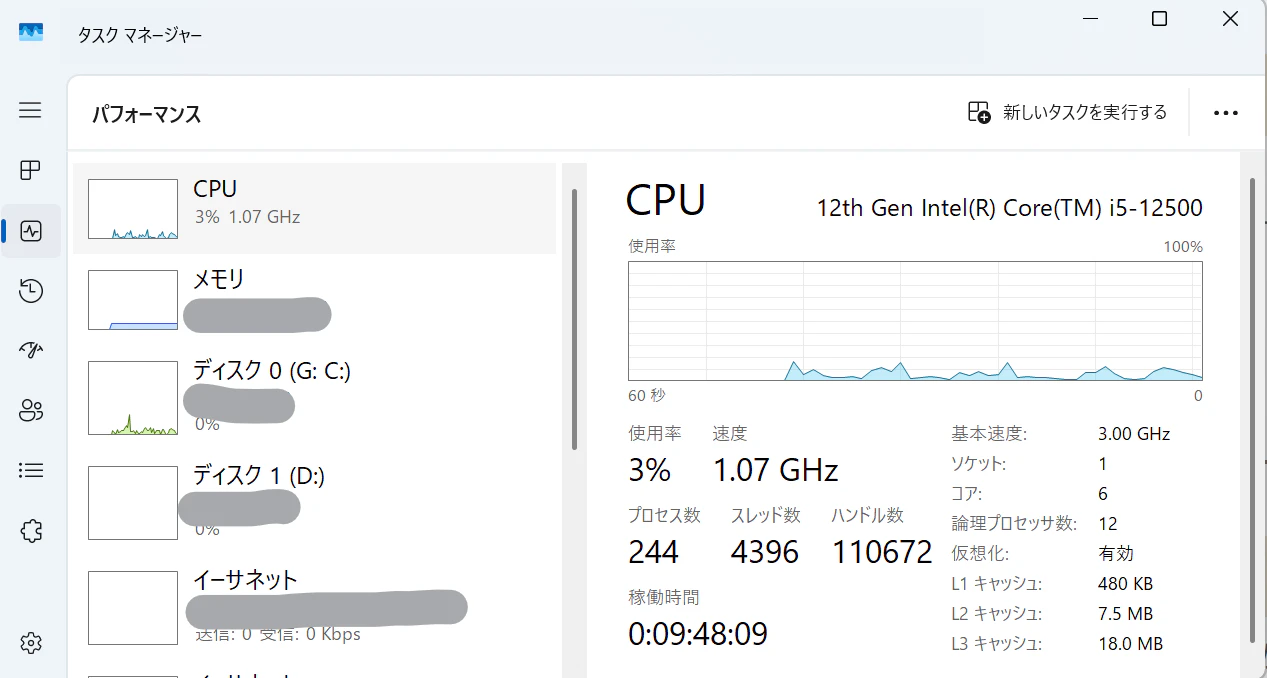
Ctrl+Shift+Escでタスクマネージャーを起動し、CPUの「仮想化」欄を確認。有効になってる:
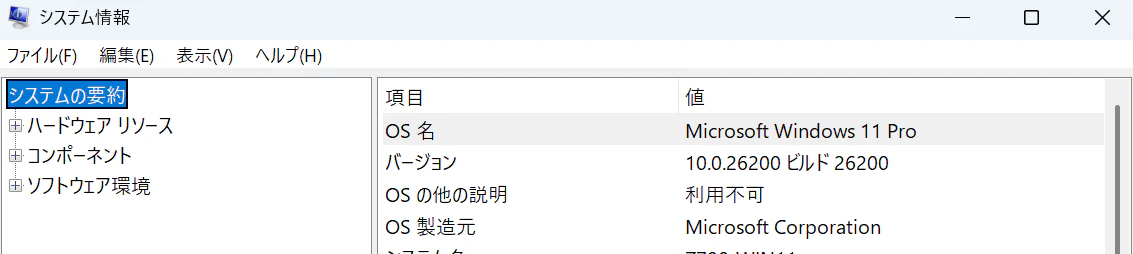
Windows11 ProもしくはEnterpriseを使っていることを確認。
システム情報から:
Windows Sandboxを有効化:
-
「Windowsの機能の有効化または無効化」から
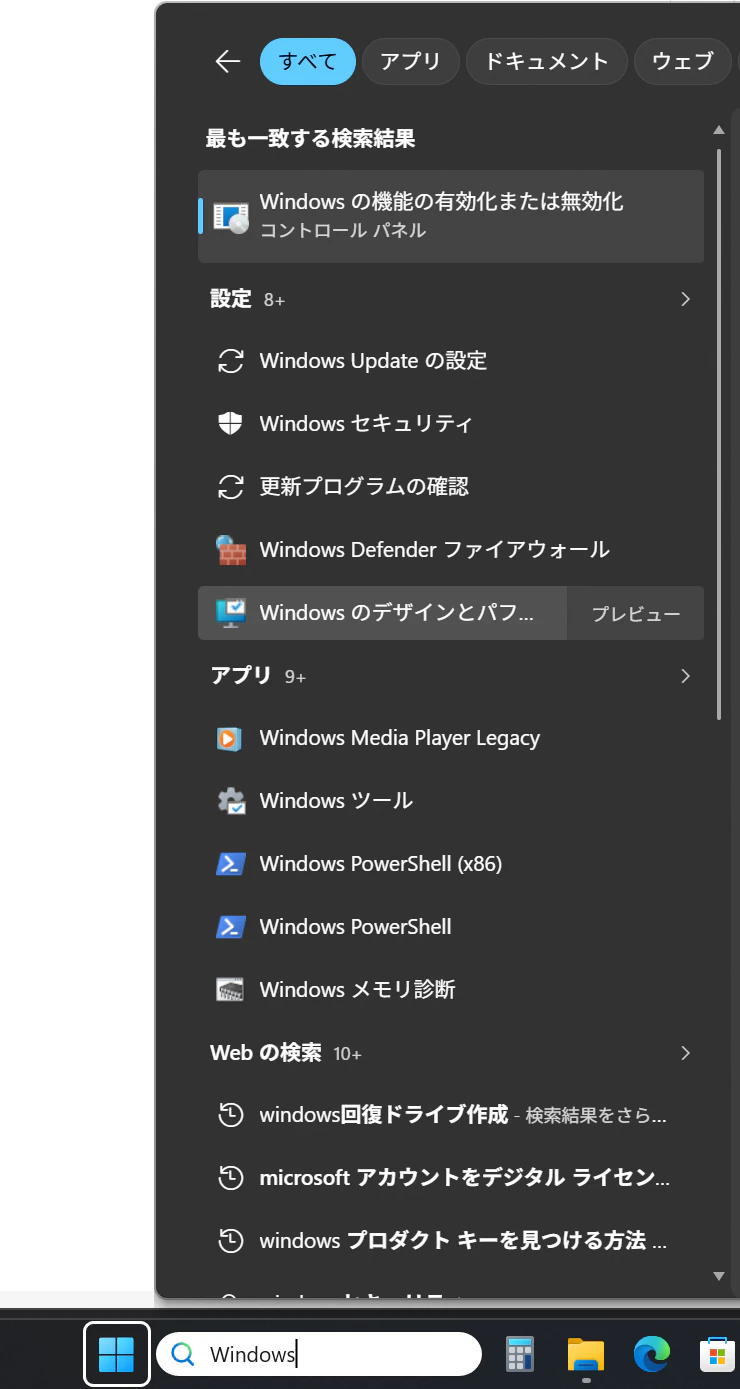
-
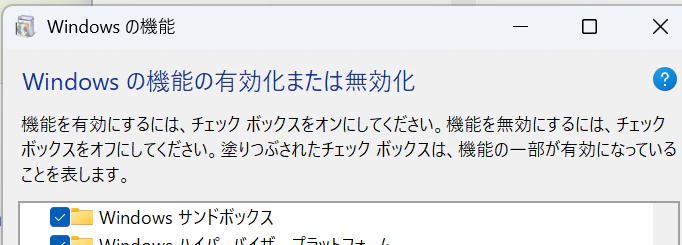
「Windows サンドボックス」にチェックを入れ
-
再起動
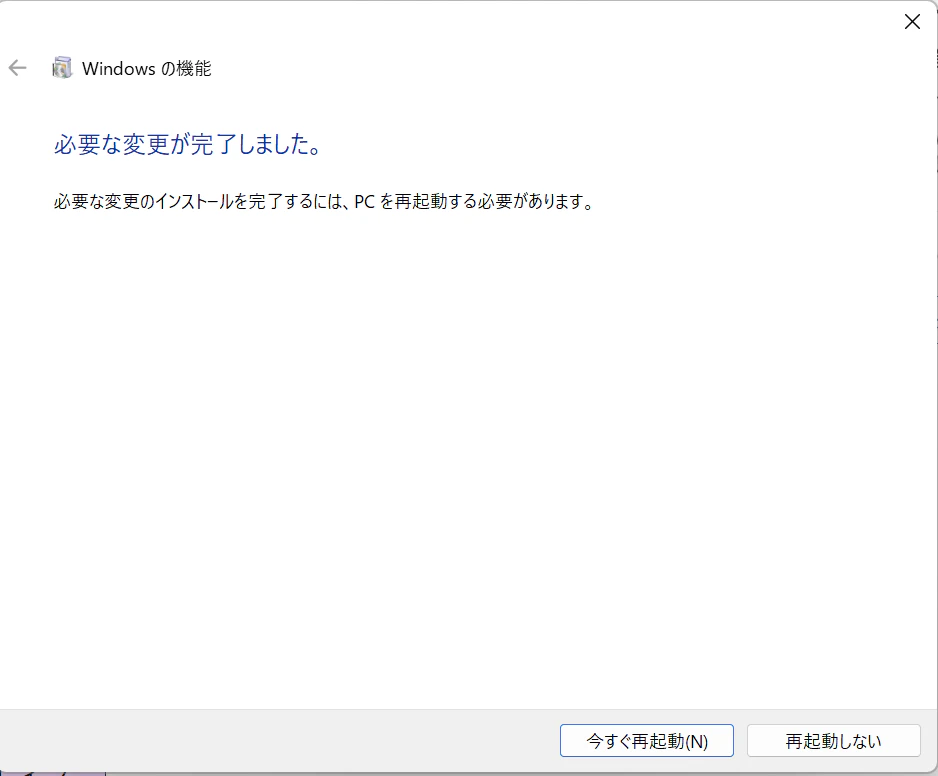
・・・だけど、Windows Sandboxがスタートメニューに見当たらない。んー?
解決
Google先生に聞いたら、Redditで同じ事象の質問は2つぐらいあったものの、有効な回答が付いているものなし。
で、ふと、このコンポーネントってHyper-Vをベースにしてるけど、Hyper-VのForkじゃなくAppなんじゃね?と思いつき、
Hyper-Vをインストール:
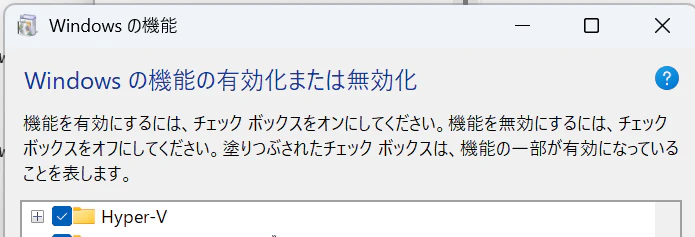
再起動時に追加の更新の適用のため、しばらく時間がかかります。
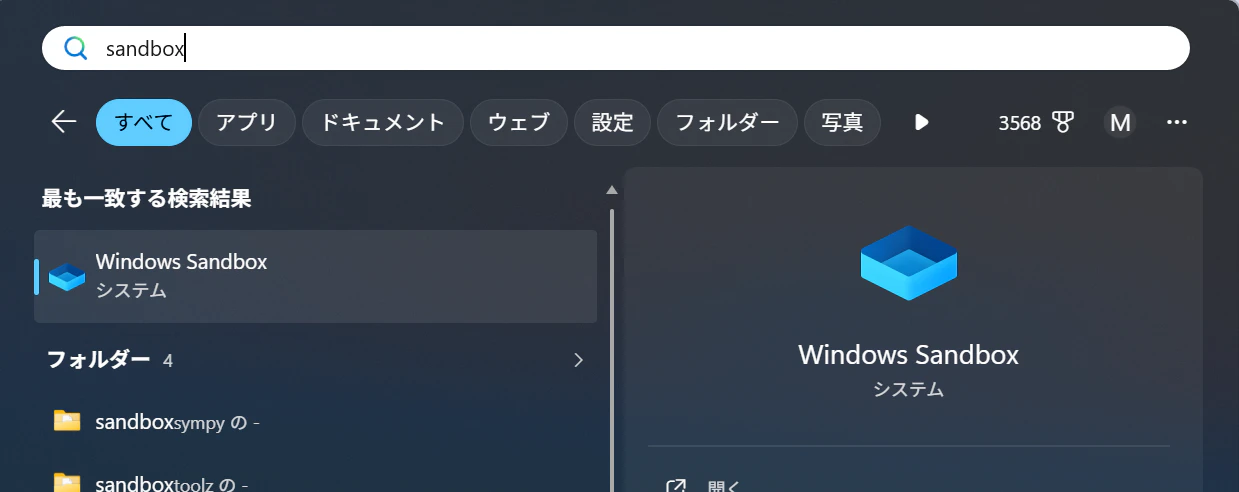
こんどは無事Windows Sandboxが表示された。
お疲れ様でした。