
FortiGateでの使用帯域(bps)の確認方法
FortiGateで使用帯域を確認方法を調べてみるとv7.4系ではSNMPを使って計測するか
GUIのダッシュボードで確認するかしかない(CLIで確認するすべがない)模様。
とりあえずリアルタイムが見たいだけなんでダッシュボードに追加して状態を見てみる
確認環境
FortiGate-VM (7.4.8)
ダッシュボードへの追加方法
1 ウィジェット追加
ウィジェット追加ボタンを押して「インタフェース帯域幅」を選択

2 帯域幅確認対象の選択
対象インタフェース、時間(取得期間)を指定してOKを選択
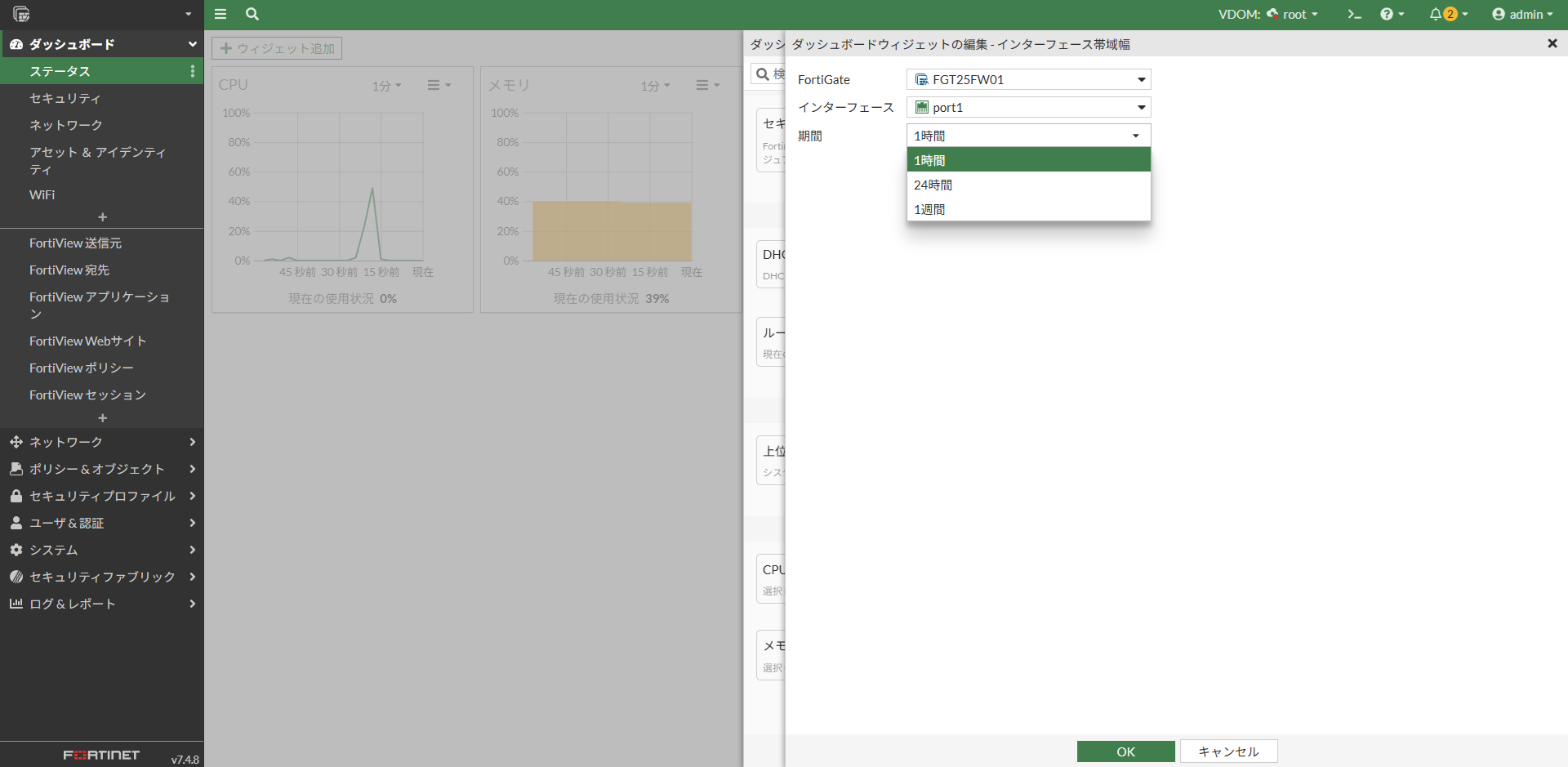
3 使用帯域を確認
ダッシュボード上に帯域の使用状況のグラフが追加される。グラフ下はリアルタイムの数値、マウスをグラフの中に持っていくと特定日時の帯域使用量が確認できる。

備忘
・取得できる期間は1時間、24時間、1週間のいずれか
・VDOMを使っていてもGlobal、所属VDOMどちらでも表示できる
・昔は表示上限があったけど7.4以降は上限なしになったみたい <引用>
・HAを組んだ場合はプライマリしか選択できなくなる(セカンダリ側で設定しようとするとFortiGateがプライマリに固定されてセカンダリの装置を選択できない)
・ダッシュボードに追加したタイミングでインタフェース設定が更新されることに注意
config system interface
    edit "port1"
        set vdom "root"
        set ip 192.168.1.99 255.255.255.0
        set allowaccess ping https ssh http
        set type physical
        set monitor-bandwidth enable  ←ウィジェット追加時に自動設定(削除/無効化は手動)
        set snmp-index 1
    next
end