
ViewControllerからTabBarControllerに移動する
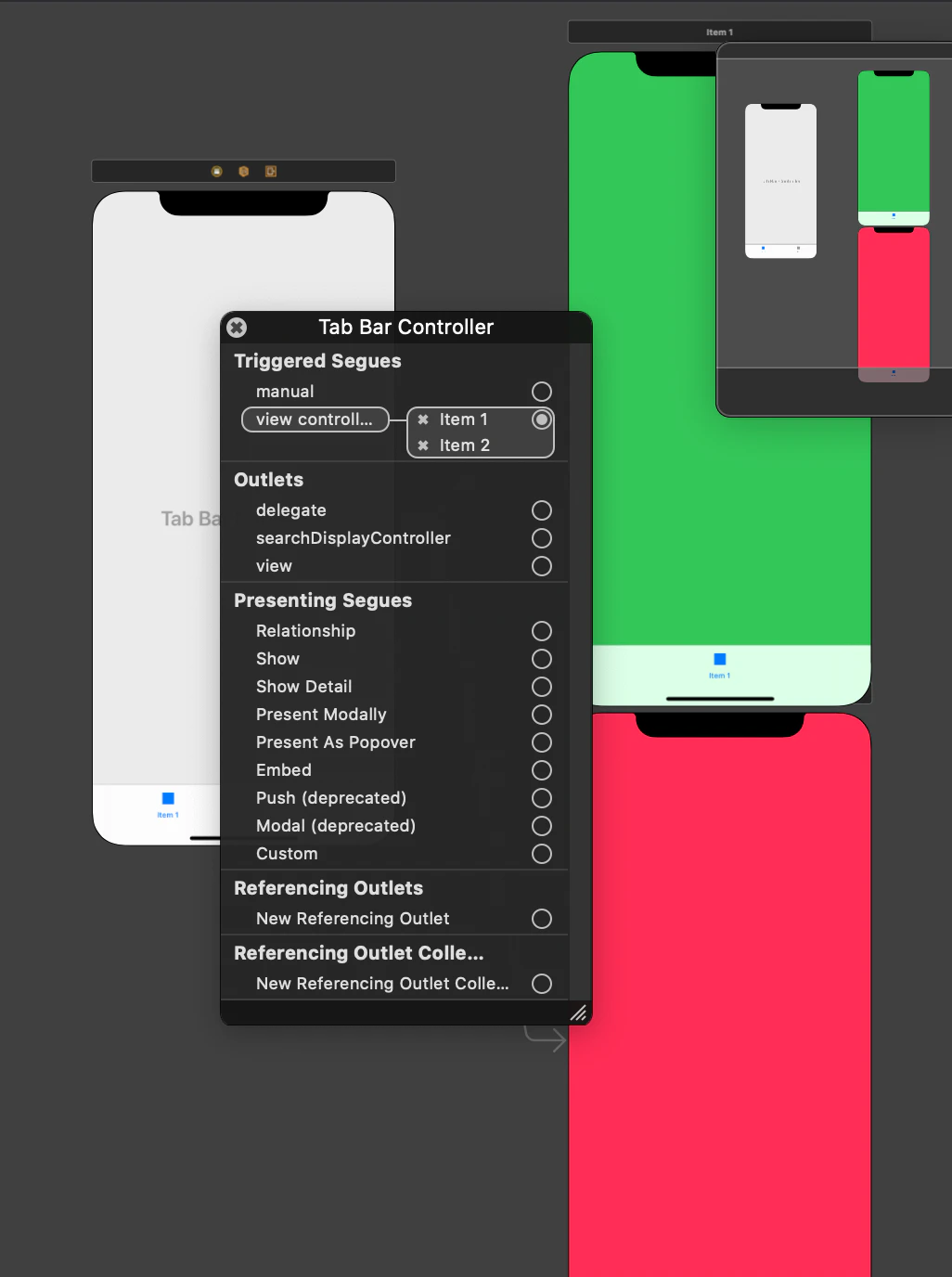
まず、最初に下の図のようにViewControllerからTabBarControllerに紐づいてた緑のViewControllerに遷移しても、ViewControllerへの移動なので、下のタブが表示されません。だから、TabBarViewControllerへ移動する必要があります。
コード
ViewController.swift
import UIKit

class ViewController: UIViewController {

    override func viewDidLoad() {
        super.viewDidLoad()

    }
    @IBAction func FromViewControllertoTabBarController(_ sender: Any) {

        let storybord=UIStoryboard(name: "Main", bundle: nil)
        let TabBarController=storybord.instantiateViewController(withIdentifier: "TabBarController") as! UITabBarController
        //[0]が緑のViewControllerで[1]にすると赤のViewControllerに遷移する
        let ViewController=TabBarController.viewControllers?[0] as! FirstViewController
        //TabControllerに遷移した時に最初にどの画面を表示するかを選択する
        TabBarController.selectedViewController=ViewController
        TabBarController.modalTransitionStyle = .crossDissolve
        TabBarController.modalPresentationStyle = .fullScreen
        self.present(TabBarController, animated: true, completion: nil)
    }

}
赤色のViewControllerにはFirstViewControllerクラスが紐づいています。