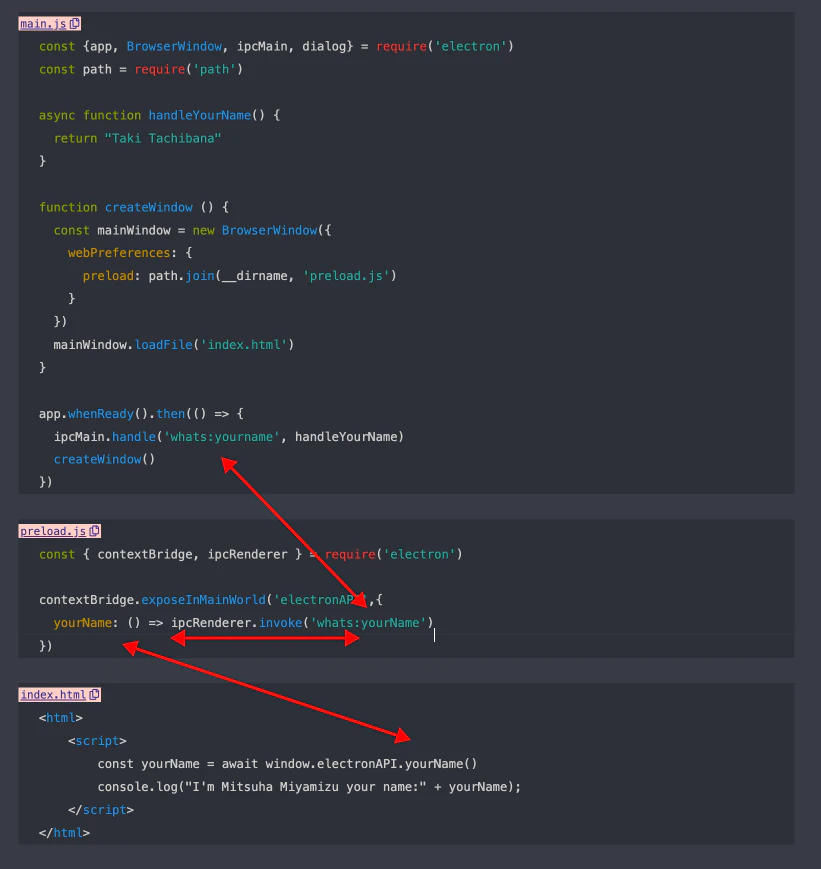
Electronにはプロセス間通信というものがあります。
そのプロセス間通信が少しややこしかったので図にして学習した記録を載せます。
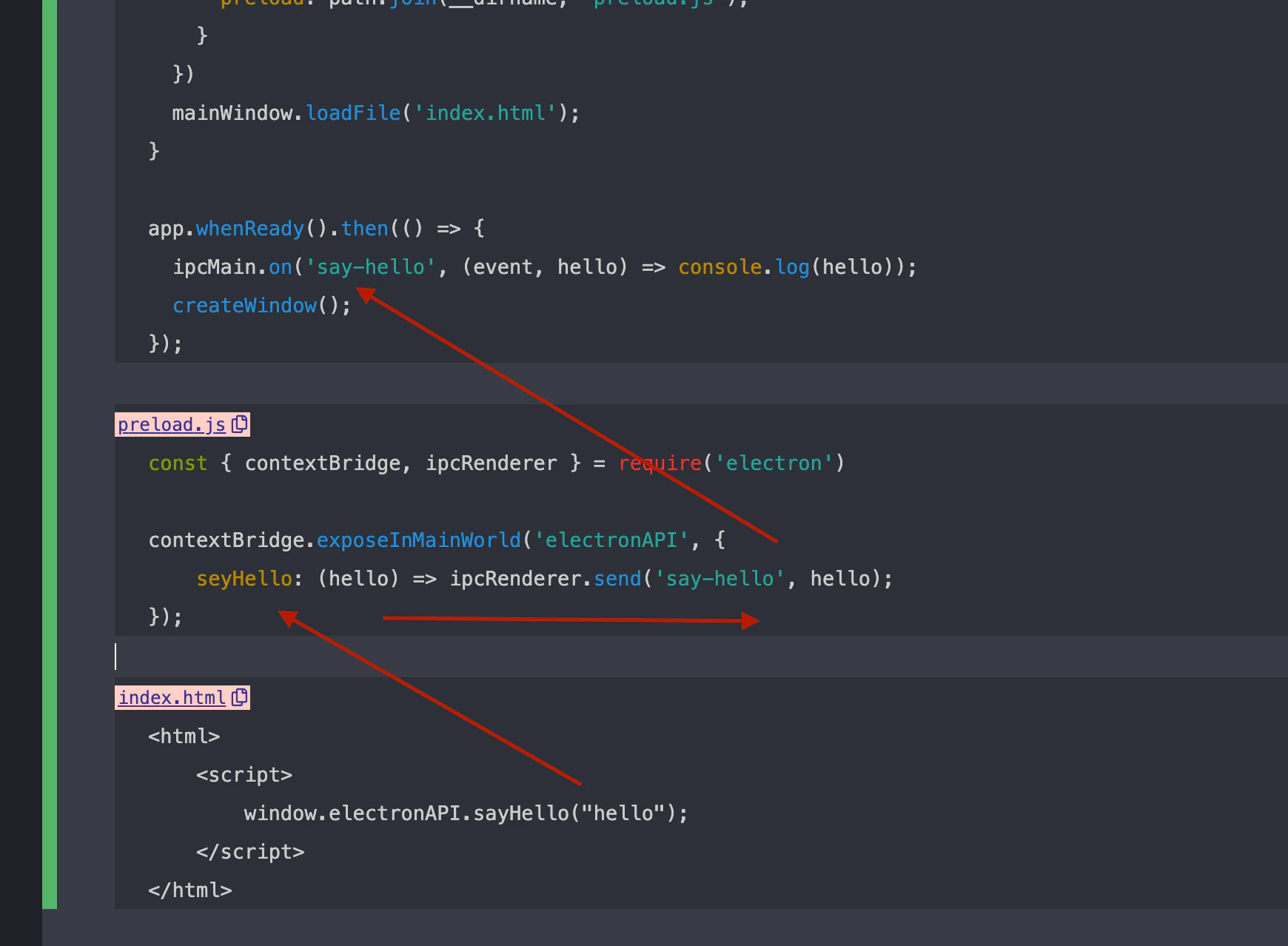
プロセス間通信(片方向)
IPC:あいぴーしー:interprocess communication:動作中のプログラムの間でデータの交換をすること:プロセス間通信
ipcRenderer.sendとipcMain.onを使用して実現する
main.js
const {app, BrowserWindow, ipcMain} = require('electron')
const path = require('path')

function createWindow () {
   const mainWindow = new BrowserWindow({
     webPreferences: {
       preload: path.join(__dirname, 'preload.js');
     }
   })
   mainWindow.loadFile('index.html');
}

app.whenReady().then(() => {
   ipcMain.on('say-hello', (event, hello) => console.log(hello));
   createWindow();
});
preload.js
const { contextBridge, ipcRenderer } = require('electron')

contextBridge.exposeInMainWorld('electronAPI', {
    seyHello: (hello) => ipcRenderer.send('say-hello', hello);
});
index.html
<html>
 	<script>
 		window.electronAPI.sayHello("hello");
 	</script>
</html>
プロセス間通信(双方向)
ipcRenderer.invokeとipcMain.handleを対にして使うことで実現
main.js
const {app, BrowserWindow, ipcMain, dialog} = require('electron')
const path = require('path')

async function handleYourName() {
   return "Taki Tachibana"
}

function createWindow () {
   const mainWindow = new BrowserWindow({
     webPreferences: {
       preload: path.join(__dirname, 'preload.js')
     }
   })
   mainWindow.loadFile('index.html')
}

app.whenReady().then(() => {
   ipcMain.handle('whats:yourname', handleYourName)
   createWindow()
})
preload.js
const { contextBridge, ipcRenderer } = require('electron')

contextBridge.exposeInMainWorld('electronAPI',{
   yourName: () => ipcRenderer.invoke('whats:yourName')
})
index.html
<html>
 	<script>
 		const yourName = await window.electronAPI.yourName()
      	console.log("I'm Mitsuha Miyamizu your name:" + yourName);
 	</script>
</html>