0
0

Delete article

Deleted articles cannot be recovered.

Draft of this article would be also deleted.

Are you sure you want to delete this article?

【ATLASSIAN MCP】CC起動の度にブラウザで開かれないようにする

0
Posted at

この記事は?

ターミナルで「claude」実行するとClaude Codeが起動する
が、毎回Atlassian Rovo MCP server」が表示されてしまっていた

これを解決したい
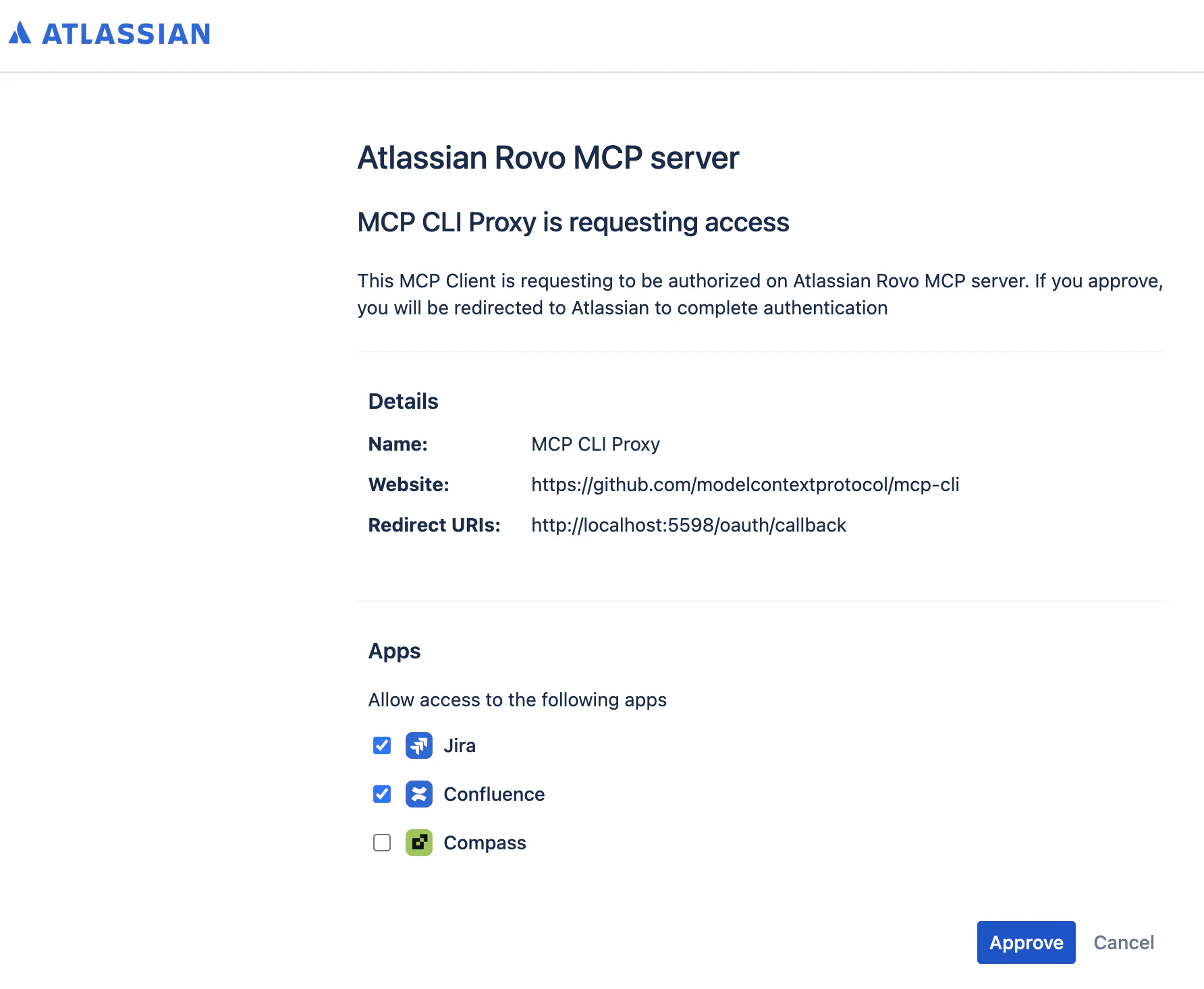
スクリーンショット 2026-05-03 17.00.09.png

URLは下記:

原因

OAuthが完了しておらず
トークンがキャッシュされていないから毎回認証求めてくる

解決方法

ターミナルで下記を実行する

npx -y mcp-remote https://mcp.atlassian.com/v1/sse

その後、ブラウザでいつもの「Atlassian Rovo MCP server」画面が開かれる
「Approve」ボタンを押下、遷移先でさらに許可

Terminal側でEnter押下

0
0
0

Register as a new user and use Qiita more conveniently

  1. You get articles that match your needs
  2. You can efficiently read back useful information
  3. You can use dark theme
What you can do with signing up
0
0

Delete article

Deleted articles cannot be recovered.

Draft of this article would be also deleted.

Are you sure you want to delete this article?