2
2

Delete article

Deleted articles cannot be recovered.

Draft of this article would be also deleted.

Are you sure you want to delete this article?

【Windows11】まだタスクバー使ってんの???

2
Last updated at Posted at 2026-11-03

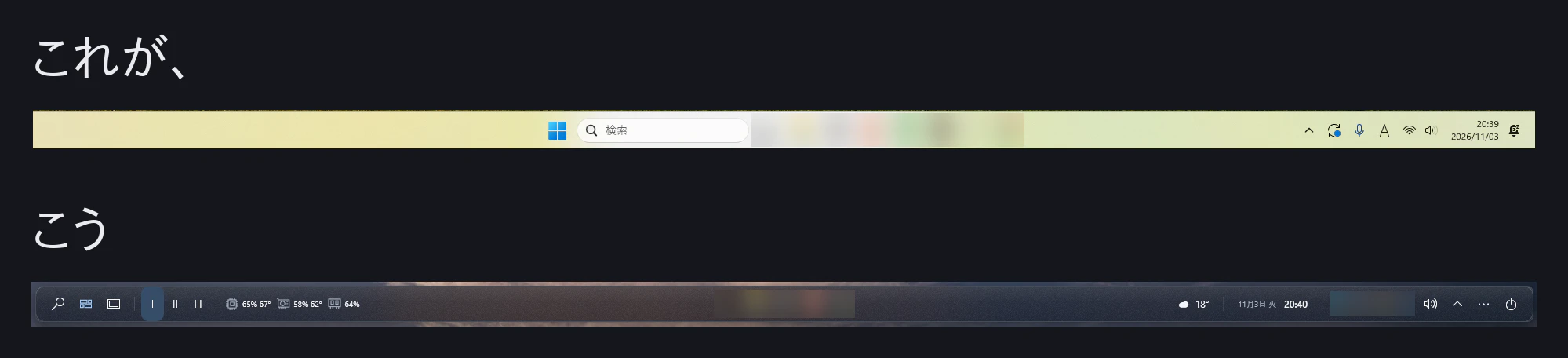
before-after.png

作ったもの

  • 独自のタスクバー
  • ウィンドウの自動整列

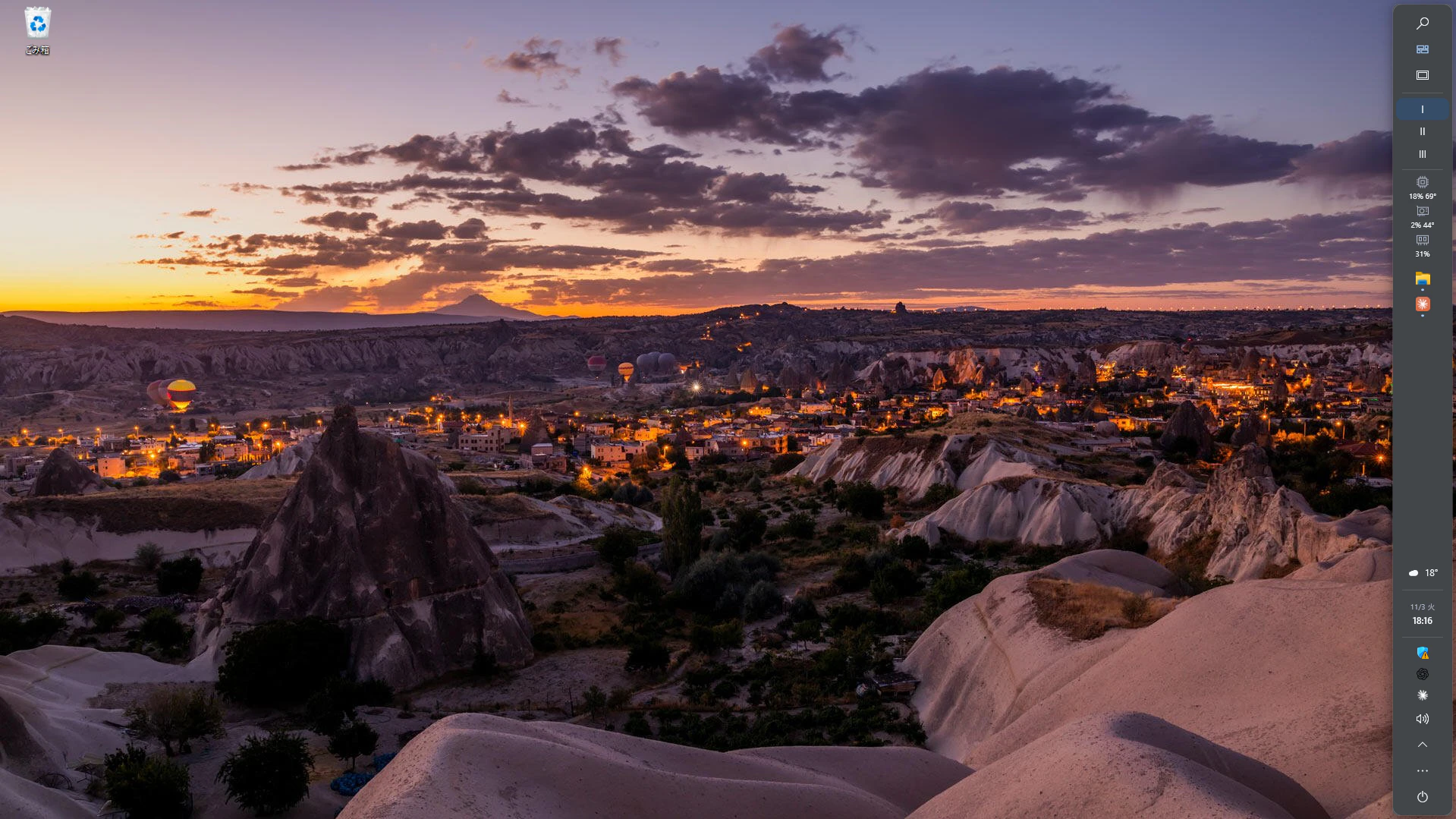
論より証拠ということで画像載せておきます。

上配置

スクリーンショット 2026-11-03 164722.png

右配置

スクリーンショット 2026-11-03 181644.png

左配置

スクリーンショット 2026-11-03 181701.png

アプリ検索と起動

スクリーンショット 2026-11-03 183157.png

カレンダー(予定登録できます)

calendar-month.jpg

天気

weather-hourly.jpg

設定

settings.jpg

音量調整

volume.jpg

ウィンドウの自動整列

アプリを開くだけで自動的に整列します。
位置の入れ替えはドラッグするだけです。
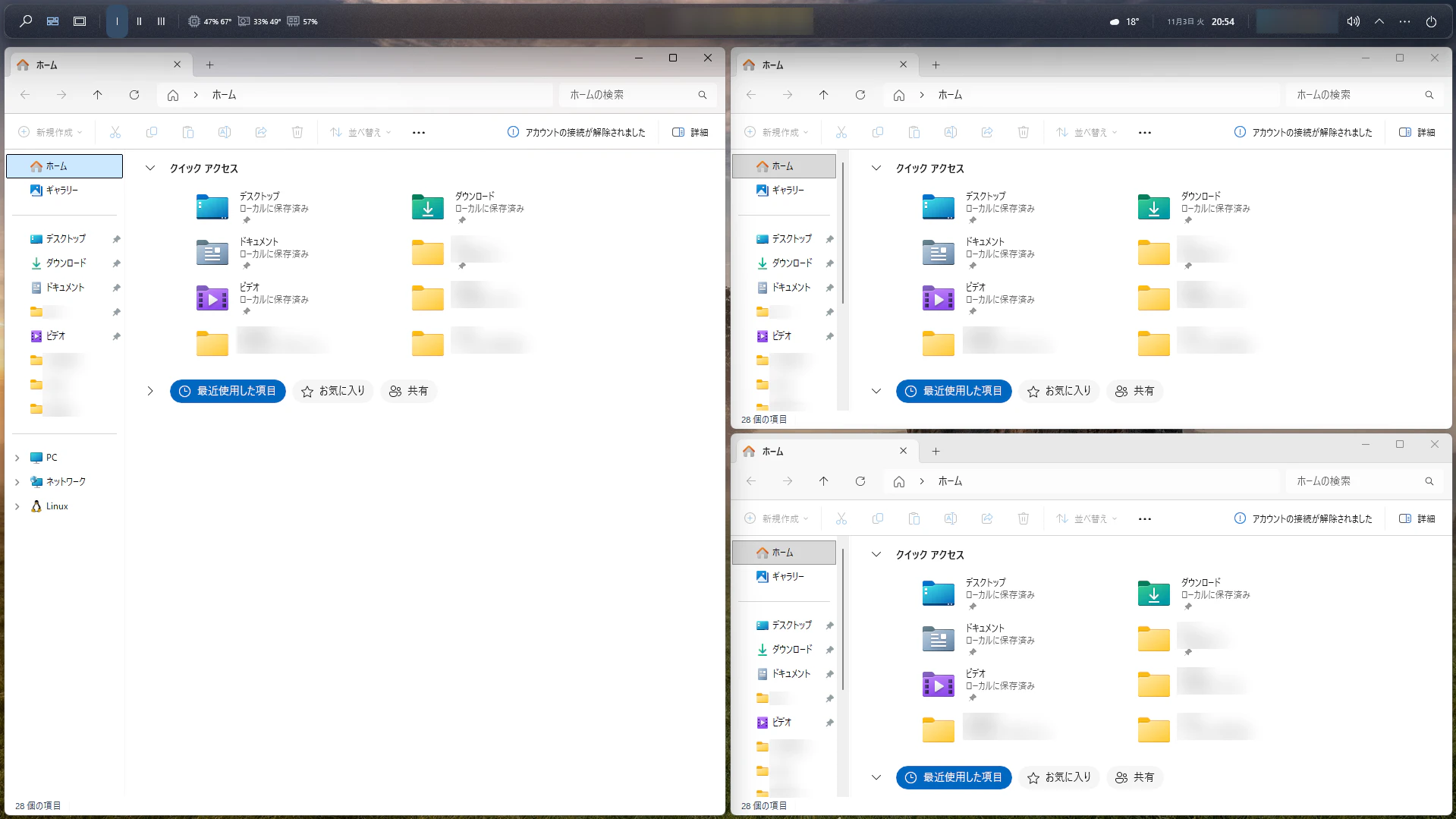
image-1793706985926.png

インストール方法【無料】

個人開発です。気に入ったら寄付していただけると励みになります!

使い方

初回起動

「セットアップ.cmd」をダブルクリックするだけです。
また、PCを再起動しても自動で起動します。
image.png

再起動

もし挙動がおかしくなったら再起動できます。
「bar4winを再起動.cmd」をダブルクリックするだけです。
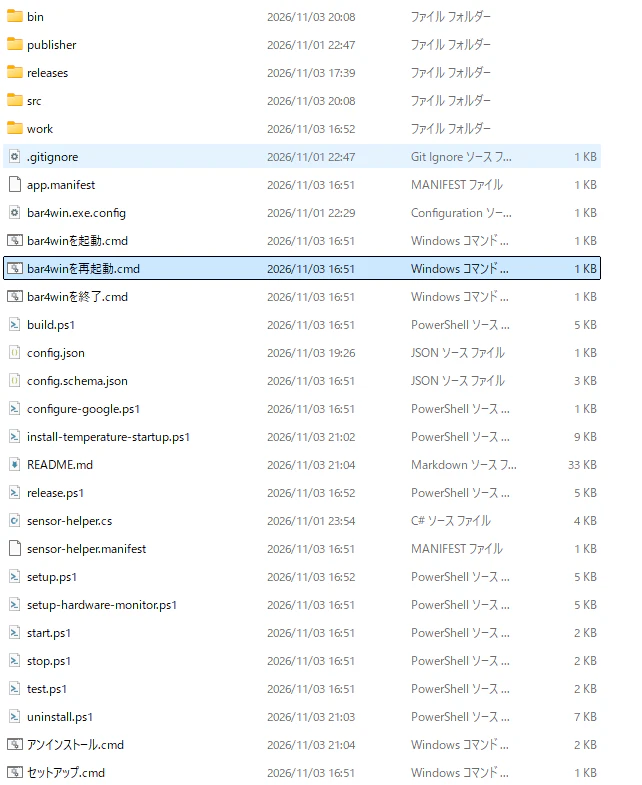
image.png

アンインストール

「アンインストール.cmd」をダブルクリックするだけです。
image.png

2
2
2

Register as a new user and use Qiita more conveniently

  1. You get articles that match your needs
  2. You can efficiently read back useful information
  3. You can use dark theme
What you can do with signing up
2
2

Delete article

Deleted articles cannot be recovered.

Draft of this article would be also deleted.

Are you sure you want to delete this article?