0
0

Delete article

Deleted articles cannot be recovered.

Draft of this article would be also deleted.

Are you sure you want to delete this article?

More than 3 years have passed since last update.

#Mac OS A shortcut to delete a line of text at the current cursor position regardless of application (Control + A-> K)

0
Last updated at Posted at 2019-04-12
  • Move to the beginning Control + A
  • Delete to the end of the line Control + K

Use in combination. It would be nice if I had this in hand.

Even though I always thought, "It's a shortcut to delete everything in one shot!" Oh, please tell me if you know.

You can use it anywhere

  • console
  • Google Chrome form input / Address bar input
  • Editors such as Sublimetext

etc. You should not even interfere with application shortcuts.

Ref

Mac keyboard shortcuts-Apple Podpora
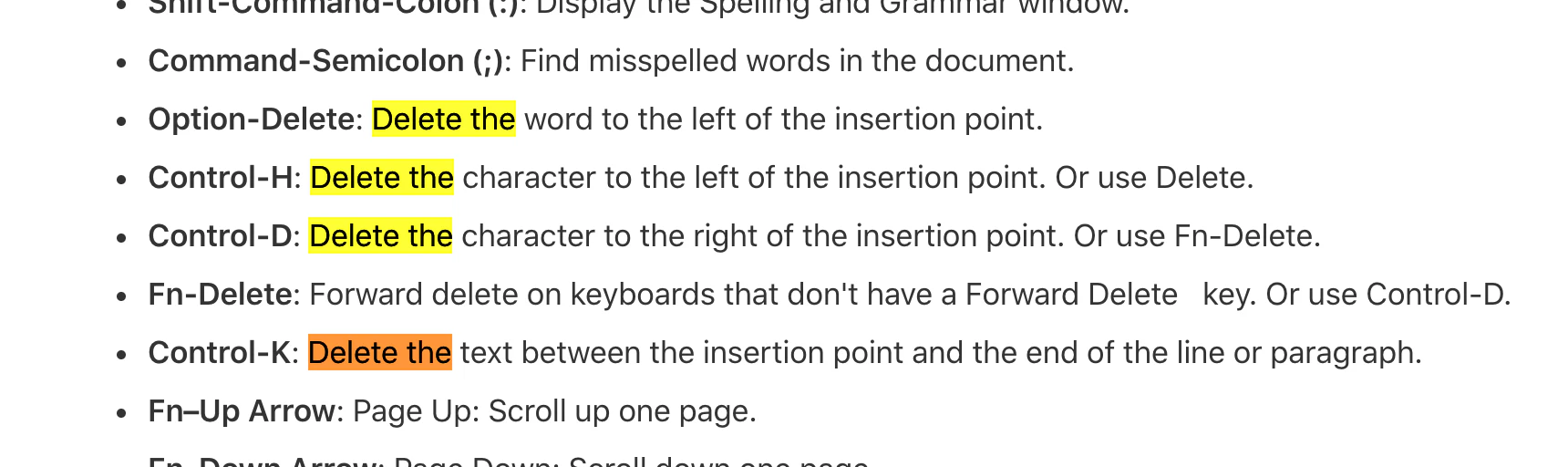
image

15 Mac Shortcut Keys That Make Text Entry Dead | Find Job! Startup
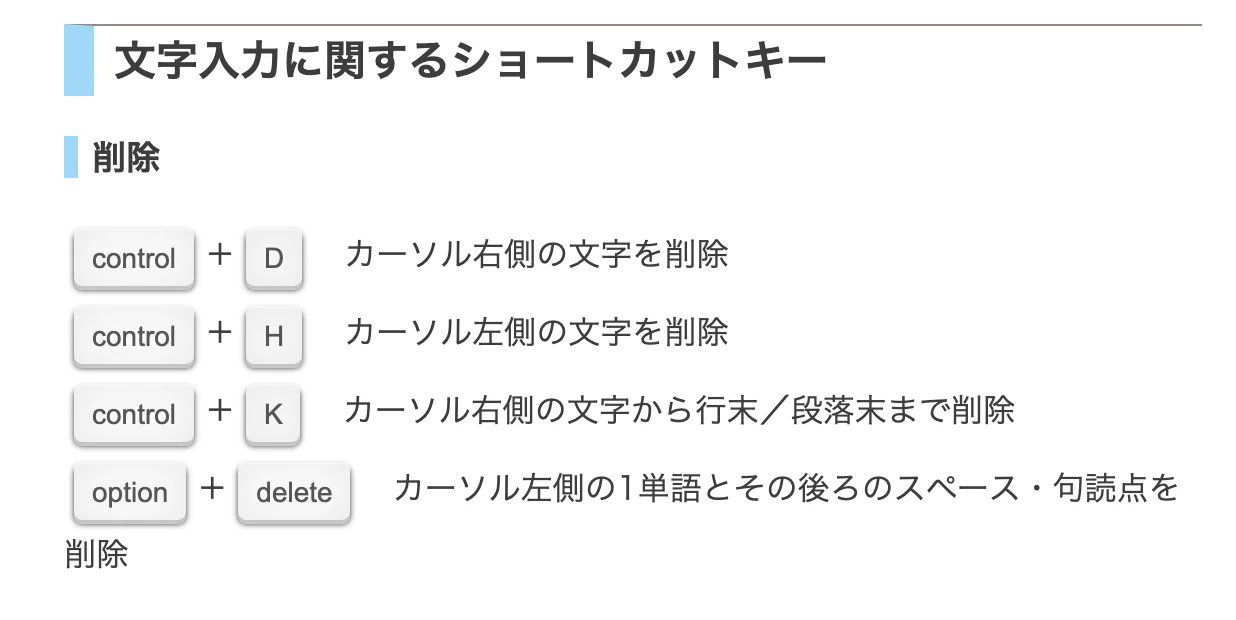
image

Original by Github issue

チャットメンバー募集

何か質問、悩み事、相談などあればLINEオープンチャットもご利用ください。

Twitter

0
0
0

Register as a new user and use Qiita more conveniently

  1. You get articles that match your needs
  2. You can efficiently read back useful information
  3. You can use dark theme
What you can do with signing up
0
0

Delete article

Deleted articles cannot be recovered.

Draft of this article would be also deleted.

Are you sure you want to delete this article?