
1. はじめに
- Dockerのswaggerapi/swagger-uiイメージを使用してコンテナを起動したい
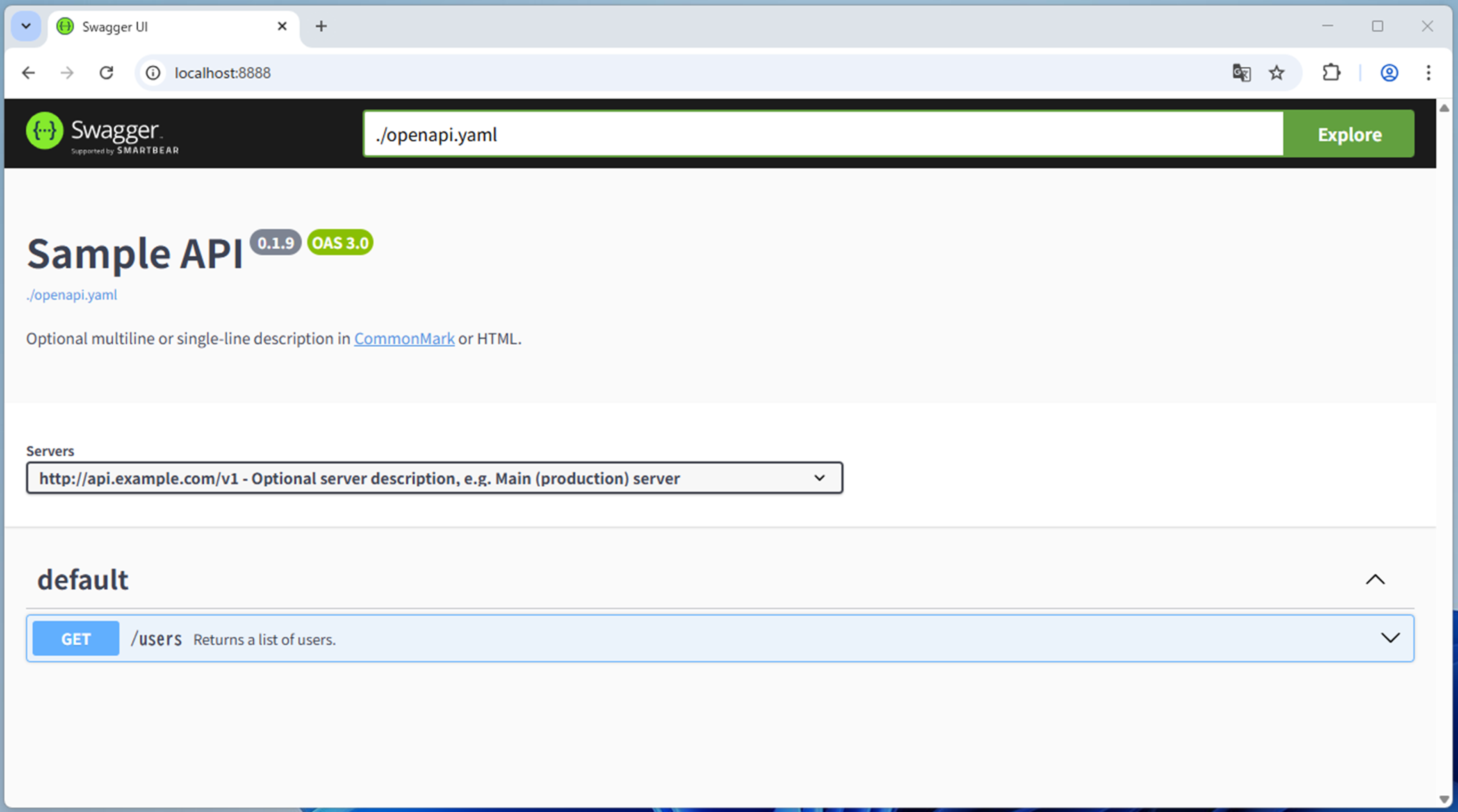
- openapi.yamlからSwagger仕様書を確認したい
2. 開発環境
- Docker Desktop Personal v4.54.0
- OpenAPI v3.0.4
- Windows 11
3. フォルダ構成
.
├─docker-compose.yml
└─swagger-ui
         ├─openapi.yaml
         └─openapi
                 └─openapi.yaml
4. 環境構築手順
4.1. docker-compose.ymlの作成
docker-compose.yml
version: '3.9'

services:
  swagger-ui:
    build:
      context: .
      dockerfile: ./swagger-ui/Dockerfile
    container_name: "swagger-ui"
    ports:
      - "8080:8080"
4.2. Dockerfieの作成
Dockerfie
FROM swaggerapi/swagger-ui

# openapiフォルダの内容をコンテナにコピー
COPY ./openapi /openapi

ENV SWAGGER_JSON=/openapi/openapi.yaml
4.3. openapi.yamlの作成
- swagger.ioのサイトよりサンプルをコピーした
openapi.yaml
openapi: 3.0.4
info:
  title: Sample API
  description: Optional multiline or single-line description in [CommonMark](http://commonmark.org/help/) or HTML.
  version: 0.1.9

servers:
  - url: http://api.example.com/v1
    description: Optional server description, e.g. Main (production) server
  - url: http://staging-api.example.com
    description: Optional server description, e.g. Internal staging server for testing

paths:
  /users:
    get:
      summary: Returns a list of users.
      description: Optional extended description in CommonMark or HTML.
      responses:
        "200": # status code
          description: A JSON array of user names
          content:
            application/json:
              schema:
                type: array
                items:
                  type: string
4.4. Dockerイメージの作成からコンテナの作成、起動
- Docker Desktopを起動した後に、コマンドプロンプトからコマンドを実行する
docker-compose up -d --build
5. 実行結果
6. 参考文献