Dataflow Workbench の起動
Google Cloud Console > Dataflow > Workbench
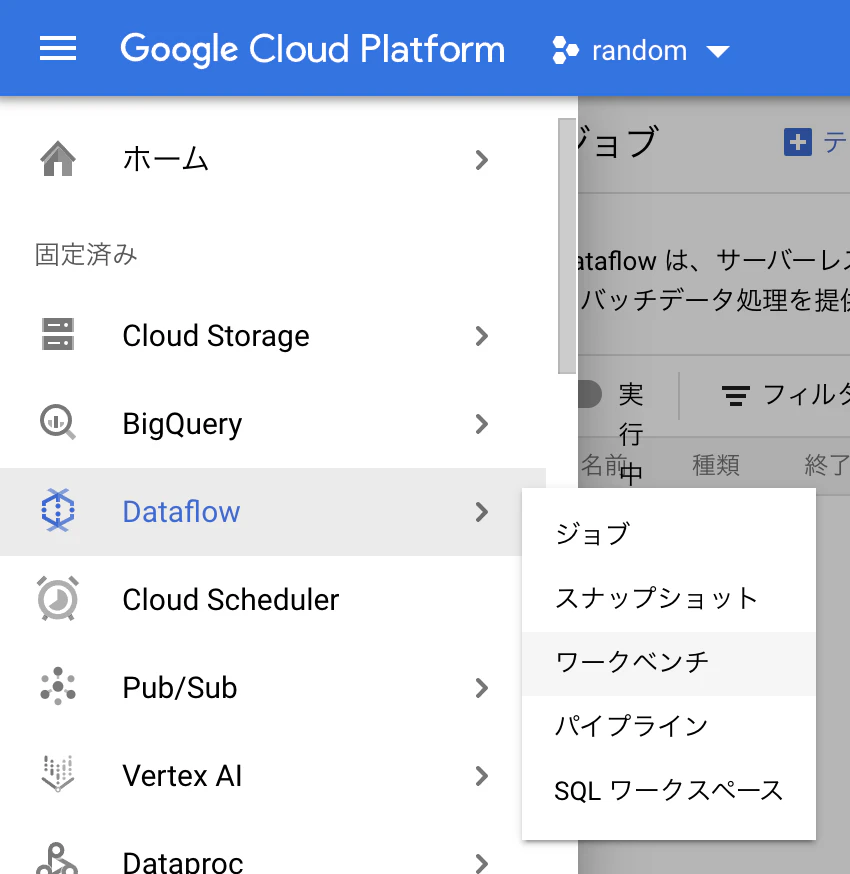
新しいノートブック > Apache Beam > Without GPUs をクリックして、設定はそのままに「作成」。
立ち上がったら、「JUPYTERLABを開く」をクリック。
コード
import apache_beam as beam
from apache_beam.runners.interactive.interactive_runner import InteractiveRunner
import apache_beam.runners.interactive.interactive_beam as ib
from apache_beam.options import pipeline_options
# from apache_beam.options.pipeline_options import GoogleCloudOptions
# import google.auth
from apache_beam.io import ReadFromBigQuery
ib.options.recording_duration = '1m'
options = pipeline_options.PipelineOptions(project='<project id>', temp_location='gs://<bucket name>/temp')

p = beam.Pipeline(InteractiveRunner(), options=options)
# need to grand BigQuery connection user paermission to Compute Engine default Service Account
query='SELECT * FROM EXTERNAL_QUERY("projects/<project id>/locations/us/connections/cloudesql-fed", "SELECT * FROM federation_test.item;");'
query_results = p | beam.io.ReadFromBigQuery(
    query=query, use_standard_sql=True)
ib.show(query_results, include_window_info=True)
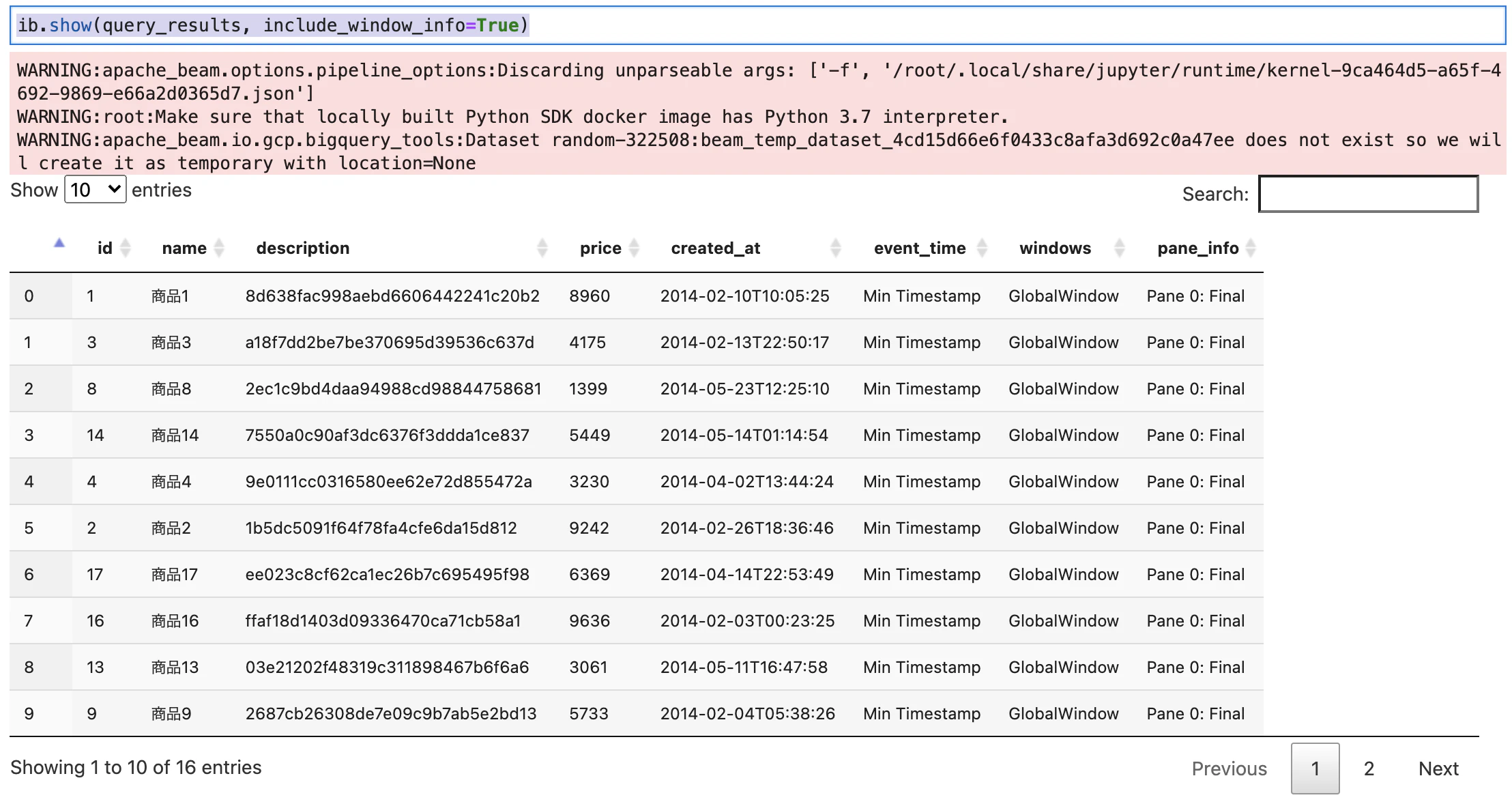
結果
こんな風にみれる。CloudSQLのフェデレーションでもDataflowでデータ取れた。