
はじめに
TeamsのIncoming Webhook がリタイアするみたいです。
リタイアするの? pic.twitter.com/OXYGu7wqV1
— がちもとさん (@sotongshi) December 9, 2025
今後はWorkflowsに移行する必要があります。今日はWorkflowsを使ってメッセージを投稿してみましょう。
導入
Teamsの「アプリ」からWorkflowsを開きます

チャネルを検索して移動します
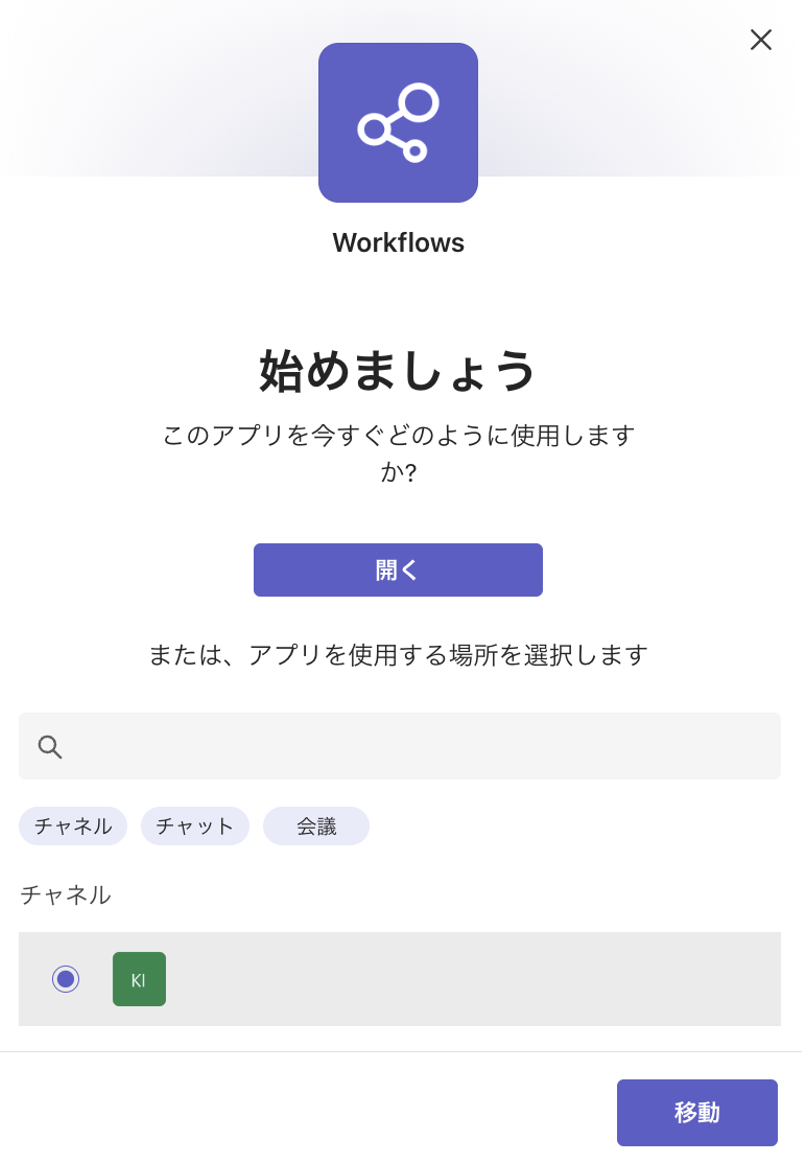
保存します
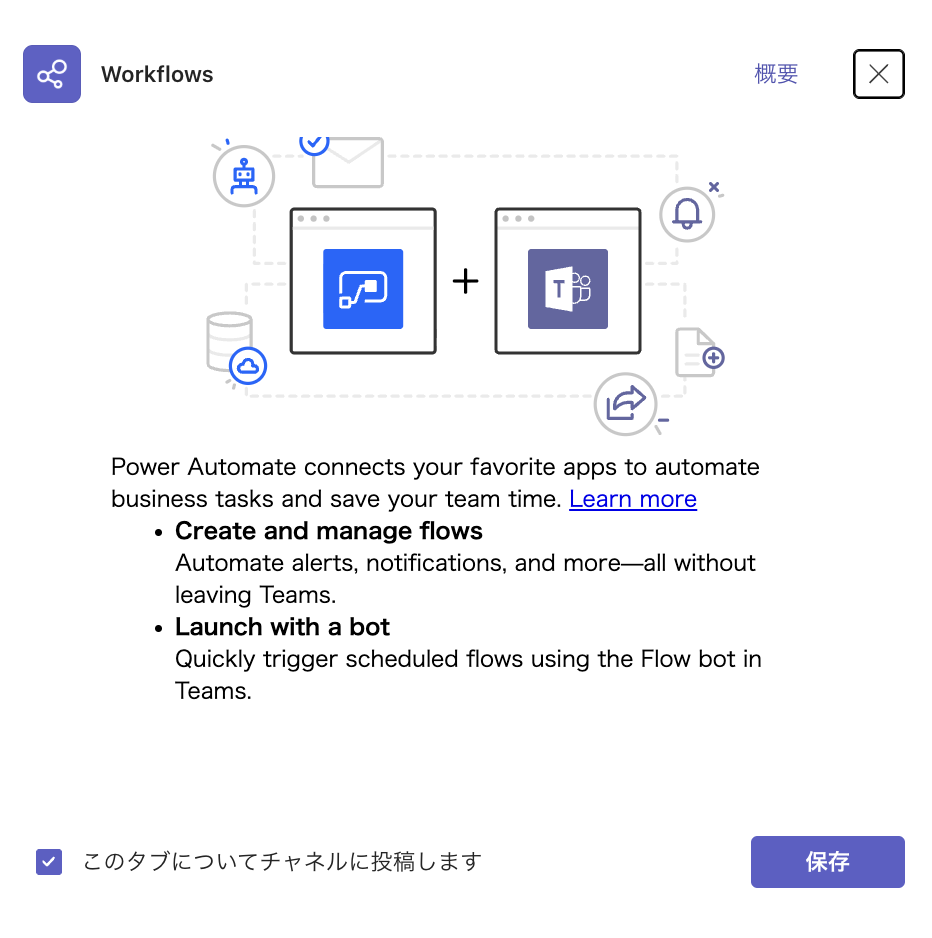
Power Automateタブから新しいフローを選択、テンプレートから開始します

Webhook 要求を受信するとチャネルに投稿するを選択します
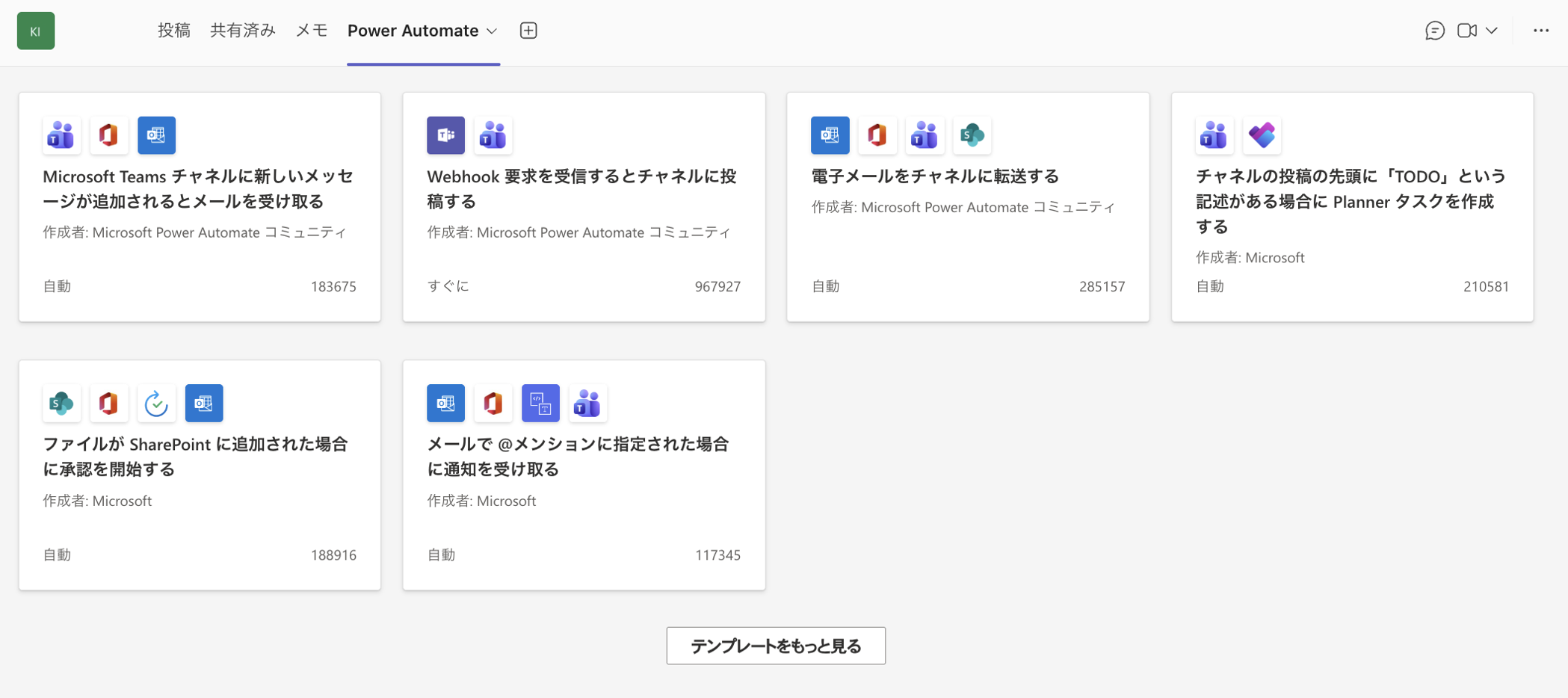
続行します

チームとチャネルを選択します

編集を選択します

When a Teams webhook request is received の HTTP POST の URL をコピーします
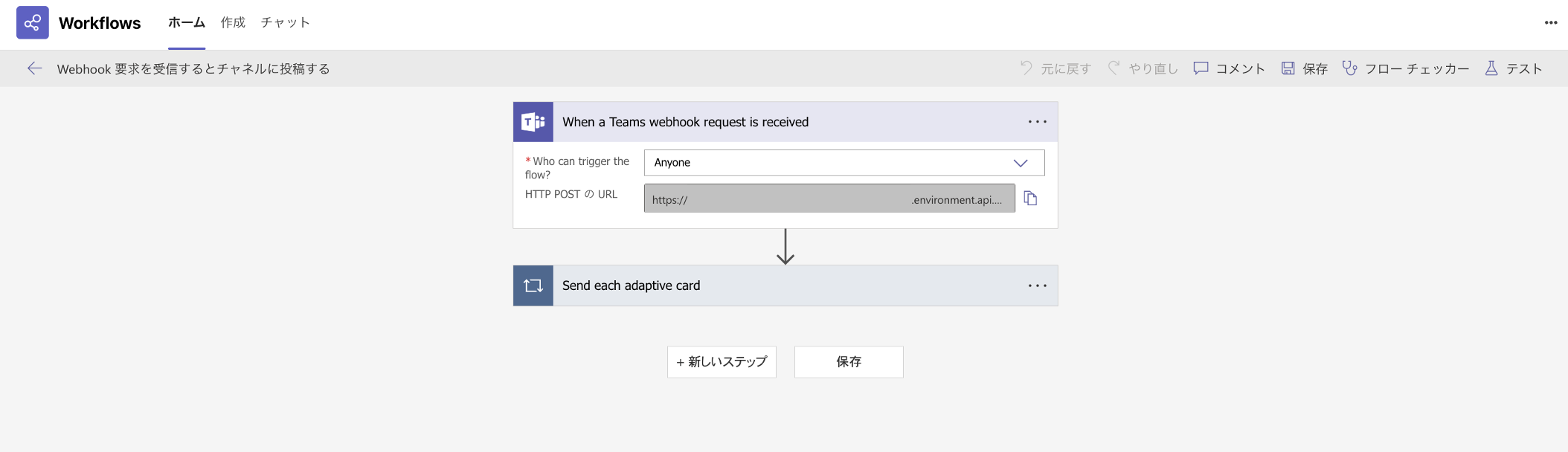
REST Clientを用いて、テスト投稿してみましょう。
test.http
### Workflowsにメッセージを送信するAPI
POST {{url}}
Content-Type: application/json

{
  "type": "message",
  "attachments": [
    {
      "contentType": "application/vnd.microsoft.card.adaptive",
      "contentUrl": null,
      "content": {
        "$schema": "http://adaptivecards.io/schemas/adaptive-card.json",
        "type": "AdaptiveCard",
        "version": "1.4",
        "body": [
          {
            "type": "TextBlock",
            "text": "テスト"
          }
        ]
      }
    }
  ]
}
投稿できました!

お疲れ様でした。