0
0

Delete article

Deleted articles cannot be recovered.

Draft of this article would be also deleted.

Are you sure you want to delete this article?

Hyper-Vで画面のサイズ(解像度)を大きくする

0
Posted at

前提

  • ubuntu26

やり方

はじめは4:3になってる

image.png

設定 → ディスプレイ → 解像度でフルHD(1920x1080)にしたら大きくなった
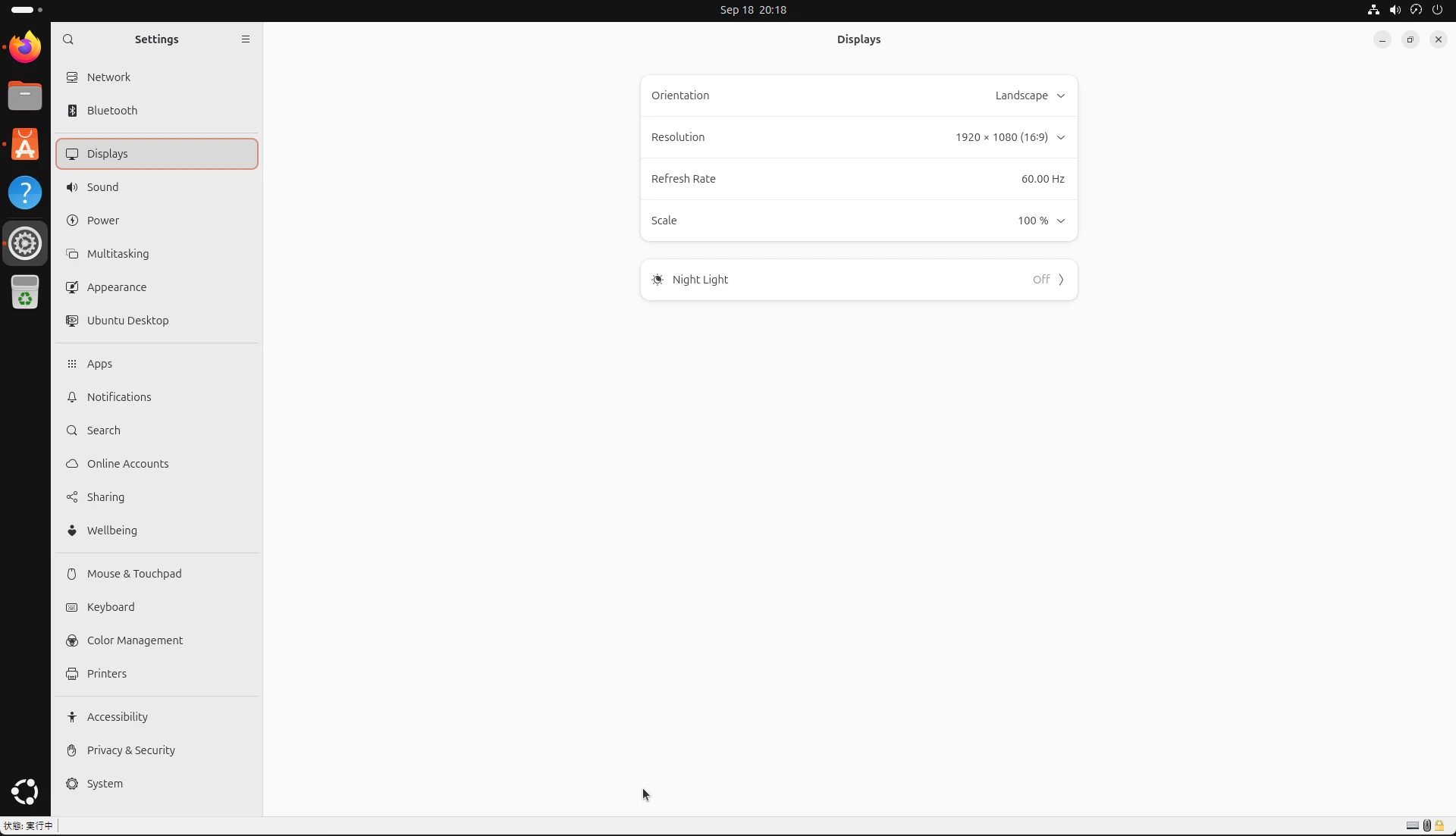
image.png

記事にする必要も無かったかも知れない

  • 俺的にはそんなのでできたのかって感じ
  • CUI 環境の記事がいっぱいあったけど GUI 環境のが無かった(あんま調べてない)
  • CUI 環境なら grub いじってるけど GUI 環境ならマウスでできるだろ~って思った
  • Hyper-V マネージャーの接続で開くウィンドウの VM Connect は VM が出したサイズに自動で合わせるので、VM の OS の設定いじればいいらしい
  • 他のUbuntuとかOSは試してないけどやり方同じなんじゃない?
0
0
0

Register as a new user and use Qiita more conveniently

  1. You get articles that match your needs
  2. You can efficiently read back useful information
  3. You can use dark theme
What you can do with signing up
0
0

Delete article

Deleted articles cannot be recovered.

Draft of this article would be also deleted.

Are you sure you want to delete this article?