
Rider 2026.1から、Riderがfile-based C# appsに対応しそうです。
本稿初版の2026/02/15(日)段階では、上に示した該当IssueのStateが「Verified」、Available inが「Rider 2026.1 EAP 4」になっていました。そして「Rider 2026.1 EAP 4」以降バージョンのRiderで、file-based C# appsの開発が可能になりました。
※ 以下、本投稿に示すスクリーンショットや挙動、「Rider 2026.1 EAP 8」のものです。
利用例を示します。次のような「filebase_app.cs」というC#ファイルを用意します。
var person = new Person("John", "Doe");

Console.WriteLine($"Hello, {person}! It is {DateTime.Now}, now.");

public readonly record struct Person(string FirstName, string LastName)
{
    public override string ToString()
    {
        return $"{FirstName} {LastName}";
    }
}
Riderで「filebase_app.cs」を開きます。

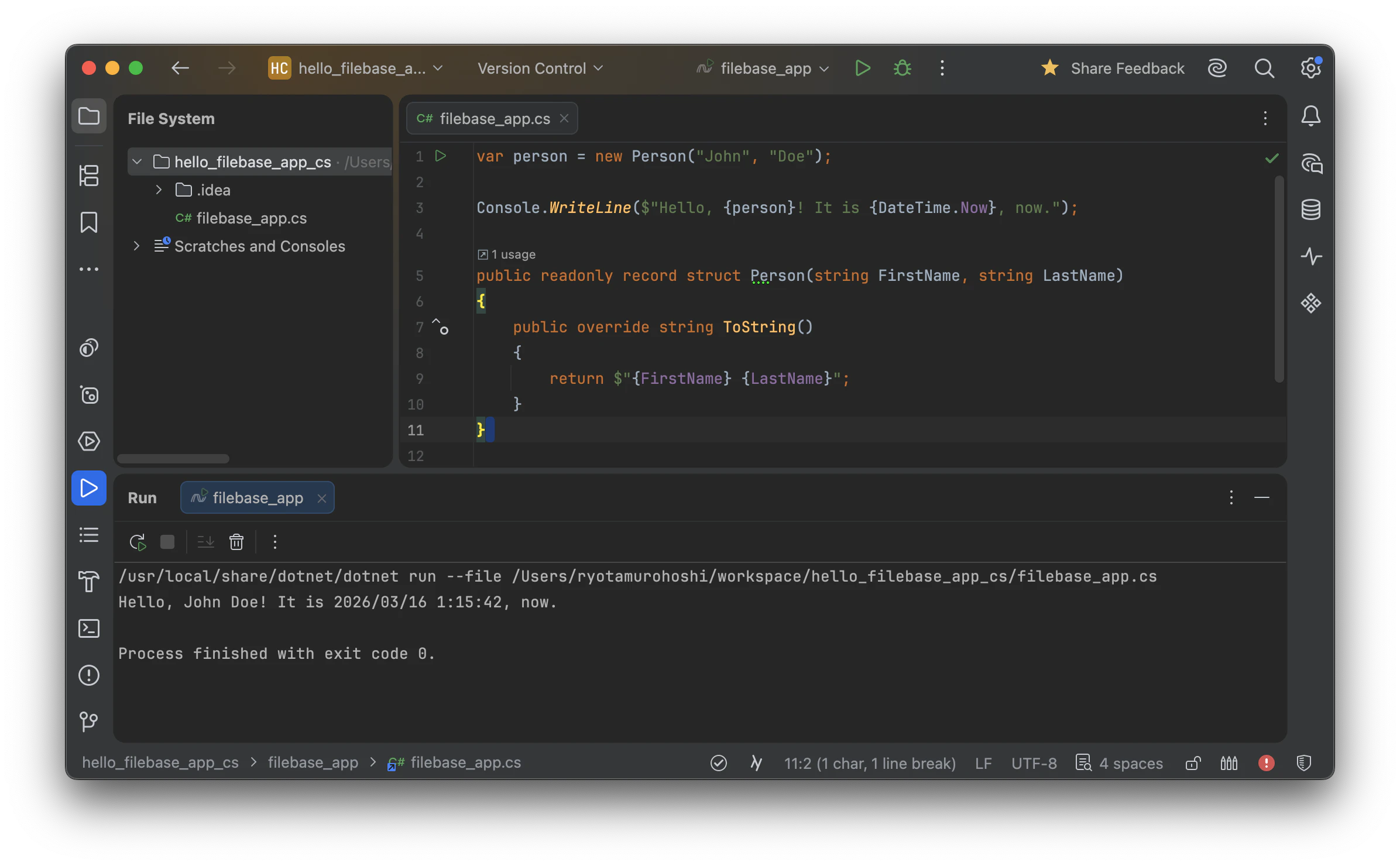
ガターに実行アイコンが表示されます。実行アイコンを押し、「Create and Run 'Run firebase_app'」を選択します。

そうすると、実行されます。次に示すようにRunウィンドウに実行結果が表示されます。
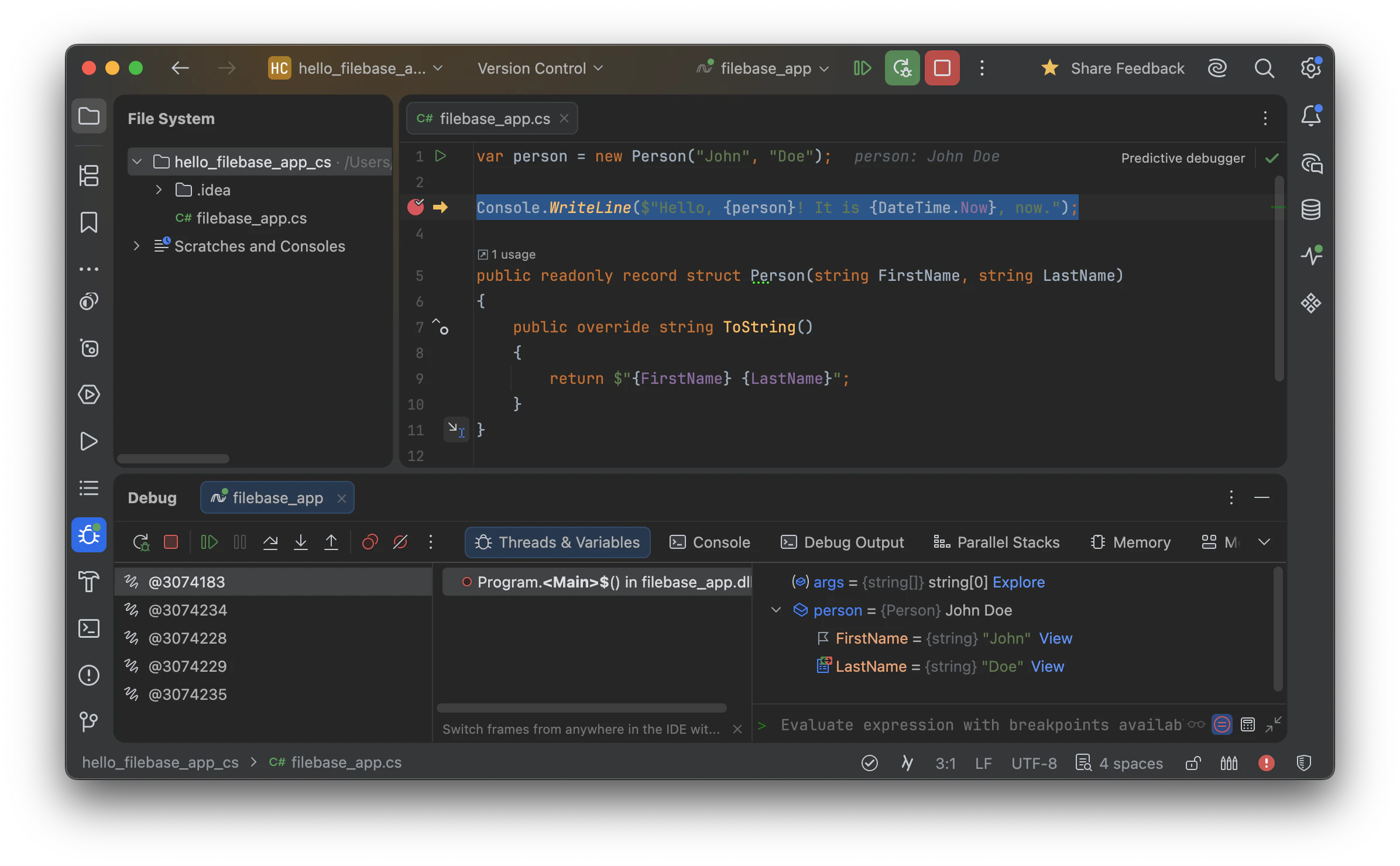
通常のプロジェクト中のコードと同じように、ブレークポイントを用いたデバッグも可能です。
当然、コード補間、コードジャンプ、リファクタリングなどRider・JetBrains IDEの便利な機能を用いた開発が可能です。
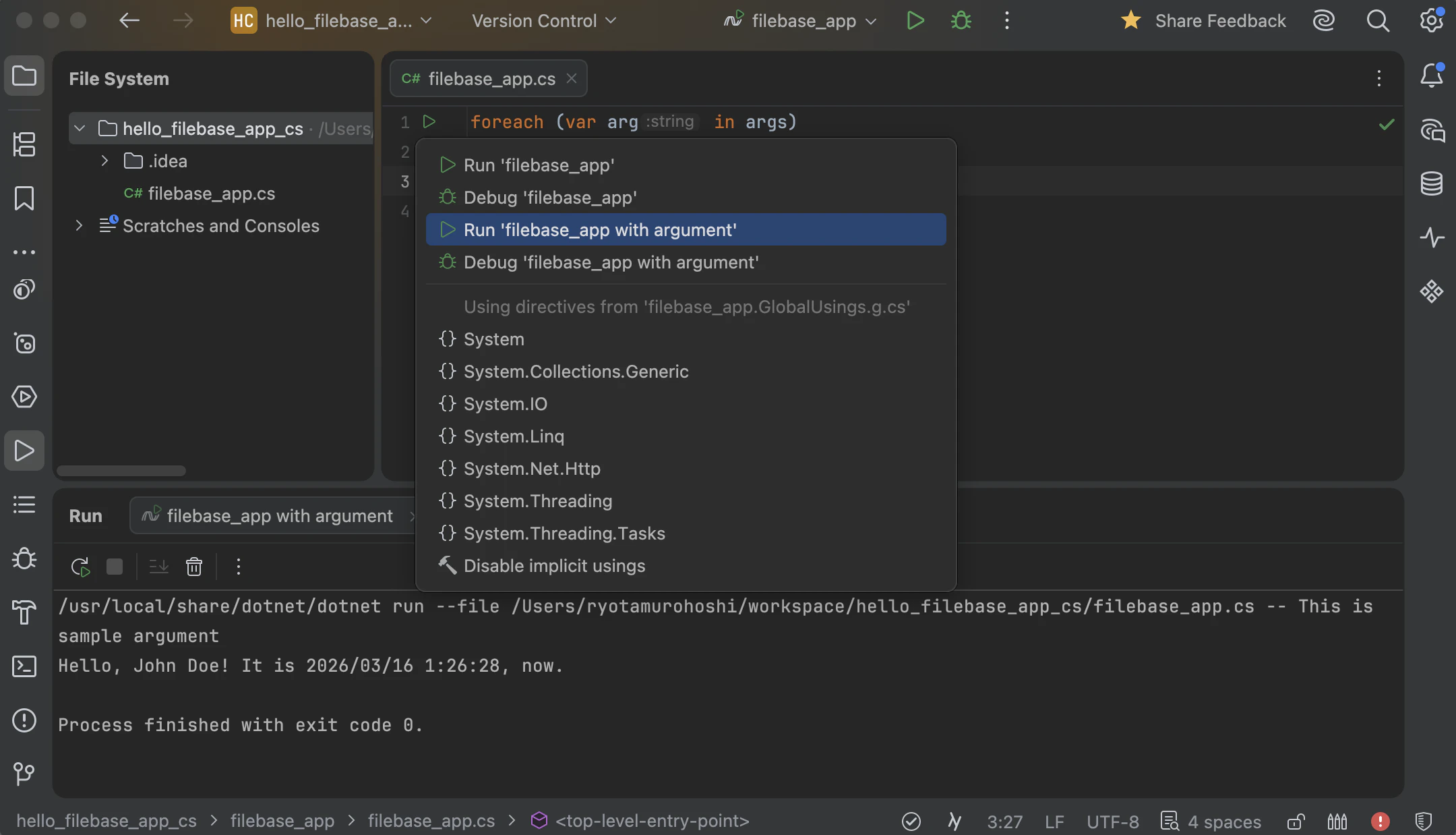
また、コマンドライン引数を渡すには、.NET File向けのconfiguratonを作成し、Program argumentsにコマンドライン引数を渡したい文字列を設定し
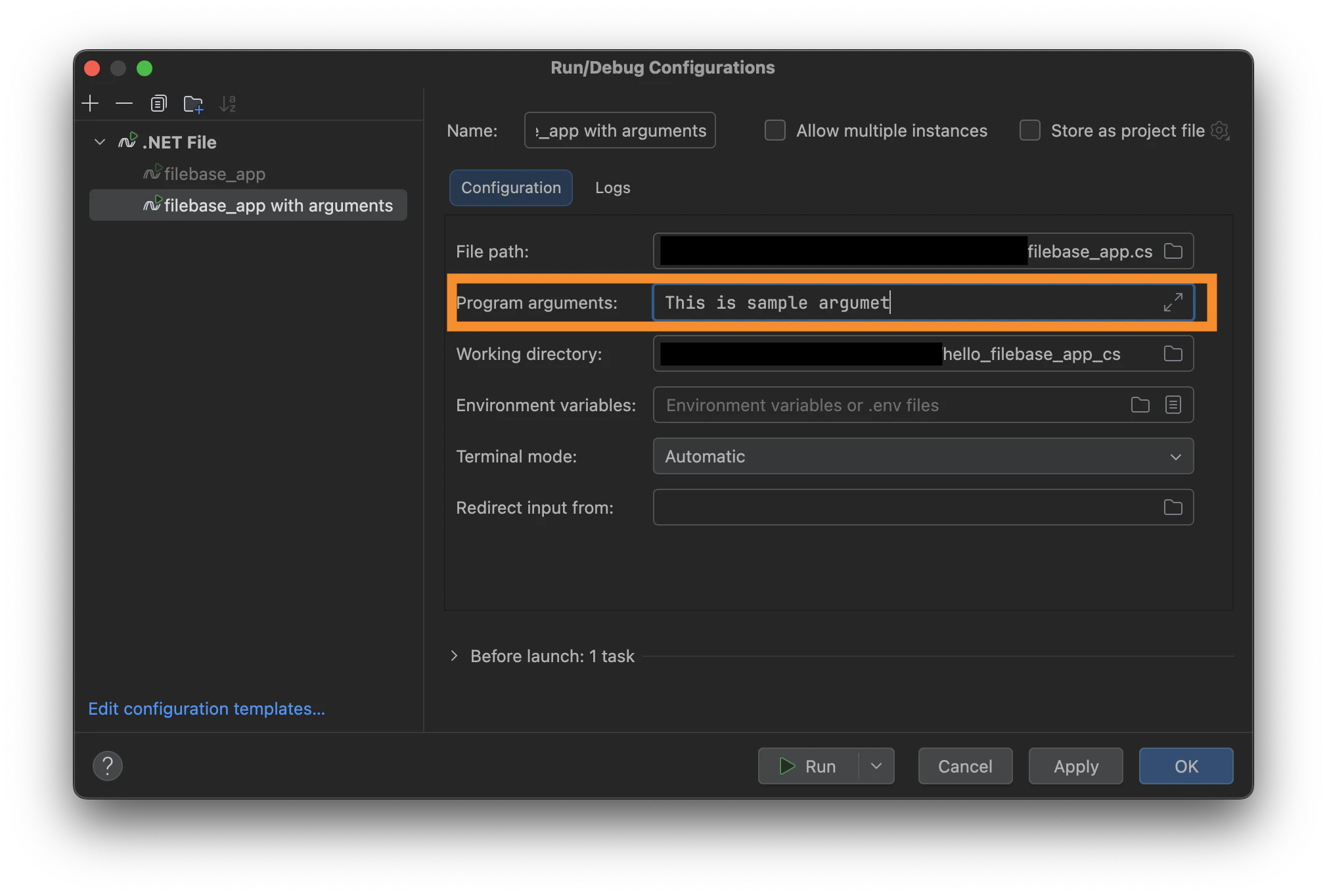
作成したconfigurationを指定し、実行することで渡すことができます。
また、「#:package」や「#:sdk」などのディレクティブもサポートされています。file-based C# appsについて、詳しくは次の記事を参照してください。
ちょっとしたコードをさっと書きたい場合、file-based C# appsはとても便利です。
使い慣れているとてもRiderが「file-based C# apps」をサポートしたことがとても嬉しいです。