
Dockerで汚さないRust学習環境構築 & Hello World
Rust言語って何?
C++並みに速いのに、メモリ関連のバグが起きないように厳しく設計された言語らしいです。
所有権という独特な概念があるようだ。
理解が必要。
今回は、Docker環境でHello World!を出力するところまで行ってみる。
所有権などの詳しい勉強は別の機会にします。
- Docker環境構築
- Rustのビルド・実行
この二点が焦点です。
学習用環境の構築 (Docker)
ホストのディレクトリを同期: PCのエディタで書いて、コンテナで動かす。
ホストを汚さない: 巨大になりがちなビルド生成物(targetディレクトリ)はホスト側に同期させない。
Dockerfile
Rust公式の最新イメージを使用します。
FROM rust:latest
WORKDIR /workspace
docker-compose.yml
CARGO_TARGET_DIR を設定することで、ビルド生成物をコンテナ内の一時領域(/tmp/target)に逃がし、ホスト側のディスク圧迫と同期による動作遅延を防ぐ。
services:
    rust:
        build: .
        container_name: rust-study
        volumes:
            - .:/workspace
        user: "1000:1000"
        environment:
            - CARGO_TARGET_DIR=/tmp/target
        tty: true
.dockerignore
ホストのゴミファイルをコンテナに持ち込まないようにする。
target/
.git/
.gitignore
docker-compose.yml
.gitignore
Git管理用です。
学習用プロジェクトをサブディレクトリに複数作ることを想定し、再帰的に target を無視する。
target/
**/target/
Hello World!
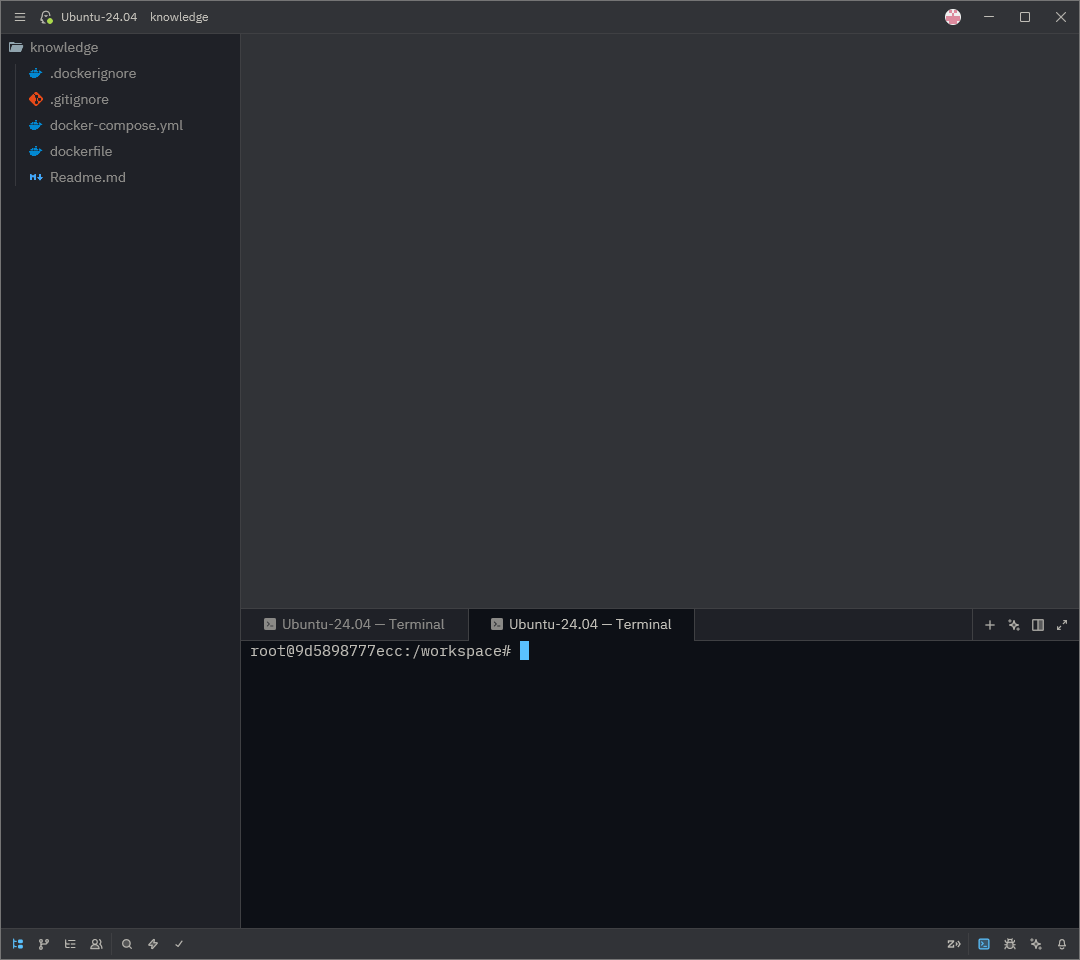
dockerコンテナへのアタッチ
起動したコンテナの中に入り、シェル操作を行う。
docker exec -it rust-study bash
Rust_Projectの初期化
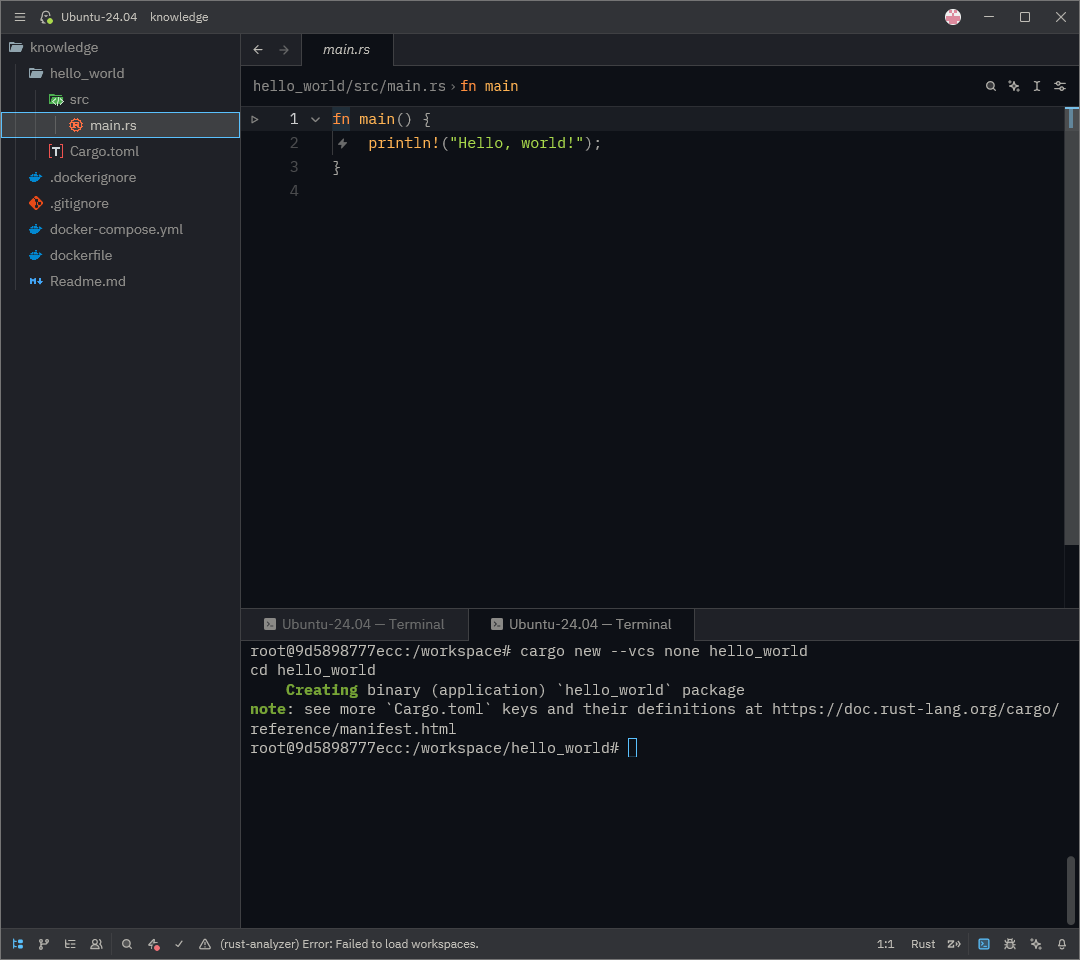
通常 cargo new は自動でGit初期化が行われる。
しかし、プロジェクトルートをGitやGithubで管理予定なので、二重管理を防ぐために --vcs none オプションを付けている
cargo new --vcs none hello_world
cd hello_world
これで、HelloWorldを出力する準備が整った。
コンパイル&実行
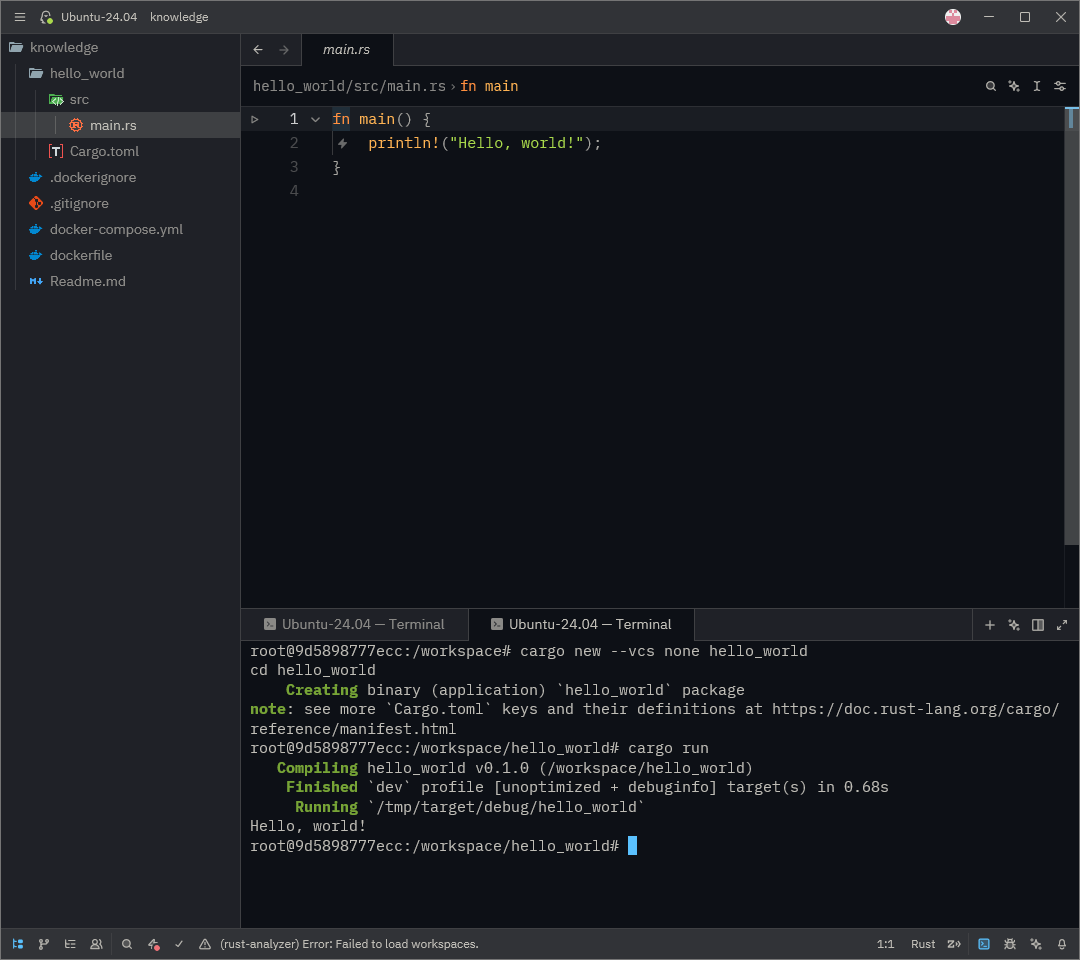
次のコマンドを実行しコンパイルする。
cargo run コマンドを使うと「コンパイル」と「実行」を一度に行ってくれる。
cargo run
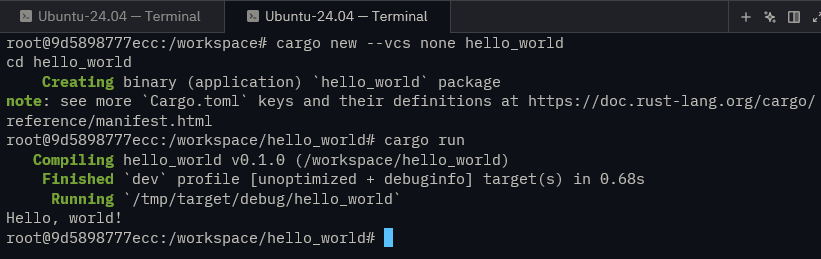
コマンドラインを拡大してみると「Hello World!」と出力されていることが確認できる。
ビルドと実行・リリース用を段階的に
プログラムを実行せず、コンパイルが通るかの確認や、実行ファイルの生成のみを行いたい場合は cargo build コマンドを使う。
cargo build
今回の環境設定ではコンテナ内の /tmp/target/debug/ ディレクトリに実行ファイルが生成される。

実際にtmpの中を見るとビルド結果のバイナリが存在する。
/tmp/target/debug/hello_world
や、移動した後に以下で実行可能である。
./hello_world

本番用に配布するバイナリを作る場合は --release オプションをつけるとよいようだ。
最適化され軽量に、高速になるらしい。
元の位置に戻りビルドしてみる。
/workspace/hello_world
cargo build --release

リリース用バイナリの実行した場合、フォルダが release に変わる。
/tmp/target/release/hello_world
Hello World!レベルでは違いがよくわからない。