
うまくいかないパターン
サンプルプロジェクトの取得
PY32Studioを起動する.
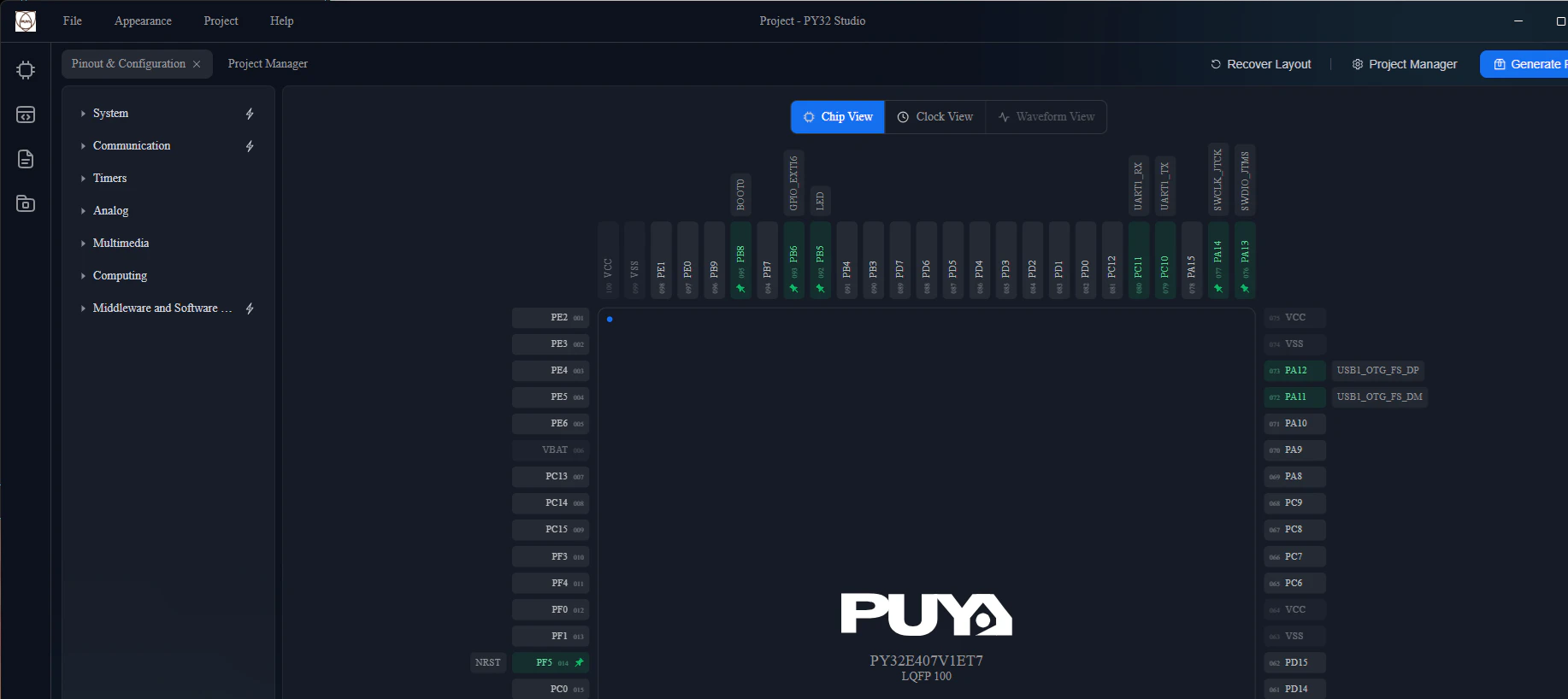
chip examples をクリックする.

PY32Studio上で,Chip Selectionから PY32E407 - PY32E407V1ET7 を選び,

Project Type でAplicationsを選択する.
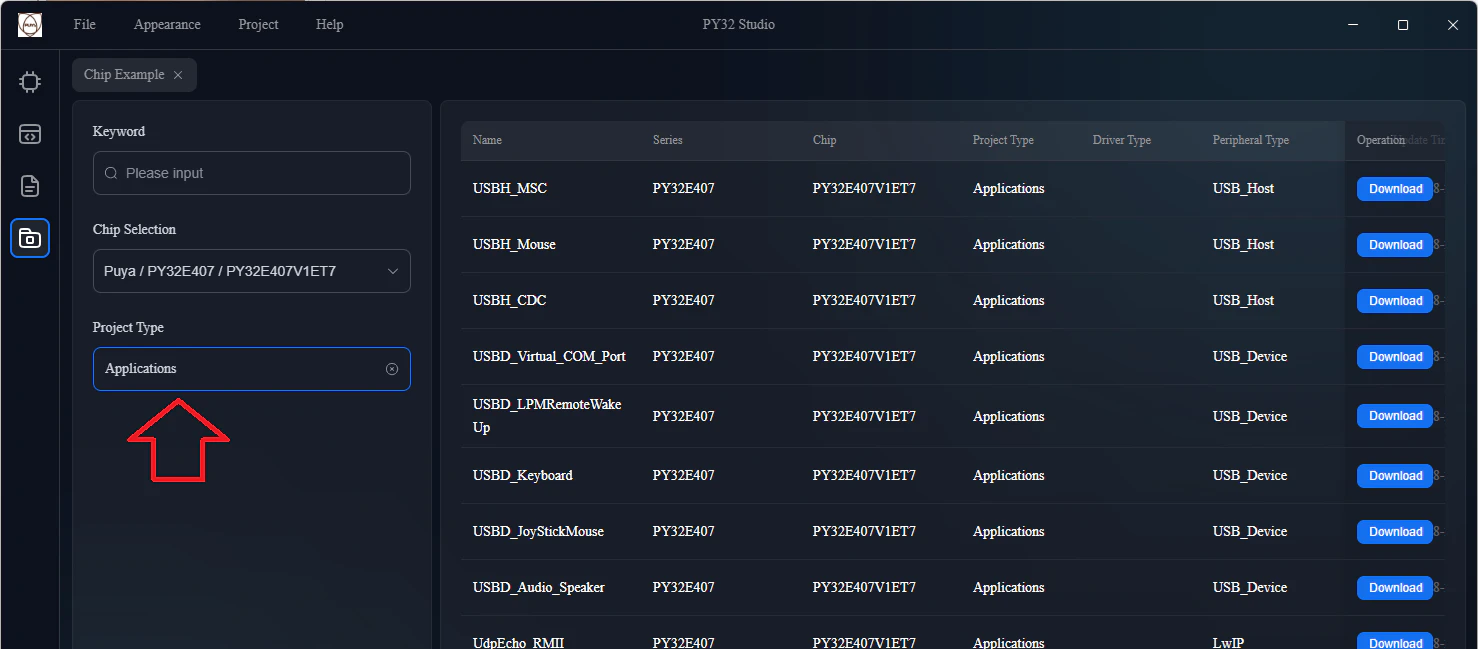
サンプルアプリケーションがリストアップされるので,所望のアプリケーションをダウンロードする.
ダウンロードしたファイルを展開し,Project.pysprj をダブルクリックすると,PY32Studioが起動する.

PY32StudioのGenerateProjectでEmbedded IDE用のプロジェクトファイルを生成できる.
しかしこの場合,ライブラリのPATHがずれてしまうようで,VS Code + Embedded IDEでビルドできない.
(ライブラリのPATHさえ設定出来れば,ビルドできると思われ)
サンプルアプリケーション実行手順(うまくいく)
-
https://github.com/OpenPuya/PY32E407_Firmware のリポジトリをダウンロード
-
Projects/PY32E407-STK/Applications の中から所望のプロジェクトを選ぶ
-
プロジェクトの EIDE/Project.code-workspace をVS Code で開く
今回は,USBホストを試すので, Projects/PY32E407-STK/Applications/USB_Host/USBH_CDC/EIDE/Project.code-workspace をダブルクリックする.
- Embedded IDEを起動してビルド
- ボードに書き込んで実行
配線
ボード本体のPA0とPY-LINKのRXをジャンパ線でつなぐ.
PCでTera Termを起動し,9600,8N1で仮想COMポートに接続する.
ボード上のUSB Type-Aコネクタにプラグを脱着すると,Tera Termでメッセージを確認できる.
