

イベントハンドラについてはReact学習ログ #4|イベントハンドラで触れましたが、今回は少し深掘りして学びます。
イベントハンドラ自体はJavaScriptでも存在するので、今回は説明を省きます。
知りたい人はこの辺りを読むと良いかなと思います
https://www.tohoho-web.com/js/onevent.htm#event
イベントハンドラの追加
まずは単純なボタンを置きます。
export default function Button() {
  return (
    <button>
      I don't do anything
    </button>
  );
}
画面上にボタンが表示されます。
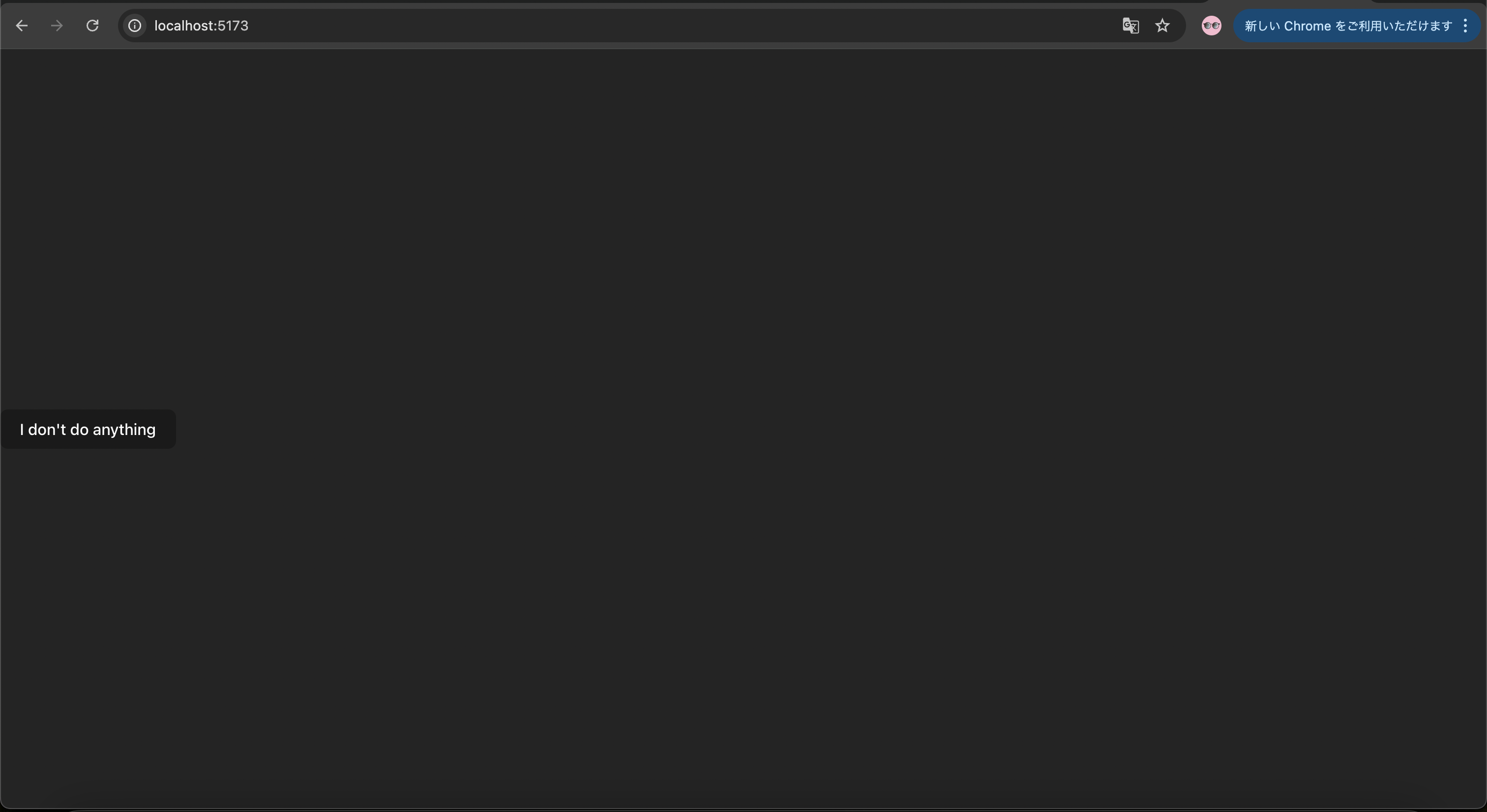
次にこのボタンをクリックするとアラートが出るようにします。
やることは二つです。
- まずは
Buttonコンポーネントの中にhandleClickというアラートを出す関数を宣言します - 宣言した
handleClick関数を<button>のonClickに設定します
export default function Button() {
  function handleClick() {
    alert('You clicked me!');
  }

  return (
    <button onClick={handleClick}>
      Click me
    </button>
  );
}
すると、ボタンをクリックした際に「'You clicked me!'」というアラートが出るようになりました。

handleClick関数のことをイベントハンドラと言います。
イベントハンドラ関数は以下の特徴があります。
- 通常、コンポーネントの内部で定義されます
- イベント名の先頭に handle が付いた名前にします
- イベントハンドラは handle の後ろにイベントの名称をつなげた名前にすることが一般的です
(onClick={handleClick}、onMouseEnter={handleMouseEnter}など)
また、以下のようなコードでも同じように機能します。
<button onClick={function handleClick() {
  alert('You clicked me!');
}}>
<button onClick={() => {
  alert('You clicked me!');
}}>
実際に特徴や使い所はこのように理解しました。
| ケース | よく使う書き方 |
|---|---|
| ただのイベント | onClick={handleClick} |
| 引数が必要 | onClick={() => handleClick(id)} |
| 1行で超簡単 | onClick={() => setOpen(true)} |
イベントハンドラでの props の読み取り
イベントハンドラにprops(引数)を設定してみます。
今回はボタンを2つ用意し、どちらもクリックするとアラートが表示されますが、表示されるメッセージの内容をそれぞれ変えます。
function AlertButton({ message, children }) {
  return (
    <button onClick={() => alert(message)}>
      {children}
    </button>
  );
}

export default function Toolbar() {
  return (
    <div>
      <AlertButton message="Playing!">
        Play Movie
      </AlertButton>
      <AlertButton message="Uploading!">
        Upload Image
      </AlertButton>
    </div>
  );
}
親コンポーネントから見ていきます。
Toolbarコンポーネント:
export default function Toolbar() {
  return (
    <div>
      <AlertButton message="Playing!">
        Play Movie
      </AlertButton>
      <AlertButton message="Uploading!">
        Upload Image
      </AlertButton>
    </div>
  );
}
Play MovieとUpload Imageというボタンを二つ用意して、それぞれAlertButtonというコンポーネントを呼び出しています。
AlertButtonにはmessageという引数と、childrenとしてPlay MovieまたはUpload Imageを渡しています。
個人的にこのchildrenというものがよくわからなかったので調べました。
例えば
<AlertButton message="Uploading!">
  Upload Image
</AlertButton>
このコードは概念的に以下のようにビルドされます。
React.createElement(
  AlertButton,
  { message: "Uploading!" },
  "Upload Image"
);
これが内部では
AlertButton({
  message: "Uploading!",
  children: "Upload Image"
});
が呼ばれています。
簡単にまとめると
<AlertButton>Upload Image</AlertButton>
上記のコードは
AlertButton({ children: "Upload Image" })
と同様となります。
結論まとめるとタグの間に書いたものは、すべてchildrenというpropsになるというReactのルールでした。
ちなみにchildrenという名称は、Reactが「コンポーネントのタグの内側に書いたもの」を入れるために決めている予約済みのprops名として決められています。
最後に画面上で確認します。

イベントハンドラを props として渡す
先ほどはAlertButtonという共通のコンポーネントを親コンポーネント内で呼び出して、propsを渡した内容をアラートで出すということをしました。
次は、二つのボタンに別々の役割を果たさせたいケースを考えます。
二つのボタンを用意してアラートを出すという点は変わりませんが、記述が変わっています。
function Button({ onClick, children }) {
  return (
    <button onClick={onClick}>
      {children}
    </button>
  );
}

function PlayButton({ movieName }) {
  function handlePlayClick() {
    alert(`Playing ${movieName}!`);
  }

  return (
    <Button onClick={handlePlayClick}>
      Play "{movieName}"
    </Button>
  );
}

function UploadButton() {
  return (
    <Button onClick={() => alert('Uploading!')}>
      Upload Image
    </Button>
  );
}

export default function Toolbar() {
  return (
    <div>
      <PlayButton movieName="Kiki's Delivery Service" />
      <UploadButton />
    </div>
  );
}
先ほどとの違いは
親コンポーネントであるToolbarは共通のAlertButtonコンポーネントを呼び出すのではなく、PlayButtonとUploadButtonといった独立した別々のコンポーネントを呼び出しています。
今回PlayButtonとUploadButtonの違いはButtonコンポーネントにpropsとして渡す方法がhandlePlayClick関数を定義して渡すか、直接{() => alert('Uploading!')}のように渡しているかだけです。
最後に画面上で確認します。

まとめ
今回は
- 単純なイベントハンドラ
- イベントハンドラと
propsの組み合わせ
でした。