

Flutterでリスト表示を実装する場合、ListView.builder を使うと簡単に実装できます。
今回は実際の買い物リストアプリで使用している、リスト表示の実装方法を紹介します。
今回は以下を実装します。
- ListView.builder
- 空状態の表示
実装イメージ
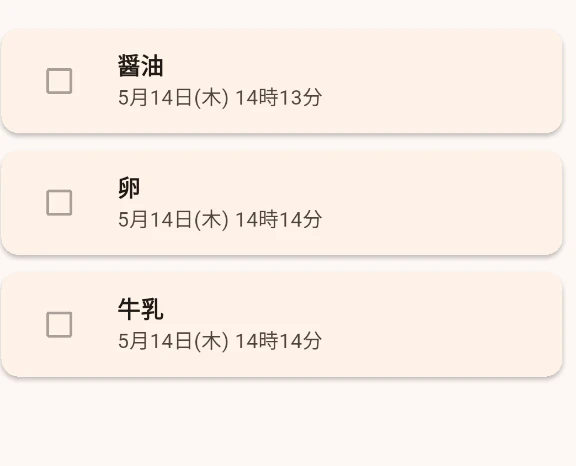
アイテムが0件の場合は EmptyView を表示します。
実装コード
class ItemList extends StatelessWidget {
  final List<ShoppingItem> items;
  final Function(ShoppingItem) onToggle;

  const ItemList({
    super.key,
    required this.items,
    required this.onToggle,
  });

  @override
  Widget build(BuildContext context) {
    if (items.isEmpty) {
      return const EmptyView(
        title: 'アイテムがありません',
        message: 'アイテムを追加してください',
      );
    }

    return ListView.builder(
      itemCount: items.length,
      itemBuilder: (context, index) {
        return ItemTile(
          item: items[index],
          onToggle: () => onToggle(items[index]),
        );
      },
    );
  }
}
EmptyViewはプロジェクトにあったものを作成してください。
ListView.builder
リスト表示を行うWidgetです。
ListView.builder(
  itemCount: items.length,
  itemBuilder: (context, index) {
    return Widget();
  },
)
itemCount: items.lengthリストの件数を指定します。
itemBuilderリスト1件ごとのWidgetを生成します。
FlutterではListView.builderを使うことで、簡単にリスト表示を実装できます。