


この記事は何??
非エンジニアが生成AIを使って秒数まで分かる時計を作るまでを書いた記事
作ってみようと思ったきっかけ
イベント運営の時に秒数まで知りたい時がある。ただ、
windowsだと秒数まで載っていない…だったら作ろう!!と思った。
早速作ってみよう!!
①CodePenを開く!!
今回は、ブラウザ上で書いて即座に結果を確認できる無料サービスCodePenを使います!!
- CodePenの「Start Coding」で新しいエディタを開きます
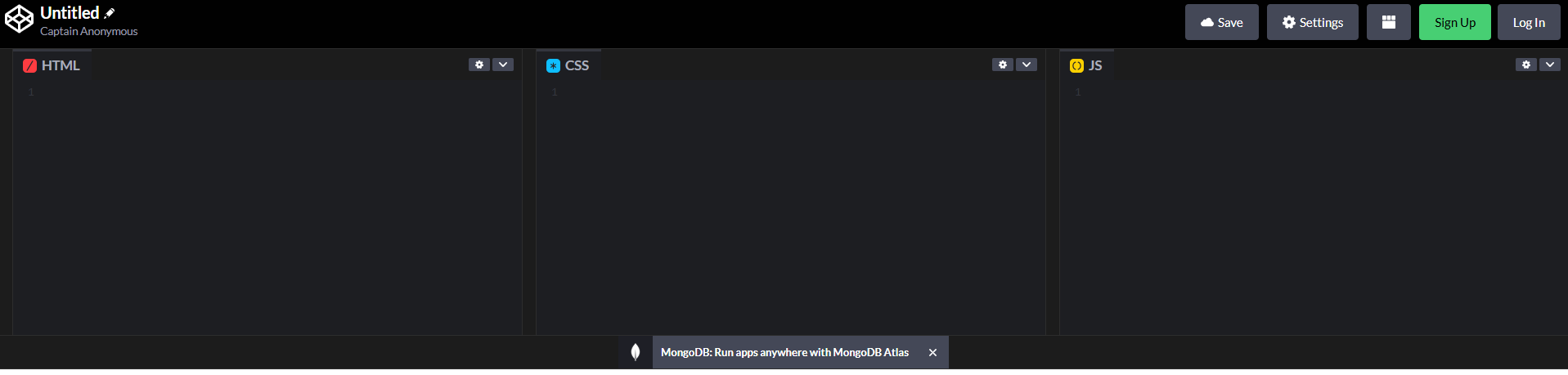
- 下記画面のように HTML、CSS、JS の3つの入力エリアに分かれています
②HTMLで時計の「枠組み(構造)」を作ろう!!
- 時計の「時」「分」「秒」を表示するスペース(箱)をHTMLで作ります。
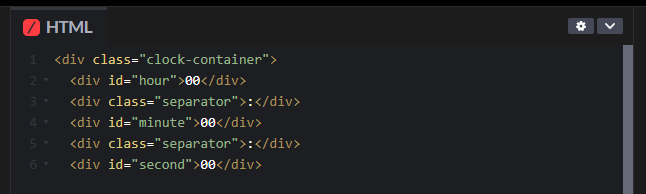
- HTMLエリアに入力するコード(Geminiに教えてもらいました)
<div class="clock-container">
  <div id="hour">00</div>
  <div class="separator">:</div>
  <div id="minute">00</div>
  <div class="separator">:</div>
  <div id="second">00</div>
</div>
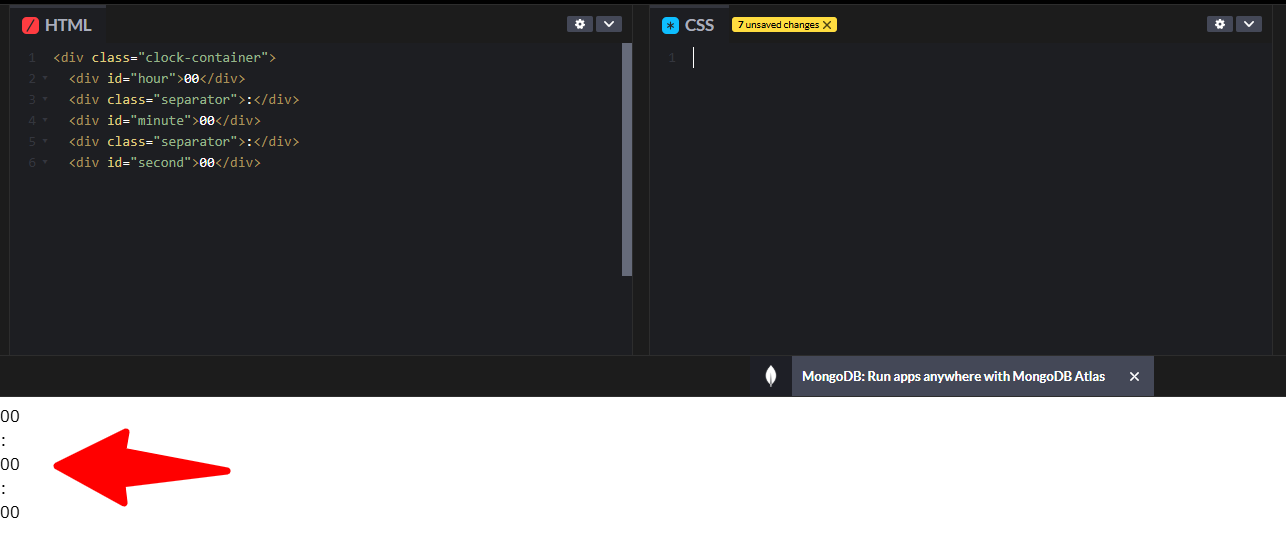
- 実際の画面↓
③CSSで時計の「見た目(デザイン)」を整える
- CSSを使って、文字を大きくし、中央に配置して見やすくする。
- CSSエリアに入力するコード(Geminiに教えてもらいました)
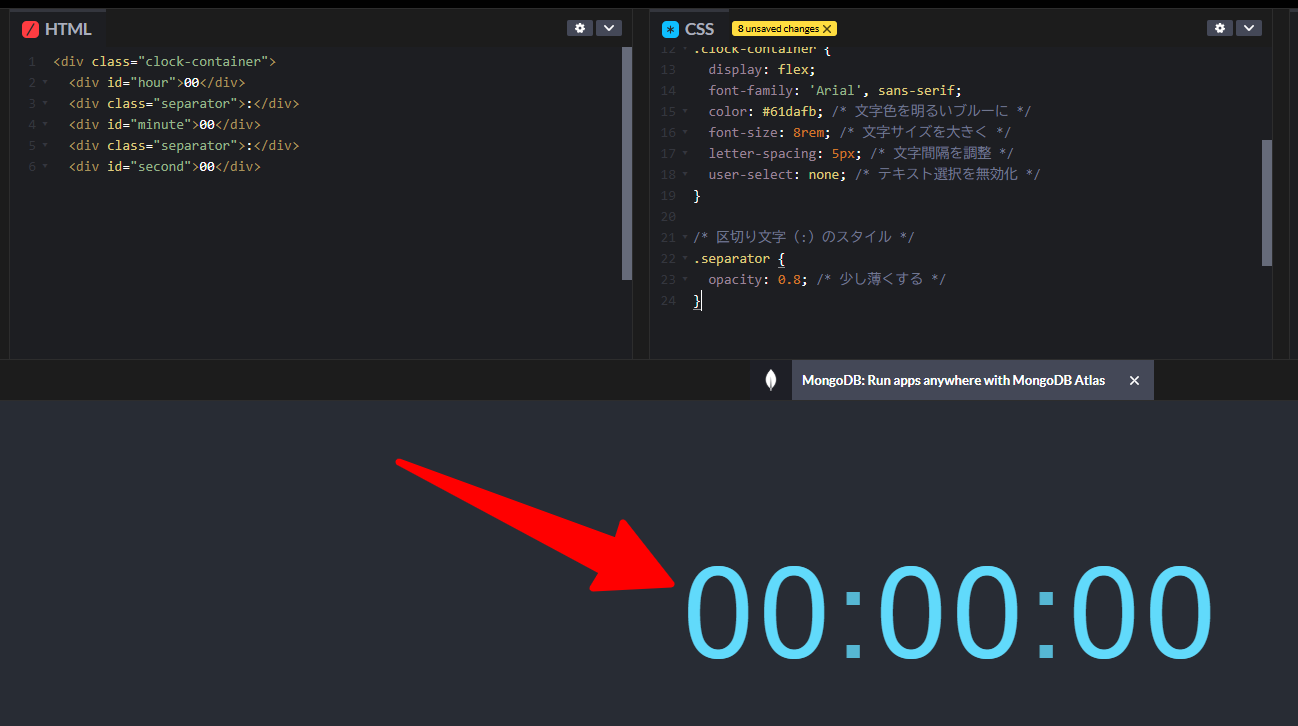
- このコードで、時計の「時・分・秒」が大きく、画面中央に表示される。
/* ページ全体の配置 */
body {
  display: flex; /* 要素を柔軟に配置 */
  justify-content: center; /* 水平方向の中央揃え */
  align-items: center; /* 垂直方向の中央揃え */
  min-height: 100vh; /* 画面全体を高さの基準にする */
  background-color: #282c34; /* 背景色をダークカラーに */
  margin: 0;
}

/* 時計全体 */
.clock-container {
  display: flex;
  font-family: 'Arial', sans-serif;
  color: #61dafb; /* 文字色を明るいブルーに */
  font-size: 8rem; /* 文字サイズを大きく */
  letter-spacing: 5px; /* 文字間隔を調整 */
  user-select: none; /* テキスト選択を無効化 */
}

/* 区切り文字(:)のスタイル */
.separator {
  opacity: 0.8; /* 少し薄くする */
}
これが
こうなる
まとめ
今回の記事では、時計の「00:00:00」という構造と「デザイン」を作成しました。
次回は、この止まった時計を動かしていきます!!