はじめに
過去に試して記事を書いている、Mac + MLX版モデルを使った、ローカルLLM の話です。今回は、Ornith-1.5 を LM Studio で試します。
モデルは GGUF版と MLX版がありますが、MLX版のほうを試します。MLX版のみを見てもいくつかモデルがありますが、その中の 2つを軽く試してみます。
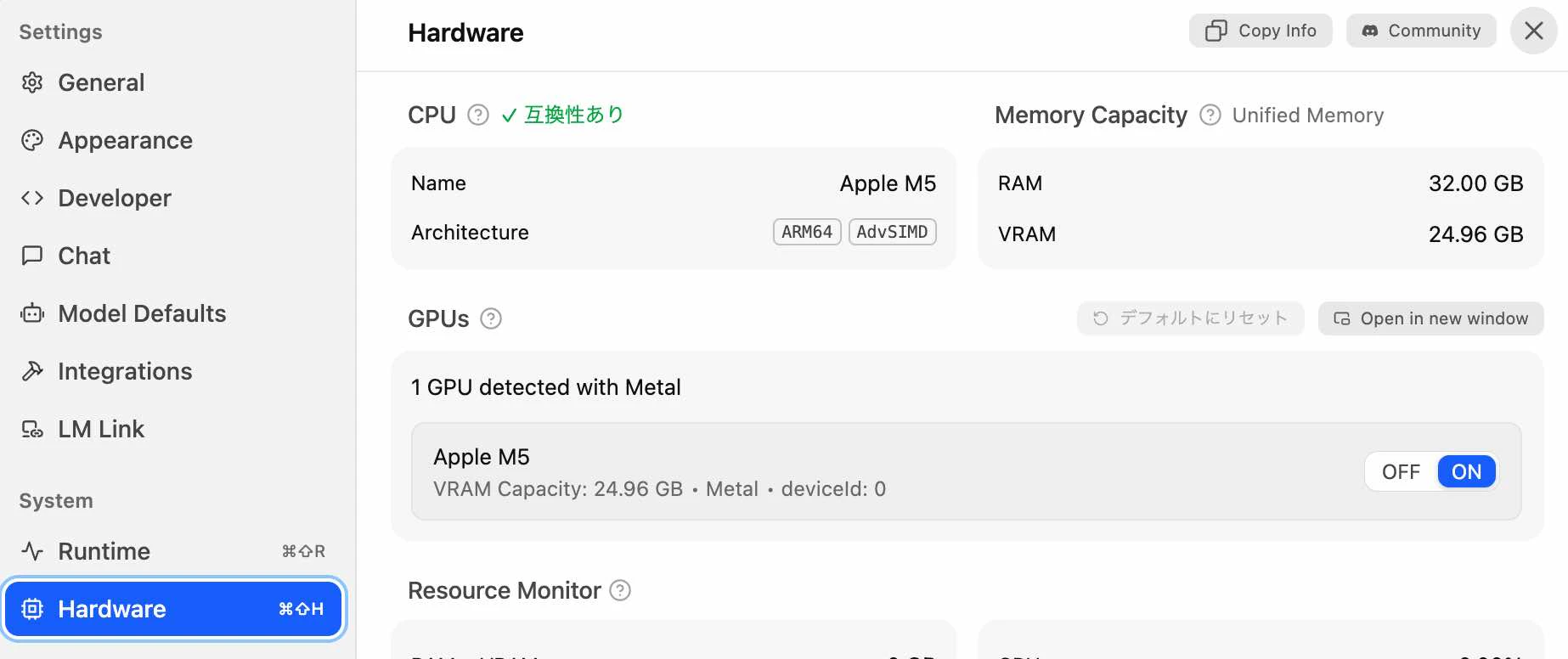
今回利用する Mac は、ユニファイドメモリ 32GB の M5 MacBook Proです(※ ローカルLLM用の VRAM として 24GB〜25GBほどを利用できる形)。
お試しの内容
MLX版のモデル
記事執筆時点で Hugging Face を見ると、公式が出している MLX版の Ornith-1.5 は、以下の 8つがあるようです。
●Models – Hugging Face
https://huggingface.co/models?sort=created&search=Ornith-1.5+mlx

テキストで書き出してみたものを、以下に掲載します。
- ornith-ai/Ornith-1.5-35B-A3B-MLX-8bit
- ornith-ai/Ornith-1.5-35B-A3B-MLX-6bit
- ornith-ai/Ornith-1.5-35B-A3B-MLX-4bit
- ornith-ai/Ornith-1.5-9B-MLX-8bit
- ornith-ai/Ornith-1.5-9B-MLX-6bit
- ornith-ai/Ornith-1.5-9B-MLX-4bit
- ornith-ai/Ornith-1.5-35B-A3B-MLX
- ornith-ai/Ornith-1.5-9B-MLX
利用するモデル
今回用いるモデルを、LM Studio上でダウンロードした時の画面を以下に掲載します。

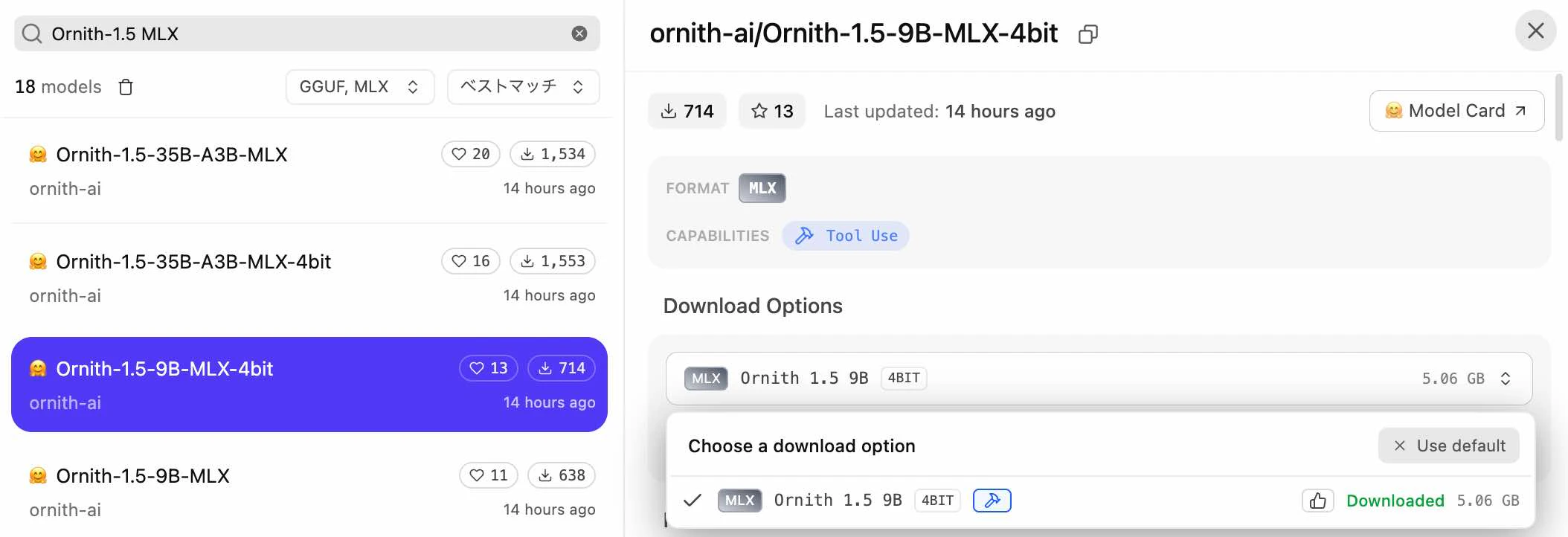
それぞれのモデルのサイズが、19.5GBほどと5.1GBほどであるため、どちらも今回用いる Mac の VRAM のみで扱えるサイズです。以下が、今回の環境で開いた LM Studio で確認できる、利用可能な VRAM のサイズです。
それぞれを軽く試してみる
あとは、2つのモデルで簡単な動作確認をしてみます。
今回はシンプルなプロンプトに対する返答の、出力スピードを見てみることにしました。
プロンプト「生成AIについて短い説明を書いて」
まずは「生成AIについて短い説明を書いて」というプロンプトで試した時のものです。
以下は、「ornith-ai/Ornith-1.5-9B-MLX-4bit」を試した結果の画面です。


最終出力を見てみると、「23.14 トークン/秒」となりました。
以下は、「ornith-ai/Ornith-1.5-35B-A3B-MLX-4bit」を試した結果の画面です。


こちらの最終出力を見てみると、「47.75 トークン/秒」となりました。
プロンプト「東京について短く解説して」
上記と別の、「生成AIについて短い説明を書いて」というプロンプトでも試してみました。
以下は、「ornith-ai/Ornith-1.5-9B-MLX-4bit」を試した結果の画面です。


最終出力を見てみると、「23.67 トークン/秒」となりました。
以下は、「ornith-ai/Ornith-1.5-35B-A3B-MLX-4bit」を試した結果の画面です。

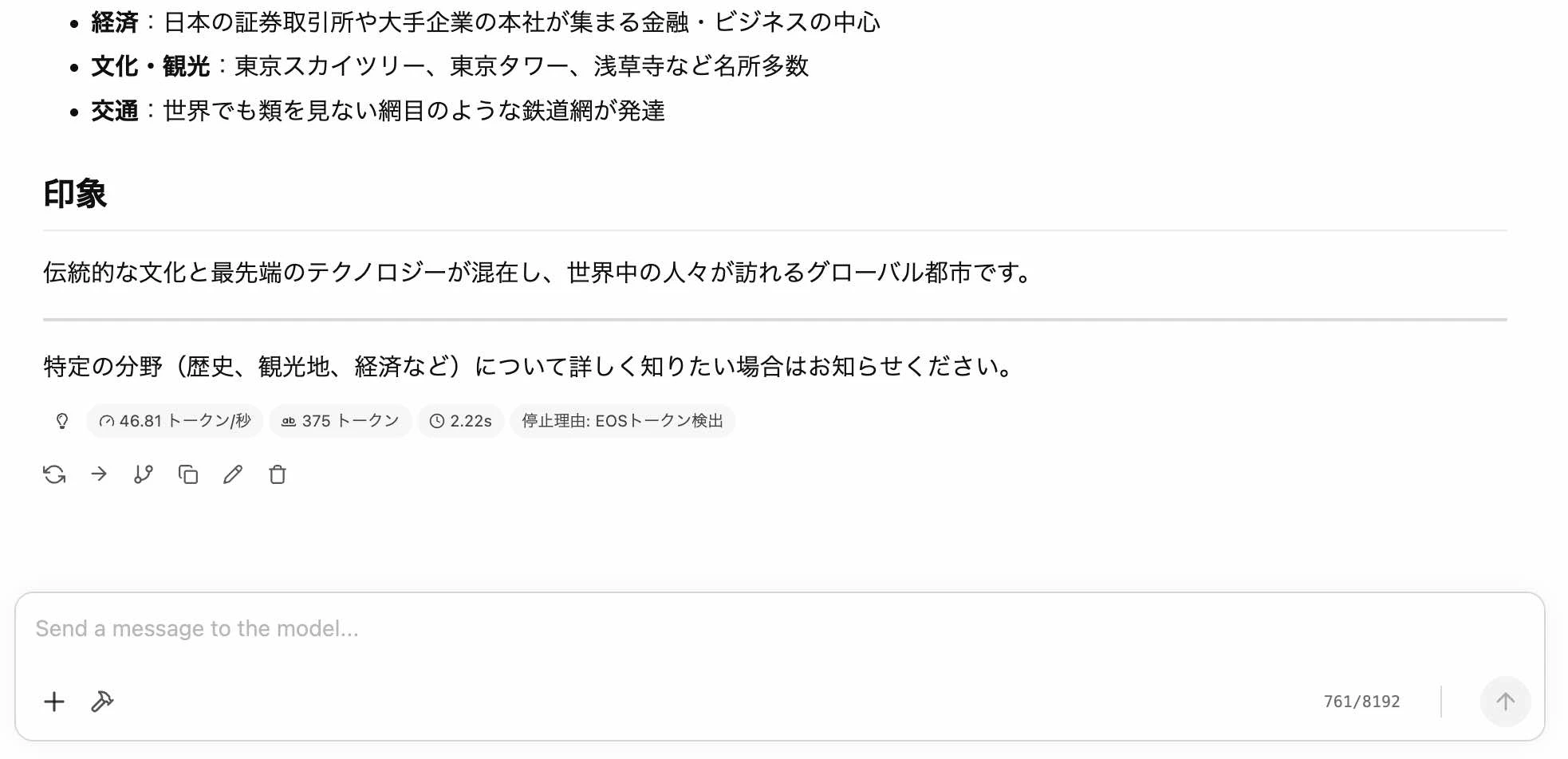
こちらの最終出力を見てみると、「46.81 トークン/秒」となりました。
おわりに
今回、M5チップ搭載の Mac で、VRAM 24GB におさまる Ornith-1.5 の MLX版モデル 2つを軽く試してみました。
今回試した、「ornith-ai/Ornith-1.5-9B-MLX-4bit」と「ornith-ai/Ornith-1.5-35B-A3B-MLX-4bit」では、パラメータ数は 35B のほうが大きいですが、モデル構造が MoE で アクティブパラメータ数では 3B になるので、9B のモデル(こちらは、モデル構造が Dense で、 アクティブパラメータ数は 9B)よりも高速に動作する結果となりました。
その他
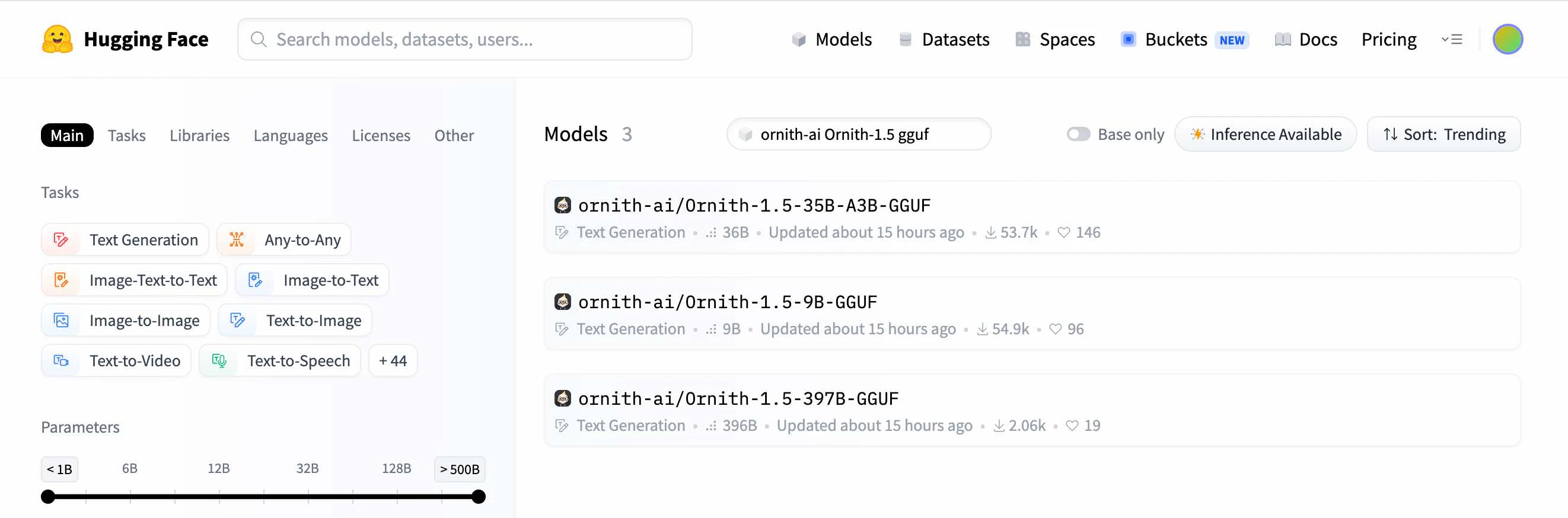
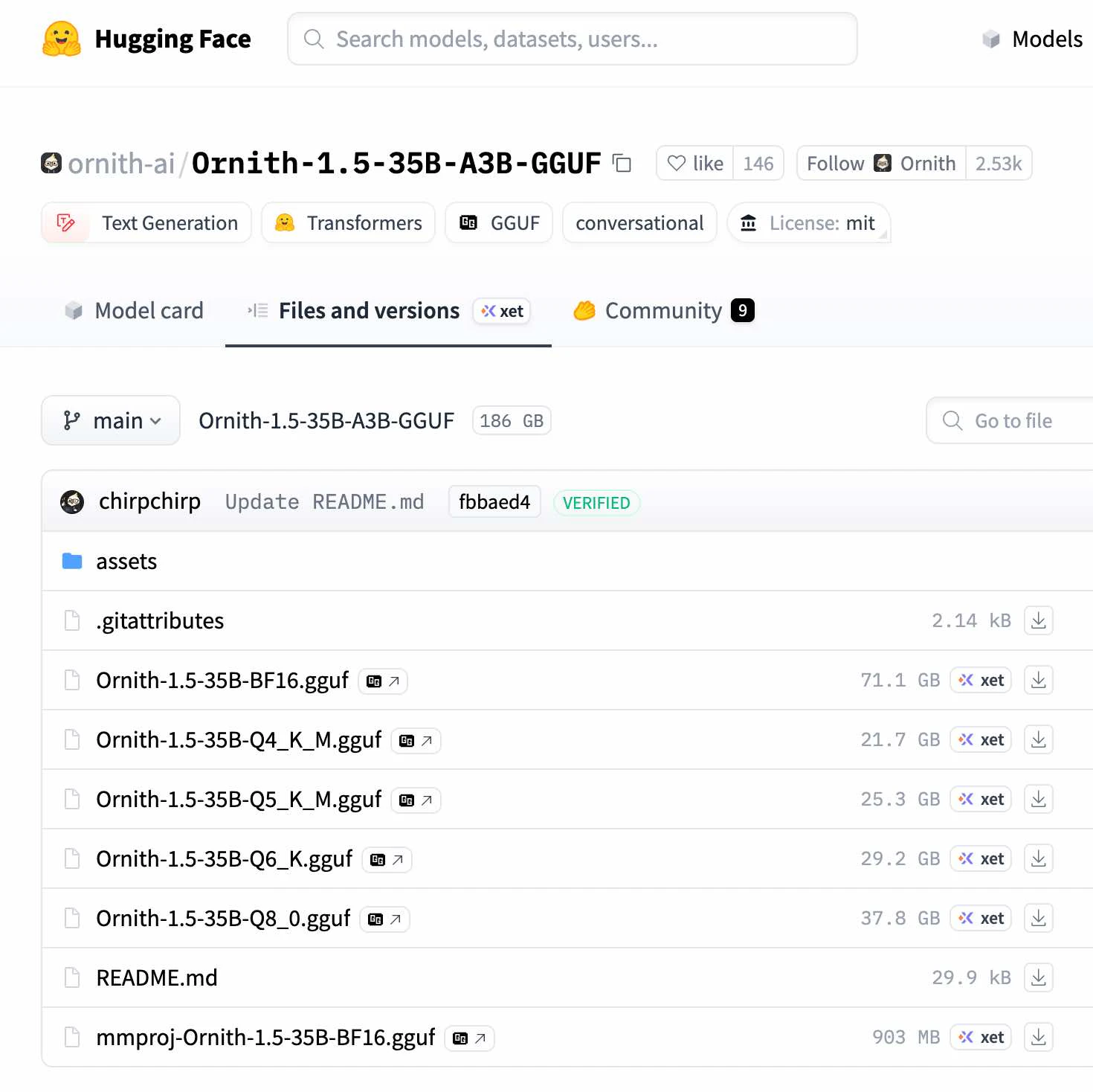
今回、MLX版のモデルを試しましたが、別途、GGUF版のモデルも試せればと思います(※ こちらは、GPU搭載の Windows のノートPC環境にて試せればと)。
●Models – Hugging Face
https://huggingface.co/models?search=ornith-ai%20Ornith-1.5%20gguf