

はじめに
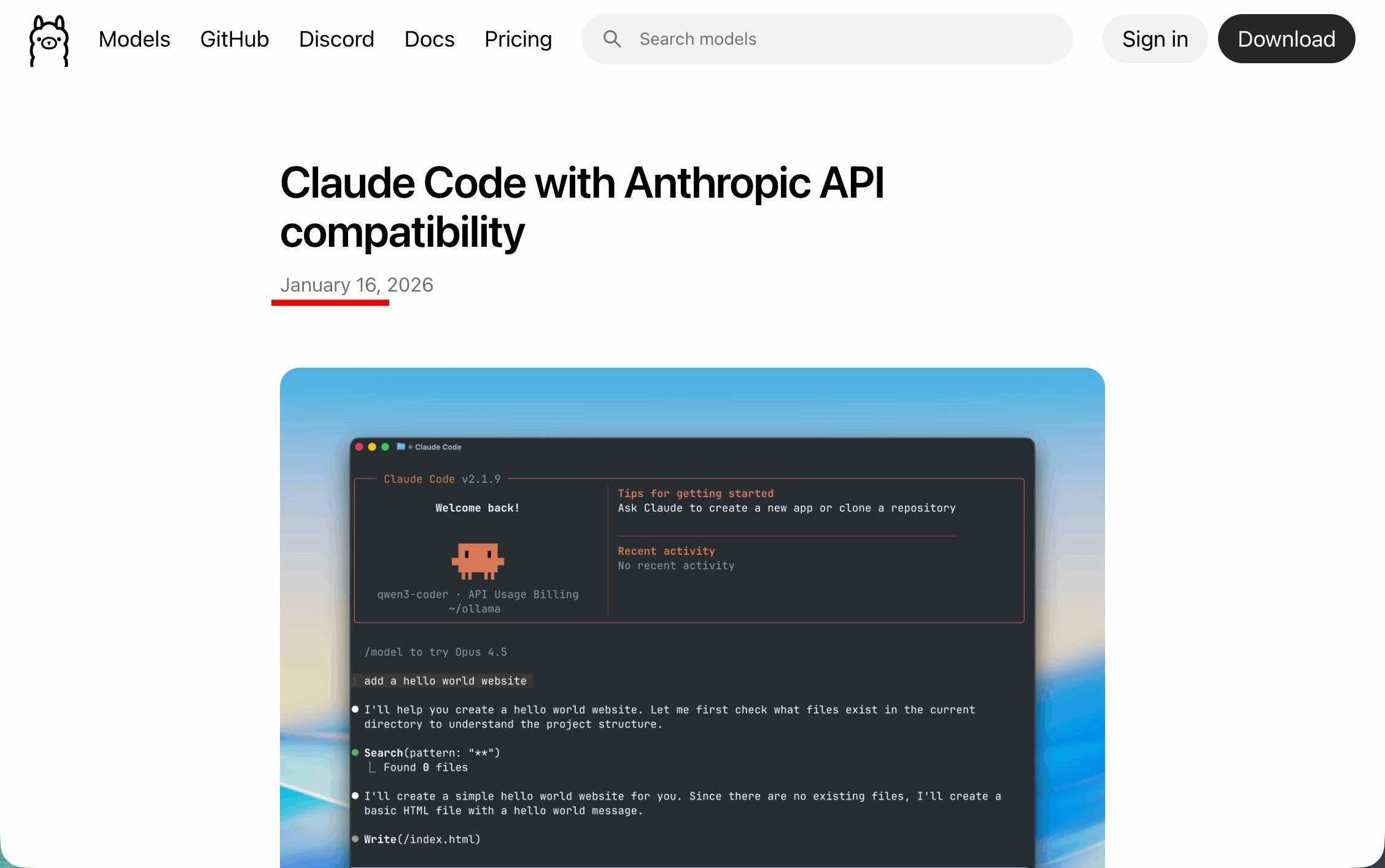
この記事は、先月に以下で公式発表が行われていた、「LM Studio・Ollama」の「Anthropic互換API」実装(記事タイトルでは Claude Code対応という方向の書き方)の話に関する内容です。
●Use your LM Studio Models in Claude Code | LM Studio Blog
https://lmstudio.ai/blog/claudecode
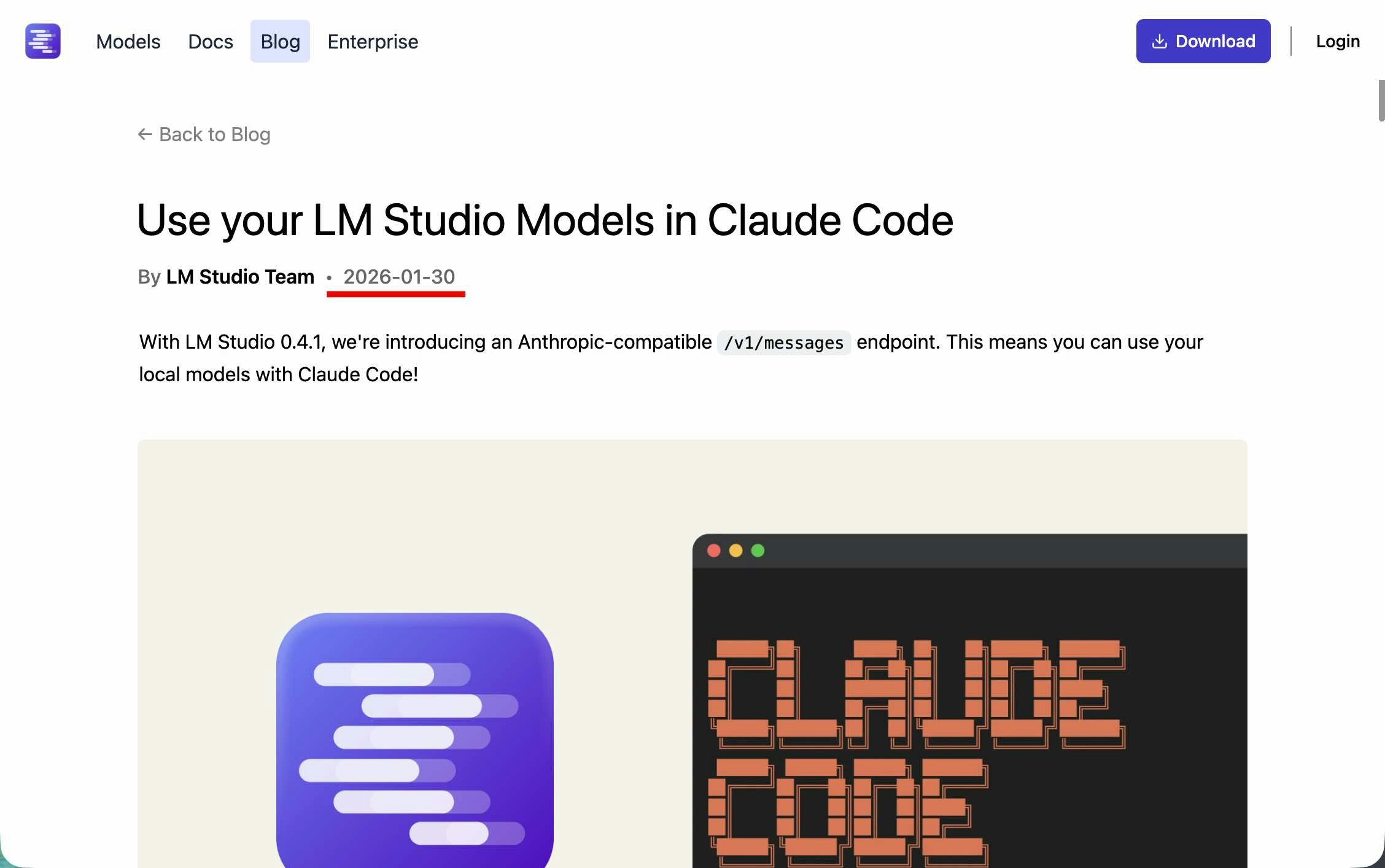
●Claude Code with Anthropic API compatibility · Ollama Blog
https://ollama.com/blog/claude
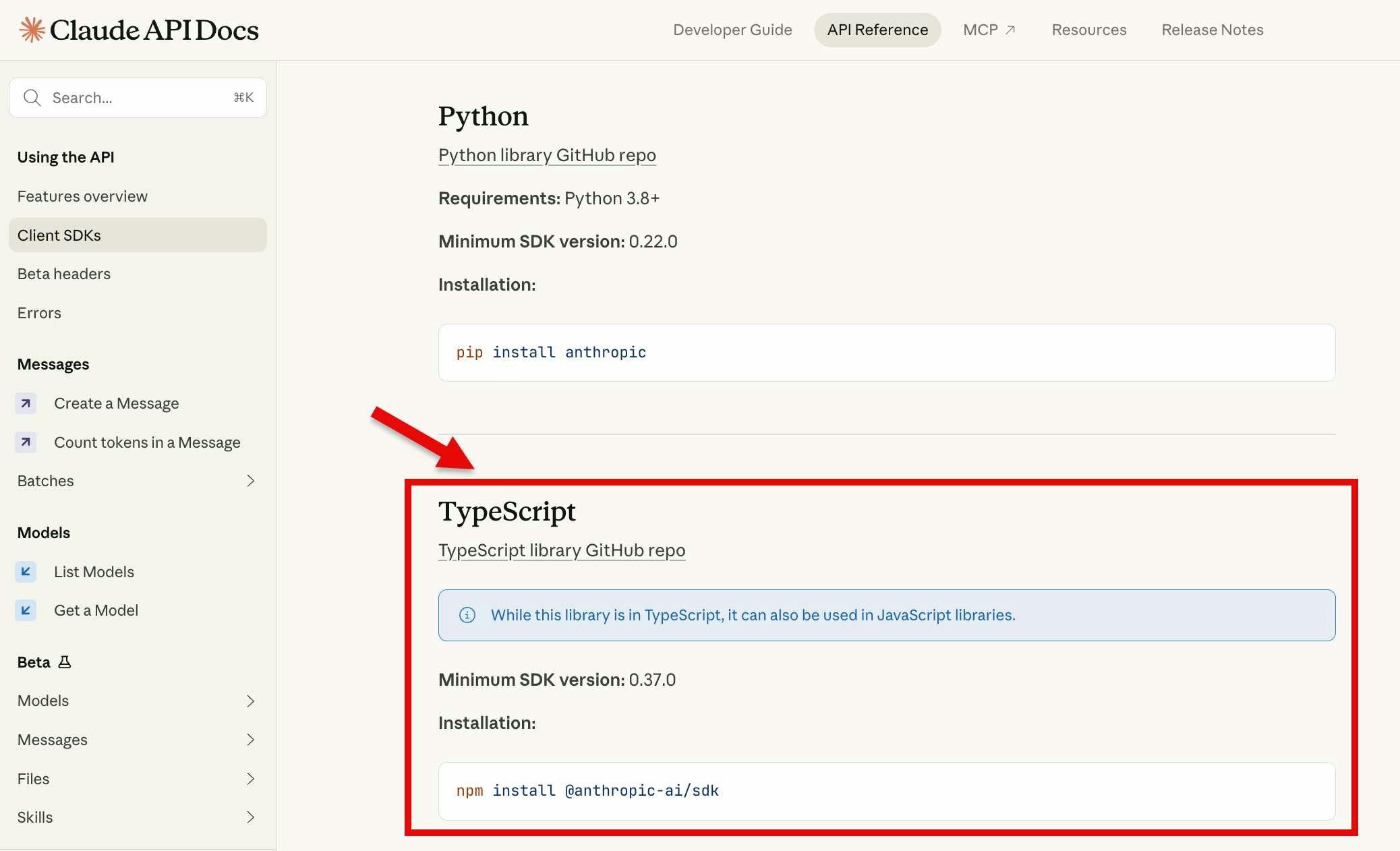
Claude用の Client SDK(TypeScript版)
上記2つの公式記事では「Claude Code と LM Studio・Ollama を組み合わせられる」という話を前面に出したタイトルですが、Anthropic互換の API を実装したという話なので Claude を API経由で使う際に活用できる Claude/Anthropic公式の SDK を使ったやりとりもできるはずです。
今回の記事では、ひとまず以下の Claude用の Client SDK で、TypeScript版のほうを組み合わせた内容で試します。
●Client SDKs - Claude API Docs
https://platform.claude.com/docs/en/api/client-sdks
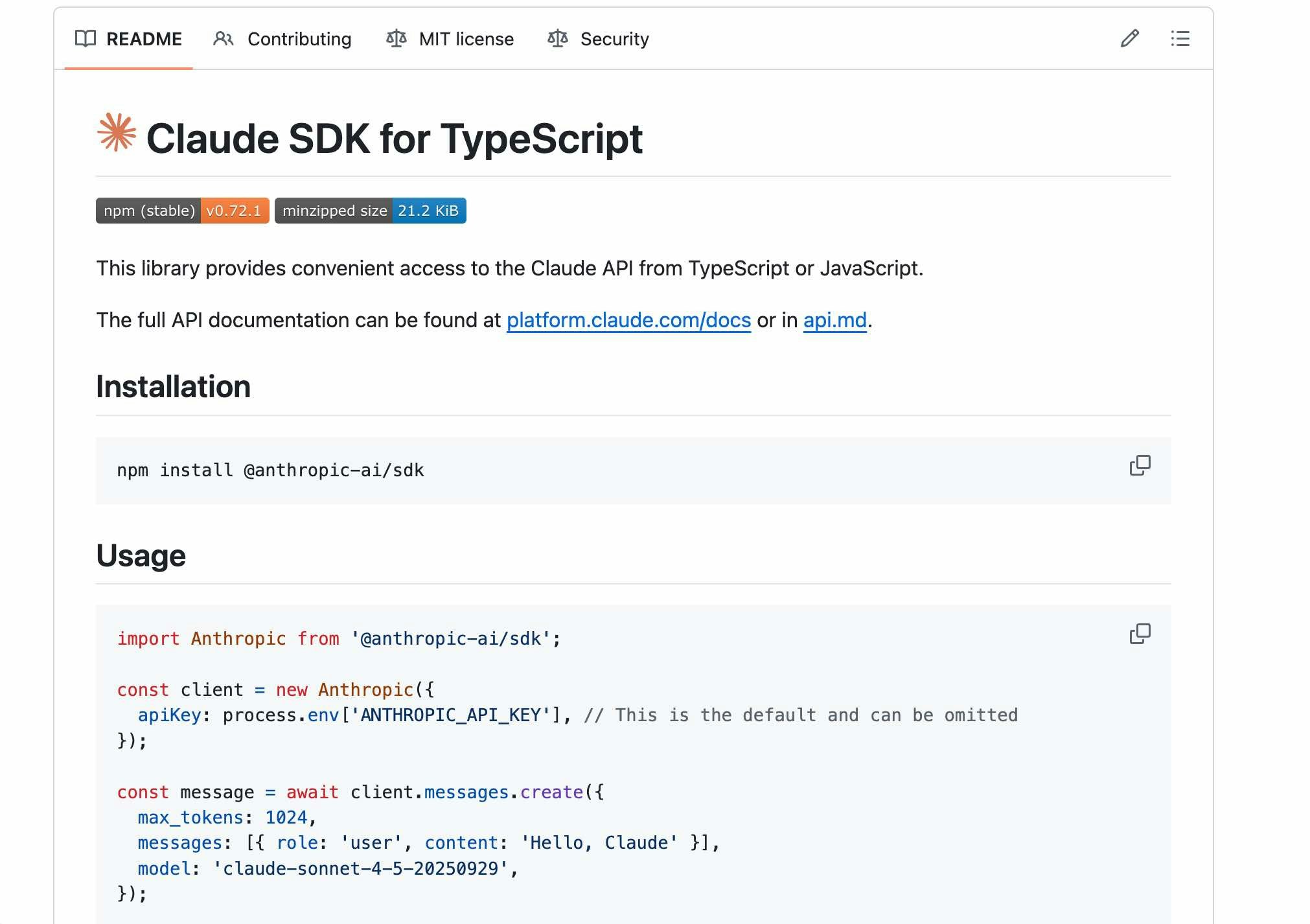
●anthropics/anthropic-sdk-typescript: Access to Anthropic's safety-first language model APIs in TypeScript
https://github.com/anthropics/anthropic-sdk-typescript
さっそく試してみる
さっそく試してみます。
SDK の準備
まずは、以下などに書かれているコマンド npm install @anthropic-ai/sdk で SDK をインストールします。
●@anthropic-ai/sdk - npm
https://www.npmjs.com/package/@anthropic-ai/sdk
LM Studio用のコードの準備など
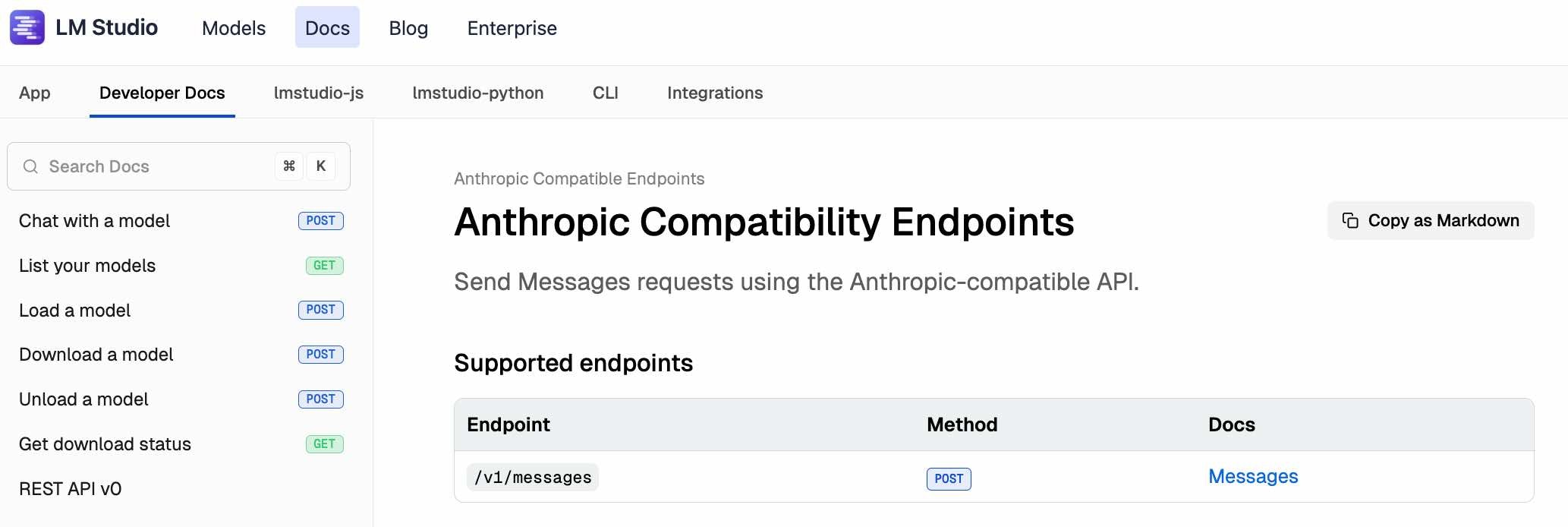
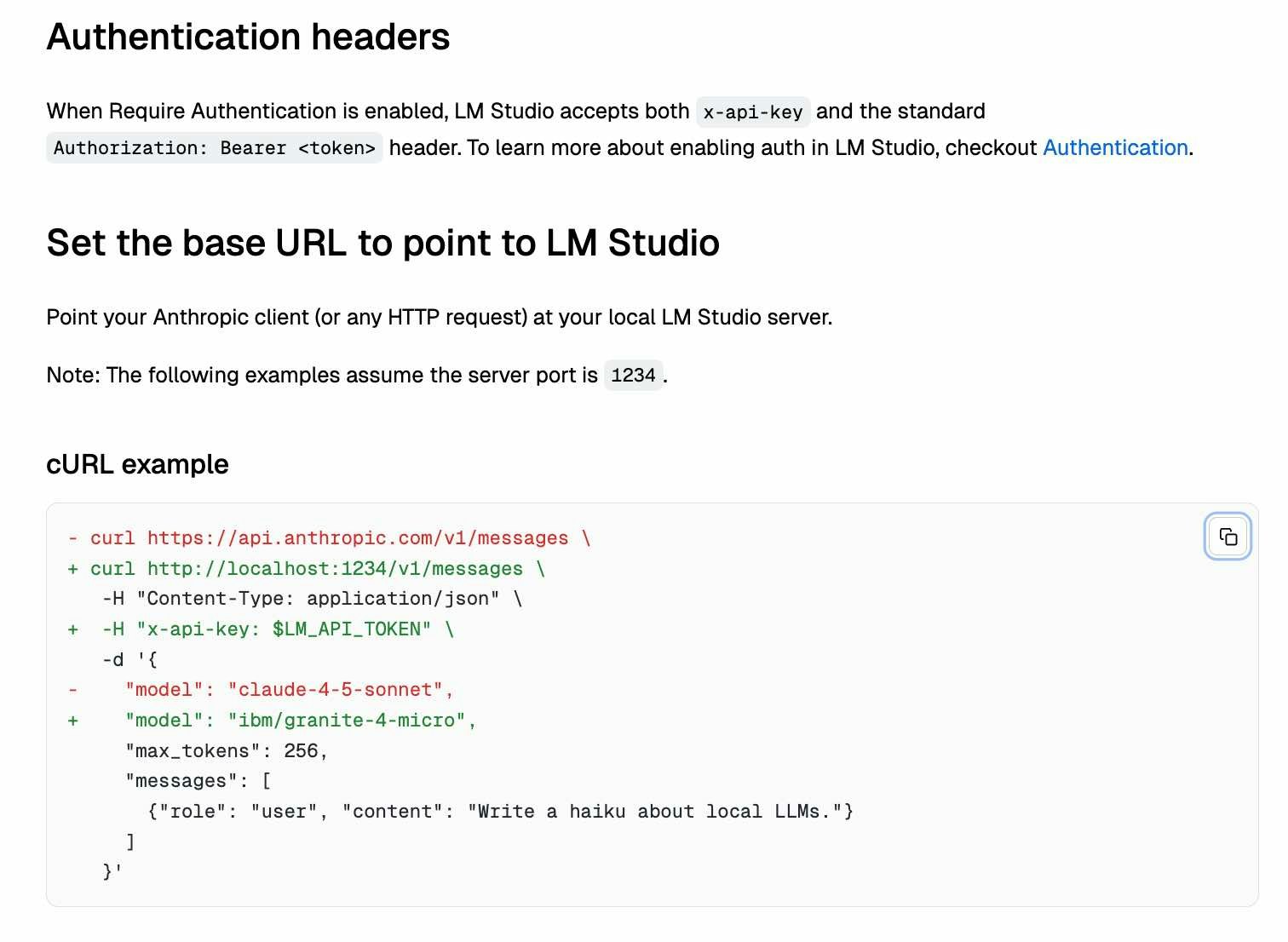
コードを書く前に、公式ドキュメントでエンドポイントの情報を確認しておきます。合わせて、curl のサンプルも見てみます。
●Anthropic Compatibility Endpoints | LM Studio Docs
https://lmstudio.ai/docs/developer/anthropic-compat
curl での動作確認
以下の curl コマンドで、動作するかをテストしてみます。
curl http://localhost:1234/v1/messages \
   -H "Content-Type: application/json" \
   -d '{
     "model": "openai/gpt-oss-20b",
     "max_tokens": 256,
     "messages": [
       {"role": "user", "content": "あなたは誰?"}
     ]
   }'
エンドポイントは、 http://localhost:1234/v1/messages です。今回、LM Studio側の認証機能は設定してなく APIキーなしで使えるようにしています。
上記を実行した結果、以下のようにレスポンスが得られました。

Claude用の Client SDK(TypeScript版)での処理
次は Claude用の Client SDK(TypeScript版)を使って試します。
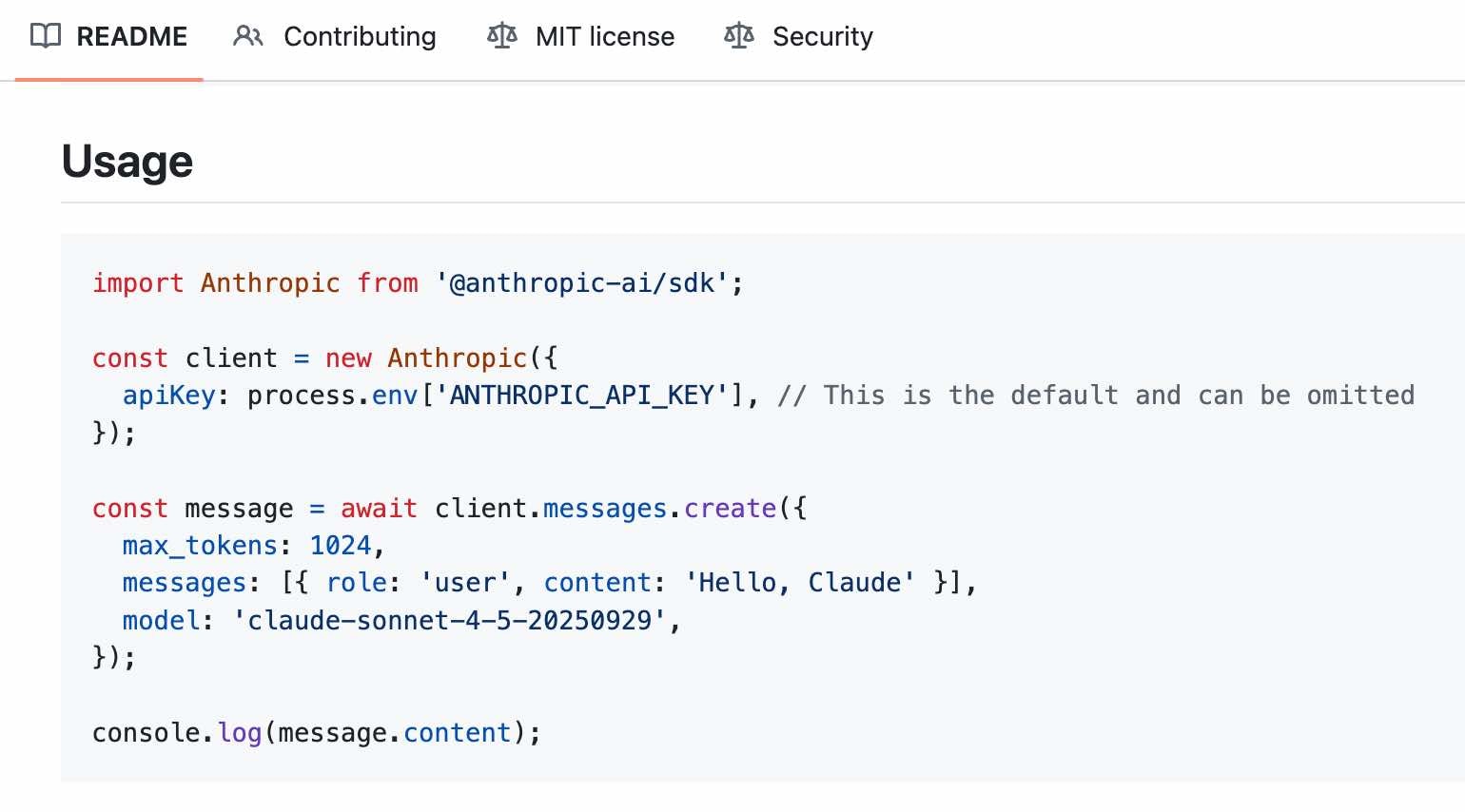
コードは以下を参考にシンプルなもので試します。
https://github.com/anthropics/anthropic-sdk-typescript?tab=readme-ov-file#usage
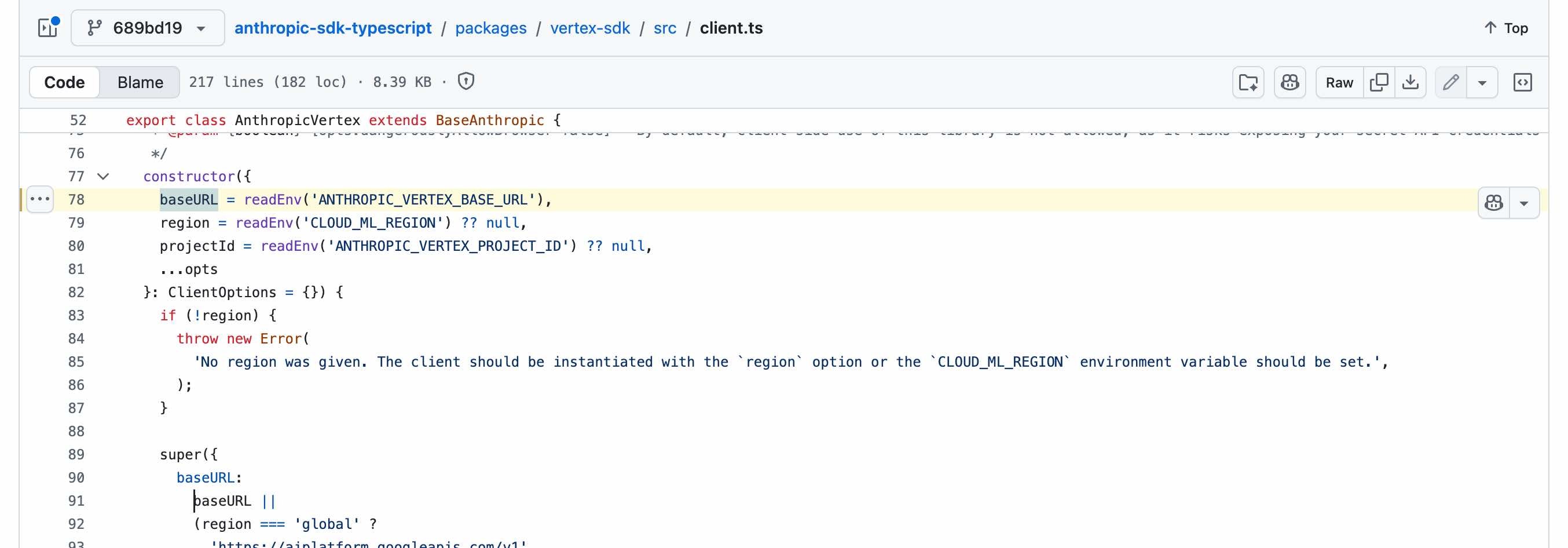
LM Studio用のエンドポイントの指定は、GitHubリポジトリの中の、以下の実装部分を参照しました(※ baseURL で指定すれば良さそうです)。
実装した内容は以下のとおりです。
コードについて当初は、 baseURL: "http://localhost:1234/" としていたのですが、「error: 'Unexpected endpoint or method. (POST /v1/messages/v1/messages)'」というエラーが出て、SDK で「v1/messages」は自動で付与されるようでした。そのため、エンドポイントの指定を baseURL: "http://localhost:1234/" としています。
また、LM Studio で認証なしに指定していたものの、 apiKey が空だとエラーになったため、 apiKey: "lmstudio" というように適当な文字列を APIキーで指定しています。
import Anthropic from "@anthropic-ai/sdk";

const client = new Anthropic({
  baseURL: "http://localhost:1234/",
  apiKey: "lmstudio",
});

const message = await client.messages.create({
  model: "openai/gpt-oss-20b",
  max_tokens: 1024,
  messages: [{ role: "user", content: "あなたは誰?" }],
});

console.log(message);
上記を実行した結果、以下のとおり LM Studio上の openai/gpt-oss-20b からのレスポンスが得られました。

Ollama で試す
最後に Ollama のほうで試します。
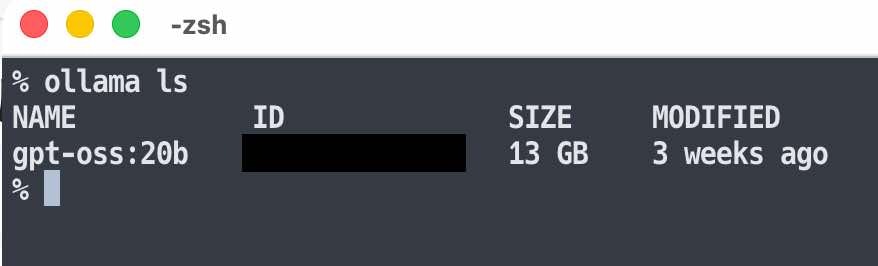
以下のように LM Studio でも使っていた OpenAI の gpt-oss-20b を使えるようにしています。
エンドポイントについて
Ollama のローカルサーバーで API を使う場合のエンドポイントを、念のため公式情報で確認します。
以下のとおり、ベースは「http://localhost:11434/api」となるようです。
●Introduction - Ollama
https://docs.ollama.com/api/introduction

Claude用の Client SDK(TypeScript版)を使う場合の話は、上で掲載していた Ollama公式の記事の、以下の部分で確認すれば良さそうでした。
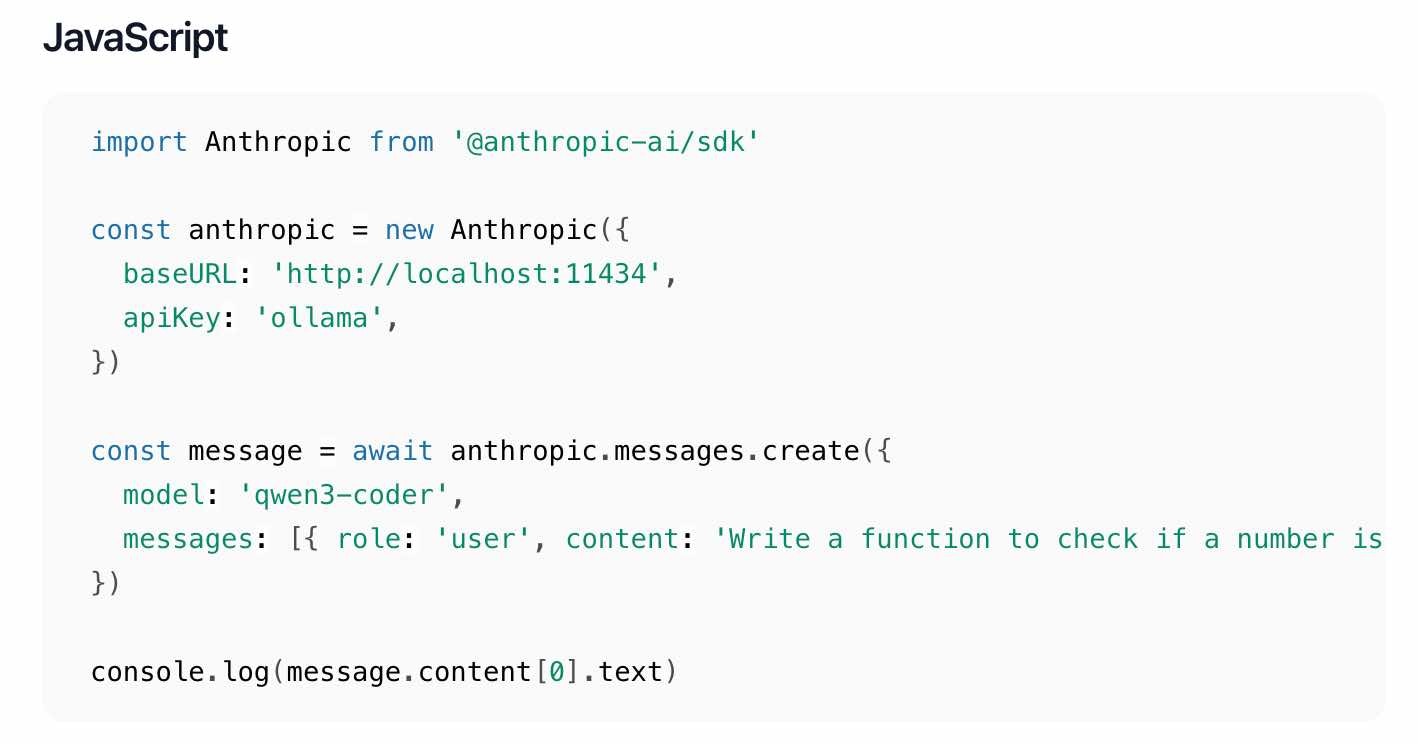
上記を元にしたコードを実行してみつつ、エラーが出た部分を修正しつつ、ということをやって、最終的に以下のコードでレスポンスを得られました。
import Anthropic from "@anthropic-ai/sdk";

const anthropic = new Anthropic({
  baseURL: "http://localhost:11434",
  apiKey: "ollama",
});

const message = await anthropic.messages.create({
  model: "gpt-oss:20b",
  max_tokens: 1024,
  messages: [{ role: "user", content: "あなたは誰?" }],
});

console.log(message);
モデル名は、LM Studio の時は「openai/gpt-oss-20b」でしたが、Ollama用のものは ollama ls を実行した際の結果に出ていた「gpt-oss:20b」になります。
上記を実行した結果、以下のレスポンスを得ることができました。
