

はじめに
タイトルの通りで、ここ数日、技術系の気になる情報をタイムラインなどで複数見かけたので、それをひとまず忘れないうちにメモしておく、という目的の記事です。特に意図したわけではないのですが、全て生成AI絡みにの内容になります。
見かけたもの
早速メモを書いていきます。後でそれぞれの内容を自分が試す際、参照したいと思うページなどを、公式情報を主としてメモしていきます。
Remotion公式の Agent Skills
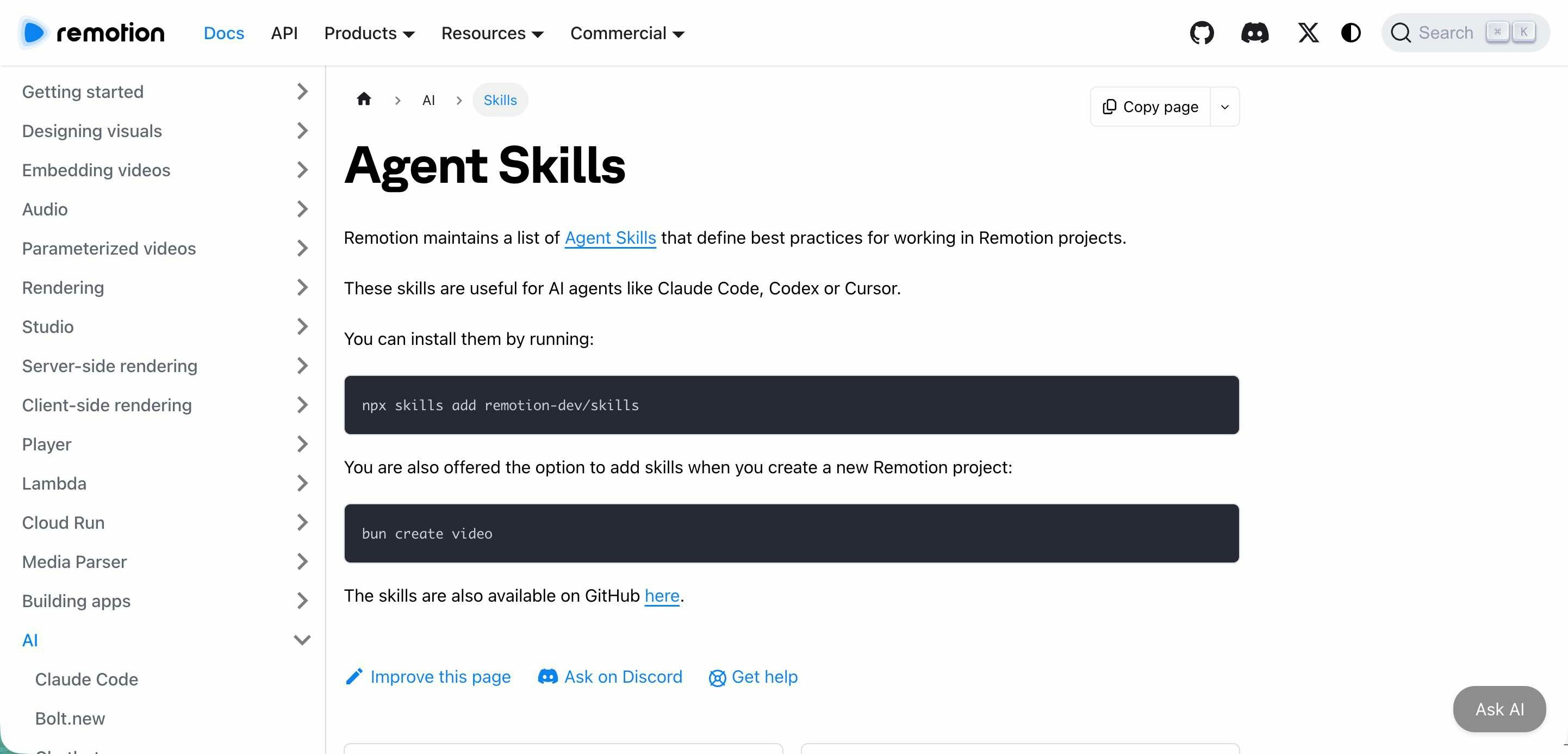
1つ目は「Remotion公式の Agent Skills」です。Remotion は、「コードで動画生成」という感じの内容を調べるとよく見かけていたものでした。これを AIエージェントから扱える仕組みが、公式から提供されたようです。
以下は、公式ドキュメント・公式リポジトリ内の該当ページです。
●Agent Skills | Remotion | Make videos programmatically
https://www.remotion.dev/docs/ai/skills
●remotion/packages/skills at main · remotion-dev/remotion
https://github.com/remotion-dev/remotion/tree/main/packages/skills
とりあえず、自分の場合は以下から試せればと思っています。
●Claude をスキルで拡張する - Claude Code Docs
https://code.claude.com/docs/ja/skills
●Google Antigravity Documentation
https://antigravity.google/docs/skills
●Agent Skills
https://developers.openai.com/codex/skills/
Pencil
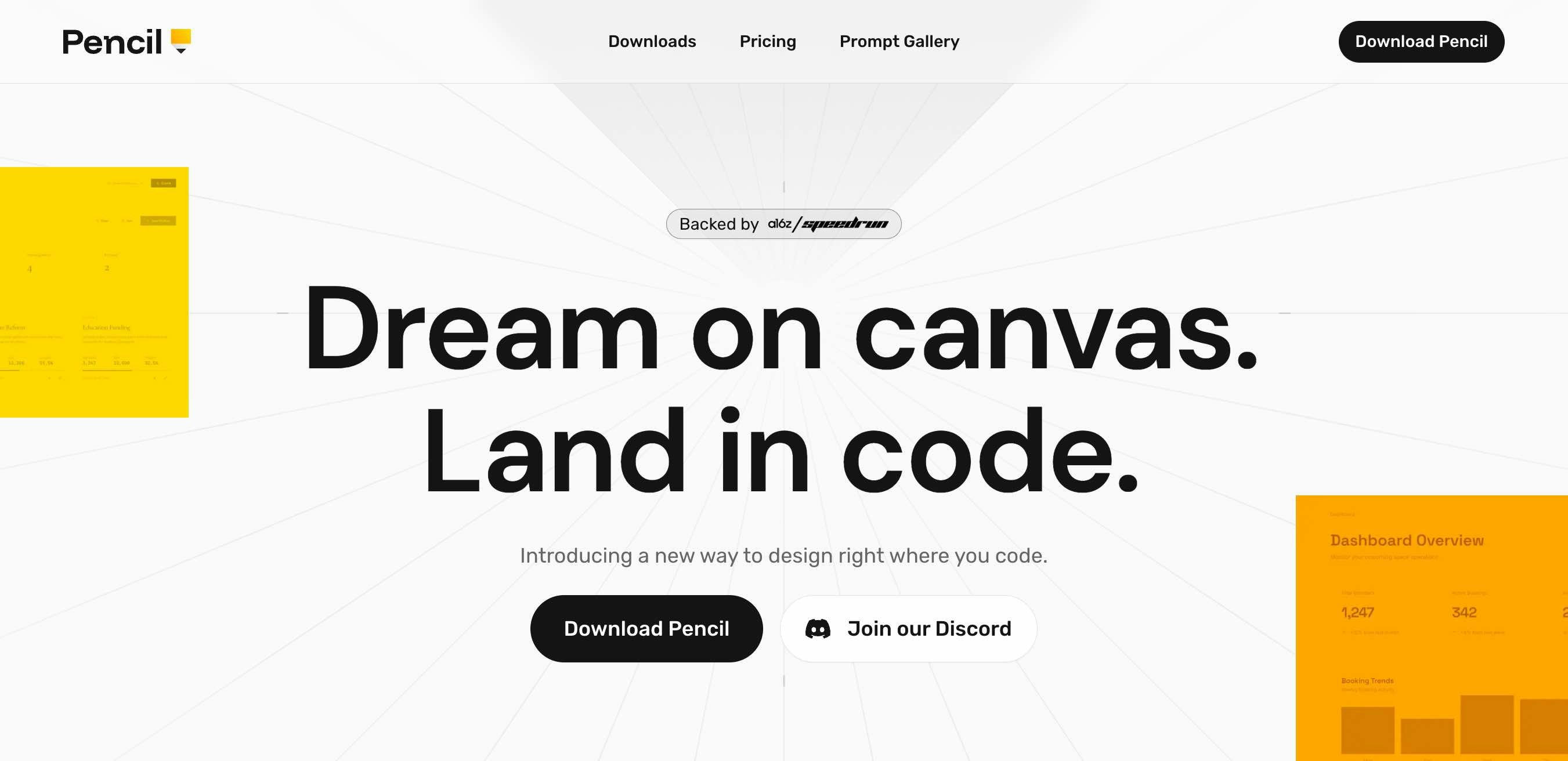
次は、IDE内で生成AI を組み合わせてデザインが行えるツールの「Pencil」です。
●Pencil – Design on canvas. Land in code.
https://www.pencil.dev/
現状、Mac・Linux はデスクトップ版アプリが提供されているようです。
●Pencil – Design on canvas. Land in code.
https://www.pencil.dev/downloads
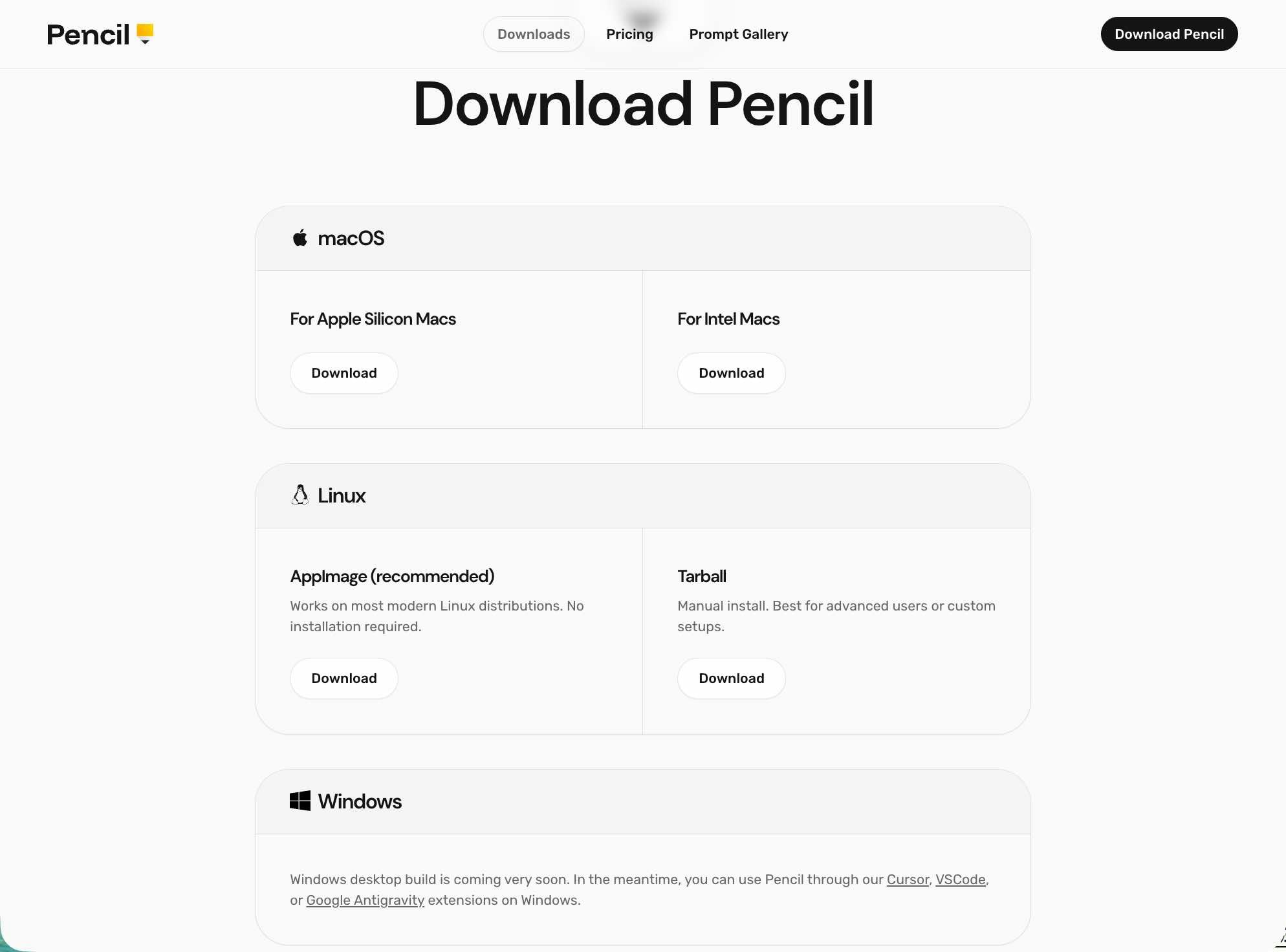
Windows用のデスクトップ版アプリはリリース予定となっているようで(※本記事を執筆した時点)、さらにダウンロードページの記載では、「現状、Windows では Cursor・VSCode・Google Antigravity の拡張機能で利用可能」という案内がされていました。
それと公式ページの下部に、VS Code用・Cursor用などの拡張機能へのリンクが掲載されているようでした。
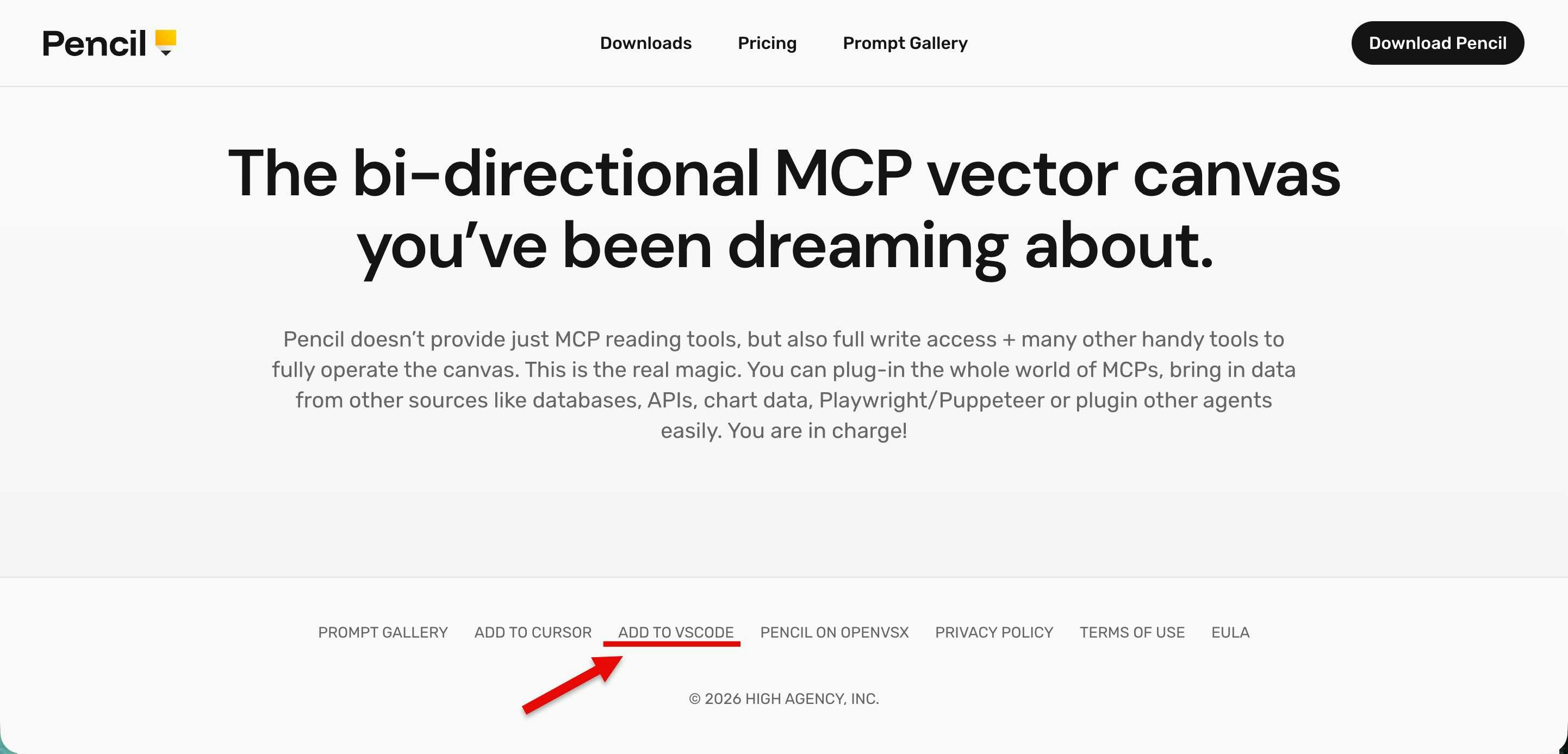
以下は VS Code用拡張機能に関する、マーケットプレイス上のページです。
●Pencil - Visual Studio Marketplace
https://marketplace.visualstudio.com/items?itemName=highagency.pencildev
とりあえず自分は、Mac用のデスクトップ版アプリをインストールだけしてみた状態です。
あと、プロンプトギャラリーのページがあるようだったのでメモしておきます。
●Pencil – Design on canvas. Land in code.
https://www.pencil.dev/prompts
Qwen3-TTS がオープンソースに
昨年にも情報が出ていた Qwen3-TTS が、オープンソースになったようです。
以下を見ると、モデルは「1.7B」と「0.6B」があるようで、さらに「VoiceDesign・CustomVoice・Base」といった種類が異なるものがあるようでした。
●Qwen3-TTS Family is Now Open Sourced: Voice Design, Clone, and Generation!
https://qwen.ai/blog?id=qwen3tts-0115
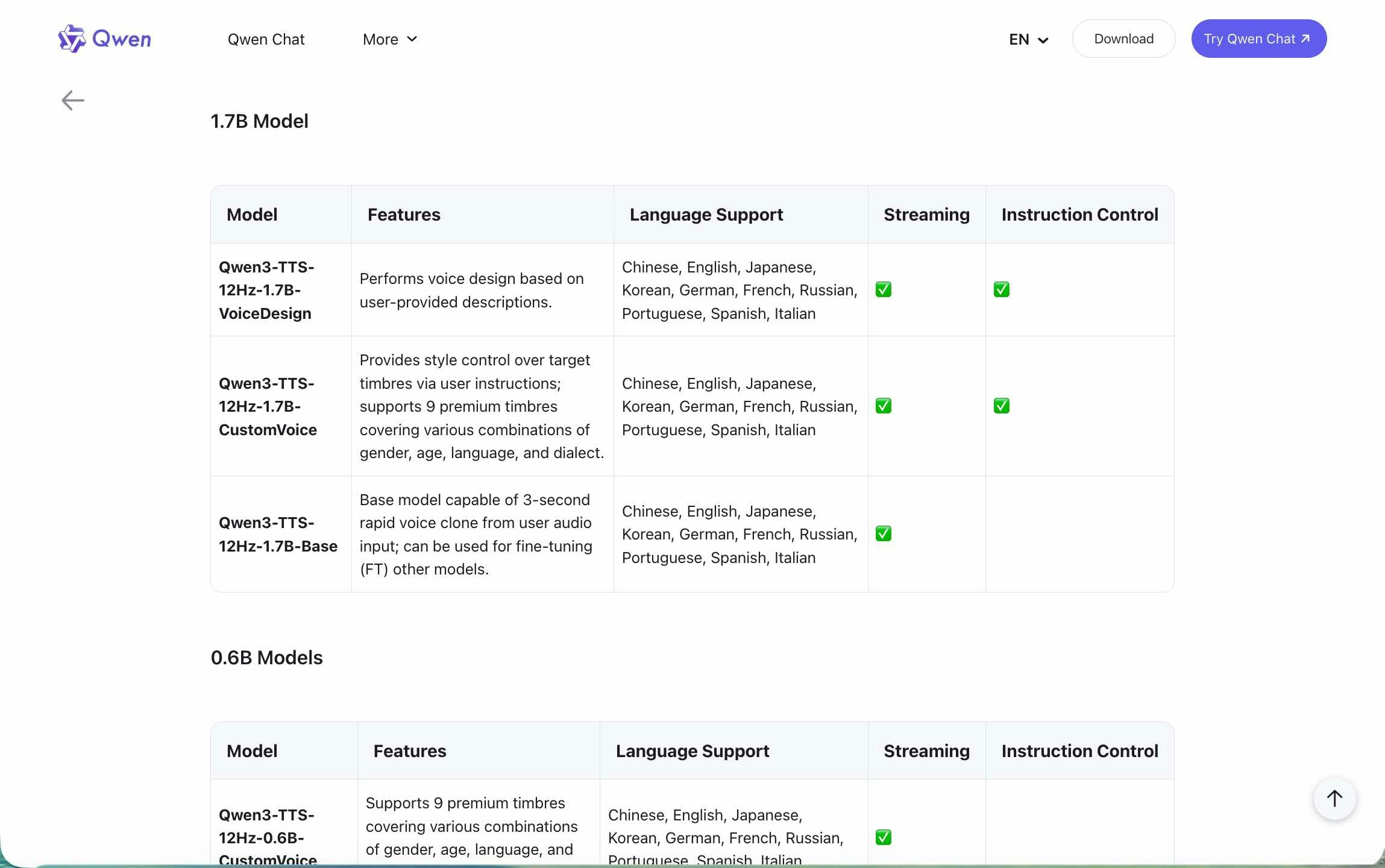
以下が GitHub のリポジトリ・Hugging Face上の Qwen3-TTS のコレクションページです。
●QwenLM/Qwen3-TTS: Qwen3-TTS is an open-source series of TTS models developed by the Qwen team at Alibaba Cloud, supporting stable, expressive, and streaming speech generation, free-form voice design, and vivid voice cloning.
https://github.com/QwenLM/Qwen3-TTS
●Qwen3-TTS - a Qwen Collection
https://huggingface.co/collections/Qwen/qwen3-tts
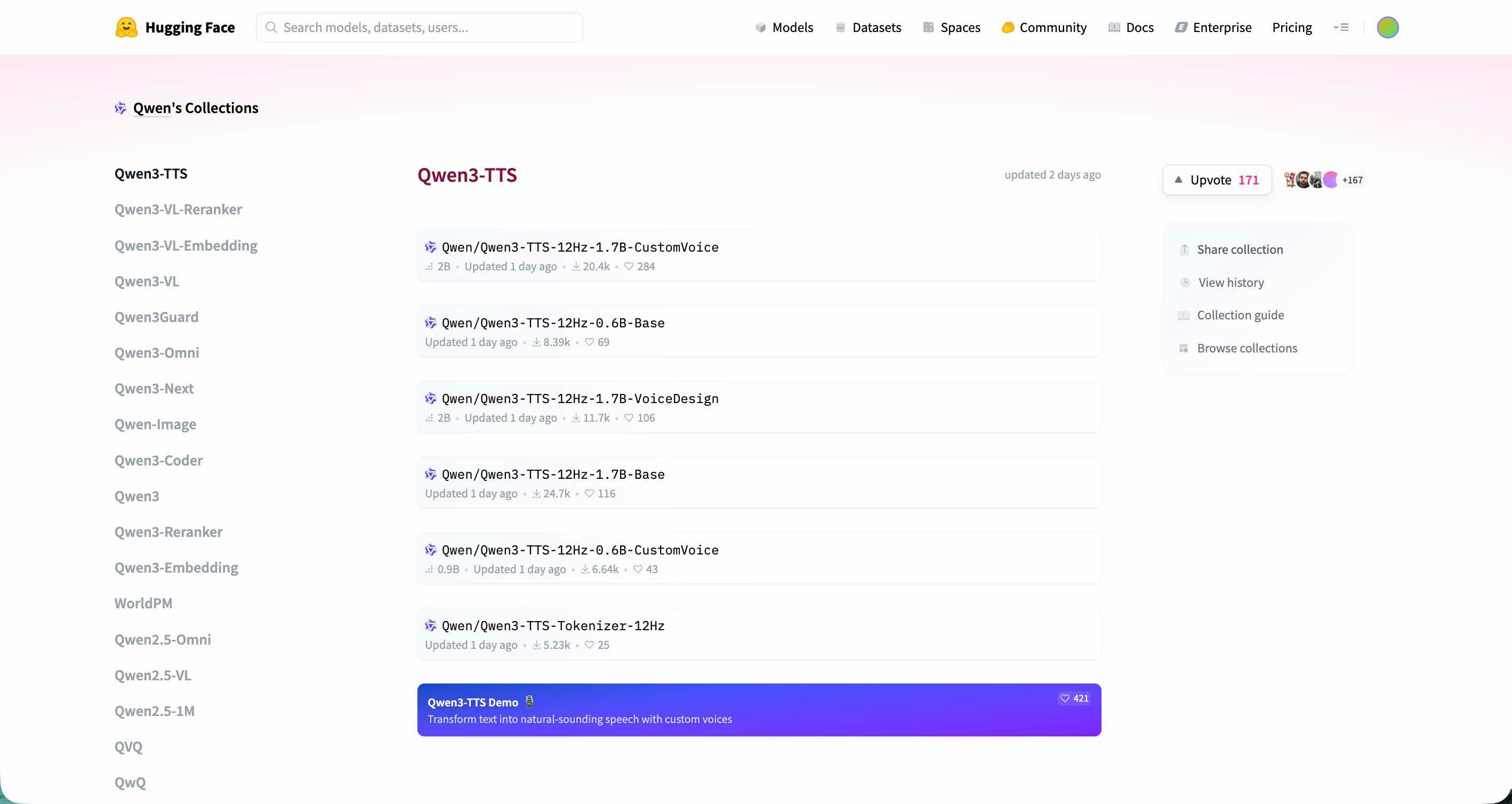
Hugging Face上に公式デモがあるようなので、まずはこちらから試してみようと思っています。
●Qwen3-TTS Demo - a Hugging Face Space by Qwen
https://huggingface.co/spaces/Qwen/Qwen3-TTS
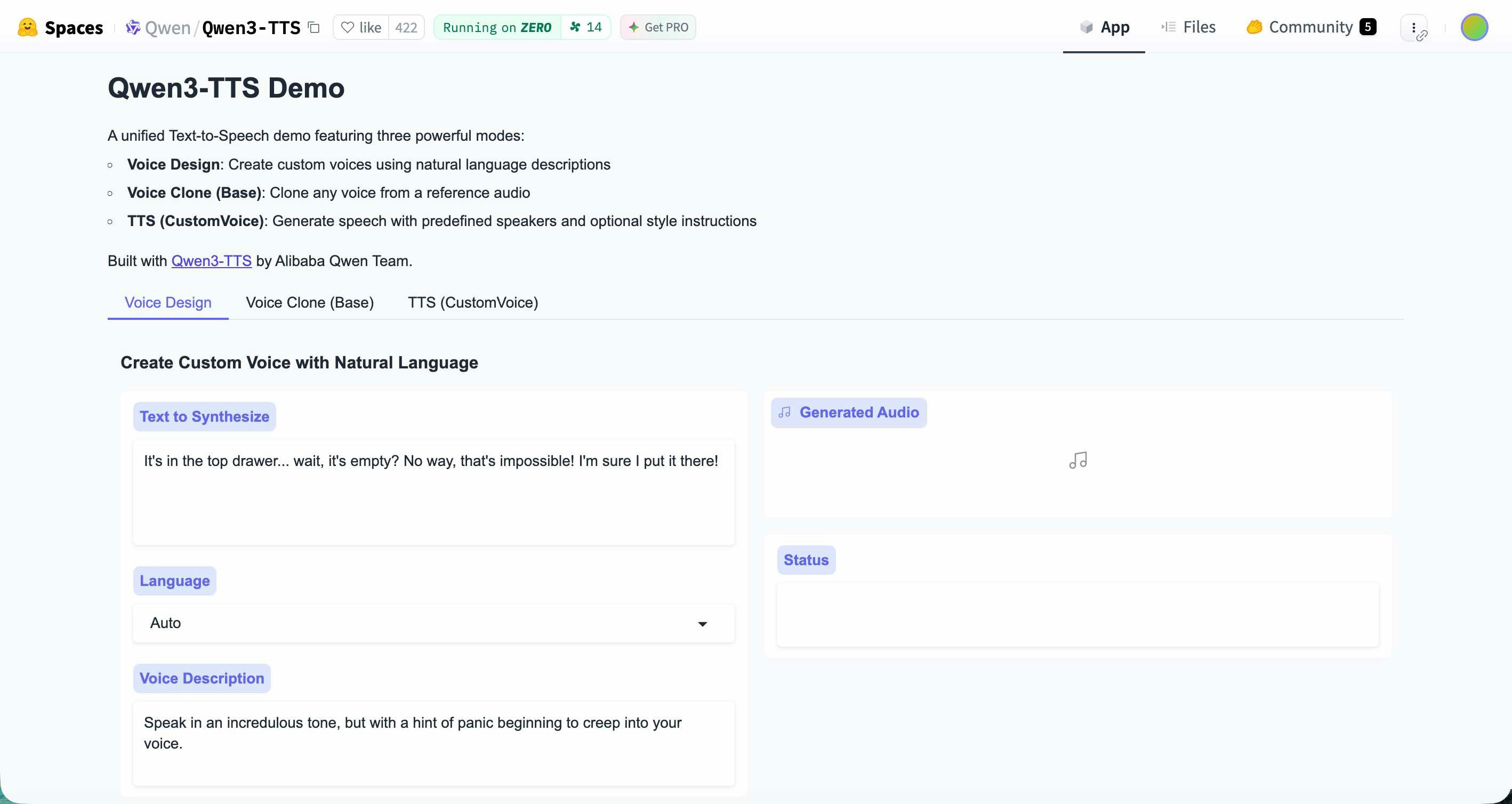
Clawdbot(Clawd)
自分の X のタイムライン上で、複数経路から情報が入ってきた「Clawdbot(Clawd)」のメモです。
●Clawdbot — Personal AI Assistant
https://clawd.bot/
公式の X のアカウントのポストを見ると、直近で更新されたバージョンが以下になるようです。
色々な機能がありそう(その分、セキュリティ面でリスク高まる強めな権限を付与する感じになりそうですが)、というのは公式情報を見て感じつつ、自分はどんな使い道にフィットする感じなのかはイメージできてなく、既存の情報を見て探ってます。
とりあえず、以下の記事では「自分専用のパーソナル AI アシスタントを作れる」「Discord、Slack、WhatsApp、Telegram など、さまざまなメッセージングプラットフォームに対応」「Docker を使うことで、ボットの動作環境がホストマシンから 完全に分離できる」
●話題の Clawdbot × GLM-4.7 で AI Discord ボットを Docker で動かしてみよう!|Maki@Sunwood.ai.labs
https://note.com/sunwood_ai_labs/n/nd135db9d8fc3
X のタイムライン上で情報を見てみたりもしています。
●Clawd - 検索 / X
https://x.com/search?q=Clawd&src=typed_query&f=live
あと、以下は公式の「Getting started」や「リポジトリ」のメモです。
●Getting started - Clawdbot
https://docs.clawd.bot/start/getting-started
●clawdbot/clawdbot: Your own personal AI assistant. Any OS. Any Platform. The lobster way. 🦞
https://github.com/clawdbot/clawdbot